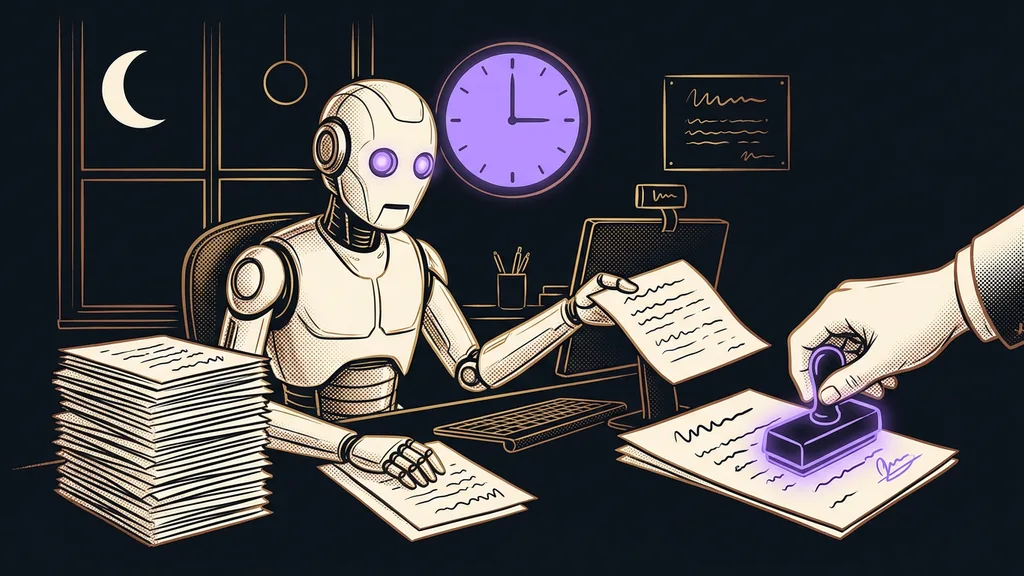
In a small business, invoicing is an evening jigsaw puzzle pieced together from several apps: hours in one, agreements from calls in another, invoices in a third. A tired person assembles it at the end of the month, so something almost always falls out. Most often, it’s work you did but never billed.
I know this by heart. The last day of the month, a spreadsheet open, and next to it a time tracker, a calendar, and two windows of call notes. It’s dark outside, and I’m digging up what the client and I agreed on three weeks ago. A good half of the evening. And worse than the lost time was the feeling that something had slipped through the cracks again.
The money slips away just before the invoice
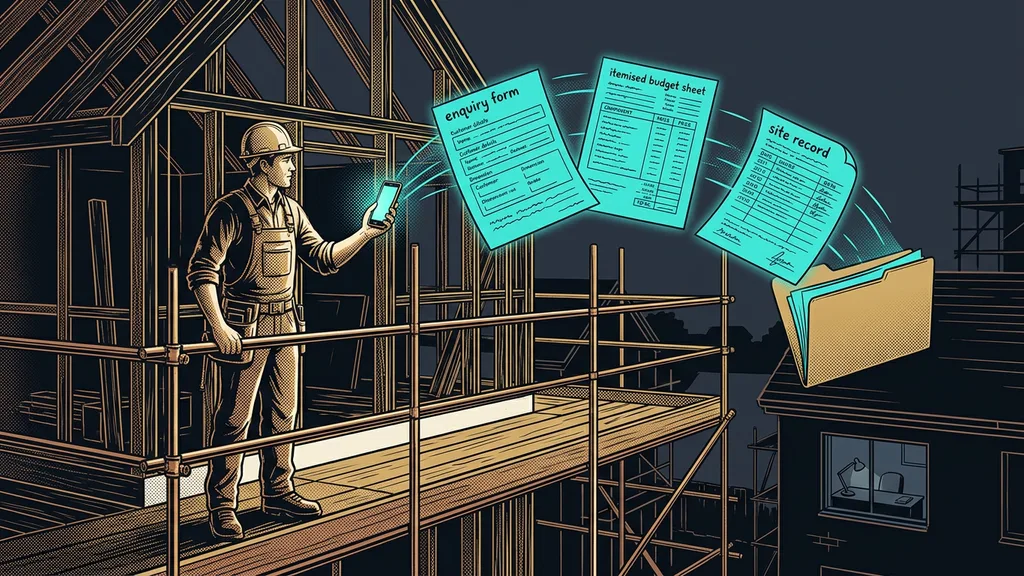
Anyone can issue an invoice. The money gets lost earlier: the promise is made on a call, but you log your hours somewhere else, at another time. And whatever doesn’t meet between those two places never gets billed.
The billing gap
The space between a promise (“sure, I’ll tweak that for you”) and your timesheet. Work that gets done but never makes it onto an invoice, because in all the rush nobody wrote it down. You won’t see it in any report: it only shows up as earning less than you worked.
It happened to me regularly. I’d promise a change right there on the call, make it, and never log it. Worked, not billed. And then the other side of the same coin: the nagging doubt about whether I’d accidentally billed something twice.

One-minute self-test
Take last month and go through your calls and meetings: what did you promise someone “on top,” just in passing? And how much of it actually made it onto an invoice? For me, that number never matched what I thought it would be.
Three tools that refuse to talk to each other
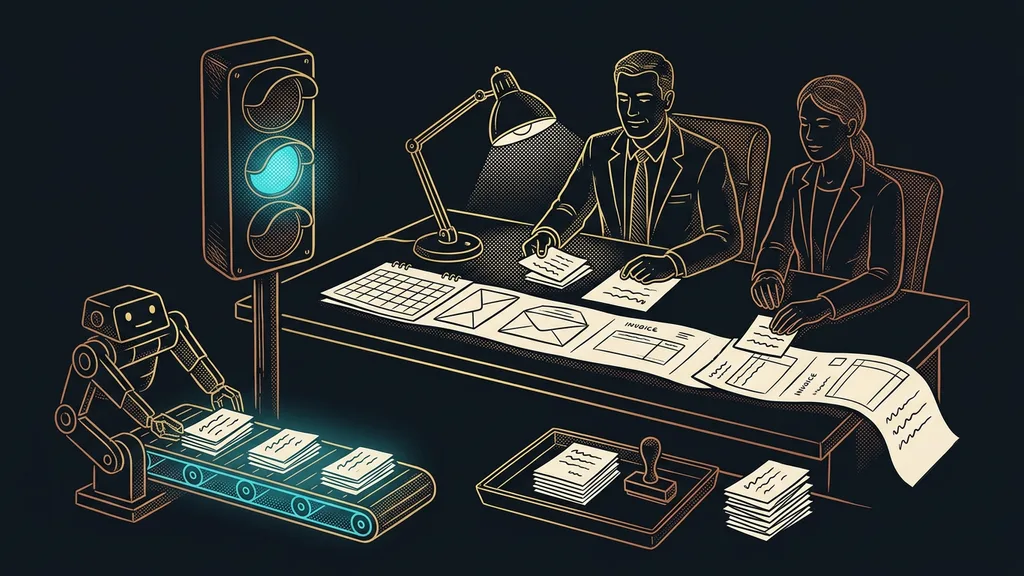
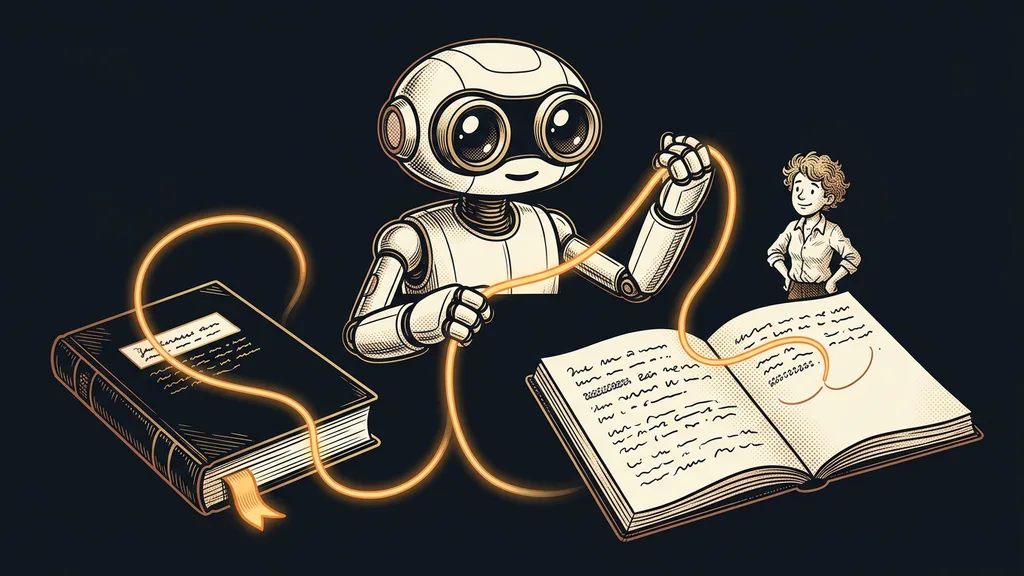
Don’t blame the gap on carelessness. Blame three apps that don’t know about each other: one tracks hours, another keeps recordings and meeting transcripts, and a third issues invoices. Each one is excellent on its own. But at the end of the month, a person has to stitch them together, and stitching by hand after a long month is exactly when something falls out.
One sentence instead of three open windows
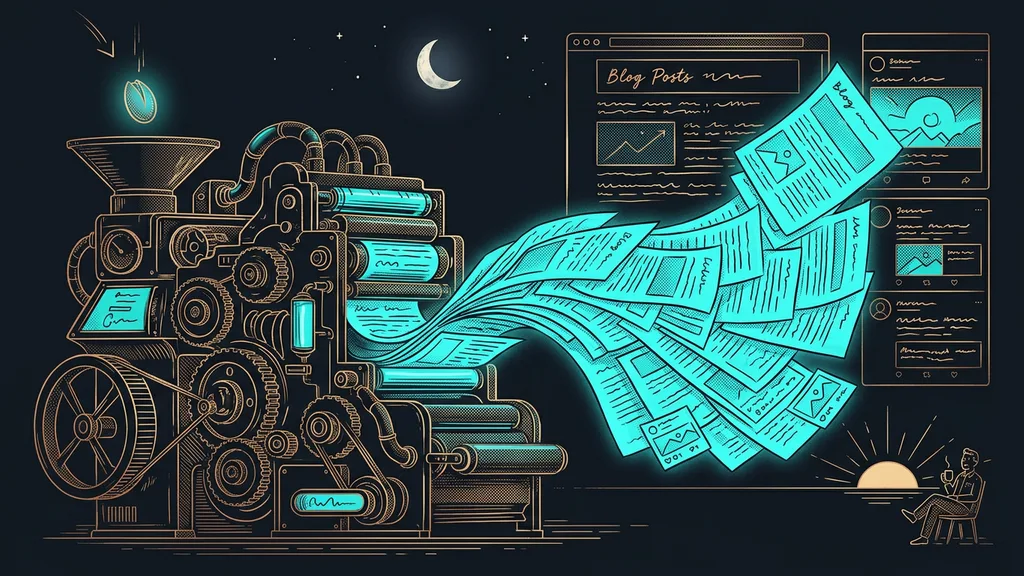
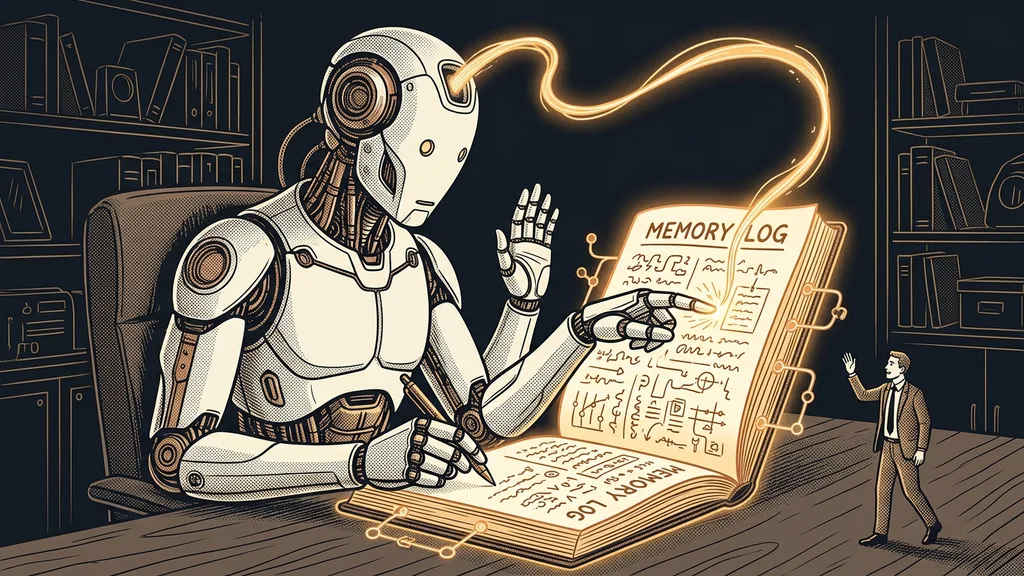
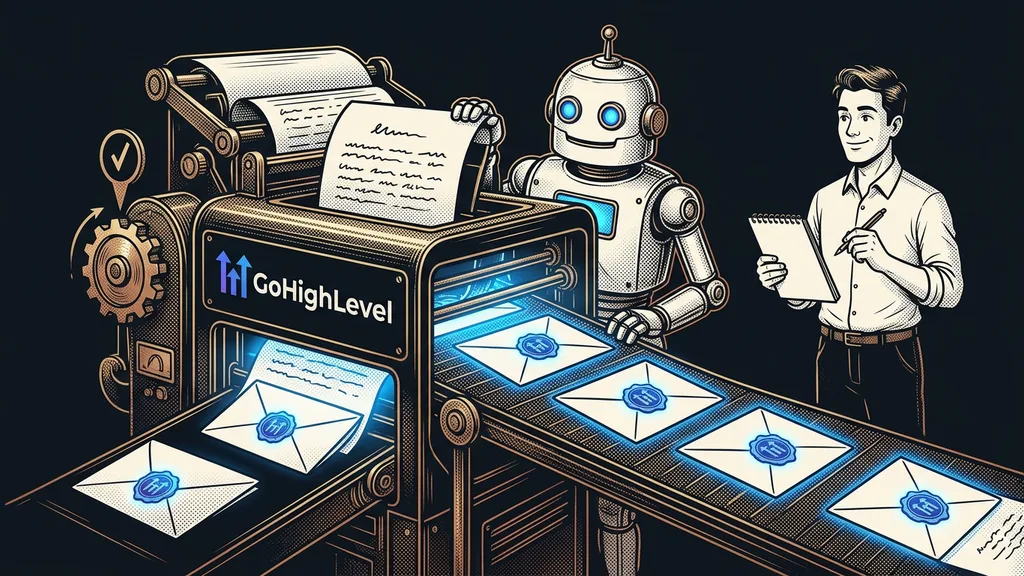
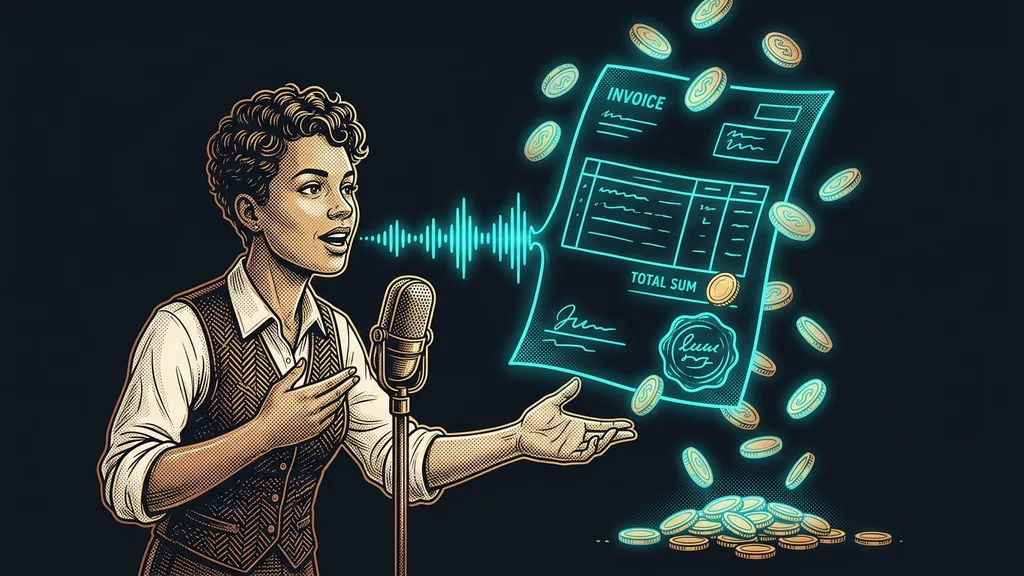
Invoicing by voice means starting that whole process with one dictated sentence. I say out loud: “Invoice June.” The system pulls the hours for the whole month, compares them with the call recordings and the calendar, and prepares the invoices as drafts in my account. Nothing goes to a client until I explicitly approve it.
Month-end: then and now
Before
Now
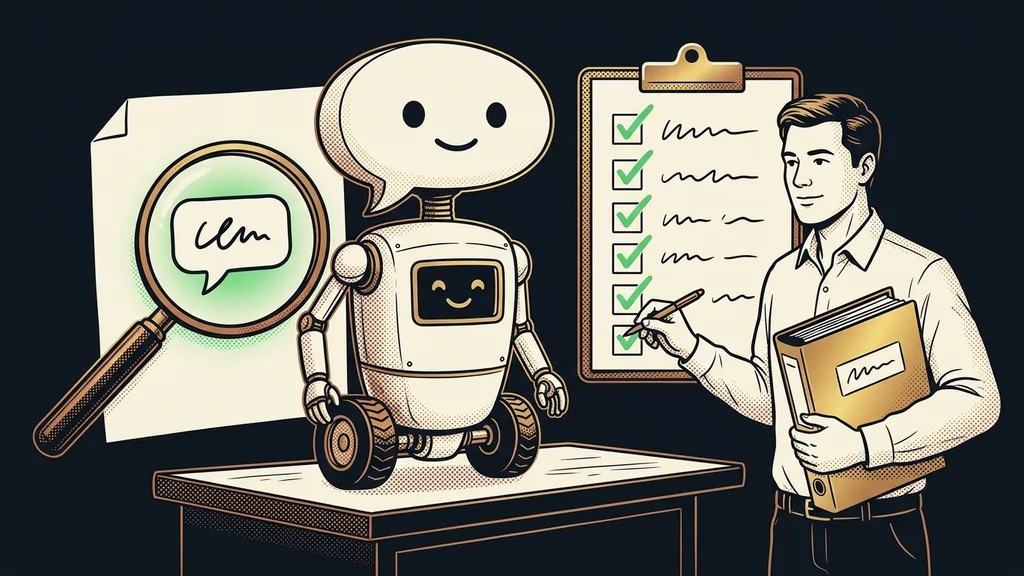
I don’t want a robot that cheerfully issues nonsense and sends it to a client. I want a helper that does the first ninety percent of the work and, for the remaining ten, tells me I’d better take a look myself.
It even finds the work I forgot about
I didn’t expect this from an automation: the system compares what happened in my meetings with the hours I’ve logged. Wherever it finds work I did without a record, it flags it. The money I used to quietly lose started coming back.
It works the other way around, too: every piece of work has its own record, so the system won’t bill it twice. And it matches incoming bank payments with invoices, so I can answer “who owes me?” within a minute:
- who’s already paid,
- who gets a polite reminder in a few days,
- who’s past due.
The safeguard
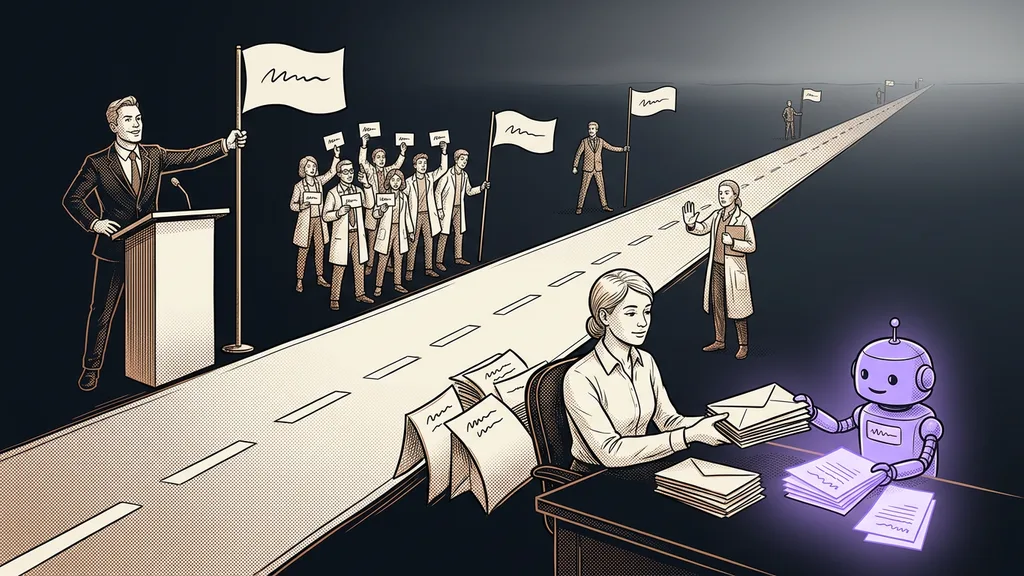
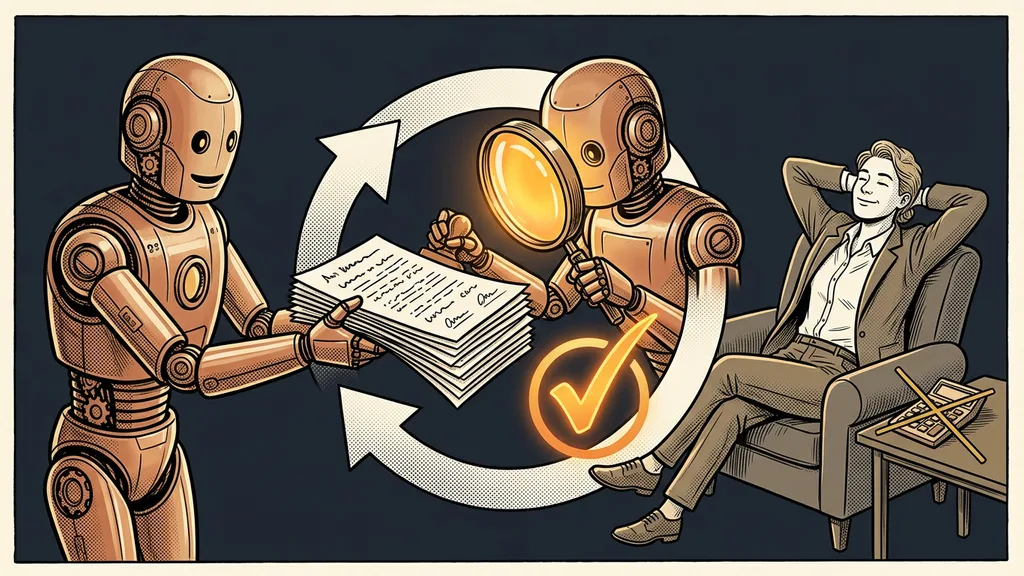
Two things hold under all circumstances, and there’s no way around them: the system never bills the same work twice, and it never sends anything to a client without my approval. The system prepares, a person sends.
Human in the loop
A way of building automation where the system prepares everything, but a person confirms the decisive step: sending, paying, publishing. In practice, it’s the one difference between an automation you trust and one you’re afraid of.
It would rather ask than guess
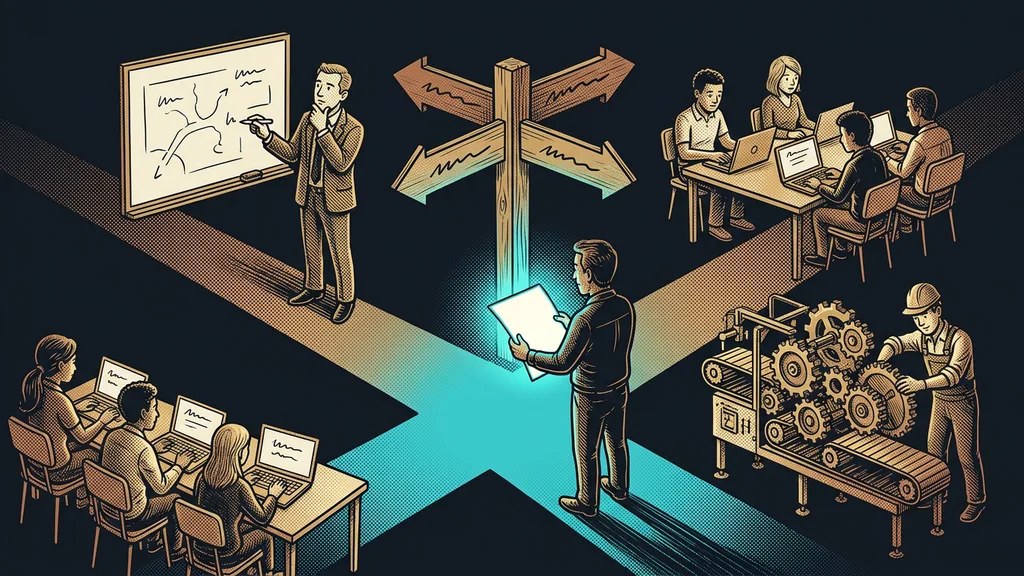
When a rate is missing, a period overlaps with the last invoice, or the hours don’t match the calendar, the system doesn’t guess. It stops and asks me. At first, I was afraid the automation would take on a life of its own and I’d be cleaning up after it. The opposite turned out to be true: the better it knows how to stop, the less I have to watch it. AI that checks its own work runs on the same principle.
So who isn’t it worth it for? If you issue two invoices a month from memory, a spreadsheet will do. It pays off as soon as the data comes from several places and there are more invoices, because every manual step is one more place where something can fall out.
The whole system in a nutshell
How it all works
- Hours and meetings get recorded automatically as you go.
- On the last day of the month, I say: “Invoice June.”
- The system compares hours, calls, and the calendar, and even finds work missing from the timesheet.
- It prepares draft invoices. Nothing goes out without my approval.
- I check and send them, and incoming payments match up with the invoices on their own.
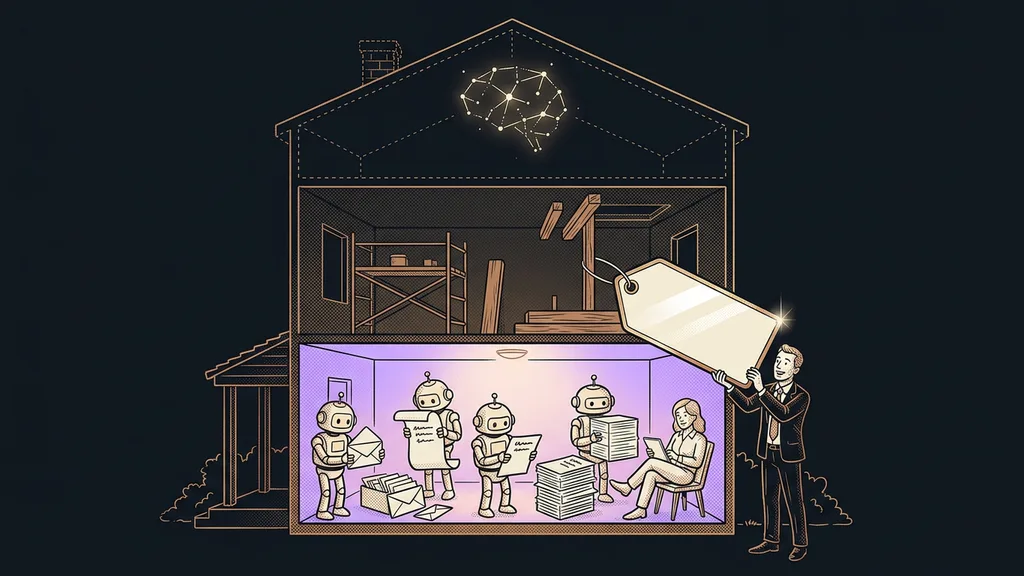
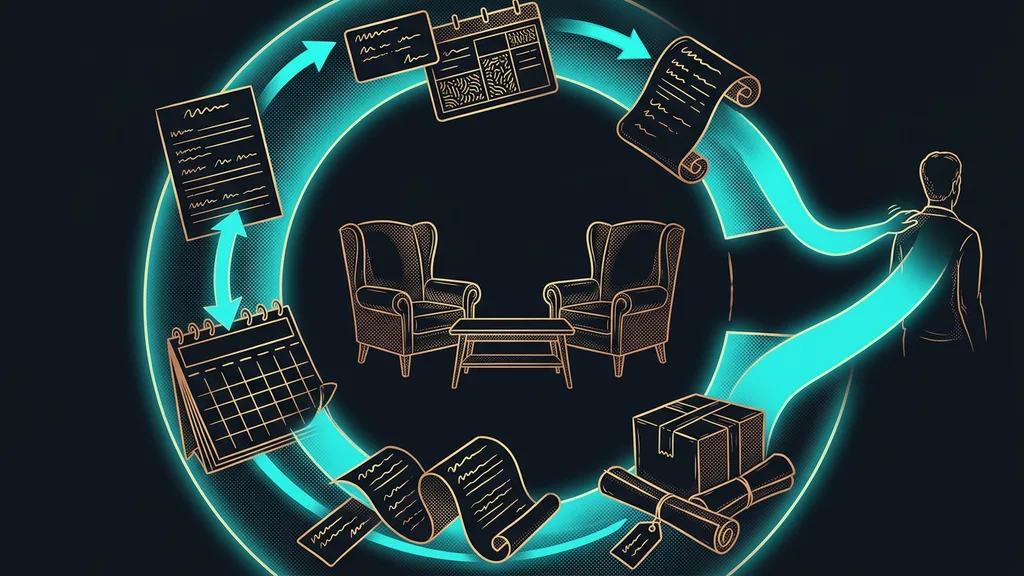
No magic: three connected tools and one “dispatcher” on top that knows what to compare with what and when to pay attention. Good automation doesn’t earn its money by doing more. It earns it by not letting what you’ve already done slip through. Invoicing has become a few seconds of boredom, and that’s exactly the kind of boredom I want from good automation.