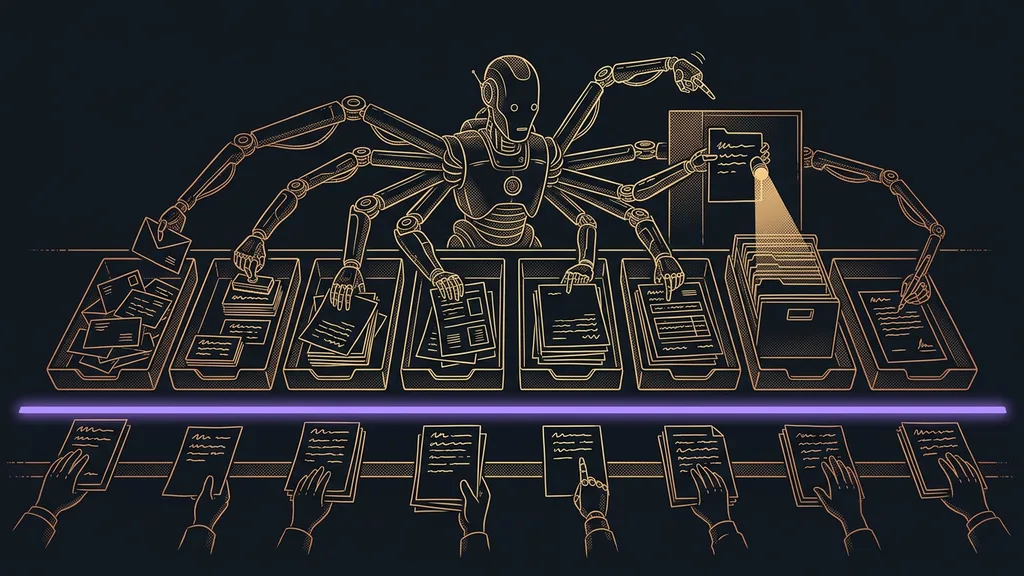
Admin doesn’t eat your day in one bite. It nibbles away at it ten minutes at a time: a detail from a form into a document, notes from a meeting into a task list, an amount from an order into an invoice. Each step takes a moment, and none of them is worth mentioning. Add them up over a week, though, and you get a whole working day.
I know this by heart. For years, I thought client work was what wore me out. Then I honestly wrote out one week, and something else came out of it. Most of my time went to things that were neither work nor rest. I hear it over and over in consultations, just described differently: I can’t keep up, and yet I can’t say what I spent the whole day on.
Time gets lost in transfers between tools, not in the work
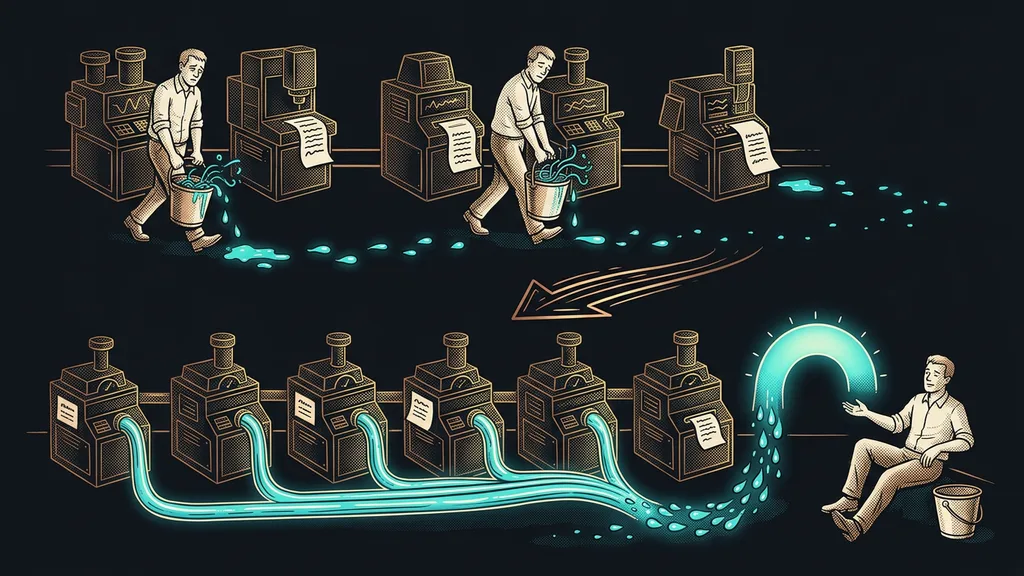
The most expensive manual work doesn’t even look like work. It’s a transfer: you read a value in one window and copy it into another. Nothing new gets created, and nobody makes a decision. That’s exactly why it never shows up on any timesheet. Nobody writes down “twelve minutes retyping an address”; they write down a meeting, a proposal, and an invoice.
Manual transfer
A step in which a person just reads a value in one tool and copies it into another. Nothing new gets created, and nobody makes a decision. That’s why it can be handed over to a system entirely, and also why it never shows up on a timesheet as work.
A spring 2026 survey of small business owners talks about six to ten hours a week that AI saves those who’ve put it to work. So seven hours is a comfortable middle rather than the upper limit. And those hours aren’t saved on one big project; they come from dozens of small things.
When you look back over a year at where your time went, you won’t find one big time-eater. You’ll find forty small ones that look innocent, because each of them only takes a moment.
Three tasks around paperwork and meetings
I start where the output is clearest. The more precisely you know what should come out at the end, the easier the step is to hand over.
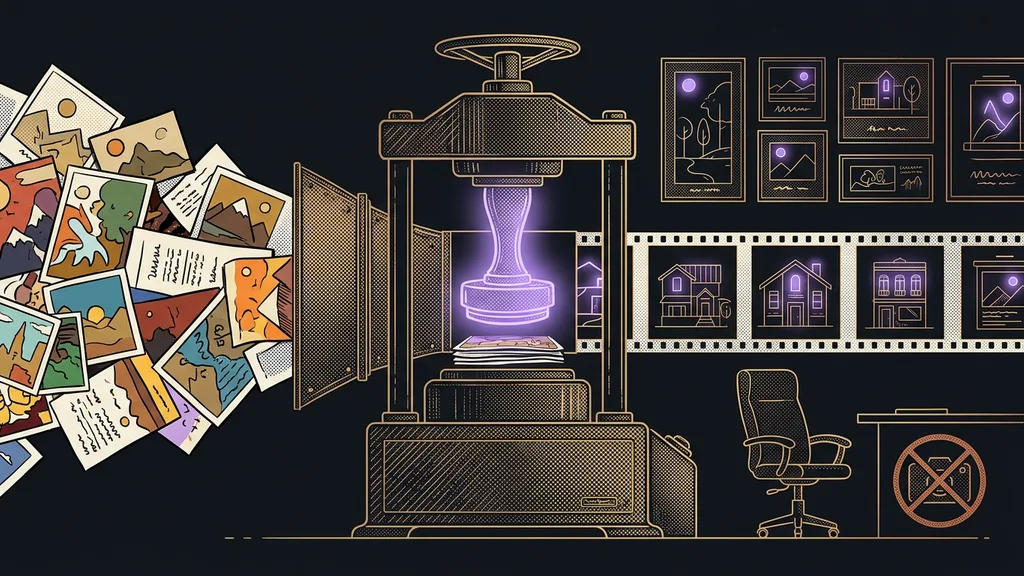
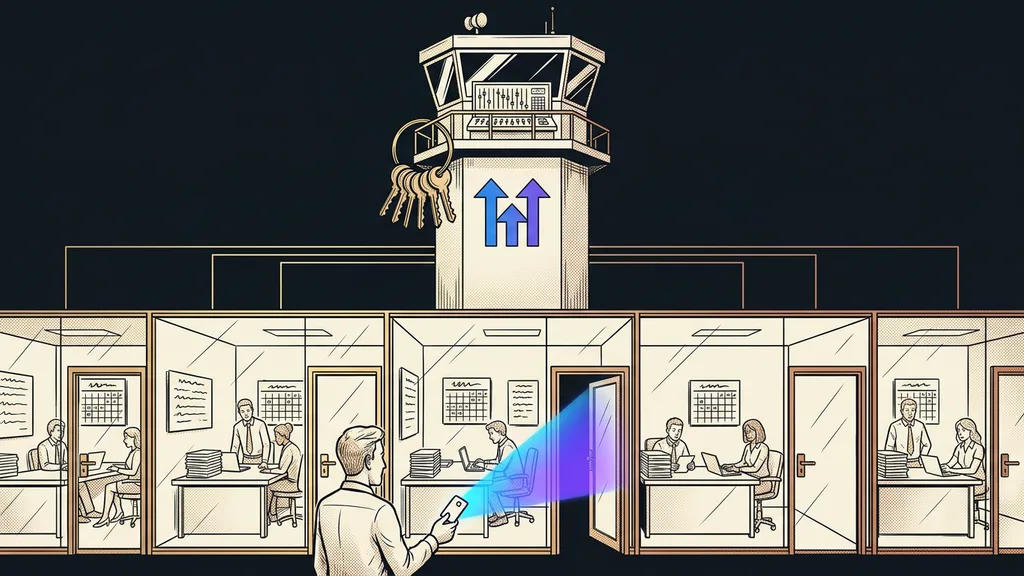
A filled-in form that needs to become a document. A client sends their details, and you transfer them into a contract, a proposal, or a report. Yet the form can produce the finished PDF on its own, right in your branding. The manual step that disappears: copying the details over, and the typos that come with it.
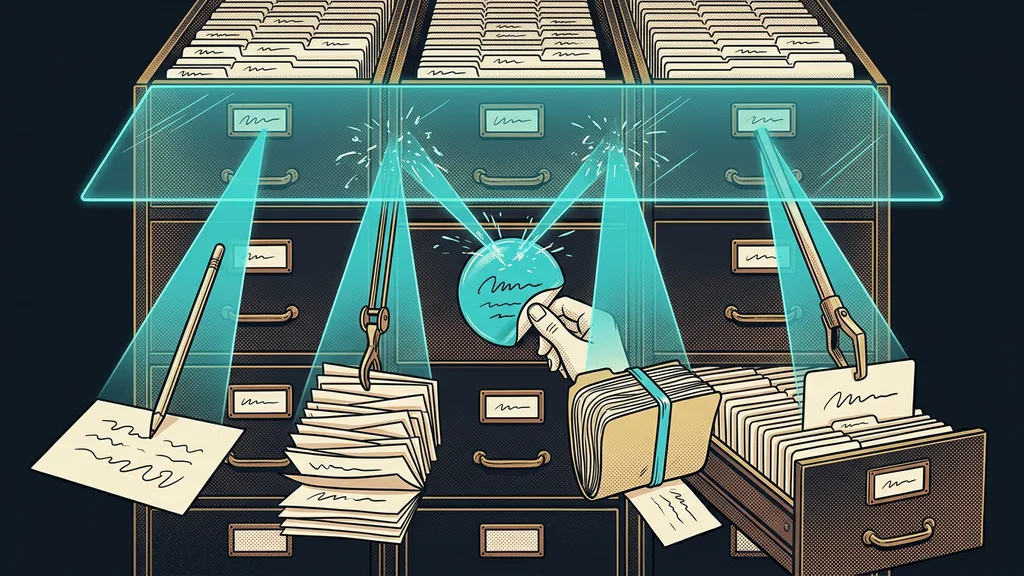
Notes and tasks after a meeting. An hour-long call ends, and you spend half an hour pulling out what you promised to whom. When your meetings become an archive you can ask questions, the notes and the task list come out of it on their own. The manual step that disappears: listening to the recording a second time.
A bulk email to clients. Copy, images, choosing recipients, checking links. These days, your newsletter arrives ready, and you just decide whether it goes out. The manual step that disappears: piecing the email together before sending it.
And three that hide in spreadsheets and money
The second trio is sneakier. You don’t do it in one go; it breaks up across your day in two-minute pieces, which makes it even harder to find. You won’t find it on a timesheet or in your calendar, yet it decides whether you close your laptop at five.
Edits in spreadsheets and documents. Fill in a column, compare two lists, pull out addresses. You say one sentence and the spreadsheet’s done, and nothing gets overwritten without your permission. The manual step that disappears: editing row by row by hand.
Keeping track of who has paid. This one comes up on Friday afternoon and stings the most. Yet who owes you and what hasn’t been invoiced yet can be ready without a single search. The manual step that disappears: going through the bank statement against the list of invoices.
Keeping an eye on deadlines and reminders. Follow up in three days, send materials by Monday, remind people about a training. Most owners carry this in their heads, and it works reliably right up until there’s too much of it. The manual step that disappears: your own memory as the only safety net.
One-minute self-test
Go through yesterday and count how many times you read a piece of data in one window and typed it into another. It doesn’t have to be exact; the order of magnitude is enough. If you get past ten, you have something to cut back already this week.
How to spot a task worth letting go of
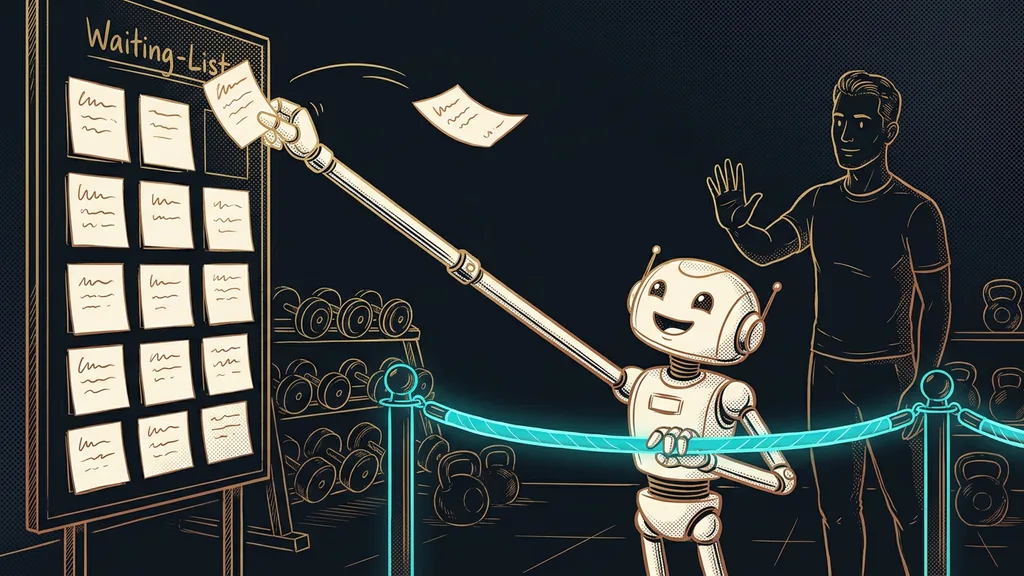
Three signs, and all three have to fit at once: the task repeats, it has a clear output, and it’s clear when it should start. The last point usually surprises people. Until you can name exactly what triggers the work, you can’t hand it over to anyone, not even a system.
Trigger
The event after which the work should start: an order came in, a call ended, it’s Friday morning. A system doesn’t come up with anything on its own or wait for the right mood; it waits for a trigger. If you can’t name one, what you have is a decision you need to keep, and it can’t be handed over yet.
A fourth sign isn’t a requirement, but it’s a good safeguard. For your first task, pick one where a possible mistake shows up right away and costs nothing. You fix a badly assembled internal overview in a minute; you spend a week explaining a wrongly sent invoice to a client. Trust in a system grows on small things, not on handing it your money right away.
Who this isn’t worth it for
Where does it hit its limits? With someone who handles three inquiries and sends one invoice a month. For them, the setup won’t pay for itself. The line is roughly at one repetition a week.
The second group is tasks that look repetitive but involve a decision every time. A price exception for a long-standing client, a reply to a complaint, an agreement to defer a payment. The difference is easy to spot: if you handle two identical situations differently each time because it depends on the person and the circumstances, it’s a decision. There, the manual step is the work itself, not waste.
The whole system in a nutshell
To sum it up, here’s the process:
- For a week, write down every time you transfer data from one window to another.
- Pick a single task that repeats most often and has the clearest output.
- Name the trigger, meaning the event after which it should run.
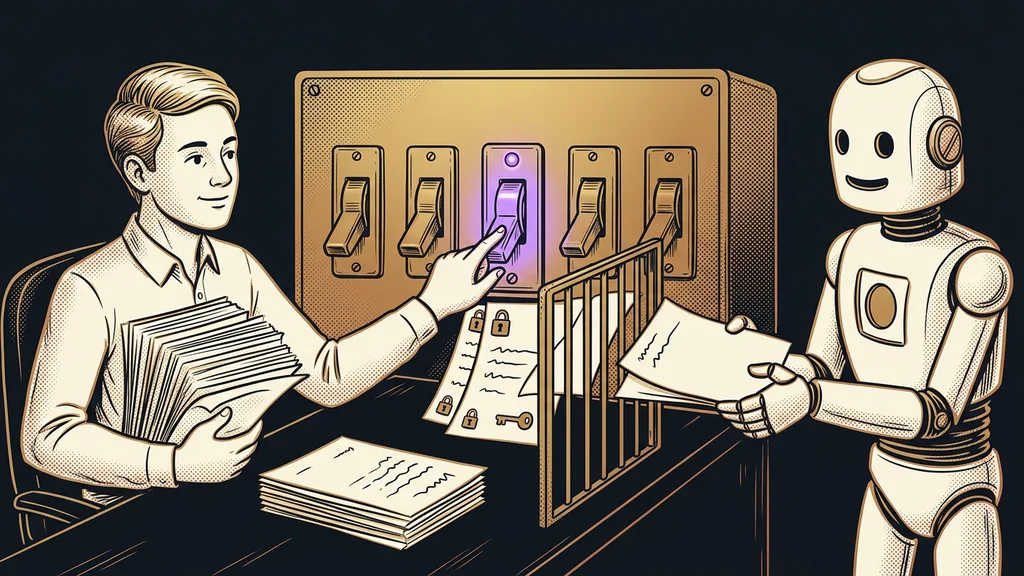
- Decide whether the output can go out on its own or only as a draft for approval.
- Let it run for a month, and only then add a second one.
And that working day lost ten minutes at a time? Retyping faster won’t bring it back. Six small things disappearing from your week entirely will. The measure of good automation is what disappears from your calendar, not what extra it can do.