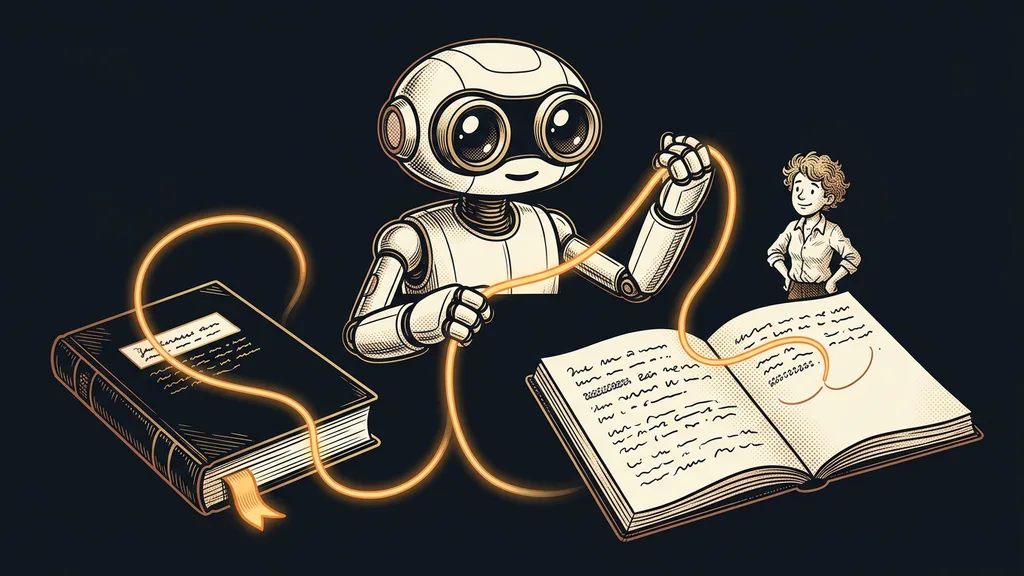
You hit your usage limit in the middle of a task. You switch to your second account, open a new window, and the AI politely asks how it can help. An hour of agreements, dead ends, and decisions stayed behind on the first account.
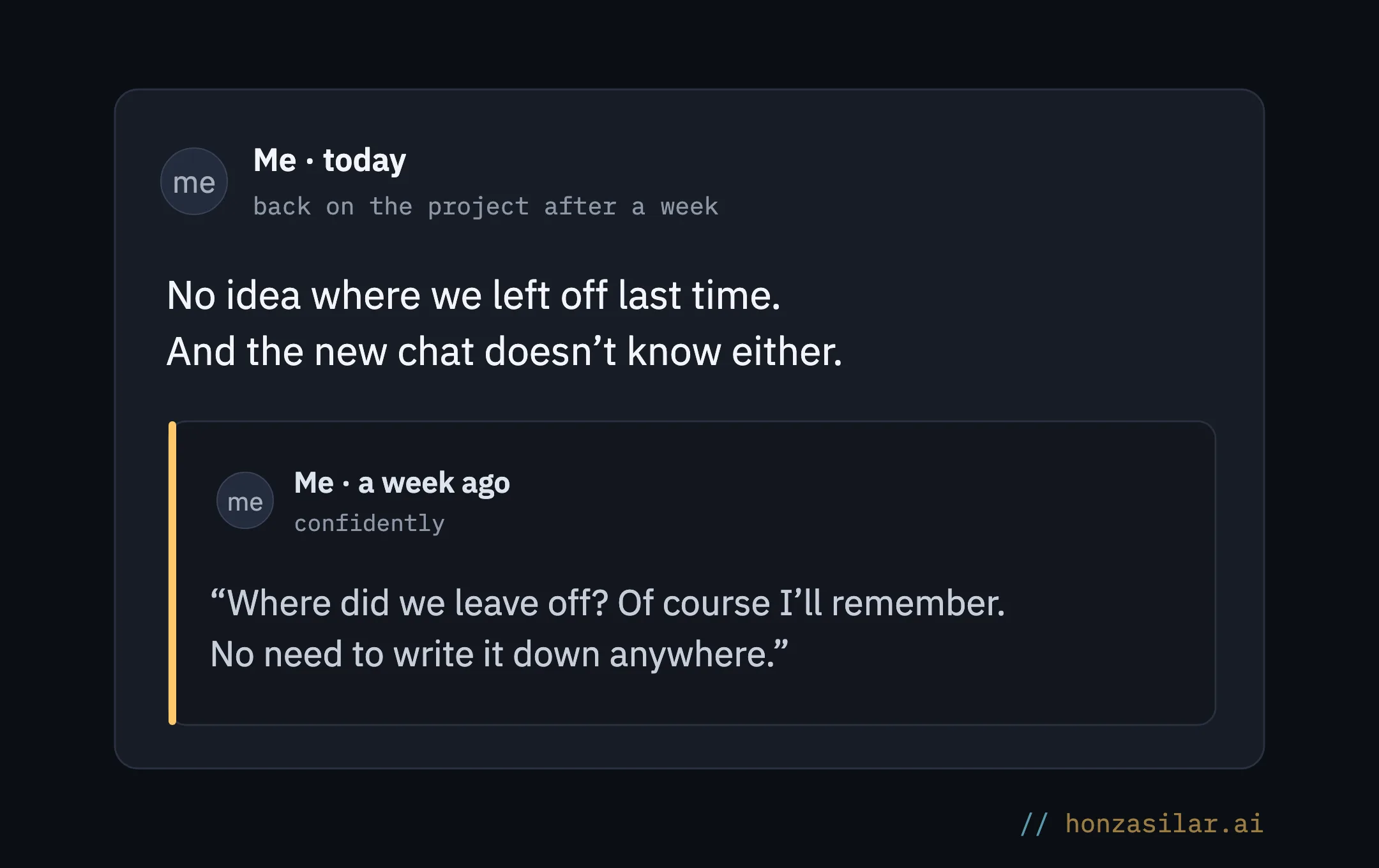
I know this firsthand. I work with AI for several clients and jump between them during the day. Every one of those jumps used to start the same way: who the client is, what we agreed on last time, where we stopped. I felt like a movie hero whose yesterday gets wiped clean every night.
Why a new window means a fresh start
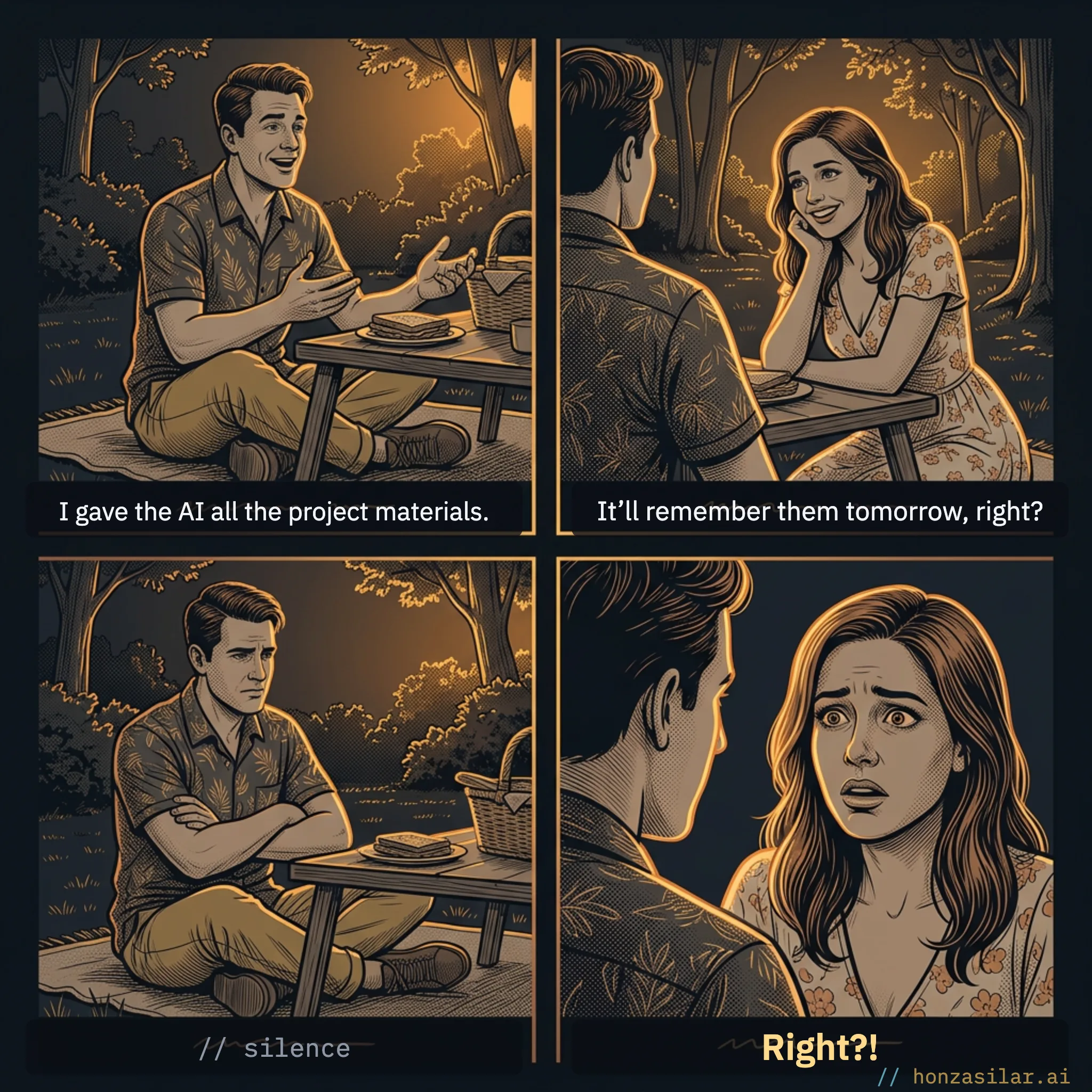
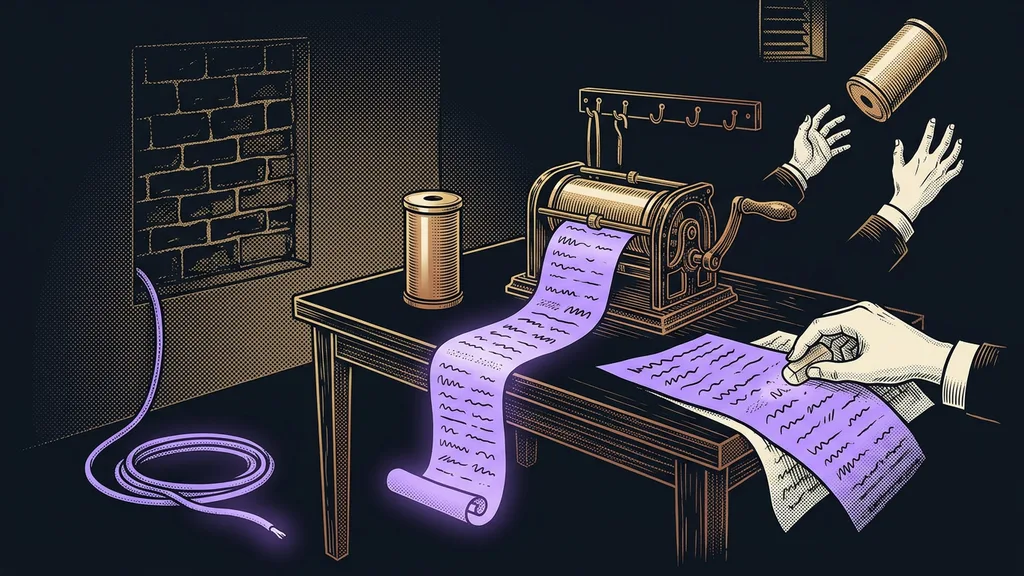
AI remembers only what’s right in front of it. Nothing else exists for it.
Context window
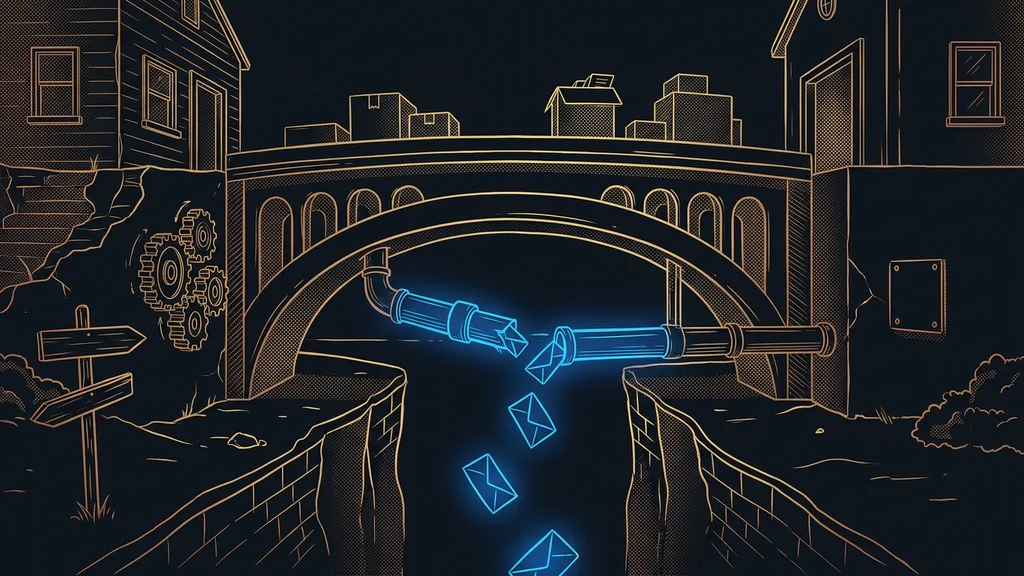
The AI’s working memory: everything that’s in the conversation right now, meaning your messages, its replies, and any materials you’ve pasted in. That’s all the AI works from when it answers. When you close the conversation, the window empties, and the next conversation starts from zero.
The makers know this. That’s why ChatGPT and Claude both now have memory built right into the app, and they remember things between conversations too. But what they remember isn’t what you need when you come back to unfinished work.
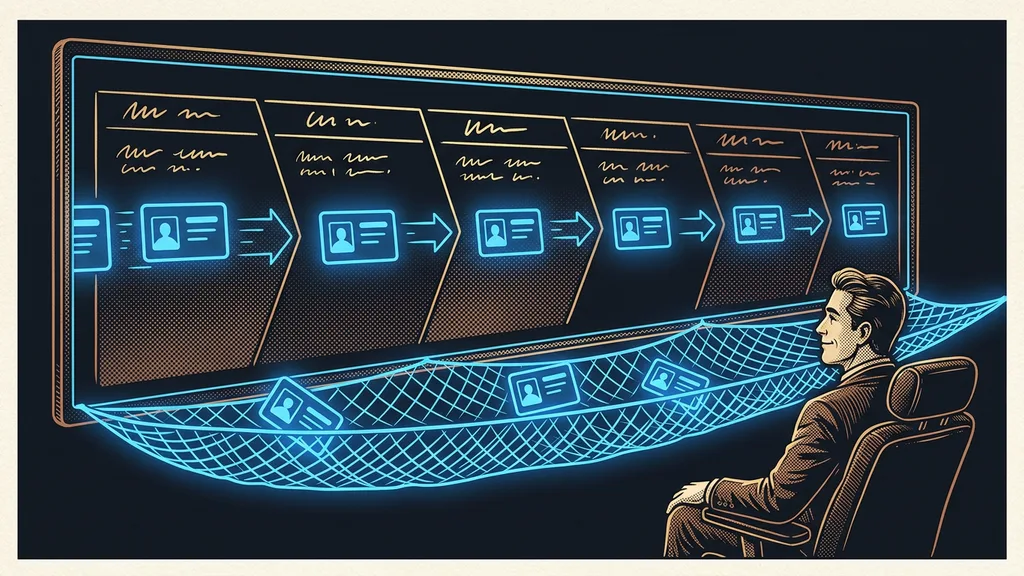
A partner remembers yesterday. An AI that doesn’t is a smart stranger you have to introduce yourself to again every morning.
AI as a tool, or as a partner?
Tool
A string of one-off conversations, each starting from zero.
A smart stranger you introduce yourself to again every morning.
Remembers only what’s in the window right now.
Partner
Keeps the thread across conversations and days.
Picks up where you left off last time.
Knows why you’re doing what you’re doing, even a week later.
One question for tomorrow
Tomorrow morning, open a new chat for the project you’re working on right now and type: “Where did we leave off last time, and what’s the next step?” Then compare the answer with what you know. Everything missing from it is something you fill in from memory every time you come back.
Getting back to work: without project memory and with it
Without project memory
I start every conversation by explaining: who the client is and what we agreed on.
After a week off, the AI doesn’t know where we stopped.
I switch accounts, and I’m right back at square one.
With project memory
“I sit down and carry on as if no week had passed.”
The AI knows what we decided last time and why.
The memory stays even after I close the window and switch accounts.
Chat memory knows you. Project memory knows your work.
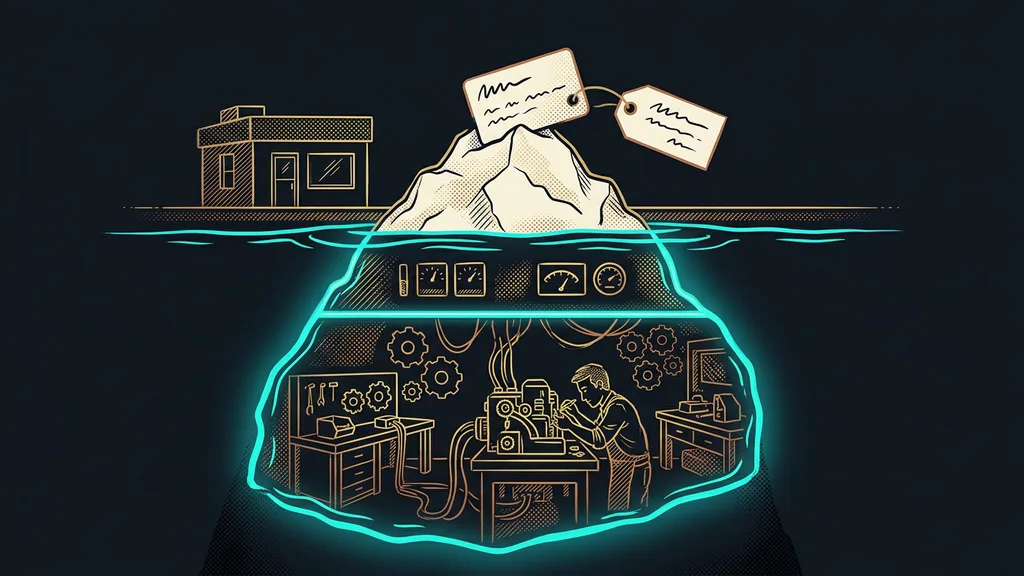
Built-in memory is useful. Claude writes your habits and corrections from your conversations into it on its own as you go, so you don’t have to keep introducing yourself. In Projects, it also keeps that memory separate, as I describe in my article on setting up Claude for a business.
For coming back to unfinished work, though, it has gaps. The chat itself chooses what gets written into it. So what stays in memory tends to be your habits rather than where you left off with a client and why. It sits with one account: switch accounts, and the memory stays on the original one. And don’t treat it as a backup, because a single button deletes it for good. I write more about that in a separate article on backing up your setup.
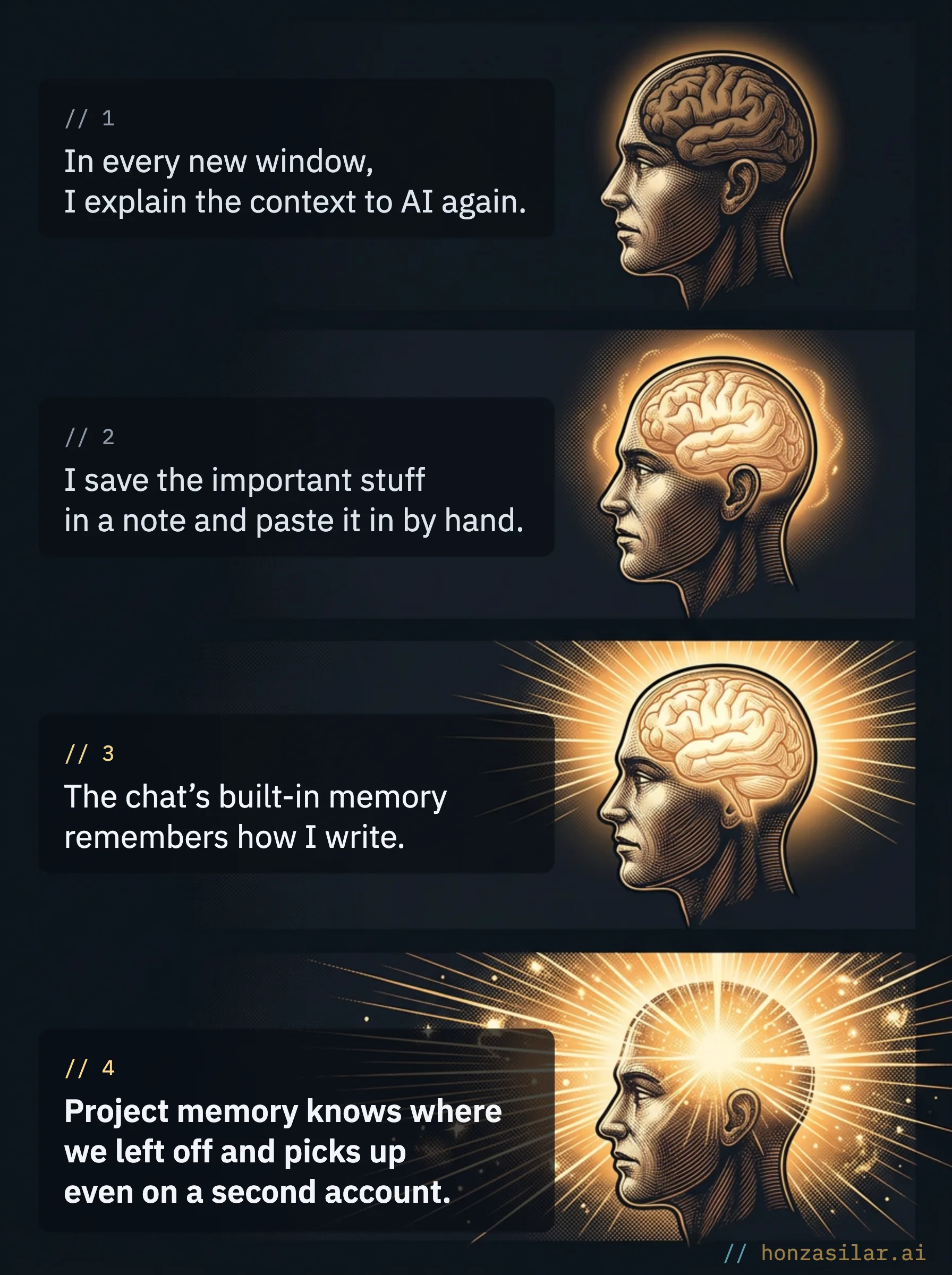
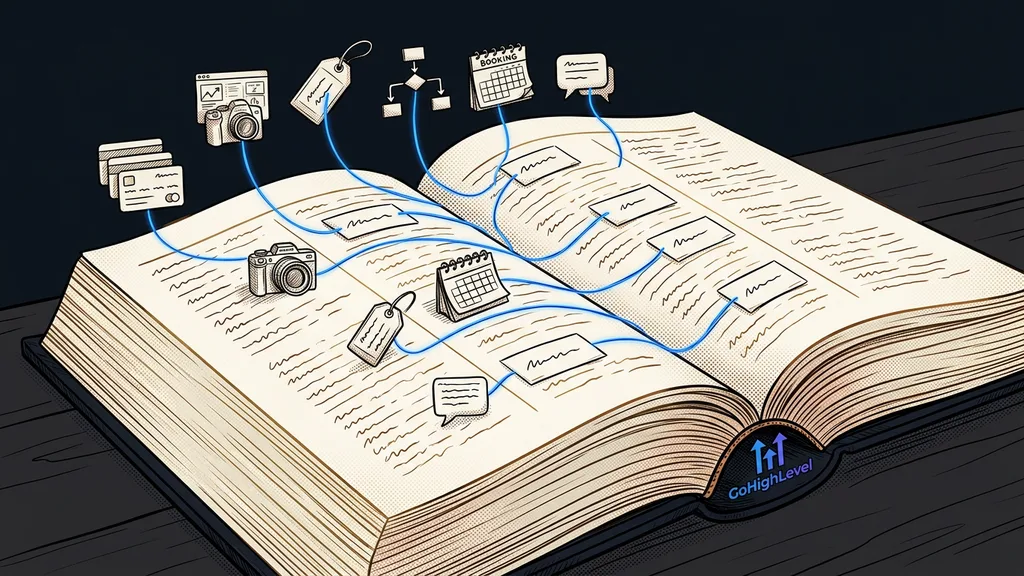
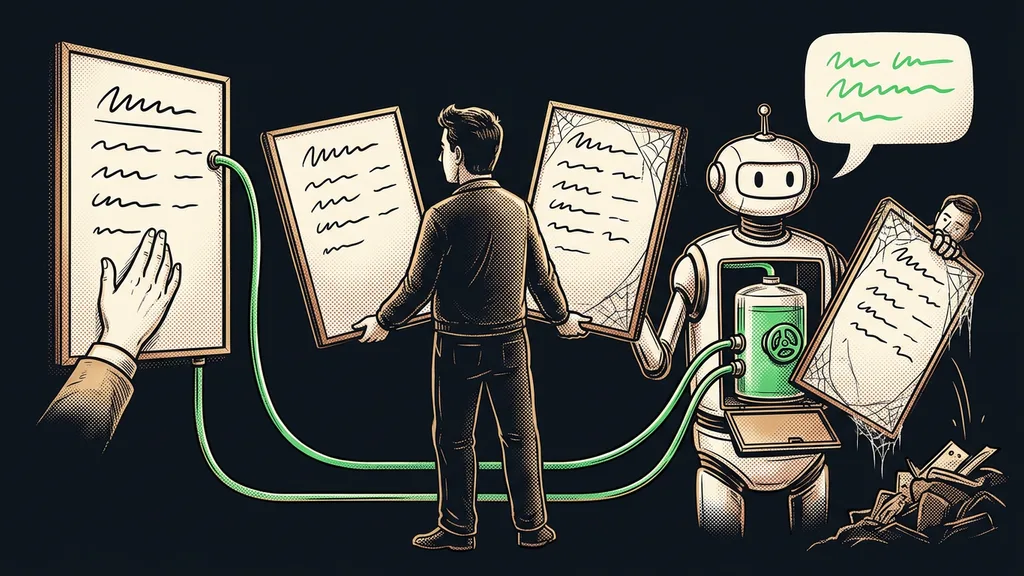
That’s why, alongside the built-in memory, I keep one more. It belongs to the project, not the chat. It holds agreements, the reasons behind decisions, and unfinished work, and it lives outside the account. How the AI writes it down on its own after every task is covered in a separate article about an agent with its own log. This one is about the other half: what happens when you come back to the work.
| What I’m comparing | Chat memory | Project memory |
|---|---|---|
| What it remembers | mostly you: habits, style, corrections | the work: agreements, reasons, unfinished tasks |
| Where it lives | with one account | with the project, outside the account |
| After switching accounts | you start over | picks up as if nothing happened |
| What it’s good for | so the chat knows you | so the work carries on |
What coming back looks like when memory belongs to the project
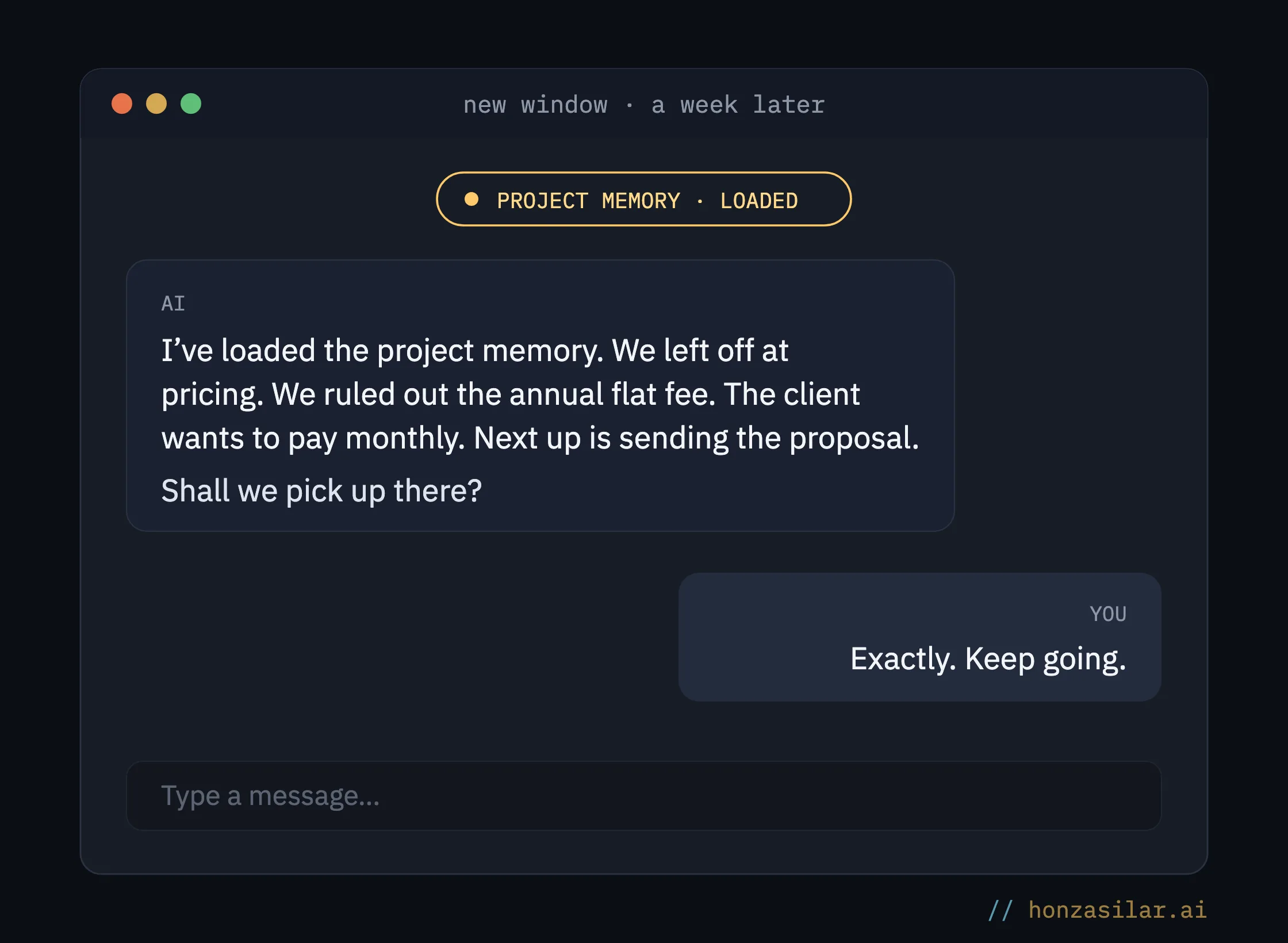
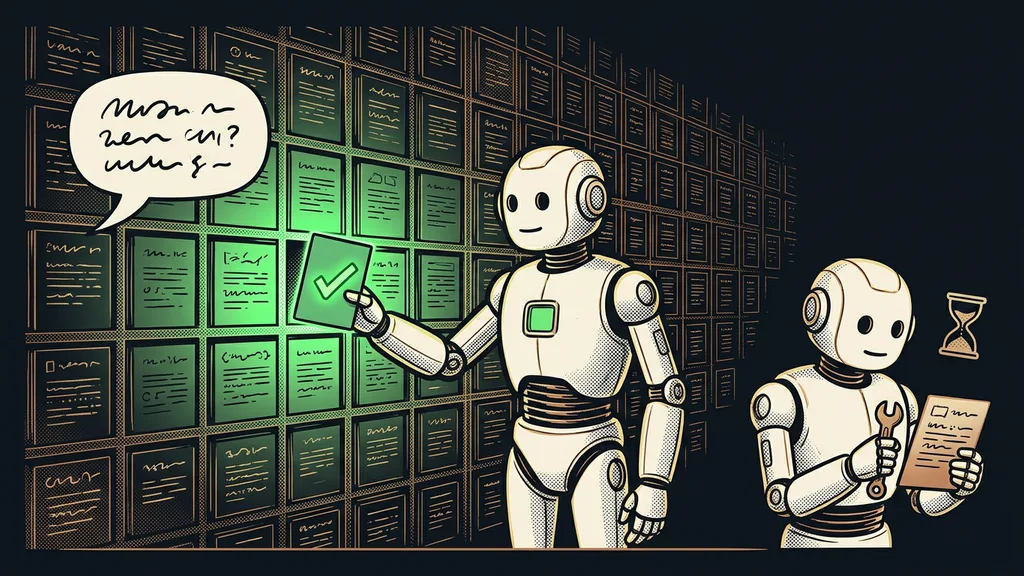
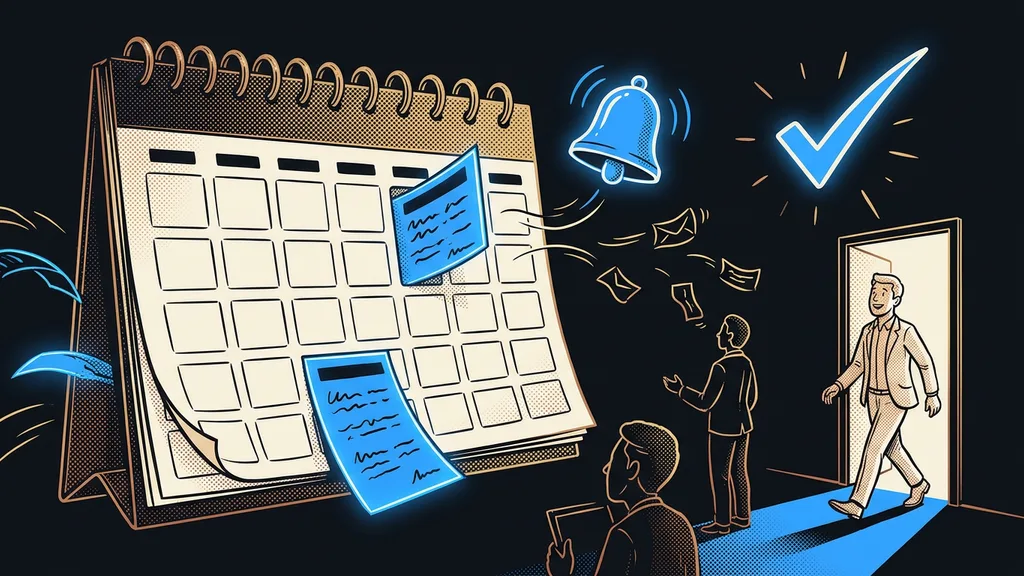
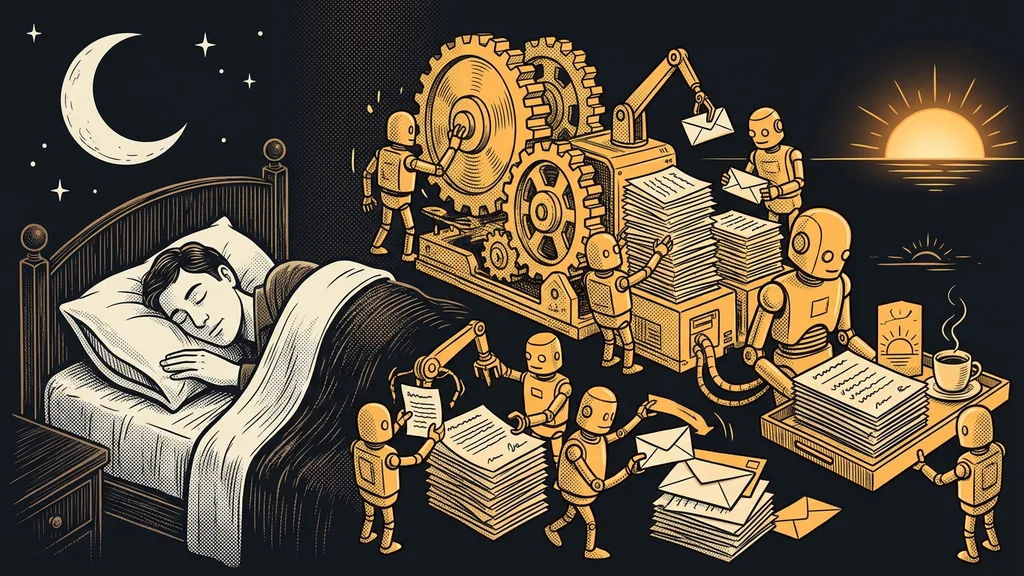
A week later, same project. I open a new window and type “let’s continue.” Instead of asking how the AI can help, the first reply opens with a short summary: where we stopped, what we deliberately put off last time, and what’s waiting on me. I never have to start with “let me remind you what this was about.”
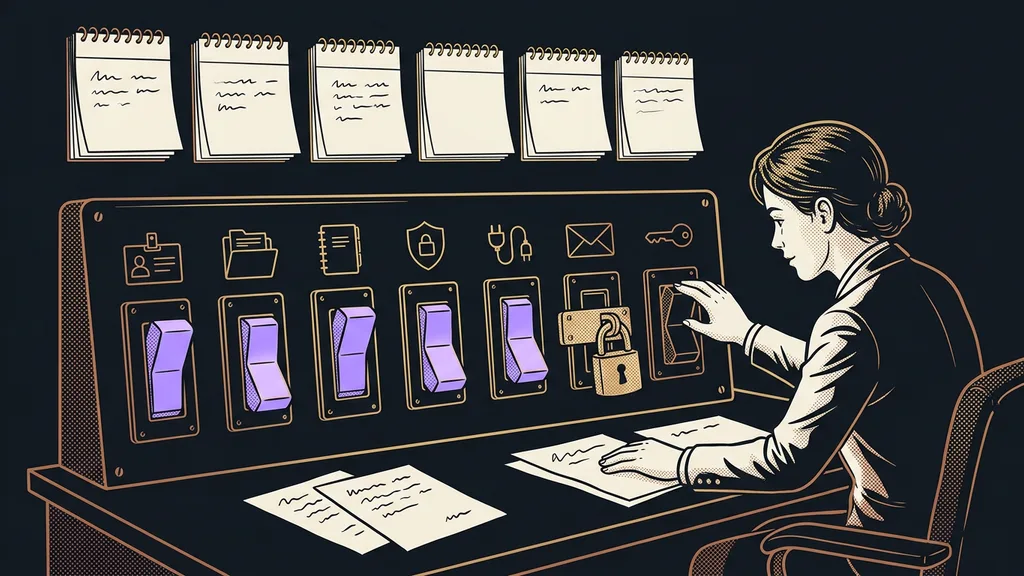
Another client, mid-day. Every project has its own memory. When I move from one client to the next, the AI switches with me and loads only what belongs to that client. It doesn’t carry agreements with one client over to another, so nothing gets mixed up. For me, it’s also a matter of trust: what one client shares with me has no business turning up in my work for another.
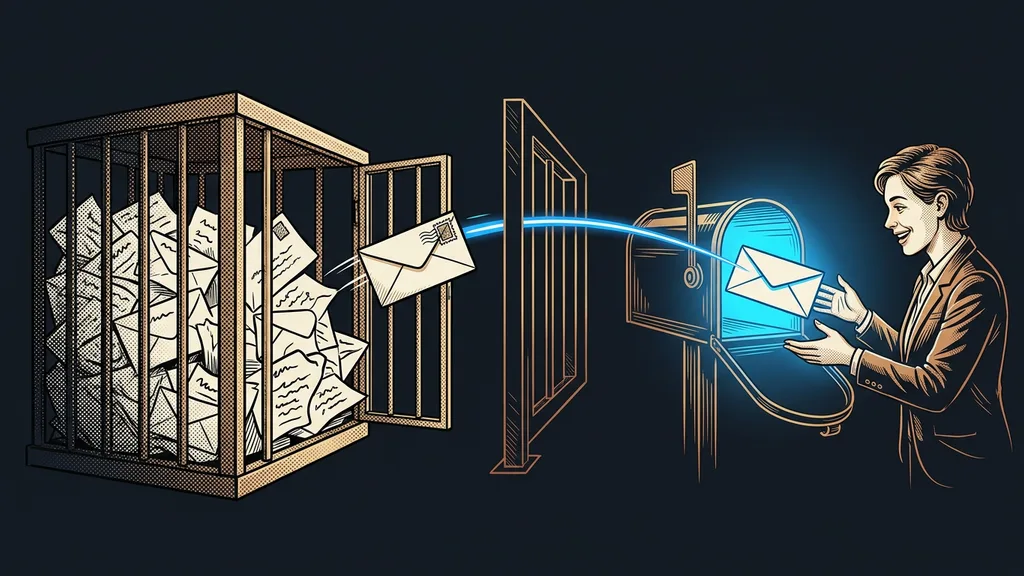
On a second account. I keep a second account so work doesn’t stall when the first one runs into Claude’s usage limits. Conversation history and built-in memory stay on the first account. Project memory doesn’t. It lives outside the account, so a new conversation picks it up just the same. The context belongs to you, not the account.
A conversation closed long ago. I just say what it was about. The AI finds it, reads it, and sums up where it ended and what was left unfinished.
Whatever the AI loads from memory, I can see at any time and correct. I sit down and carry on as if no week had passed in between.
What happens when you come back to work
When chat memory is enough
If you use AI for one-off things, like a quick translation, a draft email, or a question instead of a search engine, you don’t need project memory. For the chat to remember how you write and what you do for a living, built-in memory is plenty. It’s also enough if you have a single project and work on it from one account. You start missing project memory once you’re juggling several unfinished things at once and coming back to them days later.
When you need project memory and when you don’t
Worth it
- You work for several clients and jump between them during the day.
- You come back to unfinished work after days or weeks.
- When one account hits its limits, you carry on with another.
Chat memory is enough
- One-off questions, translations, quick drafts.
- You use AI as a smarter search engine.
- You have a single project and work from one account.
The whole thing in a nutshell
- A new window starts from zero, because the AI’s memory ends with the conversation.
- The chat’s built-in memory mostly remembers you and stays with one account.
- Project memory holds the work: agreements, reasons, and whatever was left unfinished.
- It lives outside the account, so it picks up after a week and on a second account.
- Every client has their own memory, and the AI switches with you when you move between them.
- You can pick up a closed conversation just by saying what it was about.
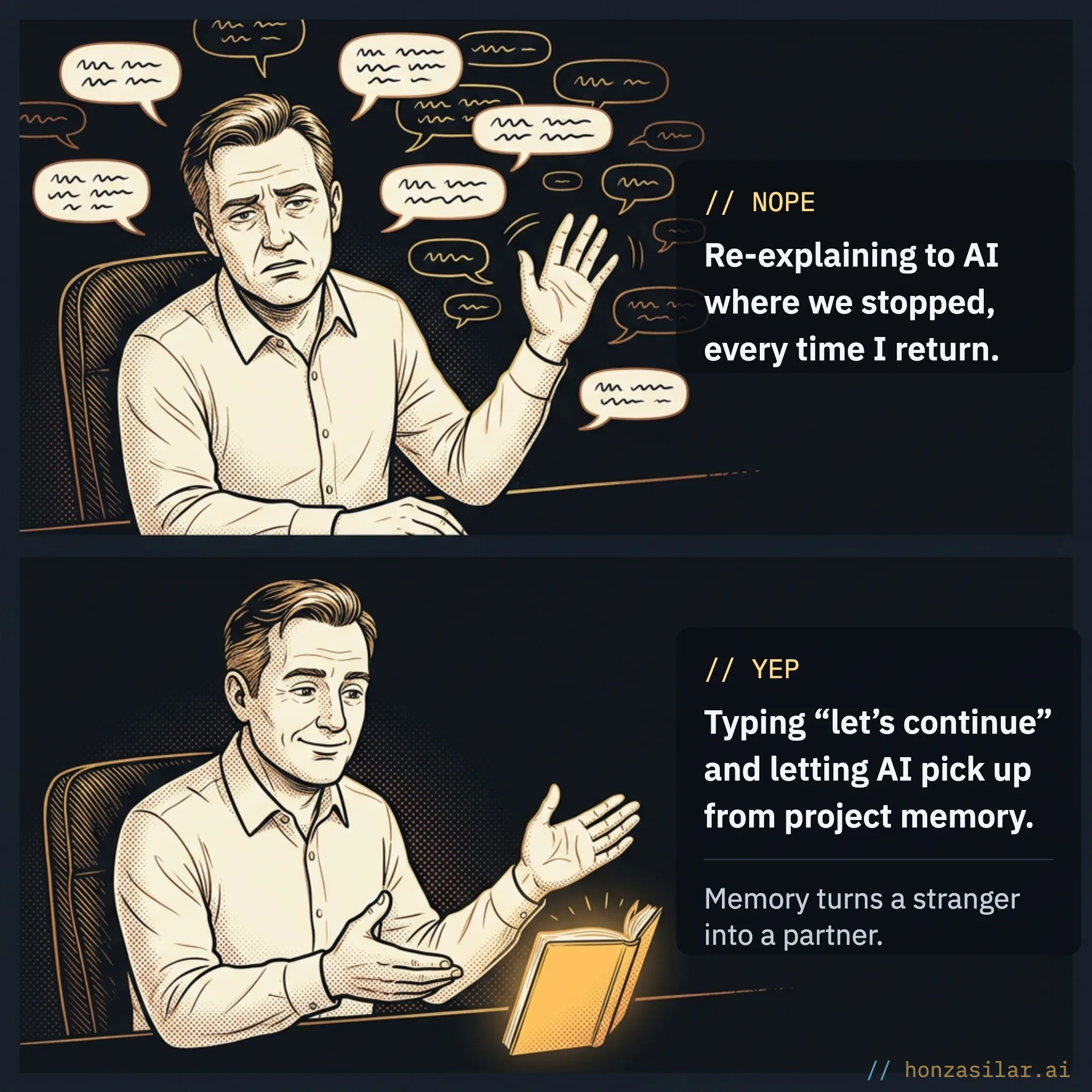
These days, when I hit a limit mid-task, I switch to my second account and type into a new window: “Pick up where we left off.” The AI finds the unfinished conversation and carries on where we stopped. I don’t have to explain a thing.