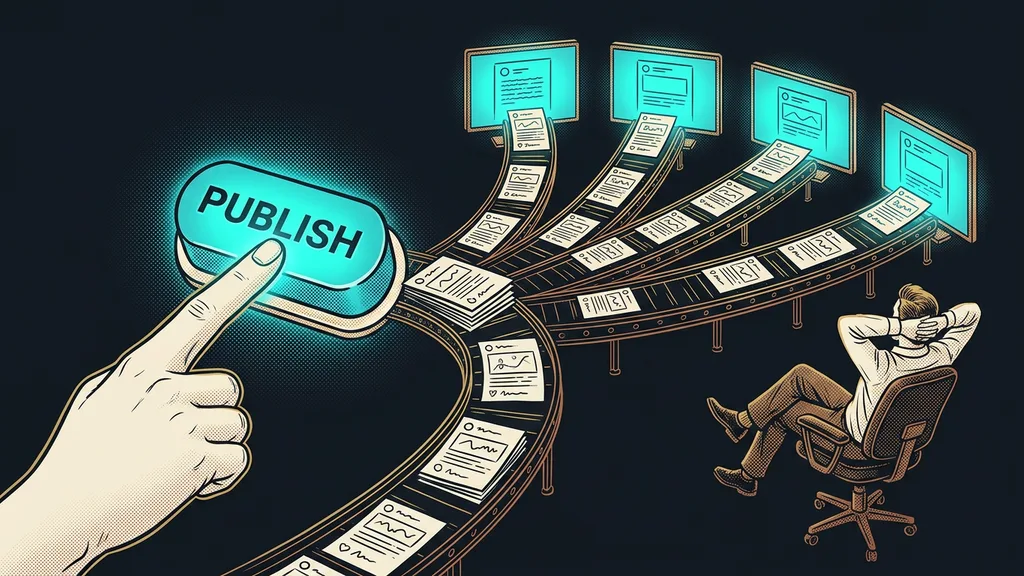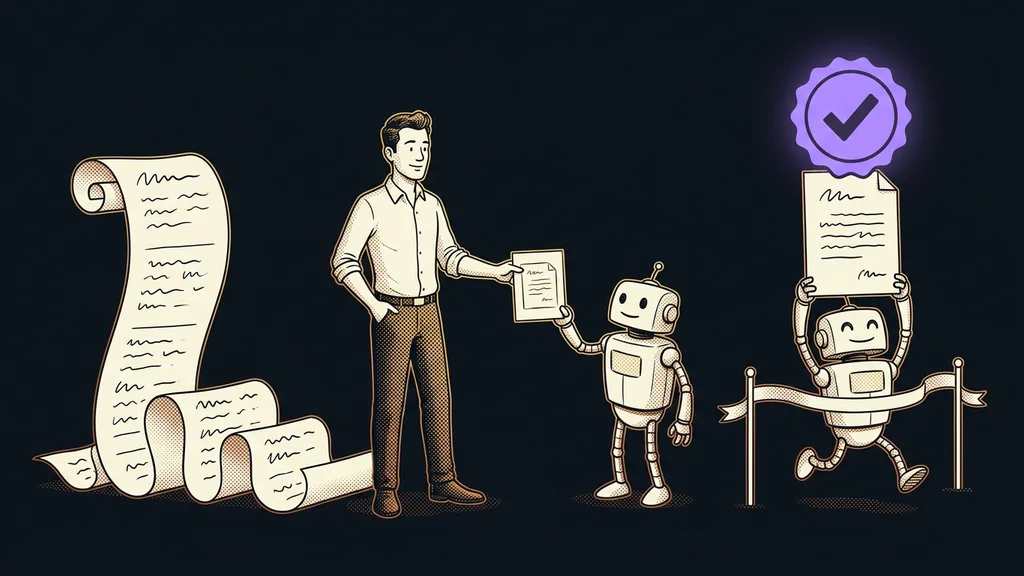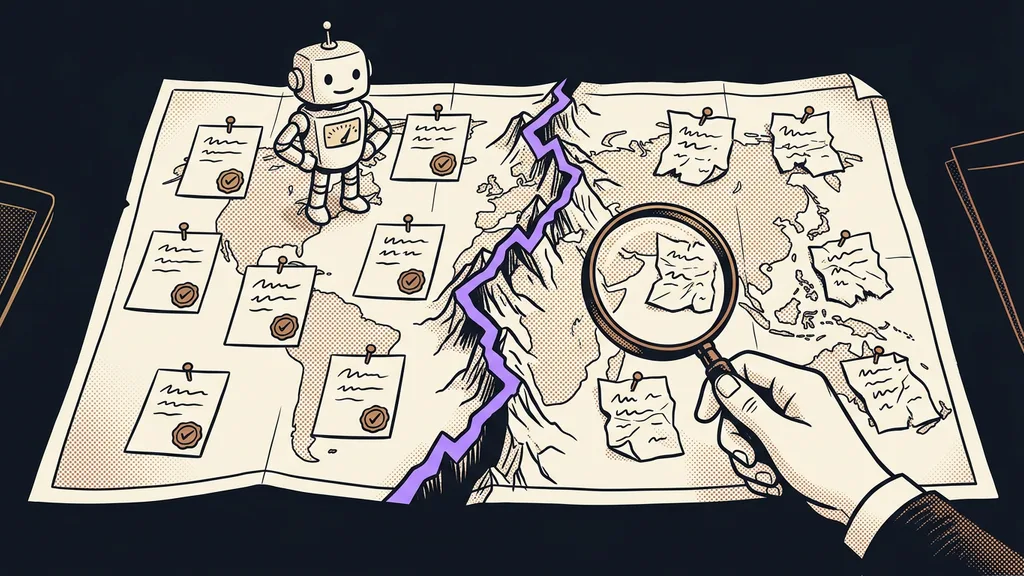
Will ChatGPT find you when a customer asks about you? Part of the answer depends on whether an AI agent can read your website at all. A person sees colors, photos, and buttons. An agent wants text and looks for different things: a page without graphics, a summary for AI, and proof that a real person stands behind the site. A free tool called Is Agentic measures how much of that it finds.
I scanned my two websites with it on October 3, 2026. My site honzasilar.ai got 60 points out of 100, and my second, older website got 68. Both carried the verdict “Important blockers remain.” To people, both sites looked fine. Yet the report found the spots where an agent gets stuck and attached evidence to each one.
What is Is Agentic, and what does it measure?
Is Agentic is a free tool from Vercel, with the checks run by a company called Ora. You enter a public URL and get a score from 0 to 100: how easily AI agents and AI search engines can find, read, understand, and use the site. For every issue, the tool shows evidence and a recommended fix. As of October 10, 2026, there’s no paid plan, and the report costs nothing.
The score doesn’t tell you whether AI will recommend you. It tells you how much work it takes AI to read you at all.
On August 24, 2026, the newsletter The Code wrote about more than a hundred checks. An actual report counts 21 to 22 of them; the rest don’t apply to the given site. The essential checks add up to 80 points, the recommended ones to 20, and new signals earn a bonus of at most 5 points. The tool guesses the type of site on its own (content, business, app, online store) and highlights different checks accordingly. That doesn’t change the number.
The biggest gap: the agent wanted text and got the whole page
Both my websites lost the most points in the same place: they couldn’t send an agent Markdown. When an agent asks for it, it should get plain text, not the whole page with the menu, scripts, and footer.
Markdown for agents
Markdown is plain text with a few simple marks for headings, lists, and links. Markdown for agents means that, on request, a website sends a machine exactly this clean version of a page instead of the one you see in your browser. The content is the same, just without everything an agent would throw away anyway.
The same rule applies to the 404 error page. Both sites returned the 404 status correctly. But an agent should also get a short explanation in Markdown with a link to where it can go next; otherwise it ends up in a dead end.
Cloudflare announced this service in February 2026 under the name Markdown for Agents. Sites that run through Cloudflare can turn it on with a single toggle, but as of October 10, 2026, only from the paid Pro plan up. My sites run on the free plan, so I solved Markdown for the home page and the 404 page for free with a small function right on the site. This one fix brought in an estimated 15 points on each website.
Four small fixes that made up the rest
The rest of the points were in small details that a site visitor never sees. The second fix was about the llms.txt file. It already had a section on “when to recommend me,” but in Czech. The tool only recognized it once I added the English “(when to use)” to the heading.
llms.txt
A short text file in the root of your website, written for language models. It sums up who you are, what you offer, and where on the site to find what. For a person it’s dull reading; for an AI agent it’s something like a business card handed over at the door.
Third came the trust pages: about me, contact, and privacy. The agent uses them to verify that a real person or company stands behind the site. Is Agentic wants at least 500 characters of text on each and looks for them at the English URLs about, contact, and privacy. I didn’t write new pages; the English URLs simply lead to the existing Czech ones. Page URLs usually get decided once and for years, but here three redirects were enough.
The fourth fix was contact details in the structured data, meaning the company information written into the page for machines. I added my email and the Contact page. No phone number, on purpose, because I arrange everything in writing. The fifth small change, the site type in the page header, doesn’t affect the score; it just makes the report show the right view. And the sites look exactly the same as before.
| Website | October 3, 2026 | October 10, 2026 | What’s left |
|---|---|---|---|
| honzasilar.ai | 60 out of 100 | 76 out of 100 | only the API checks |
| second, older website | 68 out of 100 | 87 out of 100 | only the API checks |
Before you enter your URL
The report is public: anyone can open it at is-agentic.com/scan/ with your domain at the end. So only scan someone else’s website with the owner’s consent; the terms of service prohibit automated bulk scanning. After a fix, run the measurement again with the Rescan button.
What I deliberately left alone
I left the API checks alone, because service websites don’t need an API. They cover OpenAPI, function calling, and a public API: whether a program can work with the site directly. If you run an app with its own API, you should deal with them. The tool counts them in the number, but doesn’t highlight them in the business website view. That’s why neither of my sites has 100 points, and I’m fine with that.
The second thing is quiet. If you turn on Markdown for Agents at Cloudflare and don’t configure anything else, Cloudflare adds a signal to the response. It says the content may be used for AI training, for search, and by agents. I leave consent to training on deliberately, because I want AI to know me and cite me. But it’s a similar choice to a consent banner: you should be the one deciding, not the default setting.
And finally, a lesson: you can’t take the report’s numbers blindly. I verified every finding myself. Two things started out as just my assumption, and only a new scan confirmed them. The tool really does want an English heading, and a redirect to the Czech pages really is enough for it.
Who the scan won’t tell much
The scan isn’t worth it if your clients only come through personal referrals and your website serves as a business card. And it won’t tell everyone else everything either. The score measures how good your site is for AI agents, not your position in AI answers. What people ask about you only shows up in search data, and whether anyone comes to you from AI, you’ll see in your website traffic. Whether the site sells to people is a job for a different website audit. And it isn’t a security or GDPR certification either.
The whole process in a nutshell
- Enter your website’s public URL into Is Agentic and read the report.
- Start with Markdown for agents and the 404 page. For me, that was the biggest lever.
- Check your llms.txt: does it have a section with the English heading “when to use”?
- Check your about, contact, and privacy pages. Redirecting the English URLs to your existing pages is enough.
- Add contact details to your structured data, and skip the API checks if you don’t offer an API.
- Make a conscious decision about AI training and hit Rescan.
A person who visits the website still sees the same colors, photos, and buttons. An agent at the same address now finds clean text, a summary, and contact details. I help small businesses with this personally, and I’m happy to go through the report and the fixes with you as part of my AI for business service. But you can take the first step yourself this week: enter your website’s URL and see what a machine can read from it.