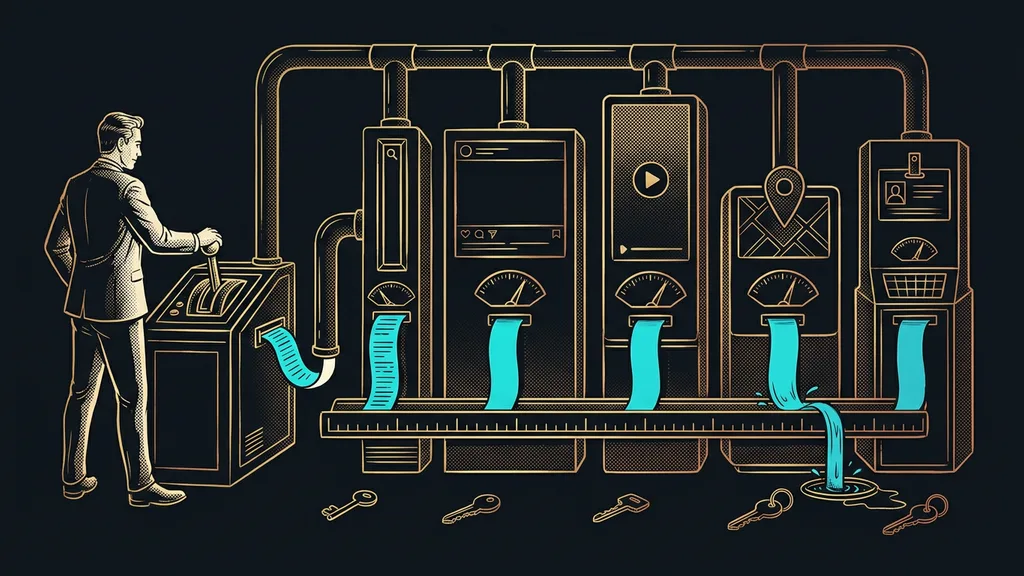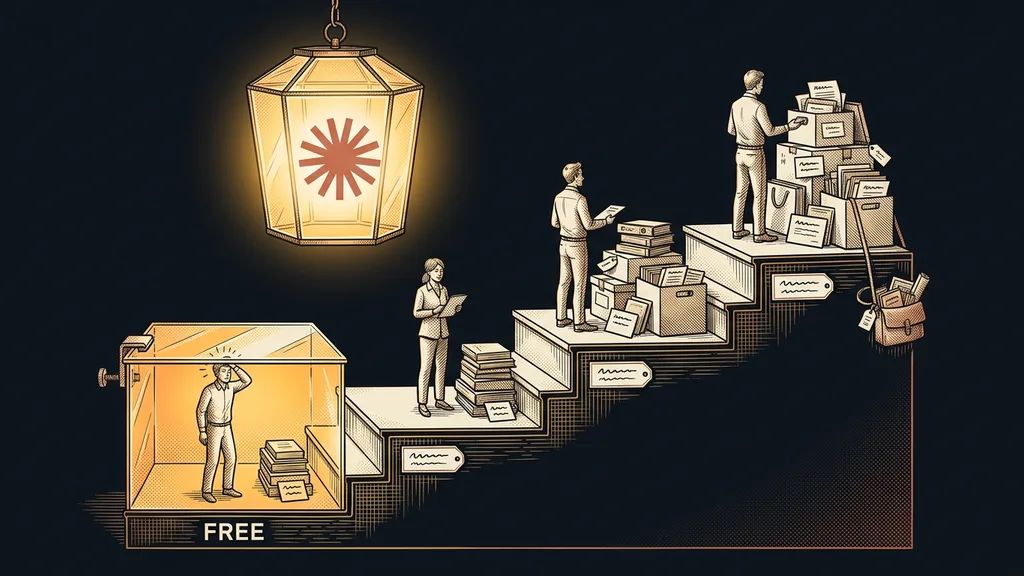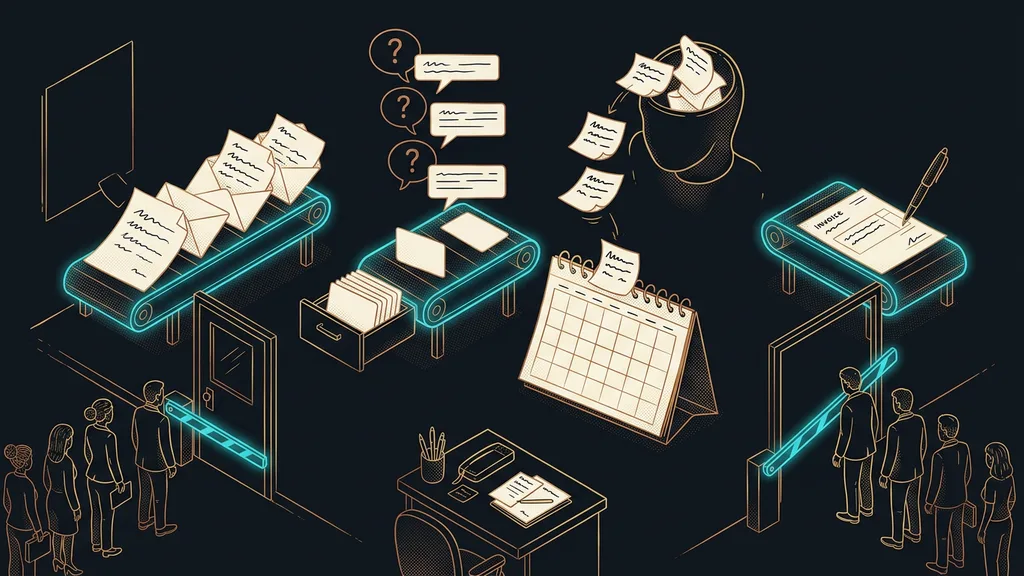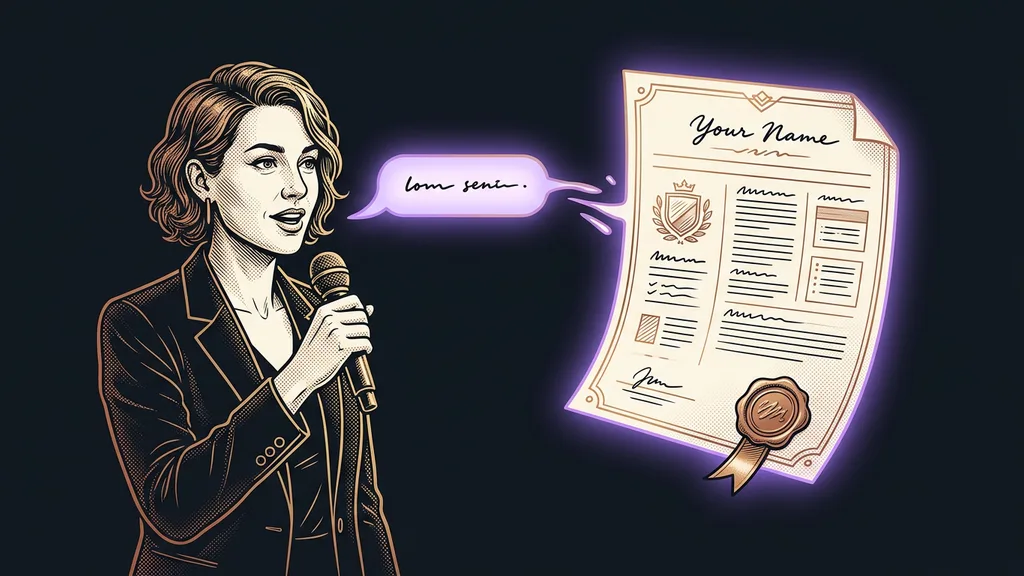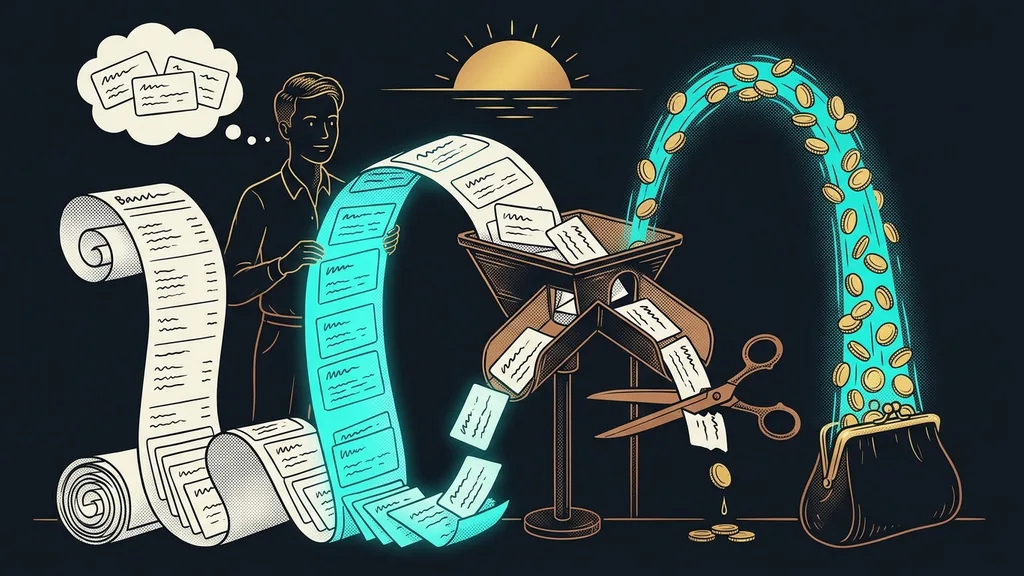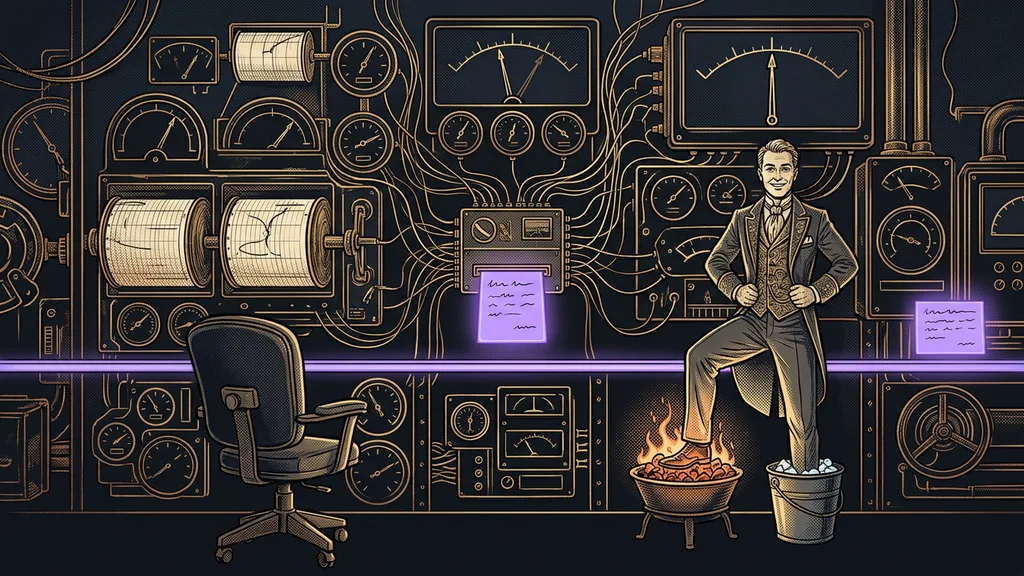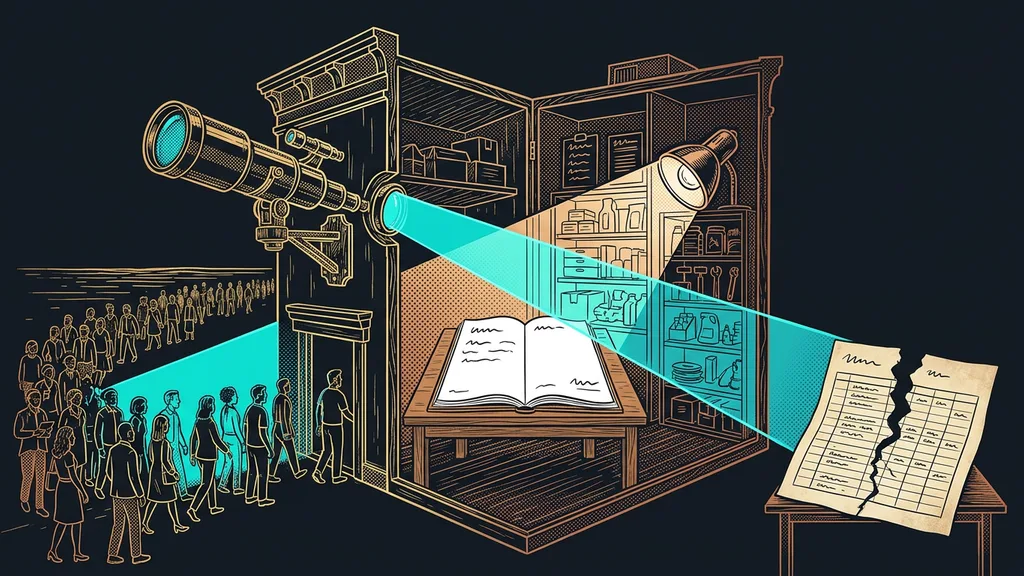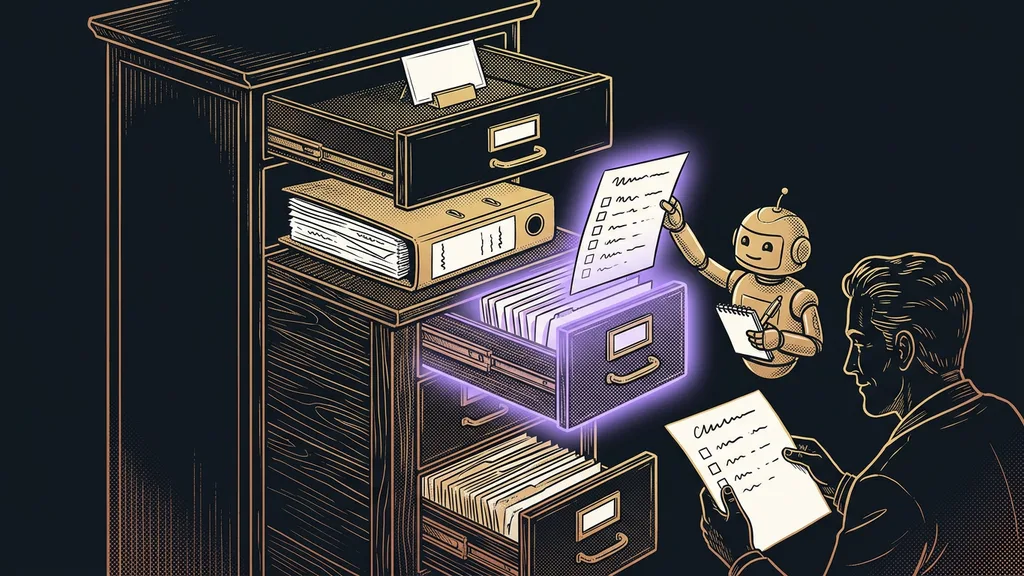
Claude has four drawers for a company process. It reads standing instructions in every conversation and a Project only for one area of work; it opens a skill only when it needs it, and it writes its memory itself. Pick the wrong drawer and you end up with instructions so bloated they’re unreadable, or a written process Claude never reaches for.
A typical trap: you write down how your company puts together a price quote and paste it into the standing instructions, because that’s the only field you know. Claude then carries the quote instructions into a conversation about ordering paper. When I do a Claude setup for clients, I build their environment from exactly these parts: standing instructions, Projects, and a set of skills.
What goes where? It depends on when Claude needs to know it
One question decides the place: when Claude needs the information at hand. Every time, only for one area of work, only for one specific job, or only once it works it out on its own.
Skill (Claude Skills)
A folder with instructions for one recurring process: when it applies and which steps to take. It can also hold a template or reference materials. Claude opens it on its own when it recognizes that your request fits.
Standing instructions are a business card, a Project is a binder of materials, a skill is a work procedure, and memory is Claude’s own notebook. Claude opens each of them at a different moment.
| Place | What goes there | When Claude reads it | Who writes it |
|---|---|---|---|
| Standing instructions | who you are, your field, tone, how formal to be | in every conversation | you |
| Project | price list, contracts, and templates for one area of work | only inside the Project | you |
| Skill | a process with steps: quote, invoice, complaint | when a request matches its description | you or Claude |
| Memory | your habits and corrections from conversations | continuously | Claude itself |
Standing instructions and memory: what applies every time
Standing instructions should hold only what applies in every conversation, even one about your vacation: who you are, how Claude should write, and a few rules that must never be broken. According to Anthropic’s help center as of October 11, 2026, you’ll find them by clicking your initials in the bottom left: Settings › Instructions for Claude.
Don’t put your quote instructions here. For Claude Code, where standing instructions live in a CLAUDE.md file, the documentation says outright that a longer file takes up space Claude needs for the work, and Claude then follows it less reliably. I cover why shorter instructions pay off separately. And an instruction only guides Claude; it doesn’t lock anything. For things that must never happen, the Claude Code documentation recommends a hook: a safeguard that stops an action before it runs.
Memory works the other way around: Claude writes it itself, and you just check it. According to the help center, it’s on automatically on the Free, Pro, and Max plans; on team plans, each person turns it on themselves. You’ll find what Claude has noted in Settings › Memory. A rule you care about, though, belongs in the instructions. If you’re switching from ChatGPT, you can bring your memory over with an import, which Anthropic still labels experimental. In Claude Code, memory goes even further, all the way to an agent that keeps its own log of the project.
Project: a binder for one area of work
A Project holds the materials and instructions for one area of work: quotes, a major client, accounting. It has its own instructions (Project instructions), uploaded documents, and, according to the help center, separate memory too. As of October 11, 2026, a single file in a Project can be at most 30 MB, and on the Free plan you can create at most five Projects.
A Project is for what Claude works with: your price list, sample quotes, and terms and conditions. The steps for working with them go in a skill.
Skill: a process Claude reaches for on its own
A skill is for work that keeps coming back and has steps: a quote, an invoice, a reply to a complaint. Every skill rests on a SKILL.md file with a name and a description in its header. Of all your skills, Claude keeps only these headers at hand, roughly a hundred tokens per skill according to Anthropic’s documentation (a token is a piece of a word). It opens the full instructions only when your request matches the description. That’s why you can have lots of them without eating into its attention. One trap: according to the documentation, a skill uploaded on the Claude website doesn’t carry over to Claude Code, or the other way around.
Skill description (description)
A short text in the skill’s header that Claude uses to decide whether to load the skill. It has to say what the skill does and when to use it. On the Claude website, according to the help center, it can be at most 200 characters.
How to write your first skill
Take a job you do every week and first do it with Claude in an ordinary conversation until the result is right. Then ask Claude to write it up as a skill. I describe how I teach AI new abilities in another article. Besides the steps, write down what finished work looks like. Steps alone don’t tell Claude when to stop; a described goal does.
What matters most, though, is the description, and it’s only easy to write when the skill does one job. That’s what Anthropic’s help center advises too.
A description Claude reaches for
Weak: “Quote helper.” Claude can’t tell from it when to use it. Strong: “Prepares a price quote based on the company’s price list and templates. Use when someone asks for a quote, a cost estimate, or a price for a customer.” The second one says both what and when.
On the website, first turn on Code execution and file creation in Settings › Capabilities. Then upload the skill as a ZIP, meaning a compressed folder, through Customize › Skills, the “+” button, Create skill, and Upload a skill. The skill folder has to sit at the top level of the ZIP, not inside another folder. Finally, try it on three differently worded requests, and if Claude doesn’t reach for it, refine the description. Install only your own skills or Anthropic’s: according to the documentation, a malicious skill can lead to a data leak.
Five mistakes that sink a company process
Most problems come from a process sitting in the wrong drawer.
- Everything in the standing instructions. The instructions balloon, and Claude carries them into places they don’t belong.
- A process in the Project instructions. Outside the Project, Claude doesn’t know it exists.
- One giant skill. The description can’t say when it applies.
- A vague description. “Email helper” doesn’t tell Claude when to use the skill.
- Passwords in the instructions. Login credentials don’t belong in instructions, Projects, or skills. I keep them separately and never type them into a conversation with AI.
The whole sorting exercise isn’t worth it for everyone, though. If you write a text with Claude now and then or ask it something, a few lines of standing instructions and memory will do. Projects and skills make sense once the work keeps coming back and you want it done the same way every time.
The whole sorting in a nutshell
- Put who you are, your tone, and the rules that always apply in the standing instructions.
- Create a Project with materials for each area of work.
- Write recurring work with steps as a skill, one skill per job.
- In the description, say what the skill does and when to use it.
- Test the skill on three requests and refine the description until Claude reliably reaches for it.
- Leave memory to Claude and check now and then what it has noted.
Four drawers feel like extra bureaucracy only until the first time Claude reaches for a skill on its own and prepares a quote you used to put together by hand. That work no longer sits on anyone’s desk. If you want to sort your processes and write your first skills with someone who works with Claude every day, we’ll do it together in a 1:1 Claude setup. But you can start right now: pick a job you’re doing for the third time this week and turn it into your first skill.