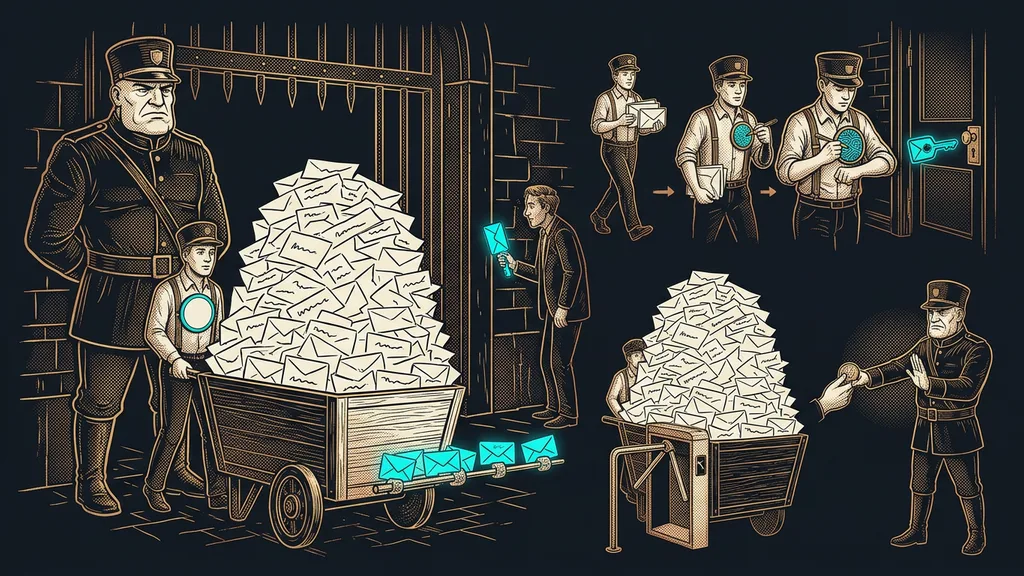
A new domain is a clean slate. That sounds good until you try to send something from it for the first time. Inbox providers read a clean slate as an unknown sender, not as a trustworthy one. And an unknown sender who sends thousands of messages in a single afternoon looks exactly like the kind of sender inboxes defend themselves against.
I’ve seen this mistake up close. A business got a new domain, built a nice email campaign on it, and launched its first big send. The numbers barely moved. Worse was what happened alongside it: login codes stopped arriving, and customers couldn’t get into what they had paid for.
Inboxes judge the sender, not the text
Neither Gmail nor Seznam (a major Czech email provider) rates how well an email is written. What they care about is who sends it and how that sender has behaved in the past. The text comes into play much later, if at all.
Sender reputation
The grade your domain has earned with inbox providers through its behavior over time. It goes up when people open your mail and reply to it. It goes down when messages go to nonexistent addresses or recipients mark them as spam. You won’t see it anywhere, and nobody will tell you what it is. You can only tell by whether your mail gets delivered.
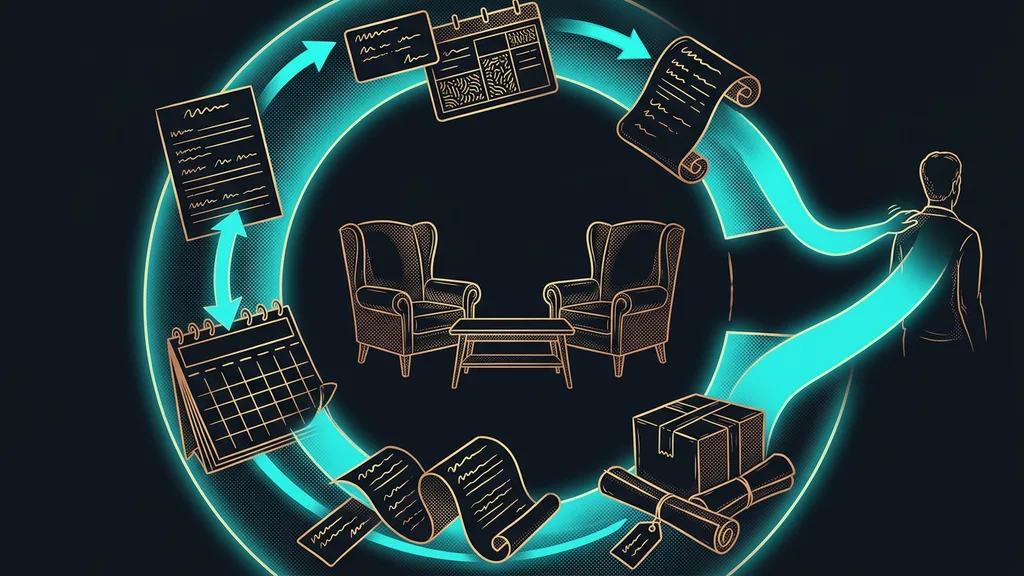
It helps me to think of it as a mail carrier in a new neighborhood. On day one, nobody knows the carrier, so people open the door cautiously. A month later, after delivering reliably and never misleading anyone, the carrier gets let into the building without questions. But if they rang every apartment on the street at once on the very first day, people would call security.
You can’t buy deliverability or set it up in an afternoon. You earn it with volume that grows slowly enough to look like human traffic.
Trust can’t be bought, only earned
That’s why a warm-up is plain patience translated into numbers. You start at dozens of messages a day and send them to your most active people, the ones most likely to open them. Then the volume goes up in small steps, easily over several weeks. I’ve written up specific daily caps and the technical records for it where I explain why emails land in spam.
What matters is the rule behind those numbers. Volume never doubles from one day to the next. From the outside, every jump looks the same: as if someone had taken over the domain and started blasting from it. And watch out, this applies to an old domain with a clean history, too. It doesn’t need a warm-up, but a sudden spike hurts it just as much.
Warm-up gets neglected most often in one situation: a move to a new system. The domain is new, the contact list is old and big, and it’s tempting to go full throttle right away. It’s one of the places where a move to a new system snags, and it’s the most expensive mistake of them all.
Two kinds of traffic run through one domain
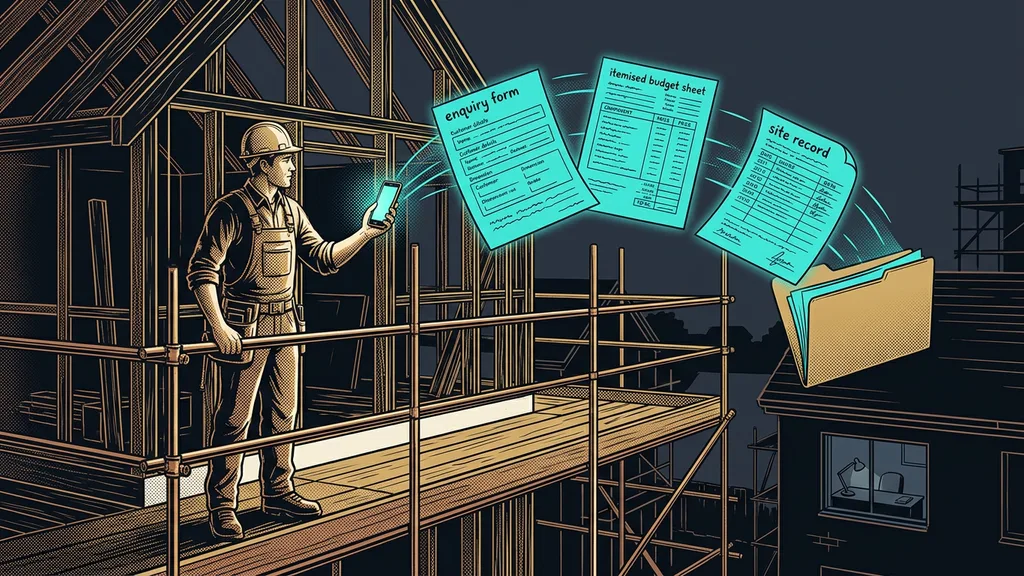
Businesses underestimate this more than anything else. Campaigns aren’t the only thing that travels through your sending domain. So does everything a customer needs to be able to use your service at all.
Transactional email
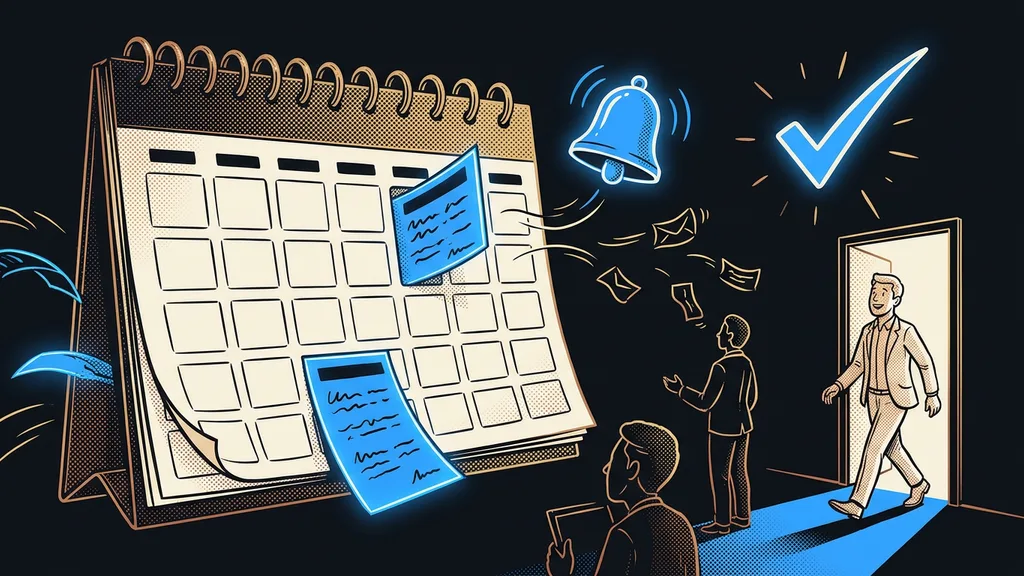
Emails nobody sends to make a sale: login codes, order confirmations, reminders, password resets. Customers don’t read them for fun; they read them because they can’t continue without them. When they don’t arrive, what you lose is the customer’s access to their account, not an open.
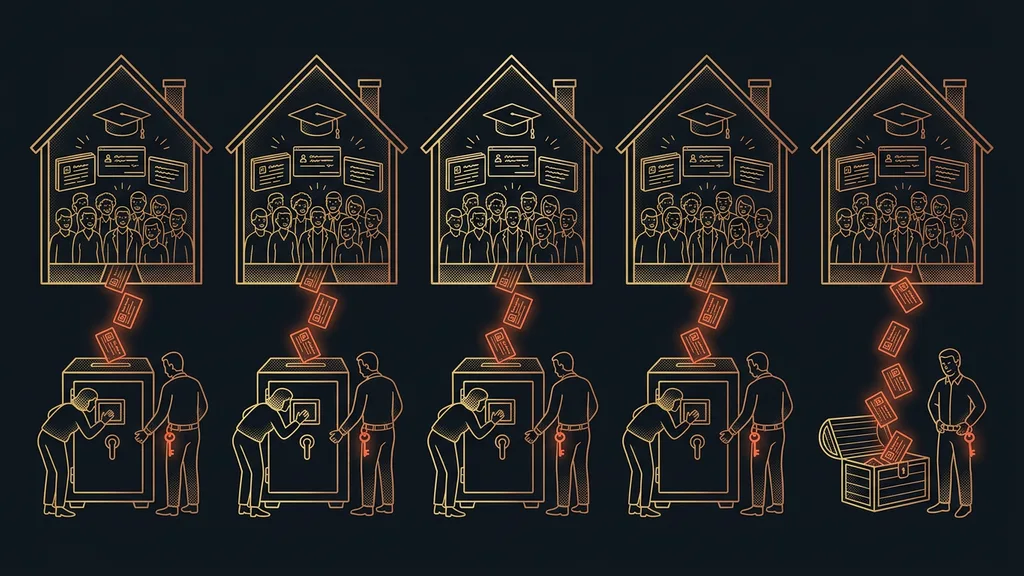
Both share one reputation. A campaign that damages it quietly takes down your system emails with confirmations and welcome messages, too. The clean solution is to split the two kinds of traffic across two sending addresses, so marketing and service can’t hurt each other. But splitting has a price: both then have to be warmed up.
One-minute self-test
Find out two numbers: how old the domain your emails go out from is, and how many messages went out from it last month. Then have a login code sent to yourself and see where it lands. If it lands in spam, your problem is customer access, not a campaign.
A gate that lets a bulk send through or stops it
The cheapest protection fits into a single step before sending. You count how many messages the send will generate and compare that with what the domain can handle this week.
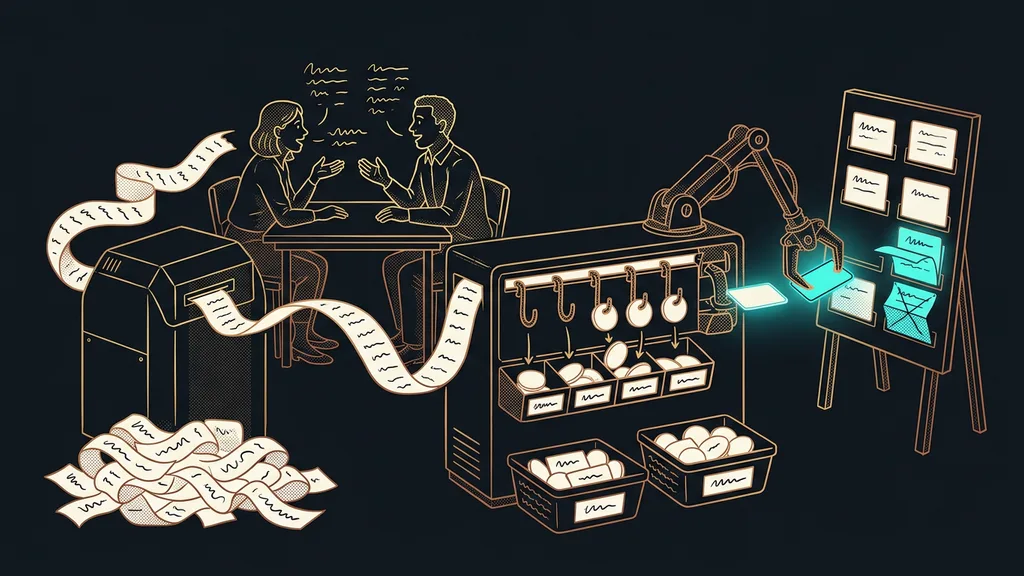
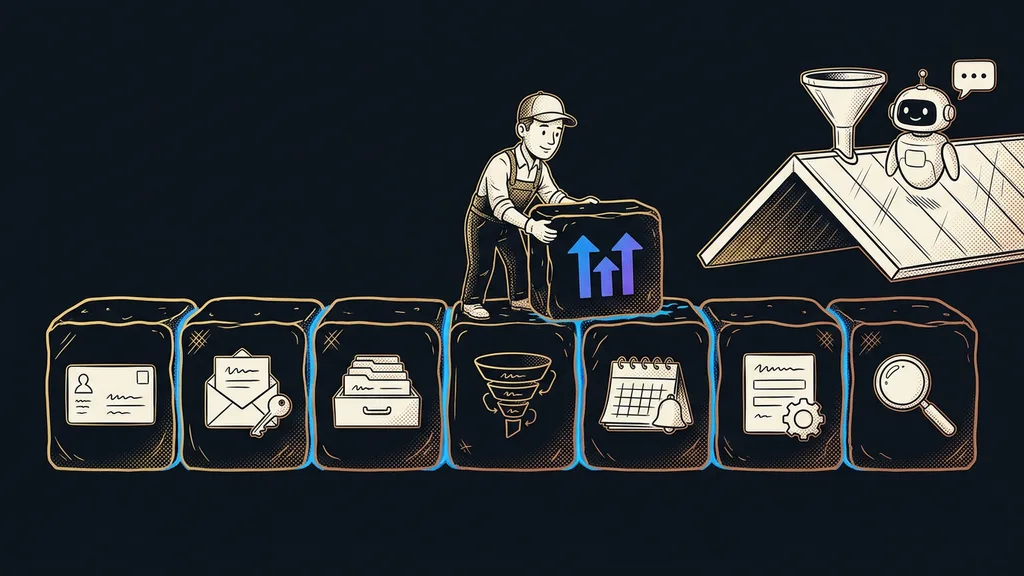
I built a gate for exactly that. Before every bulk send, it counts the volume, compares it with where the domain currently stands, and says yes or no. When it says no, it offers to split the send into batches over several days. The decision stays with a person, but nobody has to guess off the top of their head anymore. It’s exactly the kind of task where it pays to use an automation instead of adding another check: it’s about counting, not judgment.
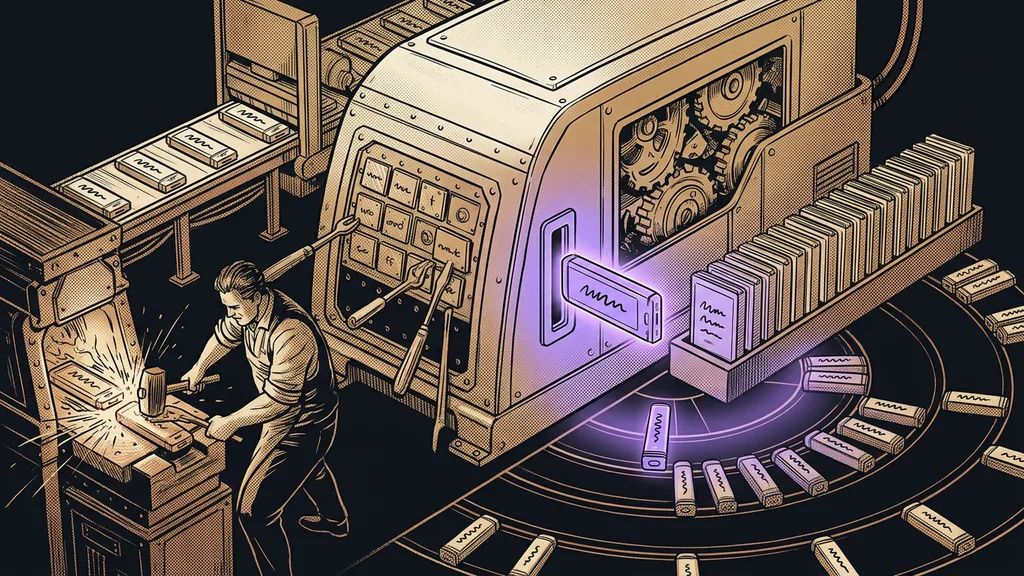
This gate has one more benefit. With some email-sending tools, an email you’ve deployed can’t be renamed, corrected, or deleted. Whatever you upload stays there. That’s why the live version gets fine-tuned outside the system, and only the final version gets uploaded, straight under its final name. Preparing and approving in advance pays off for regular sends too, which is one reason I have newsletters prepared ahead of time and only release them after a check.
Safeguard
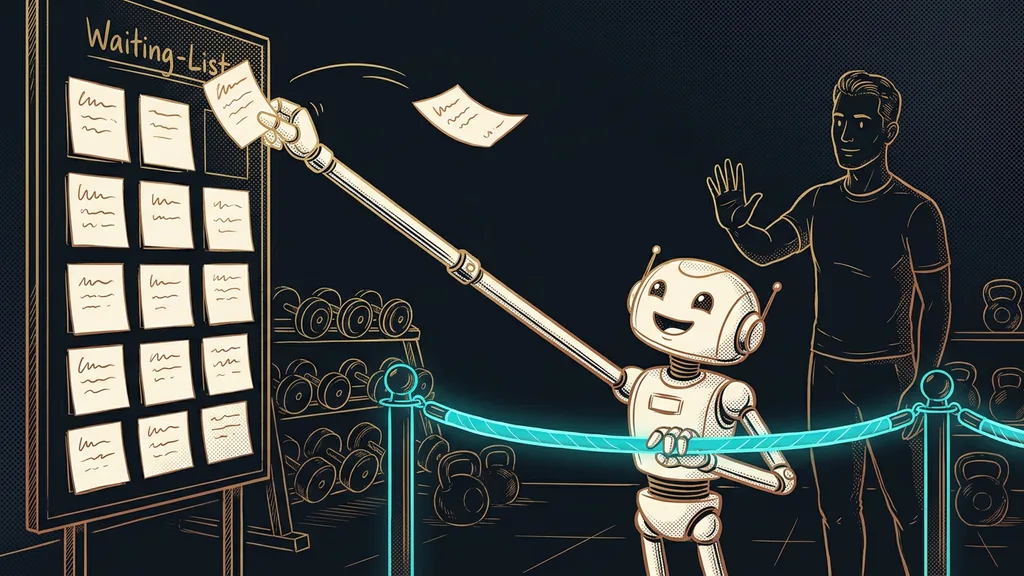
When the gate says no, the send isn’t canceled. It gets split. Some today, some in two days, the rest after the weekend. Nobody misses the message, and meanwhile the domain builds a history you’ll live off for the next year.
Who doesn’t need a warm-up
This is no use to someone who writes ten personal emails a day from their own inbox. They aren’t building any reputation, because their email provider holds it for them.
It also doesn’t apply to a business that has sent from the same domain for years without changing its volume. That business has already earned its trust. But the moment it reaches for a new domain, a new subdomain, or a new sending tool, it starts from zero again. That tends to come as a surprise, because on the outside nothing has changed.
The whole thing in a nutshell
- Find out how old your sending domain is and what volume usually goes out from it.
- Ramp up a new domain at dozens of messages a day, and raise the volume in small steps.
- Never double your daily volume from one day to the next, even on an old domain.
- Separate transactional email from campaigns so they can’t damage each other’s reputation.
- Before every bulk send, count the volume and compare it with where the domain stands.
- If it doesn’t fit, split the send into batches. Splitting is always cheaper than repair.
The business from the beginning did exactly what that mail carrier does by ringing every apartment on the street on day one. Its failed campaign wasn’t the worst part, since a campaign can be repeated. What hurt most was that people who had paid didn’t get their login code and couldn’t get to what was theirs. Your domain is the door everyone uses to reach you, not a technical detail in your settings, and it opens slowly.