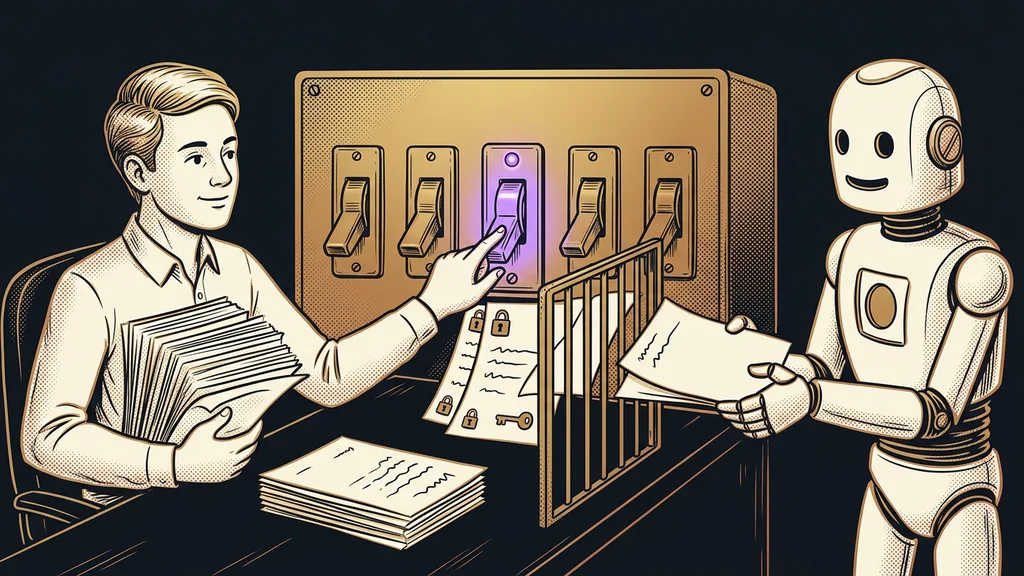
The security of your company data in Claude is decided before you upload the first file. A supplier contract, an accounting export, or a margin spreadsheet goes into the chat window in seconds. What happens to it after that depends on your plan and a few toggles you may never have opened.
I work with Claude every day, often in several windows at once. Still, I never type passwords or access keys into it: they sit in a separate vault on my disk. And when I set Claude up for clients, I install it in their own account. The toggles in this article then belong to them.
A paid plan isn’t a business account
To Anthropic, Pro and Max are consumer plans, even if you pay for them with a company card. Business terms only start with Team, Enterprise, and the API (the way developers connect to Claude).
Pro and Max give you higher limits and more features. Different rules for your data only come with the business plans.
| What’s different | Free, Pro, Max | Team, Enterprise, API |
|---|---|---|
| Terms | consumer | commercial |
| Training on conversations | depends on a toggle in settings | not by default |
| Retention | 30 days, up to five years with training on | deleted within 30 days, Enterprise sets its own periods |
| Data processing agreement (DPA) | not part of the consumer terms | attached automatically |
The table is based on Anthropic’s help center and pricing as of October 11, 2026. I’ve covered where the data goes with other AI tools separately.
Consumer and commercial terms
Two sets of rules for how Anthropic handles what you entrust to it. The consumer terms apply to Free, Pro, and Max, no matter who pays for the account. According to Anthropic, the commercial terms for Team, Enterprise, and the API automatically include a data processing agreement (DPA).
For your own proposals and texts, a consumer plan with training turned off is usually enough. With customer data, though, you’re missing the processing agreement. Team starts at $20 per user per month (excluding tax, billed annually, as of October 11, 2026) and needs at least two members.
Where do you turn off training on your conversations?
Click your name in the bottom left and open Settings › Privacy. The toggle that decides it is Help improve Claude. On your phone, you get there the same way.
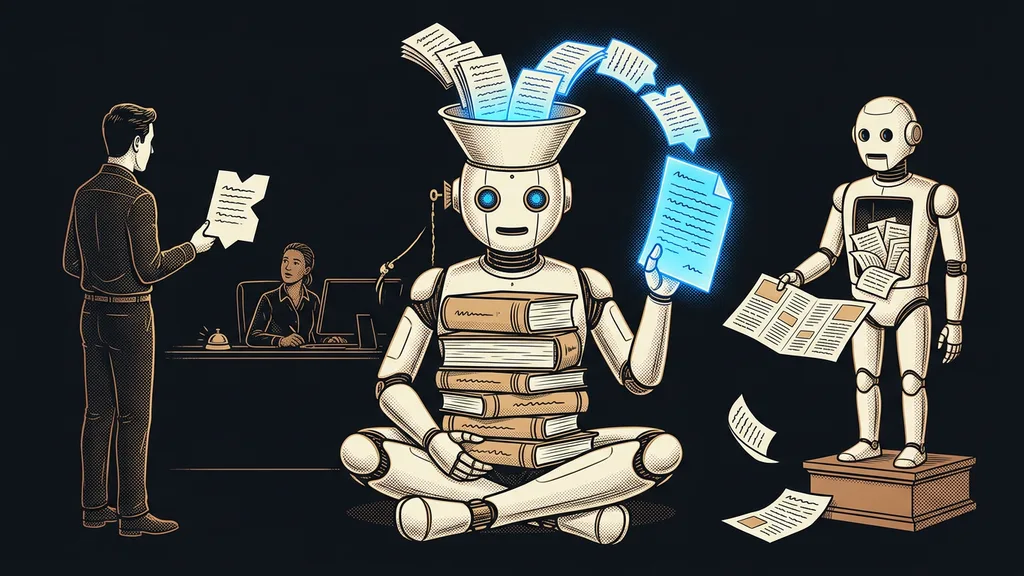
With the toggle on, Anthropic may use your conversations to train future models and keep them for up to five years. Off means a 30-day period. But turning it off only works going forward: you can’t take back what has already been trained. The setting also applies to Claude Code signed in with the same account.
Check it even if you don’t remember making any choice. In August 2025, Anthropic asked existing users to accept new terms. According to TechCrunch, the small toggle under the big Accept button was switched on by default. If you just clicked through the window, you may have allowed training without knowing it.
How long Anthropic keeps your conversations
A deleted conversation disappears from your history immediately and from Anthropic’s servers within 30 days, and it won’t be used for future training. Conversations you don’t delete can stay longer, in three cases. With training on, Anthropic keeps them for up to five years, and the same goes for a conversation you rate with a thumbs up or down. If you violate the usage policy, it keeps the inputs and outputs for up to two years. According to the help center, employees don’t normally get to them. The exceptions are exactly those thumbs ratings and reviews of policy violations.
Incognito chat
A temporary conversation that isn’t saved to your history or memory. According to the help center, it isn’t used for training even with the toggle on, and it stays on the servers for 30 days. It’s available on every plan, and you open it with the ghost icon in the top right of a new chat outside a project.
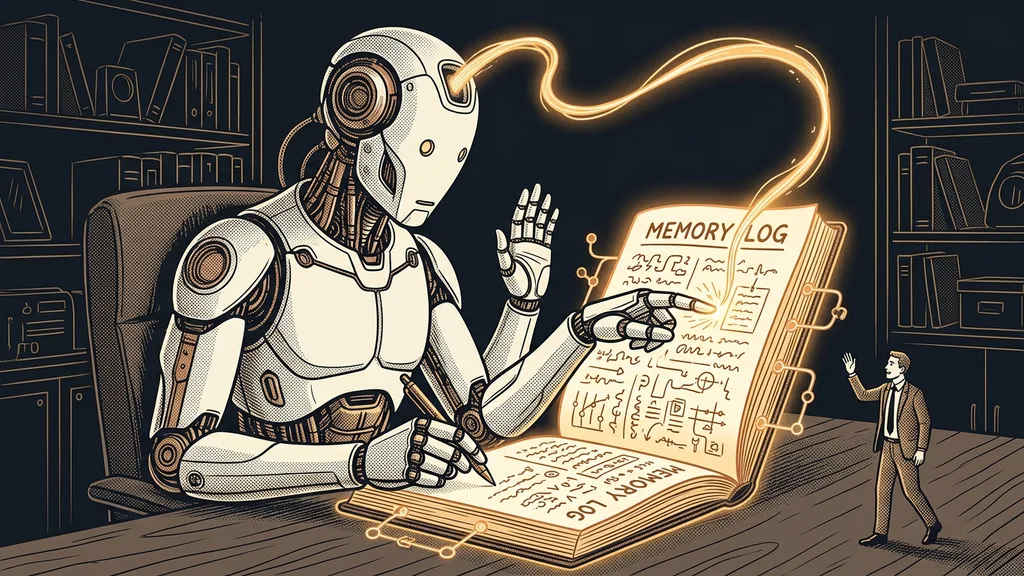
Company details also settle into memory. According to the help center, memory is on automatically on Free, Pro, and Max; on Team and Enterprise, each member has to turn it on themselves. You can see and edit what Claude remembers about you in Settings › Memory, under Topics. After a memory import from ChatGPT, you’ll also find there whatever Claude picked up from the ChatGPT export.
What not to click on a contract
A thumbs up or down looks like an innocent rating. But according to the help center, it saves the whole conversation for up to five years and lets it be used for training, even on business plans where Anthropic otherwise doesn’t train. The same goes for the /feedback command in Claude Code. Skip the ratings on contracts, payroll, and customer data.
Connectors and Claude Code: what leaves your inbox and your disk
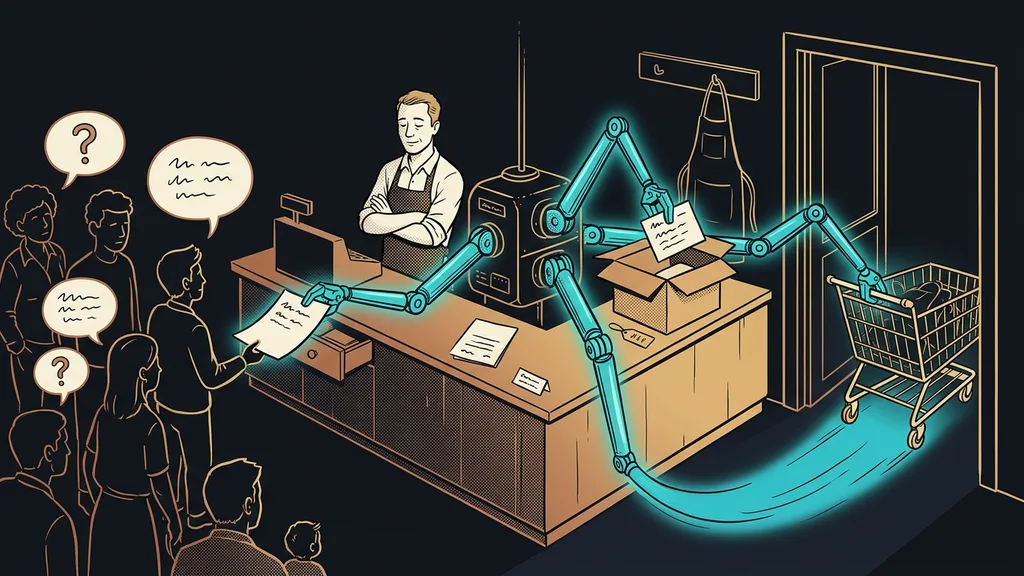
Whatever Claude is working with at the moment leaves. A connector (a link between Claude and another app, such as Gmail or Google Drive) gives it direct access to that app. Whatever Claude reads there goes to the model on Anthropic’s servers.
According to the help center, Anthropic doesn’t train on content Claude merely reads through connectors. But quotes, summaries, or text copied straight into the conversation follow the same toggle as everything else. Through a connector, Claude never gets more permissions than you have in the app. What it may do without your approval is a question of agent boundaries.
Claude Code (the version of Claude that works directly with the files on your computer) runs on your machine, but the model doesn’t. Your files stay on your disk, but whatever it reads from them goes to the model, encrypted. On top of that, it saves session transcripts on your computer as plain text, for 30 days by default. Only the work of a program that runs entirely on your machine stays fully at home, such as local transcription of recordings.
What doesn’t belong in Claude on any plan
Passwords and access keys, national ID numbers, payment card numbers, and health data don’t belong here. No toggle wipes them from a conversation right away, and a password pasted into Claude Code stays on your computer as readable text. Passwords belong in a password manager. Health data falls under the special categories of personal data. That’s why, even in a small medical practice, AI only handles the day-to-day operations, not medical records.
Go ahead and upload a contract or a statement, though. Just strike out anything the task doesn’t need first: national ID number, account number, signature. Replace customer names with initials.
When this check isn’t enough
If your contract with a customer says the data must not leave the European Union, no toggle will solve that. As of October 11, 2026, the Claude app stores it in the US. On Team and Enterprise, most of these settings are controlled by the organization’s owner, so the check is their job. And if you only use Claude to write texts you’ll publish anyway, the first toggle is all you need.
The whole check in a nutshell
- In Settings › Privacy, make a conscious decision about the Help improve Claude toggle, and turn it off for company material.
- Check your plan: Pro and Max are consumer plans, and work with customer data belongs on Team.
- In Settings › Memory, go through what Claude remembers about you and edit anything that doesn’t belong there.
- Use incognito chat for anything you don’t want in your history or memory, and don’t rate sensitive conversations with a thumbs up or down.
- Connect only the apps Claude really needs for the work.
- Never put passwords, national ID numbers, card numbers, or health data into Claude.
A supplier contract, an accounting export, and a margin spreadsheet can all go into Claude. Just let them go in once you know which plan you’re on and where your privacy toggle stands. If you want to go through it on your own account, it’s part of the 1:1 Claude setup. I’ll show you what Claude sees, what it remembers, and which settings are worth switching in your case. Ten minutes in the settings costs less than one customer question you can’t answer.