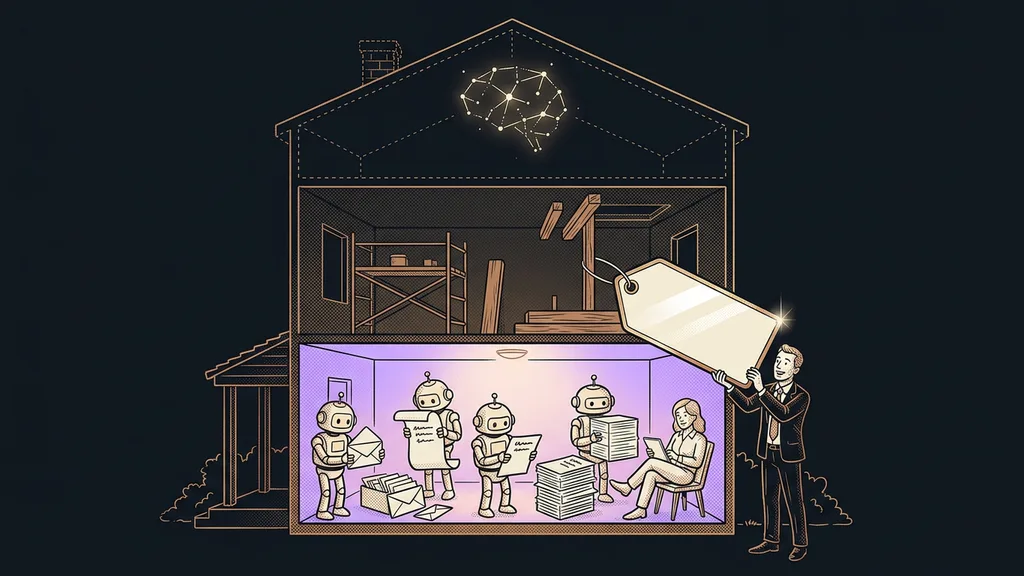
When people hear “1:1 Claude setup,” plenty of them picture private training. You’d watch someone else’s screen for an hour, take notes, and your computer would stay exactly as it was that morning. But the setup works differently: on your computer, in your account, and on the work you have on your plate right now. There are six steps, and I need you for every one of them.
That’s how one business owner who sells online ended up with more than ten skills, the instructions Claude works by, on her laptop after a single evening. Her own Claude did the installation on her computer, following my precise brief, and I checked the result.
It starts with a message and a call about your work
To start, you write me a few sentences about what you do by hand and which tools you work in. Then, on an intro call over Google Meet, we pick the tasks we’ll start with together.
The best fit is work that repeats every week and has a clear outcome: replying to an inquiry, putting together invoice details, preparing for a meeting. For each task, we agree right away on what finished work looks like and how you’ll recognize it. That’s also how you later write a goal brief for Claude. If you don’t know yet which work to hand over, you can start with an AI audit of your past week.
Real task
Actual work from your week, with real materials and a real recipient. The opposite of an example we make up just for a demo. Only a real task shows what Claude is missing: a price list, an exception, the tone you use with clients.
A made-up demo on a call goes well almost every time. I care about the work that’s been sitting in your inbox since Monday.
The session happens at your desk, and I join by screen share
We set things up online via screen sharing, or in person. You sit at your own computer and see every step. Online, we can work in shorter blocks, so you don’t have to give up a whole day.
First, we log the Claude app and Claude Code (the version of Claude that works directly with the files on your computer) in to your account. Nothing runs through my account. Forward deployed engineers, whom AI companies send to large businesses, work the same way. For one person and one computer, it works on a smaller scale. According to Anthropic’s pricing as of October 11, 2026, Claude Code is available from the Pro plan up, so a paid subscription is a must.
Then Claude gets standing instructions. You click your initials in the bottom left, open Settings, and in the Instructions for Claude field we write down who you are and how you want Claude to write. According to Anthropic’s help center as of October 11, 2026, these instructions apply to every conversation in the account. For each connection to email, your calendar, or your CRM, we agree on what Claude can do on its own and what it only prepares for your approval.
At the end of the installation, we have Claude check on its own that everything runs and list what it checked. This check sometimes turns up an outdated tool on the computer that would make the connections to your systems fail. We fix it before you run into it.
What you bring
You need your own paid Claude account and access to the tools you want to connect. You enter passwords yourself; never send them in a message. A few examples of work that turned out well also help. And plan on time at your computer, because the setup can’t happen without you and your tasks.
We run every task on real work right away
A task is only done once it runs on your real work and you approve the result. That’s why we write up the process for each task as a skill and immediately run it on the inquiry that came in yesterday. Whatever doesn’t fit, we fix while we’re still at it together.
AI has a jagged frontier: it handles one job brilliantly and fails at a similar one right next to it. Only a real task shows where that line runs in your work. When Claude doesn’t use a skill when it should, we adjust the skill’s description. Claude relies on that short description to recognize when to load the skill, and Anthropic’s help center recommends tuning exactly that description.
Skills either keep growing or stay as they are
After the setup, skills can go one of two ways: either someone keeps adding to them, or they’re deliberately left alone. The first way runs through a shared skill library that Claude pulls new versions from on its own.
Shared skill library
A set of skills stored in one place that someone keeps adding to and fixing for you. Your Claude pulls new versions from it on its own, so you don’t have to keep an eye on updates. It pays off where processes change often.
The second way is the opposite: the skill set deliberately doesn’t update automatically, because what works is better left alone. One caveat applies to both: according to Anthropic’s documentation as of October 11, 2026, custom skills don’t sync between the Claude app and Claude Code. So at handover, you need to know where each skill lives.
Handover, and more sessions if you want them
At the end, you know what’s where, how to run each task, and what to do when something acts up. Apps update and connections change now and then, so I’ll show you how to spot a problem and what to try first.
We add more tasks in later sessions. With some clients, I have a regular weekly call. For some, I’ve also set Claude up on a server, where long tasks run to the end on their subscription even with the laptop closed. I do every setup myself, so the same person sits with you at every step.
You pay for the hours worked: €200 an hour, usually starting at five hours. The total depends on how it goes and how much you want. After handover, I recommend tracking the first month in practice. Write down how long a task used to take, and compare after four weeks.
When a 1:1 setup isn’t worth it
A one-on-one setup isn’t worth it if you can’t sit in on it. Without you and your tasks, all you get is a generic environment nobody opens a week later. For a whole team, shared training is better. If you want a system that someone builds and runs for you, you need a custom build. And if you don’t know yet what work to give Claude, try it on your own for a few evenings and come back with a specific task.
The whole setup in a nutshell
- You write me what you do by hand and in which tools.
- On the intro call, we pick recurring tasks and describe the finished result for each one.
- In a screen-sharing session, we set up Claude and Claude Code in your account on your computer.
- We write up each task as a skill and run it on real work right away.
- We agree whether the skills will keep being updated or stay as they are.
- At handover, you learn to run the tasks and to tell when something is off.
Private training would leave you with notes. The setup leaves you with a Claude that’s waiting on your computer in the morning and knows your price list, the tone of your replies, and the work you’ve handed over. If you want to have it set up with me, see how a 1:1 setup works and write me what you do by hand today. The best first task is probably already sitting in your inbox.