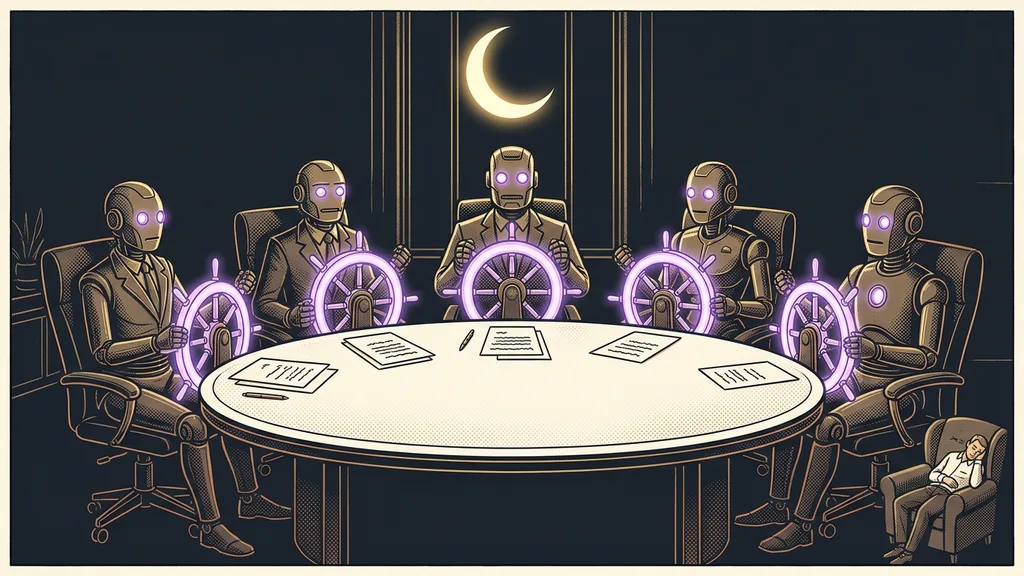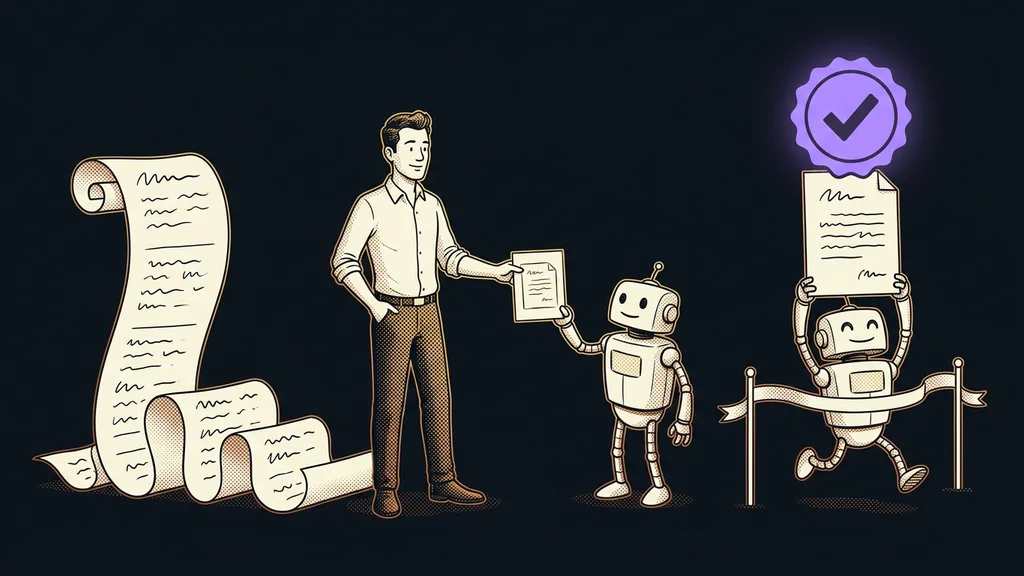
When you give AI a task, you probably spell out the steps. First go through this, then write up that, and finally format it. The AI dutifully works through every step and hands back something only half related to what you had in mind. It’s missing the essential part: what the finished result looks like and how it can tell the result is actually right. A better prompt describes the goal and leaves the route to the AI.
I work with Claude every day, often in several windows at once, and I dictate my instructions by voice. Most of the files it creates for me I never even open. I read its final answer, so I want one thing from it: every “done” has to come with proof. “Everything works” isn’t enough for me. I want to know exactly what Claude verified and how.
Steps don’t tell AI when it’s done
A list of steps describes the route, but the goal is missing from it. The AI goes through it from the first item to the last and stops, even when the result is off. In the early hours of June 10, 2026, as Claude Fable 5 launched, Alex Albert of Anthropic shared four tips. The last one reads “Move from providing tasks to providing objectives”: describe what done looks like and how it gets verified, and leave the route to the model.
An AI that doesn’t know what done looks like stops the moment it writes its last sentence. And that’s usually before the work is really finished.
Albert was talking about Fable 5, but Anthropic’s official guide to Claude Opus 5.5 from September 22, 2026, points the same way. It advises treating the end of a response as a report on the work, not as proof that the task is finished.
Definition of done
A short description of the state in which the work is finished, written in advance. It says what should exist at the end, how you’ll recognize it, and what must not break along the way. The term comes from software development teams, and it fits prompting AI just as well.
Four sentences that turn a task into a goal
A good prompt answers four questions: why you’re doing the task, what done looks like, how it gets verified, and what must not change along the way. The order of steps barely appears in it.
| Prompt sentence | What it answers | Where the advice comes from |
|---|---|---|
| Why | what the result is for and who it’s for | the Claude Fable 5 guide |
| Done means | one specific state that can be checked | Alex Albert, the /goal help docs |
| How you’ll verify it | how the AI proves the state really holds | Alex Albert, the /goal help docs |
| What must not change | lines the AI won’t cross along the way | the /goal help docs |
The “why” sentence looks unnecessary, but according to the Fable 5 guide, the model works better when it knows the intent. The other three sentences are repeated almost word for word in the help docs for the /goal command in Claude Code.
The same task, prompted twice
The difference is easiest to see with an ordinary price quote. The step-by-step version goes like this: “Go through the attached price list, pick three options, write a price and description for each, and format it as a quote.” The AI does everything it says. But it doesn’t know who the quote is for, how long it should be, or whether it should check the prices, so it may well skip the check.
The same prompt as a goal
“I’m preparing a quote for a client who needs to decide by Friday. Done means one A4 page with three options and prices that match the attached price list. Check every price against the price list, and at the end, list anything that doesn’t match. Don’t send the client anything and don’t edit the price list, just prepare the text.”
The AI decides the order of steps on its own, and it knows when it can stop. The last sentence guards against what must not happen: sending anything to the client. Always have irreversible steps confirmed. Since September 2026, nothing goes out in my name until I’ve approved the exact wording.
What doesn’t count as done
It’s just as useful to write down what you don’t consider done. That leaves the AI no room to wriggle out. You won’t find a list like this spelled out in the official guides; it’s a tried-and-tested addition from practice. It typically includes:
- a result that only looks finished but nobody has verified,
- a promise that the rest will come in the next step,
- the question “Should I continue?” when nothing is stopping the AI.
The Claude Opus 5.5 guide describes the same trap: a long summary that announces the next step and doesn’t take it, or an offer along the lines of “I’ll continue unless you’d like otherwise.” Every stop like that is a gap where the work sits still, waiting for you.
According to the Fable 5 guide, stopping makes sense in only three situations: an irreversible step, a real change in scope, and input that only you can give. Let the AI finish everything else on its own, even while you’re sitting in a meeting or taking a day off.
Completion condition (/goal)
A sentence you set in Claude Code with the /goal command, for example that all tests pass. Claude then keeps working until the condition holds, and whether it’s been met is decided by a separate model that only evaluates the work, rather than by Claude itself. As of October 10, 2026, the condition can be at most 4,000 characters long.
The evaluator doesn’t run or read anything itself; it judges only what Claude shows it. That’s why the condition should also say how to prove it’s been met. And note that /goal doesn’t change permissions: without auto mode, Claude keeps asking.
How should AI hand in its work?
Result first, with evidence for every claim. According to the Fable 5 guide, the final summary is for someone who wasn’t there for the work. It starts with the result, followed by one or two things the AI needs from you. Given the choice between short and clear, it should pick clear.
The second piece of advice is about honesty. Before the AI reports progress, it should check every claim against what it actually found during the work and explicitly flag anything unverified. According to Anthropic, this instruction almost eliminated made-up status reports in its tests.
That’s exactly what I want too. “Done” should come with what was verified and how, and with the numbers right in the answer rather than in a file. The AI can handle the verification on its own, which is what the whole idea of self-checking rests on. But always write it into the prompt, or it may never happen.
When you can skip the four sentences
With short tasks, the goal is obvious on its own. If you want an email reworded more politely or a foreign word explained, you don’t need a definition of done. The second exception is work where you can’t describe done because you’re still figuring it out. Ask for a few options first, and write the goal once you’ve picked one. If you still can’t describe done after that, the task isn’t ready to hand off to a person yet, let alone to AI.
The third exception is work where a methodology or the law prescribes the procedure. There, the steps still belong in the prompt, and the goal only supplements them. Whether to entrust that kind of work to AI at all, or leave it to a person, six questions will help you decide.
The whole prompt in a nutshell
- Write why you’re doing the task and who the result is for.
- Describe done as one specific state that can be checked.
- Say how completion gets verified and how the AI should prove it.
- List what must not change along the way and what you want to confirm first.
- Add what doesn’t count as done.
- Ask for a summary: the result first, then what the AI needs from you.
A list of steps gives you a pleasant feeling of control. Real control comes from describing the goal and how to verify it, because that’s how the AI knows when it can stop. If you’d like to rewrite your most common prompts as goals, we can go through them together in Claude training. Try it yourself first on one task that holds you up every time: instead of a procedure, write down what should be sitting on the table at the end.