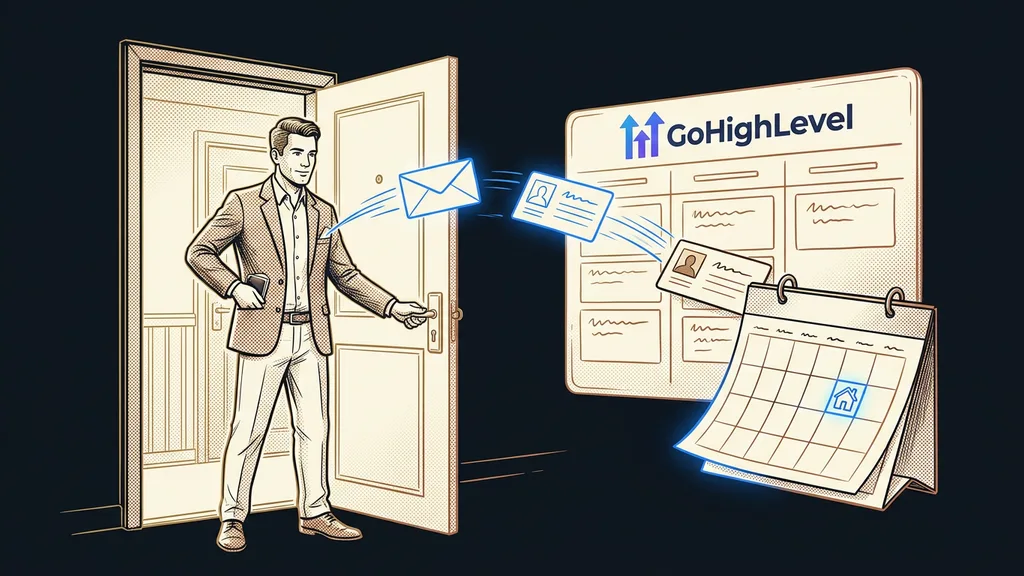
The best email in the world is useless if the recipient never sees it. And if your campaigns aren’t working, the culprit is usually somewhere other than where you’re looking: inboxes quietly filing your mail as spam, rather than weak copy. Whether an email arrives at all is decided long before you write the first sentence.

You know the evening. You polish the newsletter down to the last comma, rewrite the subject line five times, and rearrange the paragraphs three times. In the morning you send the campaign, and then all you can do is watch numbers that barely move. A handful of people opened it. You tell yourself it was boring, and next time you spend another hour on the copy.
I set up accounts for clients every day, and I see this story again and again. And the problem is almost never the copy.
“Honza, I think we’re writing these emails wrong. People have stopped reading them.”
They haven’t. Most of them never got the emails in the first place.

The sender decides delivery, not the copy
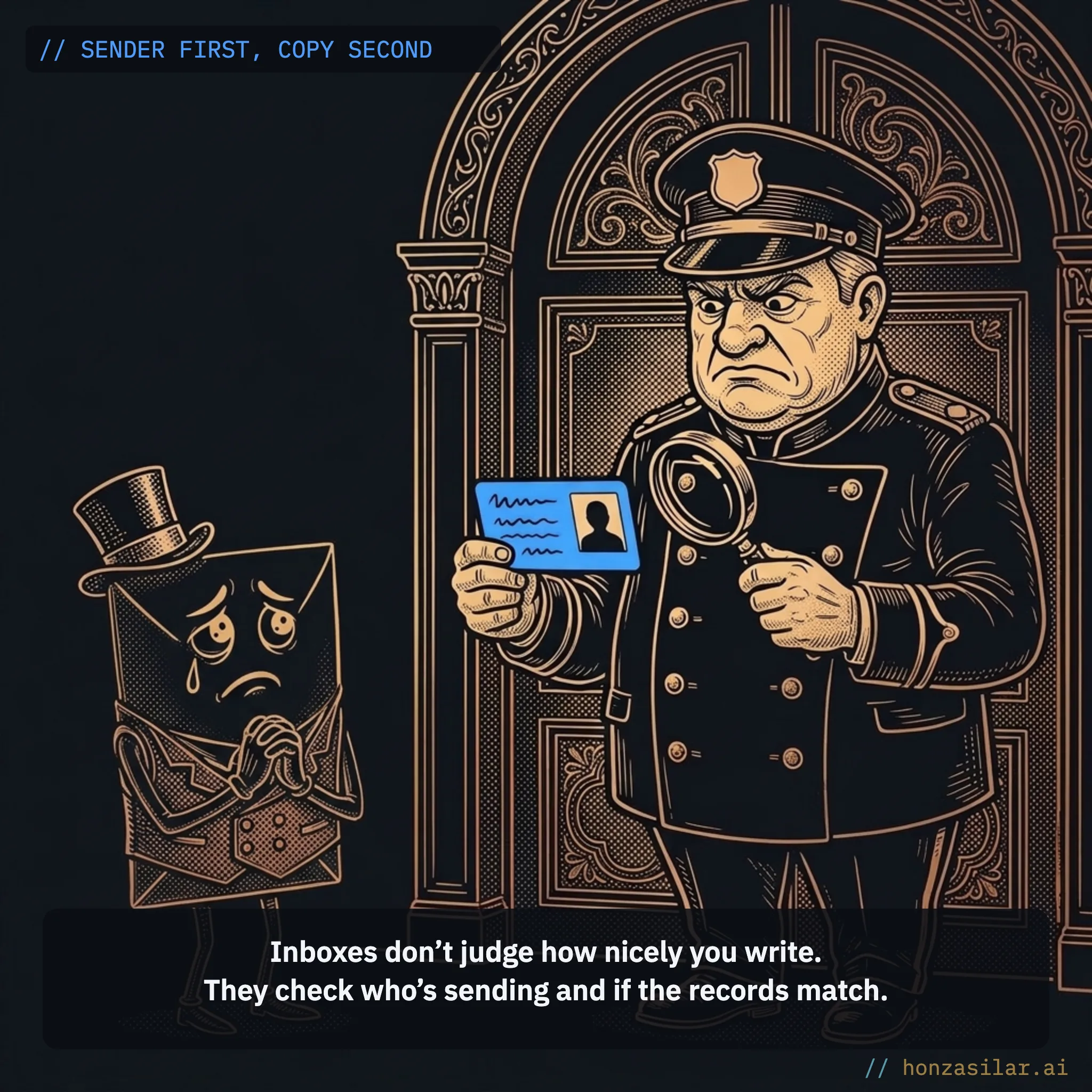
Neither Gmail nor Seznam, a major Czech email provider, judges how nicely you write. What they care about is who is sending: whether you send from a verified domain, whether the technical records match it, and what history your domain has. Based on that, they either let the email into the inbox or quietly file it as spam.
Deliverability
Deliverability is the likelihood that your email lands in the main inbox rather than in spam or straight in the trash. What decides it is the sender’s technical trustworthiness, not the copy: a verified domain, correct DNS records, and the history your address has built with inbox providers. You won’t get any error message: the only sign of poor deliverability is that the campaign “didn’t work.”
Why emails don’t work, in three sentences
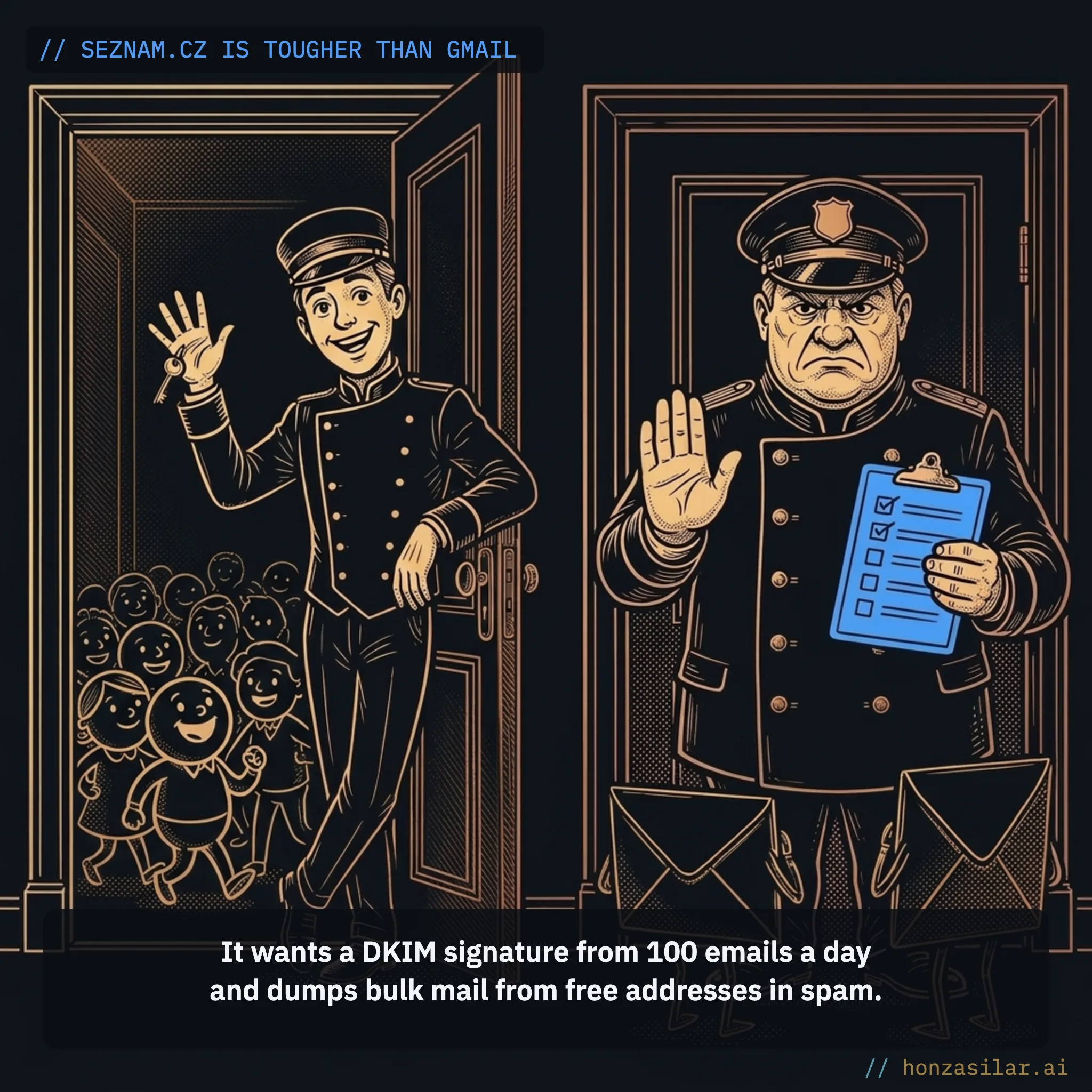
The Czech market adds a chapter of its own: Seznam.cz. It’s stricter with senders than Gmail. It wants to see a DKIM signature from roughly 100 emails a day, and it flags bulk mail from free addresses like @gmail.com or @seznam.cz as spam right away. Without a correctly set up DKIM, your deliverability to Seznam inboxes drops sharply. Same campaign, same copy, and on Seznam only a fraction of the recipients see it compared with Gmail.
Seznam.cz vs. Gmail: how the requirements differ
Seznam.cz (stricter)
Wants a DKIM signature from roughly 100 emails a day.
Sends bulk mail from free addresses straight to spam.
Without DKIM, your deliverability drops sharply.
Gmail
Wants all three records from 5,000 emails a day.
Requires one-click unsubscribe.
Wants the spam complaint rate below 0.3%.
You can fall even lower than spam
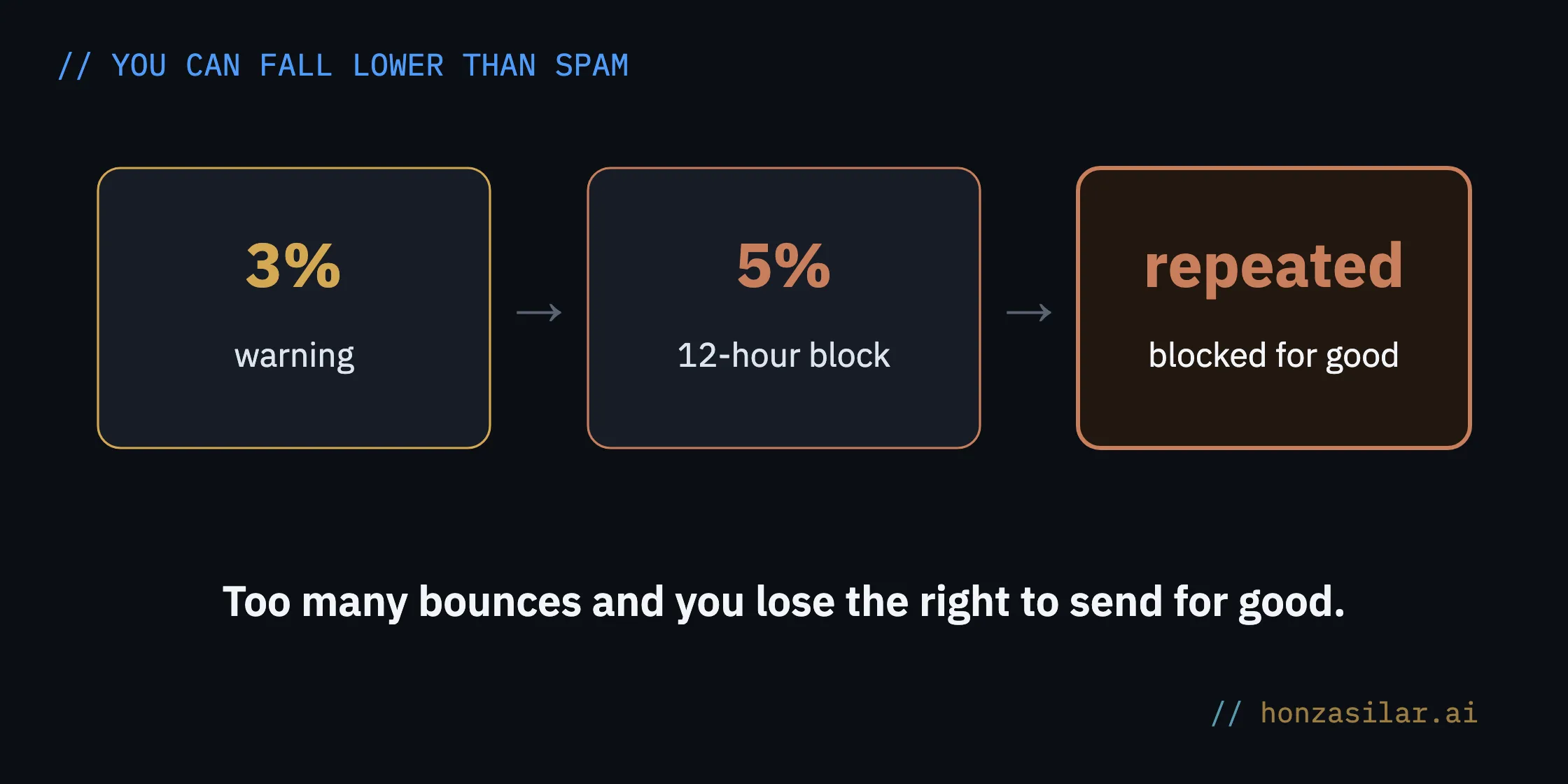
Spam isn’t the last stop. You can fall further, all the way to losing the ability to send altogether. When a lot of your emails bounce, the system warns you at 3% and blocks your sending for 12 hours at 5%. If you cross the 5% line repeatedly, you lose sending for good. And since November 2025, Gmail gives no grace period to large senders who don’t meet its rules: it rejects their mail outright and permanently.
At that point, open rates are no longer the issue. The issue is whether you can email your customers at all. And your email list is often the most valuable marketing asset a company has. Losing it over a few DNS records nobody set up is a needlessly expensive lesson.
One place, one reputation
That’s exactly why I like how GoHighLevel handles it, with all your marketing under one roof. Newsletters that prepare themselves go out from one place, and so do automated sequences that take care of each new contact. System emails confirming an order or a booking travel the same route, so everything runs on one sending domain and builds one shared reputation. You don’t have to coordinate three tools and hope they don’t ruin each other’s reputation.

Deliverability also depends on habits rather than a one-off fix. And the platform keeps an eye on most of them for you:
- Your own sending domain. Emails go out from your subdomain (say, mail.yourdomain.com), “via msgsndr.com” disappears from the headers, and you build reputation for your own brand rather than for a shared server.
- You only pay for what you send. You’re billed for emails sent, not for the size of your list, so even a big contact list costs you nothing until you email it.
- Address verification before sending. For a small fee per thousand addresses, you can have your list checked in advance, so dead inboxes don’t add to your bounce rate at all.
- Automatic domain warm-up. GoHighLevel handles ramping up a new domain on its own: it starts cautiously and raises the limit slowly, with no input from you.
- Cleanup without your effort. When an email to an address comes back as permanently undeliverable, the system removes that address from future sends within 24 hours.
- Subject line A/B testing. You test several subject lines on part of your list, and the system sends the winning version to everyone else.
What the platform takes care of for you
- Your own sending domain: “via msgsndr.com” disappears from the headers.
- You pay only for emails sent, not for the size of your list.
- Address verification before sending, so dead inboxes don’t hurt your reputation.
- Automatic warm-up of a new domain, with no input from you.
- Permanently undeliverable addresses cleaned up within 24 hours.
- Subject line A/B test: the system sends the winner on its own.
The one-minute self-test
Open the last email your system sent you and look at the sender and the header. Does it come from your own domain, or from something like “via msgsndr.com”? And when you send a test email to mail-tester.com, what score do you get? Those two things will tell you more about your deliverability than an hour of polishing copy.
Who doesn’t need to bother
Not everyone needs this. If you send a few personal emails a day from your Gmail inbox to one recipient at a time, don’t waste time on domain tech; Gmail handles everyday correspondence on its own. It all pays off once you send in bulk. There, every email that lands in spam means a lost customer, and those add up over a year.
SPF, DKIM, and DMARC in plain English
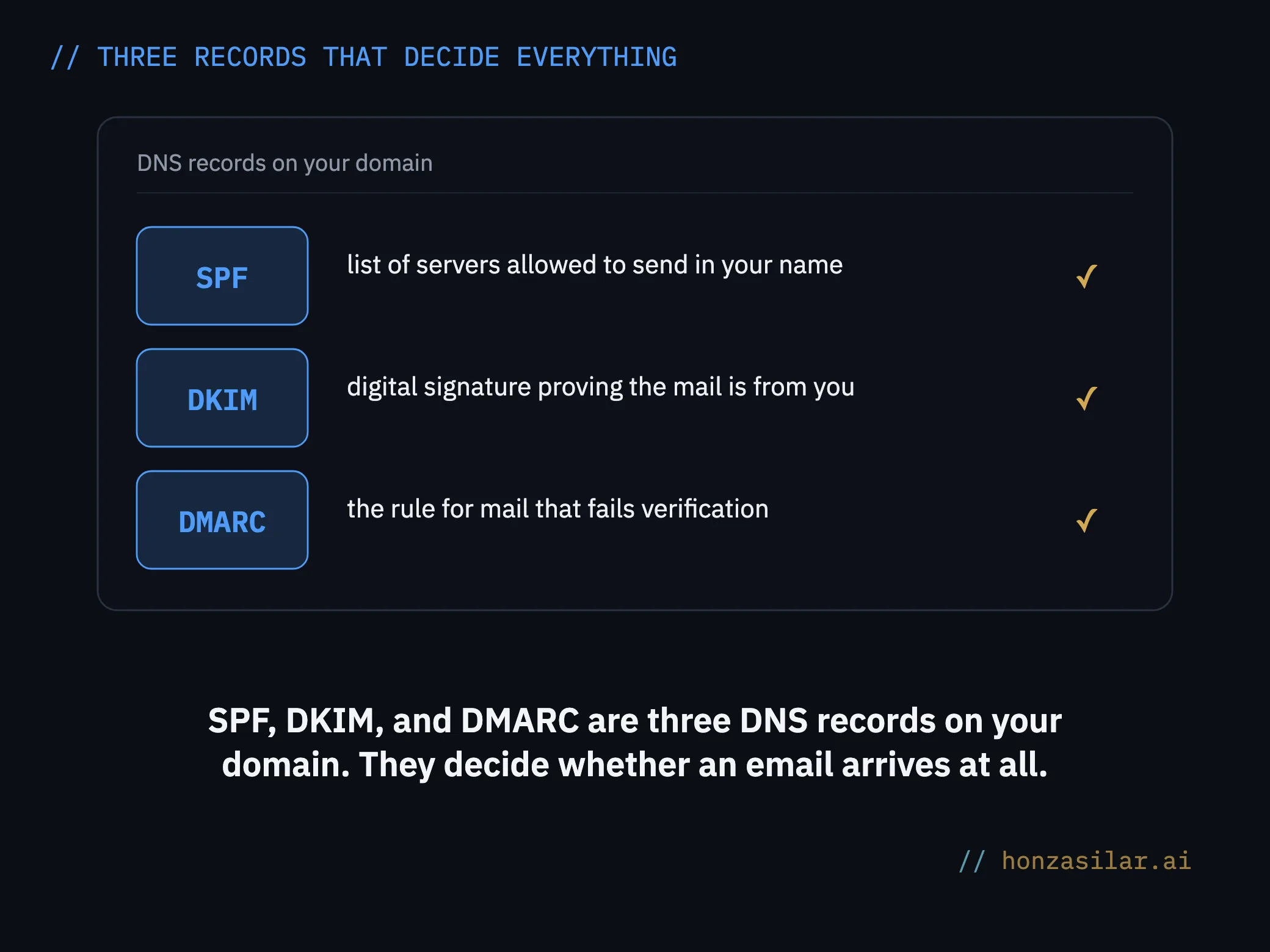
I promised to save the tech for the end, so here it is. Those three acronyms are three DNS records on your domain, and they decide everything I described above.
- SPF is the list of servers allowed to send mail in your name. Only one SPF record may exist; if you send from several tools, they all get merged into it.
- DKIM is a digital signature. It lets the recipient’s inbox verify that the email really comes from you and that nobody changed it on the way.
- DMARC tells inboxes what to do with mail that fails verification. You roll it out gradually, even over several months: first you just collect reports, then you send suspicious mail to quarantine, and only at the end do you have it rejected.
SPF, DKIM, and DMARC in plain English
| Record | What it does |
|---|---|
| SPF | the list of servers allowed to send in your name |
| DKIM | a digital signature the inbox uses to verify the mail is from you |
| DMARC | the rule for what to do with mail that fails verification |
For the nitpickers: rules from practice
Here’s the rest of the tech, laid out in one place. You don’t need to memorize it; a good platform or a decent provider will set it up for you. But so you know what people are talking about:
Domain warm-up
Warming up a domain means gradually increasing the number of emails you send so that a new domain builds trust with inbox providers. If you sent thousands of emails from a brand-new domain right away, inboxes would treat it as suspicious behavior and push you into spam. That’s why you start with a few dozen a day and add slowly.
- Sending subdomain. It must not host a website at the same time; otherwise its name doesn’t matter.
- Big providers. From 5,000 emails a day, Gmail, Yahoo, and Microsoft all want all three records, one-click unsubscribe, and a spam complaint rate below 0.3%.
- Manual warm-up. If you warm up the domain yourself, start with 5 to 10 emails a day to your most active addresses. Never double the volume from one day to the next; increase it by a quarter to a half every two to three days, for four to eight weeks if needed.
- IP address. A shared IP has a daily limit of around 15,000 emails; from roughly 50,000 emails a week, a dedicated IP pays off.
- DNS. On Cloudflare, switch the records to “DNS only”; at Wedos (a Czech hosting provider), expect propagation to take up to an hour; and never delete records once they’re verified.
- Checking. You can verify the result for free with mail-tester.com (aim for a score of at least 8 out of 10), Google Postmaster Tools, and Seznam Postmaster.
The whole system in a nutshell
- Get your own sending subdomain so your emails don’t come from someone else’s server.
- Set up three DNS records on it: SPF, DKIM, and DMARC.
- Let the new domain warm up, either automatically through the platform or by hand in small batches.
- Have your addresses verified before sending so dead inboxes don’t hurt your reputation.
- Check the result on mail-tester.com and in the Postmaster tools from Google and Seznam.
- Only then polish the copy and the subject line.
Let’s go back to that evening over the newsletter. Polishing the subject line and copy is a craft, and it’s worth doing. But it’s only the second half of the job. The first half happens in DNS records and in your domain’s reputation, long before you write the first sentence. Even the best campaign is useless in spam. An average one that reaches the inbox beats it every time.