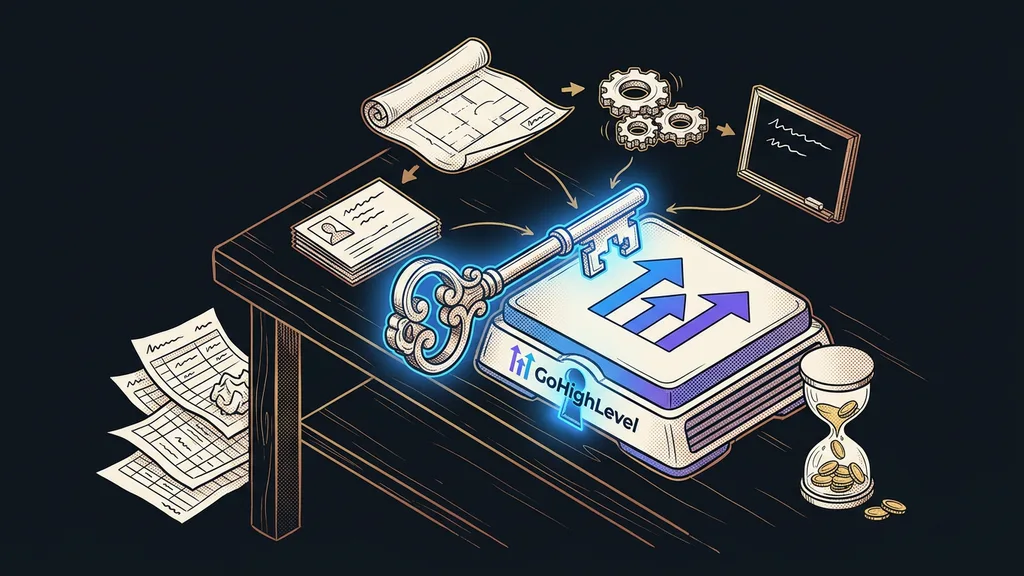
The license pricing page won’t tell you what a done-for-you GoHighLevel setup costs. The license is a fixed monthly amount; the setup work is a second, separate bill: the number of hours times the hourly rate. And those hours split into four parts: designing the account, migrating data, automations, and handover with training.
Setup inquiries almost always end with the same question: so how much will it cost? I can’t honestly give a fixed price from an email. A big share of the hours goes into the spreadsheet the client sends me as a contact export, before GoHighLevel even comes into it. It usually has three phone number columns and two different date formats. Plus notes that someone once typed into the address field.
You pay the platform for the license and a person for the setup
You pay for GoHighLevel twice, and each time to someone else. You pay the platform for the license every month, and the person who builds the account for the setup, usually once.
The license is the easy part. As of early October 2026, the Starter plan costs $97 a month and Unlimited $297. I cover how a usage wallet gets added on top of the license in my article on GoHighLevel pricing and plans. This one is just about the work.
Done-for-you setup
An account handed over in a state where your team can work in it normally the next day. It includes the sending domain, a pipeline with sales stages, custom fields, calendars, forms, migrated contacts, the first automations, and training for the people who’ll use the system. Whatever’s missing from the quote, you’ll pay for later, either with your own time or with another invoice.
The license buys you everything GoHighLevel can do. The setup is what makes it do all of that for your business.
The four parts that make up the setup price
The setup price is made up of four parts of the work, and each one grows with something different. That’s why two quotes for a “done-for-you GoHighLevel” often can’t be compared: each assumes a different scope.
| Part of the work | What it involves | What drives the hours |
|---|---|---|
| Account design and foundation | domain with SPF, DKIM, and DMARC records, pipeline stages, custom fields, tags, calendars, forms | how many types of jobs you have and how many people sell |
| Data migration | exports from old tools, cleanup, mapping columns to fields, import | how many places the data comes from and how tidy it is |
| Automations | workflows from inquiry to payment, reminders, tagging, ending sequences | how many exceptions your sales process has |
| Handover and training | documentation of every workflow, team training, support in the first weeks | how many people will work in the system |
You’ll find the first row in every quote. The other three make the difference, because there the number of hours depends on the state of your business rather than on GoHighLevel. The general principles behind the cost of any automation apply here too. With GoHighLevel, they just all come together in one account.
Where the hours most often get out of hand
Most of the hours nobody planned for go into data migration and automations. Both are easy to underestimate in a quote, because they get a single sentence at the first meeting.
The import itself takes a few minutes in GoHighLevel: you upload a CSV, map the columns to fields, and confirm. The hours go into everything before that. Phone numbers written differently every time need to be standardized into one format with a country code so text messages reliably go through. Duplicate contacts split into two separate histories after the import. And for every contact, you need to know where it came from and whether you’re allowed to send it marketing messages. I’ve written up what to watch out for before you switch off the old system in my article on migrating to a new system.
Automations don’t carry over from the old tool. They get rebuilt. And with them, every exception gets decided all over again: what if the client cancels an appointment, what if they pay only the deposit, when do you stop contacting them. This year’s new triggers, like Payment Failed, save some of the work. But they won’t decide for you what happens after a failed payment.
Snapshot
A saved template of an entire GoHighLevel account: pipelines, calendars, forms, emails, and workflows all at once. A new account can be cloned from it in a few minutes, which is why a snapshot is often pitched as the cheaper route. It saves clicking, though, not decision-making. A template built for someone else’s company has to be rewritten for your business.
Before you send an inquiry
Get four things ready. A contact export from every place you keep contacts today. One page on how a customer gets from the first message to paying. A list of the emails and messages you send by hand today. And the name of the person who’ll make decisions for the company. With that prep, you’ll get a more accurate quote and pay for fewer hours of waiting.
How to calculate the price: hours times rate
The setup price is the total hours for all four parts, multiplied by the hourly rate. My rate is €80–160 an hour, depending on the brief. When there’s more work, we agree on a fixed price for the whole project. You get it in writing, along with the scope, before I open your account.
I’ll show the math with a made-up example, just so you can see where the range comes from. If all four parts add up to twenty hours, that’s €1,600 at the lower rate and €3,200 at the upper rate. Only a written quote based on your materials can tell you how many hours it will really take in your case.
The hours on your side belong in the same calculation. A decision that takes a week pushes the whole setup back a week, and then it has to catch up. If you have your materials ready and decide quickly, you’ll pay less, even though the rate stays the same. With me, you talk to the same person from the first estimate to the training, so no time gets lost passing the brief along either. I describe what the first weeks of a done-for-you setup look like separately.
Who a done-for-you setup isn’t worth it for
A done-for-you setup isn’t worth it if you need only one feature from GoHighLevel. You can build a booking calendar or a website form yourself during the 14-day free trial. Paying someone else’s hours for it makes no sense.
It’s also pointless for a company that doesn’t know yet how it sells. A pipeline built on guesswork gets rebuilt after a few months, and then you pay for the same work twice. And if you’re going with a white-label version from an agency, find out first what your license includes. Order extra work only for what it doesn’t cover. I discuss when to bring in a GoHighLevel specialist and when not to in a separate article.
The whole setup pricing in a nutshell
- You pay the platform for the license and a person for the setup. They’re two separate bills.
- The setup has four parts: account design, data migration, automations, and handover with training.
- Most of the hours get out of hand on data cleanup and on exceptions in automations.
- The price is total hours times the rate, which for me is €80–160 an hour, with a fixed project price for bigger jobs.
- Prepared materials and one person who makes decisions save hours without any discount on the rate.
You can merge those three phone columns in one evening at the kitchen table, and you don’t pay anyone’s rate for it. Then send the spreadsheet along with one page about your customer’s journey, and the estimate you get back will be based on your own data. If you want that estimate from me, take a look at how I do a done-for-you setup of GoHighLevel; the first consultation is free. But merge that spreadsheet today. It’ll pay off whoever you hire.