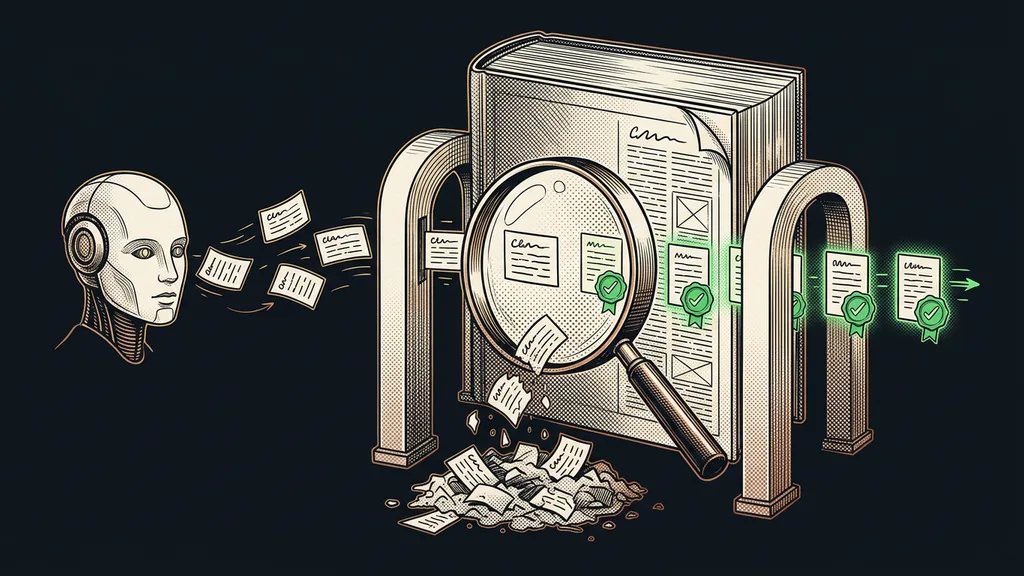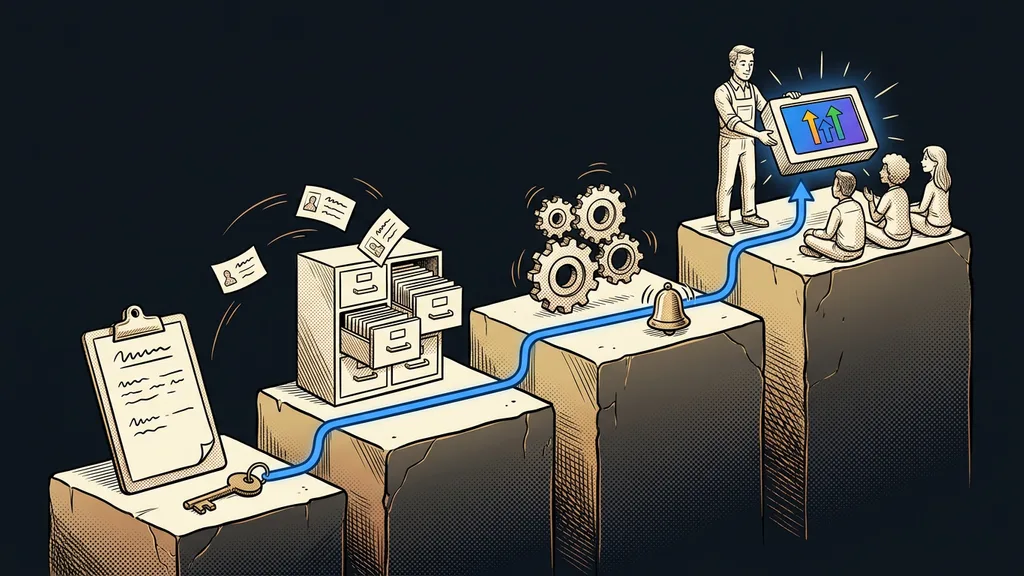
For coaches and instructors, GoHighLevel mainly fixes the mess between tools. Bookings run in one app, payments in another, emails in a third, and the course on a fourth platform. Each of them works. But the client moves between them alone, and wherever they get stuck along the way, that’s where you lose them.
At the first consultation, I ask instructors to draw their client’s journey on paper. The picture is almost always the same. A form on the website, a confirmation written by hand, payment by bank transfer, and the course password sent from a personal inbox. Four stops, three apps, and in between, an instructor holding it all together in their head.
Where instructors lose prospects
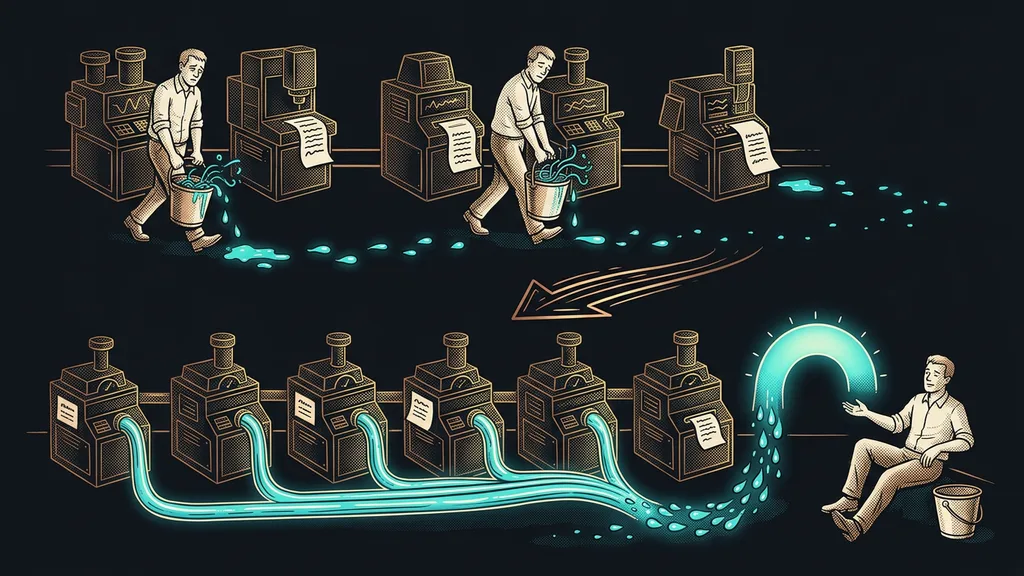
At the transfers between tools. Each app does its job well; it just knows nothing about the previous one. So someone else has to handle the move from one to the next: either you or the client.
Transfer
The point where a client leaves one tool and enters the next: from the form to the calendar, from the calendar to payment, from payment to the course. At every transfer, either someone retypes the details by hand or the client waits for a link. However many transfers your practice has, that’s how many places where interest quietly cools off.
A client buys the feeling that someone has been guiding them since the first message, more than any calendar or course. And that feeling breaks exactly at the transfers.
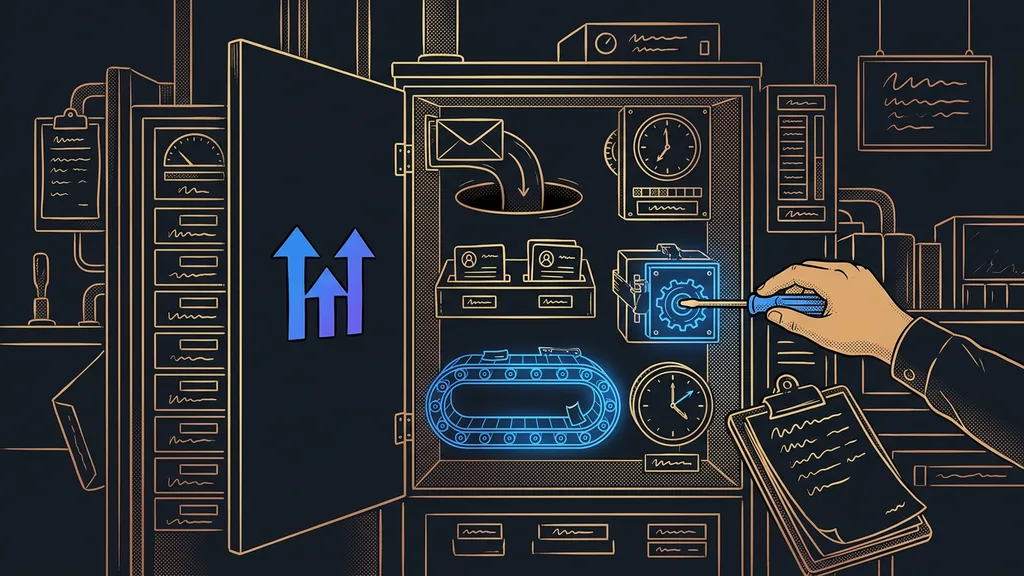
In GoHighLevel, the transfers disappear, because forms, calendars, payments, emails, and courses all sit on one contact database. From the first message, the client is one record in the CRM, and everything else simply gets added to it. One license covers the booking app, the email sending, and the course platform. As of early October 2026, GoHighLevel Starter costs $97 a month.
From the first message to the intro consultation
A prospect fills in a short form, picks a time slot themselves, and you find them in the pipeline in the intro consultations column. Nobody retypes anything along the way. If you collect prospects through a guide or a free mini-course, they land straight in the same CRM, tagged by where they came from.
The booking calendar offers only times that are actually free, sends a confirmation, and sends a reminder the day before. For a paid intro consultation, it asks for card payment right at booking. That way, nobody holds a slot just for the sake of it, and you get fewer empty chairs. The pipeline I build for instructors usually has five columns: inquiry, intro consultation, offer, client, and graduate. Each client sits in exactly one of them, so you can see at a glance who’s waiting for your offer.
The booking also starts a workflow with the Customer Booked Appointment trigger. The client gets a short questionnaire about what’s bothering them and what they’ve already tried, and their answers are saved to the contact record. So you don’t start the consultation from zero. Anyone who doesn’t show up gets a link to a new time slot the next day, so a missed consultation usually just gets moved.
Group classes and session packages
GoHighLevel handles both, just in different ways. A group class is served by a special calendar type, and a session package by a custom field on the client’s record.
Group calendar (Class Booking)
A type of booking calendar in GoHighLevel where several people can book one slot at the same time. You set a capacity, say twelve spots per class, and once it fills up, the slot stops being offered. It works for yoga classes, workshops, and group coaching.
GoHighLevel has no dedicated feature for a package of ten sessions. So I create a custom field on the client’s record for the sessions remaining. As soon as you mark an appointment as attended, the workflow deducts one session. When two are left, the client gets an offer for the next package. That’s the end of tallying marks in a notebook, and the client finds out the package is ending in time, rather than at the last session.
Ten minutes with a pencil
Draw the journey of the last client who bought a course or a package from you. Each tool is a circle, each move between them an arrow. Next to each arrow, write who did the work: the client, you, or the system. The arrows with your name on them are work GoHighLevel can do for you.
Payment and course access without unlocking anything by hand
The client pays and gets into the course on their own, without an email from you with a password. GoHighLevel takes card payments natively through Stripe. If you need GoPay or Comgate (Czech payment gateways) or a Czech invoice with an IČO (the Czech company ID number), you connect FAPI (a Czech invoicing and payments tool). I’ve covered both routes for payments in GoHighLevel separately.
The course then lives in the same account, where lessons, the community, and recordings sit under your brand. The product in the order is paired with the course, and access opens after payment. For a community, I add one more workflow step that adds the member to the group, because the order alone won’t do it. For subscriptions, the new Payment Failed trigger watches for failed payments. The client gets a polite reminder, and you get a task.
The GoHighLevel admin is in English. But the client sees only what you write for them: pages, emails, and forms built in Czech. The exception is the booking widget, whose English buttons get a translation added. Session summaries and homework for next time are a job for artificial intelligence, which I write about in my article on AI for coaches and instructors. GoHighLevel gives it a solid framework to build on.
When a calendar and a spreadsheet are enough
An instructor with a few regular clients who book their next session at the end of each one doesn’t need GoHighLevel yet. Setting it up would just cost them an afternoon. The same goes for anyone still coming up with a course who hasn’t sold a single spot in it. First, make sure someone actually wants the course. The system comes after that.
Be careful about moving mid-program too. I don’t move participants of a group that’s currently running until the program ends. I switch on the new system only for the next run, so nobody’s login changes halfway through the course.
The whole system in a nutshell
- A prospect fills in a form or downloads your lead magnet and shows up in the pipeline.
- They pick a slot for the intro consultation themselves and, if it’s paid, pay right away.
- A calendar with a capacity handles group classes; a custom field and a workflow handle session packages.
- Payment through Stripe or FAPI unlocks the course and sends a welcome email.
- A failed subscription payment triggers a reminder instead of sending you digging through bank statements.
In the end, two arrows are left on that sheet of paper: one from the client to you and one from you to the client. One account handles everything in between. If you don’t want to build it yourself, I’ll set up GoHighLevel for you, from the first form to the first unlocked lesson, and the whole time you talk directly to me. We’ll start with paper and a pencil.