A dubbed video has one strange flaw. The sound fits, the voice fits, the language fits, but the mouth on screen still shapes the original Czech words. Viewers can’t name it, but they sense something’s off. And lip sync is the feature that promises to remove this flaw.
I went in assuming a better model means a better result. I ran the same brief on two different shots and got the exact opposite of what I expected. On the sharp shot, the expensive, detailed model won. On the soft shot, it produced the worst mouth of them all.
Lip sync fixes the mouth, not the video
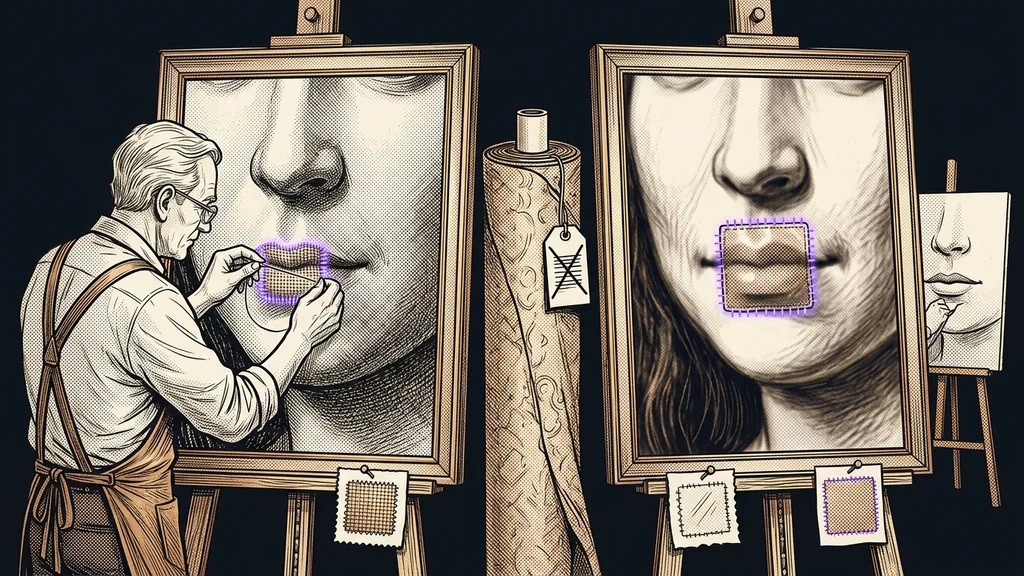
Lip sync is an intervention in one small spot in the picture, not an upgrade to the whole video. Everything around that spot stays the way it was. That’s exactly where the main problem comes from.
The redrawn mouth has to blend in with its surroundings. If it differs in sharpness, skin tone, or level of detail, the eye finds it within a second. Just like with images that need to hold one consistent style, what matters is how well it fits its surroundings, not the quality of the piece itself.
And the mouth isn’t the only thing that doesn’t match. Gestures, head movements, and the expressions around the eyes stay tied to the original speech, so some of the mismatch always remains in the shot.
Lip sync
Redrawing a speaker’s mouth to match a new audio track. The model gets the finished video and the new audio and calculates the mouth shapes from the speech sounds. The rest of the picture, including the eyes and the expressions on the rest of the face, stays unchanged.
Lip sync shouldn’t be noticeable. The moment a viewer sees it, it’s worse than the mismatch it was supposed to fix.
The source quality decides, not the model’s name
The original shot decides the result, not whether you reach for the most expensive model on offer. Yet people almost always choose the other way around, by the price list.
With high-quality footage, the expected ranking holds. Sharp picture, good light, a large and steady face: there, the detailed models really are the best, and the mouth blends in. With soft footage, it flips. The model tries to draw detail that isn’t in the rest of the picture at all, and the result is a sharp mouth pasted onto a blurry face.
It sounds like a detail, but in practice it decides the fate of the whole library. One and the same process gives opposite results on two different shots. That’s why you can’t pick a model once and for all and then just keep feeding files into it, the way you’re used to with automatic video editing.
If your videos are made inside one platform, you can build this switch right next to the video generator. Sharp shots go one way, soft ones the other, and nobody has to decide all over again every time.
Soft vs. sharp footage
Sharp footage has detail in the skin, lips, and teeth, and the face takes up a large part of the frame. Soft footage is blurrier: worse light, more distance, compression from a social network. The model has nowhere to get the detail from, so it makes it up.
A 30-second sample up front saves the whole batch
Never run your whole library at once. Take one shot, make a 30-second sample from it, and judge that first.
Don’t take the sample from your best-looking video, though. Pick the worst shot in your library instead, because that’s the one that decides whether you can use one process for everything. If the worst piece passes, the rest will too.
And judge them side by side. Play the original shot and the redrawn version right after each other, not two days apart. Memory for a face is short, and after two days you’ll talk yourself into almost anything.
Try it now
Open the finished sample and play it three times. First, watch the whole face. Then watch only the mouth, and finally shrink the video to phone size. If the mouth doesn’t catch your eye even on the second pass, you’re done. If it does, switch to a simpler model.
When it’s more honest to leave the mouth alone
Sometimes the right answer is not to use lip sync at all. The original mismatch is a flaw viewers notice and forgive, because they know it from ordinary TV dubbing. The decision is cheap, too. Dubbing without touching the picture is faster, so if the sample fails, you lose nothing.
A badly redrawn mouth is a different category. It gives the feeling that someone tampered with the video, and that feeling carries over to the content. For educational and sales videos, that’s a steep price for a detail almost nobody would notice anyway. The same applies here as with a system that checks its own work: knowing when to stop is worth more than pushing through at any cost.
Who lip sync isn’t worth it for
One group will never get anything out of it. If you film a talking head in a small window or handheld out in the field, you won’t get anything better, no matter what you pay. The source just isn’t there.
Short formats aren’t worth it either, since the cuts are fast and the face is on screen for only a few seconds. What’s left then is dubbing alone without touching the picture, which tends to be cheaper and faster. If you’re still choosing what to make your videos with, the overview of video tools also shows which ones offer dubbing and lip sync at all.
Billing deserves attention too. HeyGen offers a free plan with three videos a month, up to one minute each, and paid plans from $29 a month, as I checked in its price list on September 19, 2026. The catch is that you only find out how many credits a video eats after it’s rendered. All the more reason to do a sample.
The whole decision in a nutshell
- Look at the worst shot in your library.
- Make a 30-second sample from it, not from your best-looking one.
- With sharp footage, try a detailed model. With soft footage, try a simpler one.
- Judge the sample three times: the whole face, just the mouth, phone size.
- If the mouth draws attention, leave it alone and use dubbing only.
- Run the whole batch only after the sample is approved.
Let’s go back to that strange flaw from the beginning. The mismatch between sound and lips isn’t your video’s main problem. The main problem is the moment a viewer stops listening and starts examining the picture. Good lip sync doesn’t win by being precise. It wins by going unnoticed.