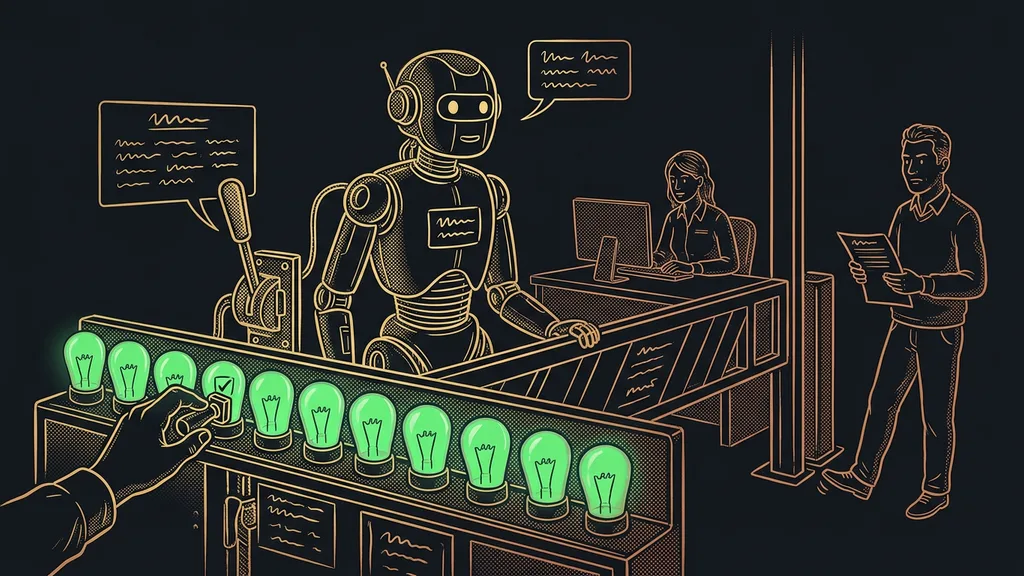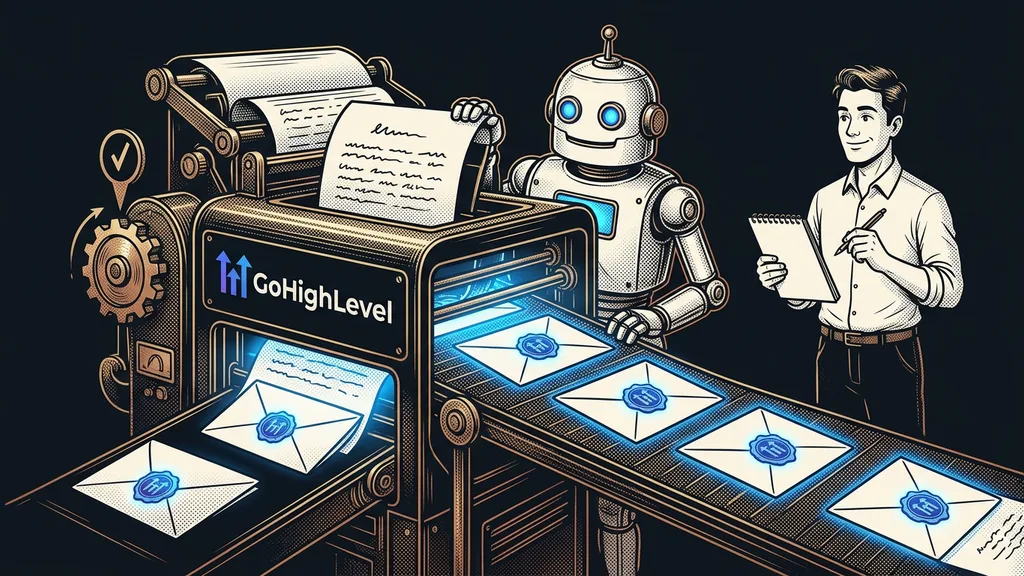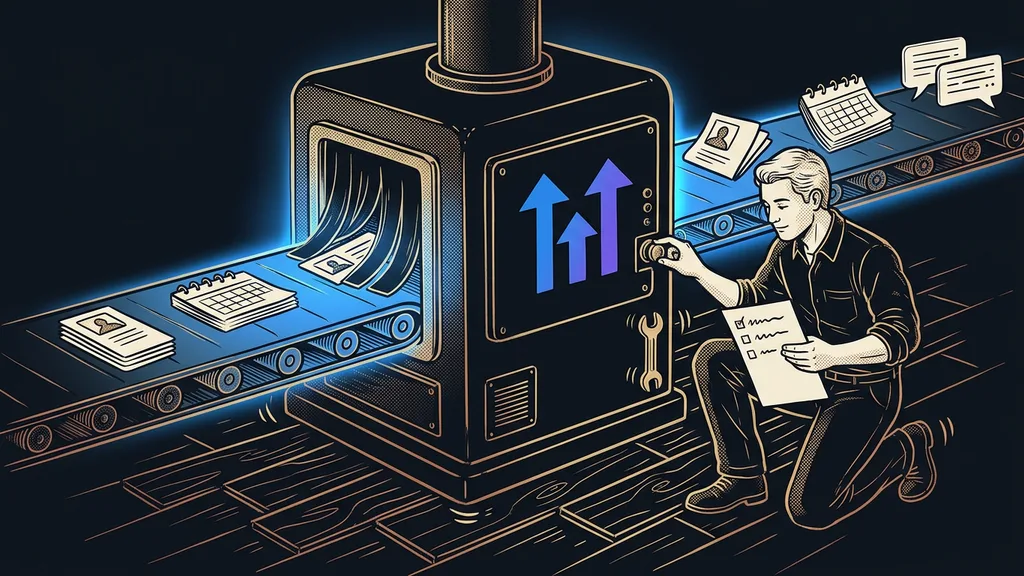
Two kinds of people mostly write about their GoHighLevel experience online. Some sell it on commission and praise every button; others gave up after the first week. My verdict falls somewhere in between: as the foundation of a small business’s marketing and sales, it works great, but the Czech language, support, and the pace of change make it a system someone has to look after.
I work with GoHighLevel every day. I set it up for businesses starting from an empty account, take over accounts from others, and fix whatever broke after an update. This is an honest view from day-to-day use, not a buying test. Whether the platform is worth it for you specifically, I cover in six questions to ask before you decide.
What works so well in GoHighLevel that I wouldn’t go back
What works best is one contact database under everything. A form, a calendar, email, text messages, and website chat messages all end up on the same contact, and each of those can trigger an automation.
What I enjoy most about GoHighLevel is the same thing that bugs me most about it: it never stops moving.
In practice, an inquiry from the website creates a contact on its own, puts it in the first stage of the sales pipeline, and sends a confirmation. When the customer books a slot, their contact moves one stage further, and a reminder goes out the day before. Nobody retypes anything from one window into another. I usually have a calendar with a confirmation and a reminder done in an afternoon, and a simple pipeline, too.
Sub-account
A separate account for one business inside GoHighLevel. It has its own contacts, calendars, automations, and phone number. Above it sits the agency account, which manages it and pays for it. A business that uses the platform only for itself spends its whole day right there.
The second thing I still enjoy is the workflow editor. Triggers, conditions, waits, and actions sit in one clear diagram that even a business owner can read. This year brought triggers I’d been waiting a long time for: a review received, a failed payment, and a half-filled form. I describe what to set up in the first week and what to leave for later in my beginner’s guide.
First gripe: Czech stops at the customer side
The GoHighLevel admin is entirely in English and has no Czech. Everything the customer sees can be set up in Czech: emails, pages, forms, the booking widget, and the chatbot. But even there, Czech runs into American habits.
The platform doesn’t decline names. It drops the name into the greeting in its basic form, so without some prep you end up writing “Dobrý den, Jan” where Czech grammar calls for “Jane.” Dates show up the American way, month before day. A text message with a single Czech accent mark shrinks from 160 characters to 70, and a longer message splits into several paid segments. And GoHighLevel’s own invoice lacks a variable symbol (the Czech payment reference), a company ID (IČO), and a QR payment code, so in my setups a connected Czech tool issues the invoices.
Your team will get used to English in the admin. Your customers shouldn’t have to. That’s why I also translate the parts of the interface they see from the outside, like the membership area or the community. I wrote down which places come first in my article on localizing a platform that doesn’t speak Czech.
Second gripe: support doesn’t know the Czech market
The vendor’s support knows its own buttons, but not the Czech market. It answers in English and can help with a technical bug in your account. Why a customer’s text message got split up, or how to connect Czech invoicing, is usually beyond it.
That’s one reason Czech white-label versions exist: the same platform under a Czech brand, with Czech support. I explain what that kind of solution involves and what to watch out for in my article on what a white-label CRM is. For the accounts I set up, I handle the handover and the later checkups myself, so the client doesn’t have to explain their automations to someone new every time.
Before you contact support
Record a short screen video that shows the error. Add the sub-account name, the automation name, and the exact time it happened. You’ll save yourself a round of follow-up questions, and often a day of waiting along with it.
What bugs me most: how fast the platform changes
GoHighLevel changes faster than you can read the release notes. Entries in the changelog on the vendor’s site pile up so quickly that hardly anyone reads all of them.
Moving floor
A system that changes under you without your permission. The button from your team’s how-to guide is somewhere else a few months later, the editor gets a new look, and a service gets more expensive as of a certain date. Nothing is broken here; that’s the price of a platform that evolves quickly.
A concrete example: according to the official changelog, new prices for voice services take effect on October 13, 2026. If you have voice AI set up or make a lot of calls, you should recalculate your usage before the first bill arrives.
The same speed also brings things that give you hours back. This year added AI-assisted workflow building and AI invoice layouts, so today I describe the skeleton of a workflow in a sentence and only fine-tune the details. After every major change, I run through three paths for my clients: an inquiry from a form, a booking, and a payment. It takes a few minutes, and I catch most nasty surprises before a customer does.
Who I wouldn’t recommend GoHighLevel to today
I won’t recommend it to a business where nobody wants to touch the system after launch. A moving floor needs someone who checks every so often that everything still holds.
The second case is a team that can’t handle an English admin and doesn’t want the Czech version either. The third is a business that wants a single feature from the platform, such as booking or email campaigns. For them, there are simpler alternatives to GoHighLevel, often Czech and cheaper.
My GoHighLevel experience in a nutshell
- Its biggest strength is one contact database under forms, calendars, and messages.
- Automations are quick to build, and even a business owner can read them.
- Set up the entire customer side in Czech, including greetings, text messages without accent marks, and Czech invoicing.
- Expect the vendor’s support to know the platform but not the Czech market.
- After every major change, run through an inquiry, a booking, and a payment.
If I were starting over, I’d pick GoHighLevel again. I’d just put a regular checkup in my calendar from day one, as routine as servicing a car. If you don’t want to do it yourself, you can hand the setup and monitoring of GoHighLevel over to me and always talk to the same person. Then each morning, you open an account where inquiries keep flowing into the pipeline, and someone else deals with the button that moved overnight.