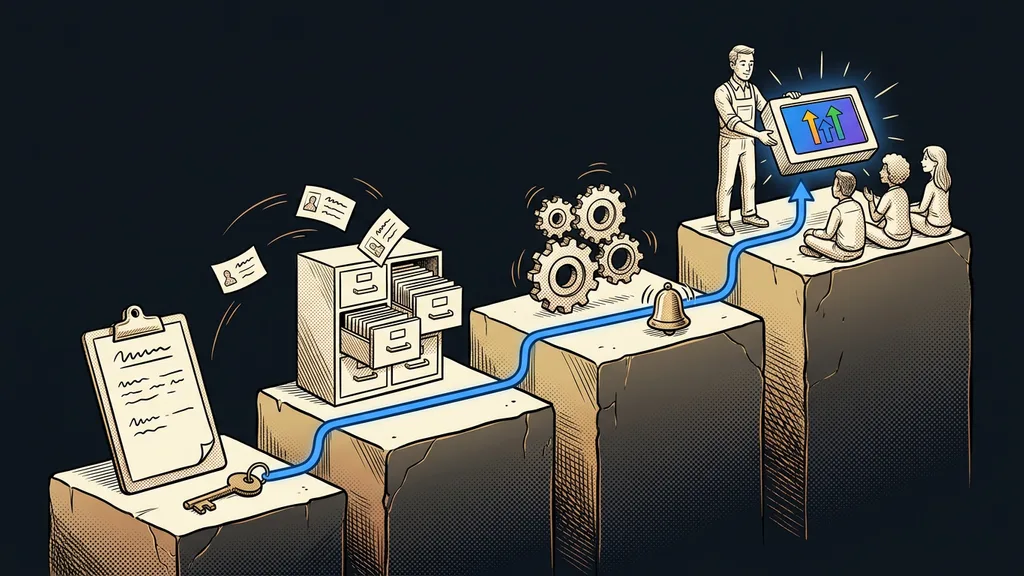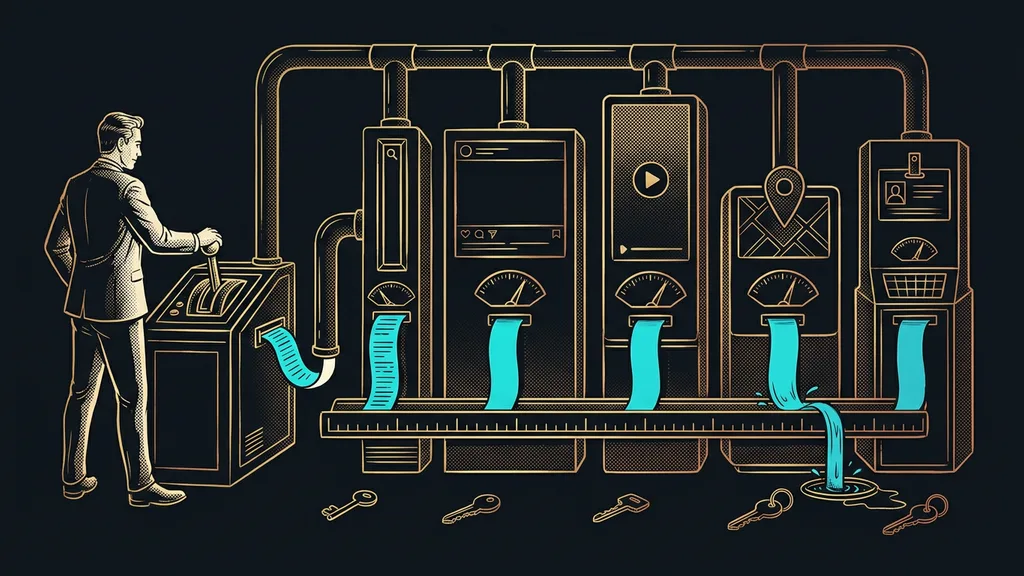
These days you can launch a course or a community in an afternoon. There are at least five places to build one, and each charges differently. The hardest part of choosing is a question almost nobody asks up front, and it has nothing to do with price: in that system, who owns your member’s contact details?
I see this all the time with clients whose systems I build. A community grows for two years, has hundreds of people, and the owner doesn’t have a single email address for any of them. Everything runs inside someone else’s platform. As long as nothing happens, nobody minds.
Ask where your member’s email ends up, not what it costs
A higher price can be earned back. A lost member database can’t. That’s why in this category I decide by a single criterion: what can I take with me if I ever decide to leave? Everything else (the look, the mobile app, and how easy payments are) comes second.
And a member’s contact is the same contact your sales live on. A CRM should put it to work, not just store it, so splitting people into two piles doesn’t pay off even for a small business.
You won’t find specific price lists in this article, on purpose. Course and community platforms change their pricing more often than any other category, and a number without a verification date is worse than none. The only number you’ll see here was verified as of September 19, 2026, and it’s in the fourth option.
| Where it runs | Who holds the contacts | What you pay | Where it creaks |
|---|---|---|---|
| Social media group | the platform, not you | nothing | someone else controls your reach |
| Course platform plus email marketing | you, in two databases | two subscriptions | matching lists by hand |
| Subscription community platform | the platform; export depends on the contract | one subscription | dependence on the vendor |
| Course inside your own CRM | you, in one database | one subscription | higher entry cost and setup |
| Your own website with a members’ area | you, completely | hosting and development | all the upkeep is yours |
In short: the less you pay to start, the less you take with you when you want to leave.
Your own database
A list of people you can reach even without the platform where you met them. You can tell by one thing: you can download it as a file and send an email from it somewhere else. If you can’t, the database isn’t yours. You’re just looking at it on someone else’s premises.
“We have almost two thousand people in the group. When I wanted to send them an invitation to a new course, I found out I had no way to write to them.”
The owner of a community that had grown for two years and was working great told me that. He didn’t do anything wrong. He just thought all along that those people were his.
A social media group: the fastest start and the most expensive ending
A group on Facebook or another network is the cheapest way to get a community going. You set it up in five minutes, and the people are already there, so you don’t have to invite anyone anywhere.
Best for: a first check of whether anyone cares about the topic at all.
The discussion takes off on its own, and for the first two months it looks like the best decision of the year. For testing an idea, it’s still the fastest route, and there’s no point writing it off.
Where it falls short: you’ll never get your members’ emails. An algorithm controls reach, so only a fraction of people see your announcements, and older content gets so buried in the feed that even members can’t find it. On top of that, paid access has to be policed by hand, because the group knows nothing about who sent you money.
What it costs you: nothing in money. You pay by having no record of your own people.
A separate course platform and email tool: two subscriptions, two databases
The second route is to take a ready-made course platform and send emails from somewhere else. That’s how most first paid courses in the Czech Republic come about.
Best for: a course creator who has already filmed the course and just needs somewhere to upload and sell it.
You upload the course, the platform handles payment, and an email marketing tool takes care of the rest from one place. Both parts are good at what they do, and together they run fine for six months.
Where it falls short: who bought what and who’s in which course has to be carried between two databases. As long as you do it by hand, there will be a mess, and it shows up at the worst moment: when a send goes to the wrong list.
What it costs you: two subscriptions and an extra hour a month matching lists.
Vendor lock-in
The state where leaving a vendor costs more than staying. It builds up gradually, usually without anyone intending it, as your content, your payments, and your people’s habits move into one place. It’s easy to spot: try describing how you’d move, and count how many members wouldn’t complete the switch.
A subscription community platform: ready-made, but not yours
The third option is ready-made community platforms. The members’ area, payments, discussions, and mobile app come in one package, and you don’t build anything.
Best for: a paid club with regular content, where you want to launch fast and don’t have your own system.
Memberships pay themselves, people have the app on their phones, and you only take care of the content. Of all five options, this is the most comfortable in the first year.
Where it falls short: exporting the database depends on the vendor, and not every vendor treats it as a given. It’s a question you have to ask before signing, not after a year of running, because afterward you have nothing to bargain with.
What it costs you: one subscription, which usually grows with the number of members.
How I choose
Before I look at the price list, I ask the vendor three questions. Can I download the member list with emails at any time? Will I keep the content in a usable form if I leave? And can I write to those people outside your platform? Three clear yeses mean we’re talking about a tool. Anything else means we’re talking about renting your own audience.
A course inside your own CRM: one database for sales and members
The fourth route is to build the course and the community right where you already keep your contacts. A member is then the same customer you know from orders, not a separate record in someone else’s system.
Best for: a business that already uses a CRM and doesn’t want another list of people next to it.
It works like this: courses and the community run under your brand inside the platform where you already have your contacts, payments, and emails. Paying opens access, canceling the membership closes it, and nobody retypes anything.
Where it falls short: the entry price is higher, and the setup isn’t a quick point-and-click job. It takes a few days of work before it all runs, and in the first month you pay for a system that isn’t earning yet.
What it costs you: one subscription, but a pricier one. According to the price list as of September 19, 2026, GoHighLevel starts at $97 a month.
Your own website with a members’ area: full control, full responsibility
The fifth option is to build everything yourself: the website, payment gateway, members’ area, and content on your own hosting.
Best for: someone with a strong reason to keep the data physically on their own servers and the resources to look after it.
It isn’t as expensive as it used to be, because you can build a website from a business description in an evening. You can do anything with it, and nobody tells you what to do.
Where it falls short: hosting, backups, updates, payments, and security are all on you. The savings on subscriptions usually get used up entirely, and you find that out in full during the first outage.
What it costs you: hosting is cheap, but your time isn’t. And that bill only arrives after a year of running.
One-minute self-test
Open the place where your people are today and try to download a list with emails within one minute. If you can, you’re fine. If you can’t find the button, you have the answer to this whole question and don’t need to read any further. And if you can download the list but it has no emails in it, that’s the same thing.
Who none of these options will help
For some people, it isn’t worth it, and it’s only fair to say so. Take someone who wants to run one short course a year for twenty people. A spreadsheet, an email blast, and a link to a video will do. Building a system for that is like renting a whole lecture hall for twenty people.
It also isn’t worth it if you don’t yet know whether anyone wants the content. You validate an idea in a group, not by building a platform. In fact, people who build before they have their first paying members usually finish building and then find out they have no one to invite.
And then there’s an honest caveat about the fourth route, the one I set up myself. Your own CRM with courses only makes sense where you can build income on memberships. I explain what GoHighLevel is and where its limits are elsewhere, including who it isn’t worth it for.
The whole choice in a nutshell
- Write down how many people you want in your community a year from now and what you’ll be sending them.
- For every platform, ask whether you can download the member list with emails.
- Without a yes, treat a group only as a test of the idea, not as your community’s home.
- If you already use a CRM, you’ll save the most by building the course right inside it.
- Choose your own website only where you have both a reason and the capacity to look after it.
- Open the price lists right before you buy, because in this category they go out of date the fastest.
Remember the community owner who had no way to send his invitation. For two years he made good content, and people were glad to come. He lacked just one thing, and it cost him all that work: a list that was his own. You judge a good platform by what you can take with you when you want to move on, not by how fast you can start on it.