GoHighLevel can collect Google reviews after every job on its own. Yet most small businesses still ask for them by hand and only now and then, usually from customers they happened to click with. They have plenty of happy customers behind them, but only a handful show up on Google. And a new customer choosing between you and the competition sees only that handful.
In accounts I take over from someone else, I almost always see the same picture. The Reputation Management section is turned on, the Google Business Profile is connected, and the review link is filled in. Yet the list of sent requests is empty, because nobody set up when and to whom the request should go. The tool is ready. It’s just missing a trigger.
Why happy customers don’t write reviews on their own
Because nobody asked them at the moment they’d have been glad to do it. Satisfaction is quiet. Someone whose bathroom you fixed or whose hair you cut leaves feeling good, and by evening they’re thinking about something else entirely. Someone who’s furious, on the other hand, will find their way to Google without any help.
Gratitude window
The short stretch after a finished job when the result is fresh in the customer’s mind and they’re happy with it. If a review request arrives right then, they’re far more willing to say yes. A week later, they have other things on their mind, and your request is just another unread message.
A happy customer doesn’t owe you a review. They’ll write one when someone asks politely while they’re still pleased with your work.
The principle is the same as replying to an inquiry within five minutes: timing decides the outcome more than the wording does. A request that arrives two hours after you hand over the job stands a completely different chance than a bulk email at the end of the month.
How GoHighLevel sends the review request on its own
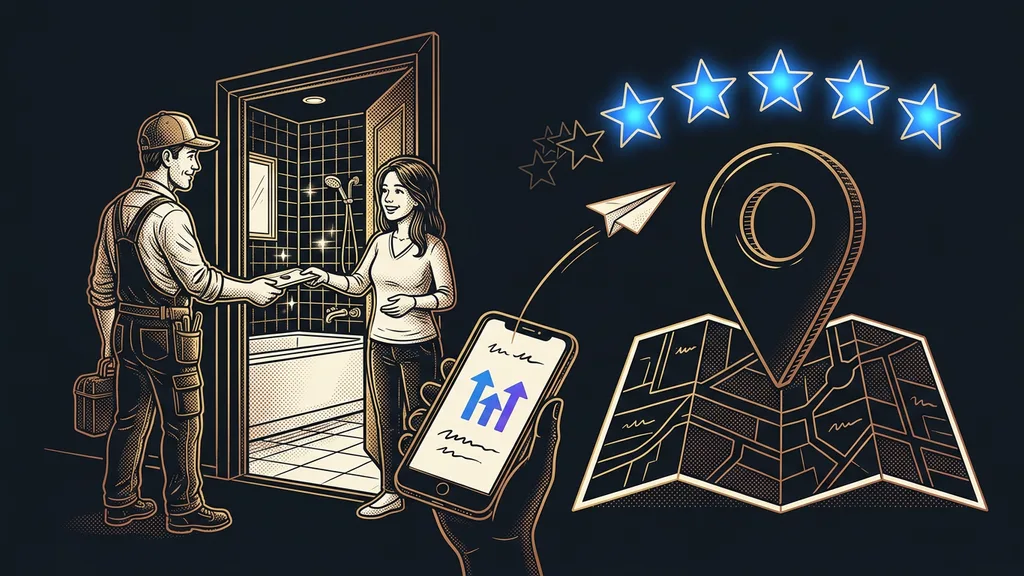
The request goes out through a GoHighLevel workflow that fires the moment the job is done. The trigger is usually moving the opportunity in the pipeline to a “Completed” stage, a tag, or a paid invoice. Then the workflow waits a few hours and uses the Send Review Request action, which pulls the link and the text from the reputation settings. Your customer gets an SMS or an email with a short request and a link that takes them straight to the stars.
I add one reminder a few days later, and that’s it. Anyone who doesn’t respond to the second message doesn’t want to write a review, and a third would only annoy them. For tradespeople whose hands are busy all day, this is the biggest relief. Nobody has to remember to ask for a review after handing over a bathroom.
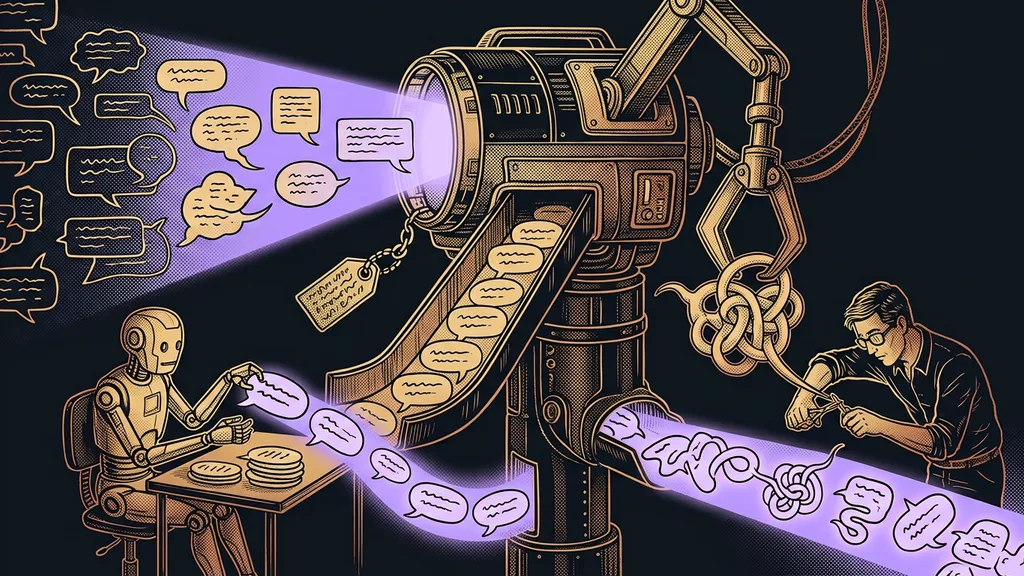
The most common mistake I fix in inherited accounts looks harmless. The request goes out from an ordinary email step with a link pasted in by hand. It reaches the customer, but the reputation overview can’t see it, so nobody knows how many requests went out and how many turned into reviews. The Send Review Request action counts toward the overview, and a plain email doesn’t.
Ten jobs back
Open your last ten completed jobs. Count how many of them got a review request within two days of handover, and how many of those customers actually wrote a review. If the first number is less than ten, you know exactly where to start.
What Google bans and what Czech law requires
Google wants businesses to ask all customers for reviews in the same way, without rewards and without pressure. That’s what its content policy for Google Maps says. Specifically, these are banned:
- A discount, gift, money, or free service in exchange for a review. The same goes for editing or deleting a negative one.
- Asking only happy customers for reviews and discouraging unhappy ones.
- Pushing for ratings right on your premises, or dictating what the review should say, such as an employee’s name.
- Reviews from your own employees, family, and business partners.
Review gating
A practice where a business first asks about satisfaction and sends the Google link only to those who answered positively. Unhappy customers get redirected to an internal form. Google explicitly prohibits this practice in its review policies.
This filter is exactly the trap businesses fall into most easily. GoHighLevel will technically let you build it, and some tutorials out there even recommend it as a clever trick. That’s why I keep the satisfaction survey and the review request as two separate things. Everyone gets the request. A low score on the survey just creates a task for the owner to contact the customer before they write about the problem publicly.
Czech law adds one more obligation. If you display reviews on your own website, say with a GoHighLevel widget, Section 5a(5) of the Czech Consumer Protection Act requires you to state whether and how you verify that they were written by real customers. Don’t deliberately hide negative reviews from the selection either, because the Czech Trade Inspection Authority asks about that during inspections. I’m not a lawyer, so if you’re unsure, I recommend the authority’s page on reviews.
How to reply to reviews, even the worst one
Reply to all of them: to positive ones briefly, and to critical ones by the next day and to the point. GoHighLevel pulls your Google reviews into a single screen, so you don’t have to keep an eye on them on your phone. The Reviews AI feature can write a reply and publish it on its own, with a delay so it doesn’t look automated.
Feel free to let it handle thank-yous for five stars. But I leave criticism to a person, because tone matters there, and so do facts the AI doesn’t know. I go into exactly where that line runs in the article on when the bot replies and when you do. Since this year, the new Review Received trigger helps too: an incoming review starts a workflow that sends you a notification and creates a task. Then get in touch with the customer privately first, and only after that reply publicly.
The reputation overview shows how you’re doing: how many requests went out, how many reviews came in, and how your average rating is moving. If you want reviews next to inquiries and revenue, add them to reporting in GoHighLevel. Within a month, it’ll tell you whether the requests are working.
Who an automated request isn’t worth it for
It isn’t worth it for a business that finishes just a few big jobs a year. If you build five houses a year, you can write five personal messages yourself, and your customers will appreciate them more than the best automation. It won’t help where jobs often end in complaints either, because a review request won’t settle a dispute. It makes sense once you’re finishing several jobs every week and asking for reviews gets lost in the rush.
The whole system in brief
- Connect your Google Business Profile and set a link that goes straight to the rating.
- Trigger the workflow when the job is fully done, and have it wait a few hours.
- Send the request to all customers the same way with the Send Review Request action, plus one reminder.
- Keep the satisfaction survey separate: a low score creates a task and doesn’t cut anyone off from Google.
- Let AI reply to positive reviews, and hand critical ones back to a person.
That way, every finished job leaves a trace on Google, even in a week when reviews never crossed your mind. If you want review requests in GoHighLevel set up right the first time, without the filter trap, you can book a GoHighLevel setup with me. From the first consultation to handover, you’re talking to the same person the whole time. A few weeks later, you open your profile and find, under your business name, the names of people you handed finished work to a month earlier.