Everyone’s singing AI’s praises these days. Small businesses, though, tend to just shuffle their feet. That’s because most guides assume a company with its own IT people and someone to roll the new thing out. A solo business owner who packs orders all day and writes invoices at night doesn’t recognize themselves in those guides, and walks away feeling that AI is, once again, just for the big players.
I hear it over and over in consultations: “AI is a nice idea, but that’s for big companies. We’re three people and an accountant on contract. Nobody here’s going to get that up and running.” Online store owners say it, and so do coaches, tradespeople, and hairdressers. And at first, it sounds reasonable.
But it’s the other way around. A small business is exactly where AI makes the most sense. A corporation has people for boring, repetitive work. You don’t. You pay for every inquiry you handle by hand and every invoice you copy out in the evening with the most expensive thing you have: your own time.
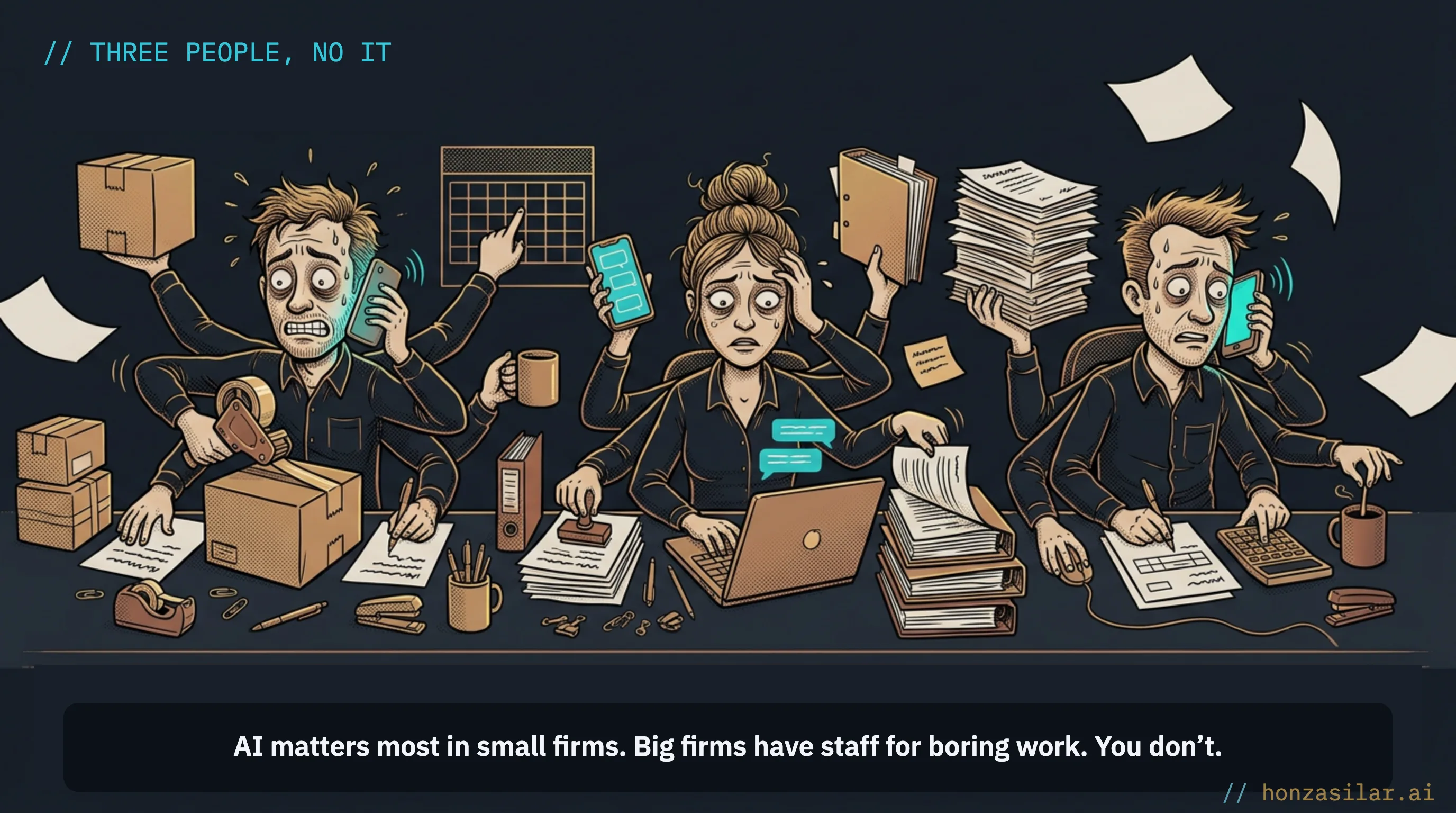
“I’d go for it. I’m just afraid I’ll buy yet another tool, spend two evenings watching tutorials, and it’ll still end up half set up.”
I hear this worry at almost every first meeting. And it’s justified.
Small businesses don’t lose money for lack of staff. They lose it by never finishing the setup
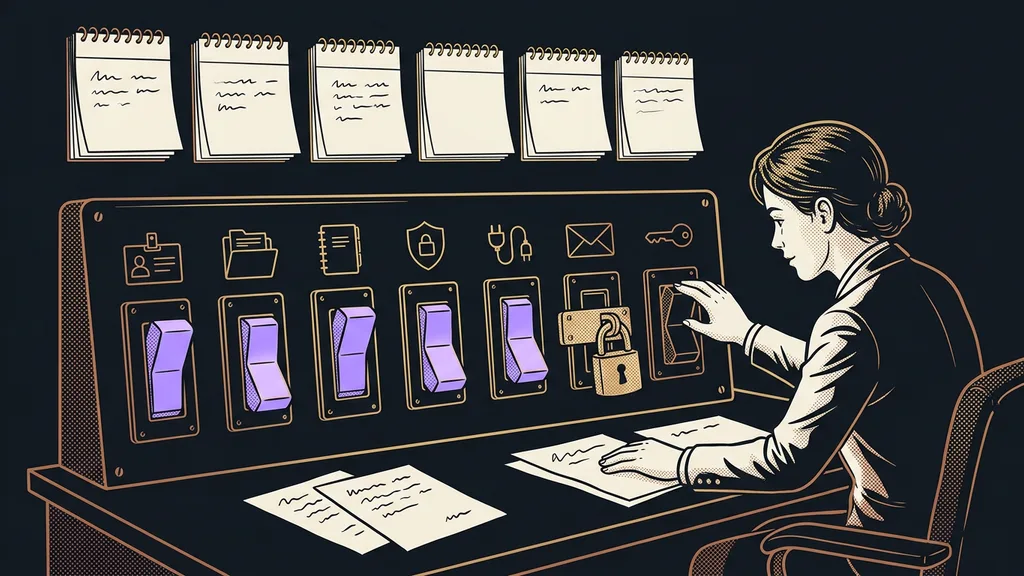
The difference between a business where AI saves time and one that just pays for it isn’t the budget, and it isn’t an IT department. It comes down to one thing: whether that first small thing got finished.
Why small businesses lose money on AI (and why others don’t)
Buys and never finishes
Signs up, opens an admin panel in English.
Needs half a day to figure it out, and never has it.
The tool sits half done and gets canceled in month three: “AI doesn’t work.”
Finishes one step
“Takes the load off in the very first week.”
Gets one small thing running, not a big transformation.
Once it saves time, adds a second step. Then a third.
Almost everyone knows the typical scenario. Somebody drops a tip: “Get this chatbot.” The business signs up, pays for the first month, and opens the admin panel. Inside, it finds an interface in English, dozens of settings, and an empty field where you’re supposed to type something. Figuring it all out takes half a day, and that half day never comes. The tool sits there half finished, the second month gets paid out of inertia, and in the third month it gets canceled. And the business walks away with the wrong conclusion: “AI doesn’t work.”
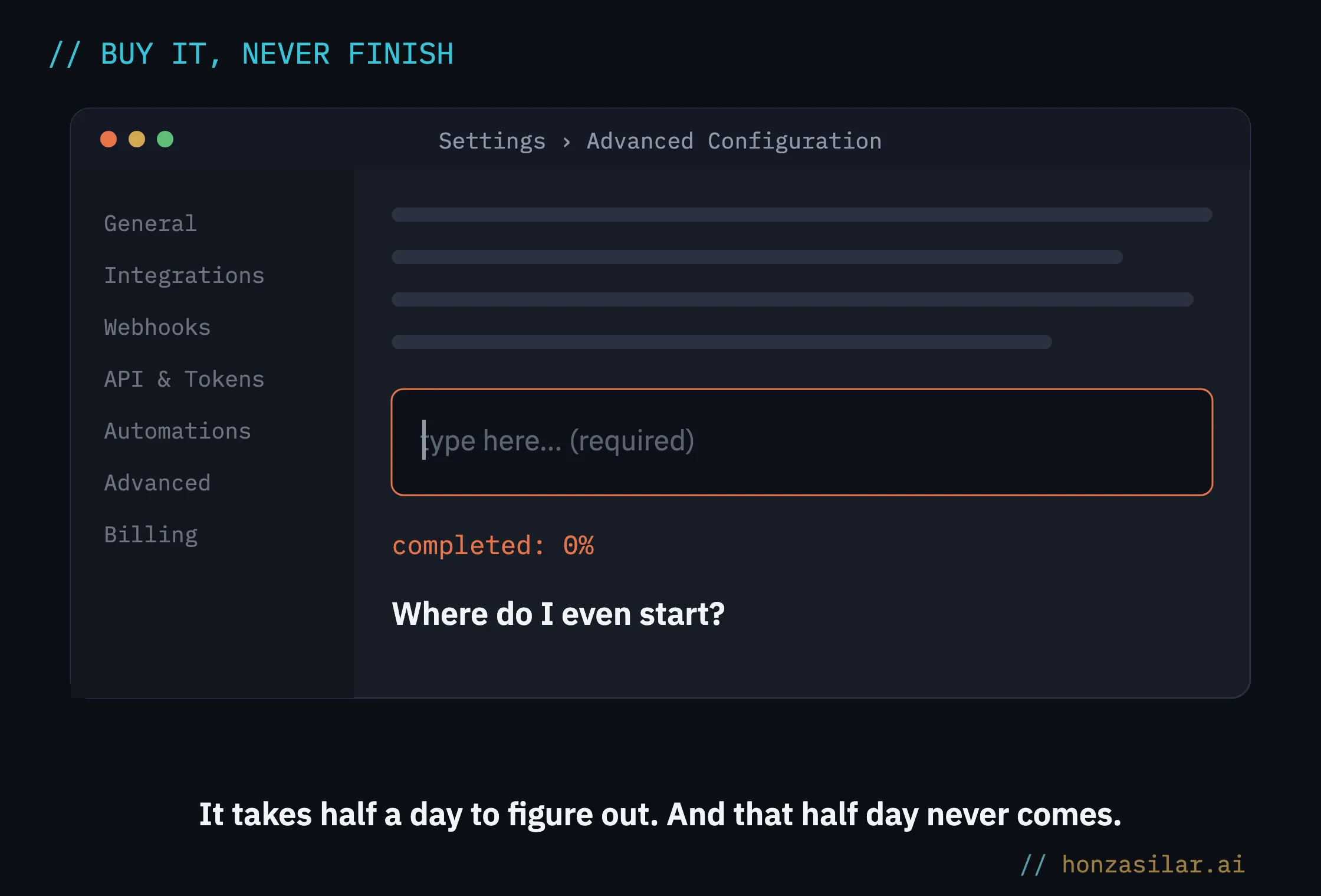
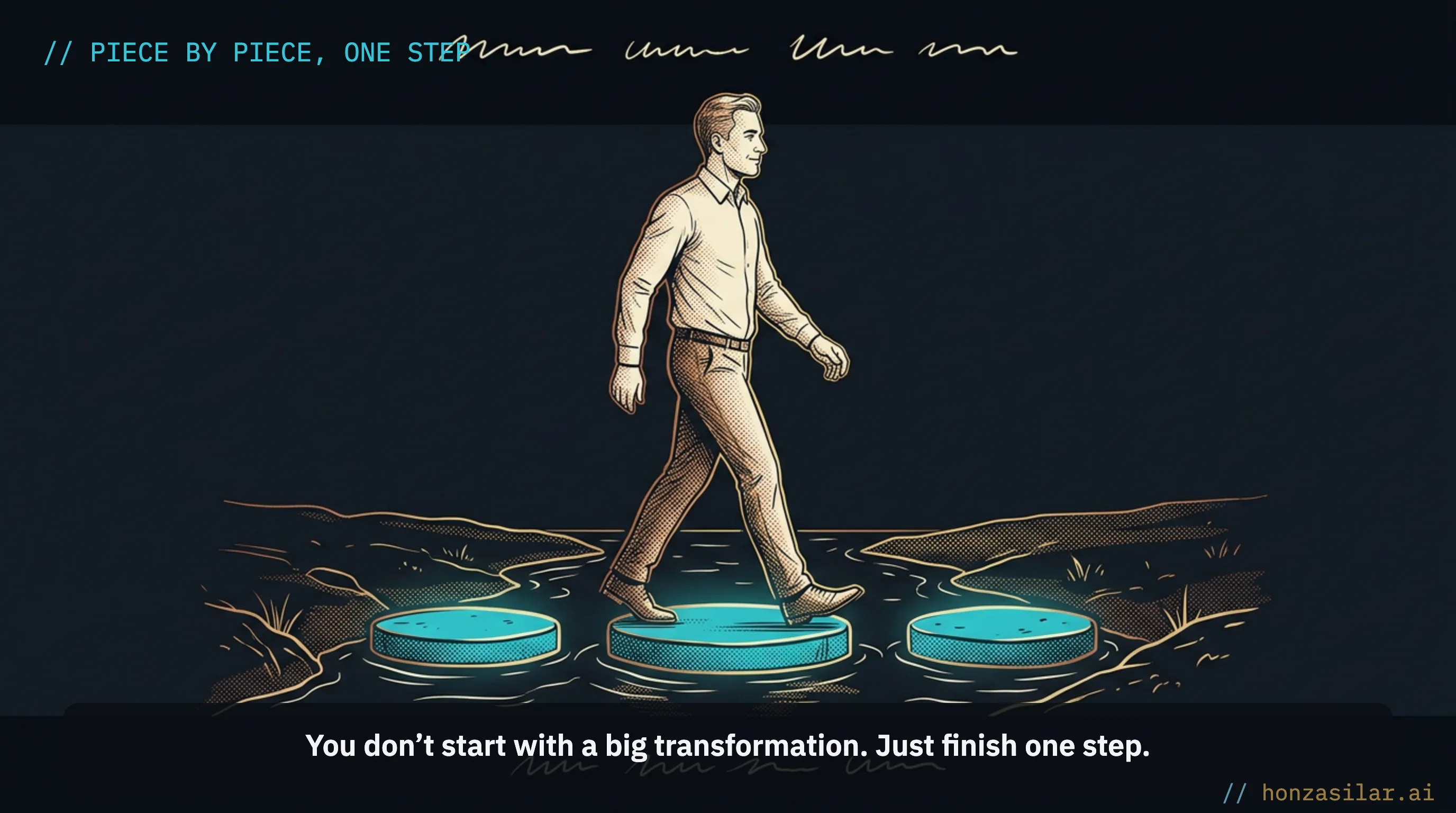
What failed wasn’t the AI. It was that nobody ever got around to setting it up. And here’s the good news: you don’t start with a big digital transformation or a year-long project. In a small business, AI gets going best piece by piece, and each piece takes some load off in the very first week. I cover how to approach it with a cool head separately. Here, you get three concrete steps. You can handle them without a developer, and one platform covers all three, for example GoHighLevel. So you’re learning one tool instead of three.
One-minute self-test
Take last week and write down three things you did over and over: the same questions, retyping by hand, digging things up. The one that annoyed you most is your first step. The other two can wait.
Step one: a chatbot that answers for you, in Czech, even at midnight
Start where you lose the most time: the same questions, over and over. How much does it cost, when are you free, how does it work. You know the answers by heart. You just can’t sit there answering them from morning till night.
Take a hairdresser. All day her hands are covered in hair dye, and her phone keeps beeping with the same messages: “Do you have anything free on Saturday?” and “How much are highlights?” A chatbot that speaks decent Czech takes these questions off her plate.
Conversation AI (chatbot)
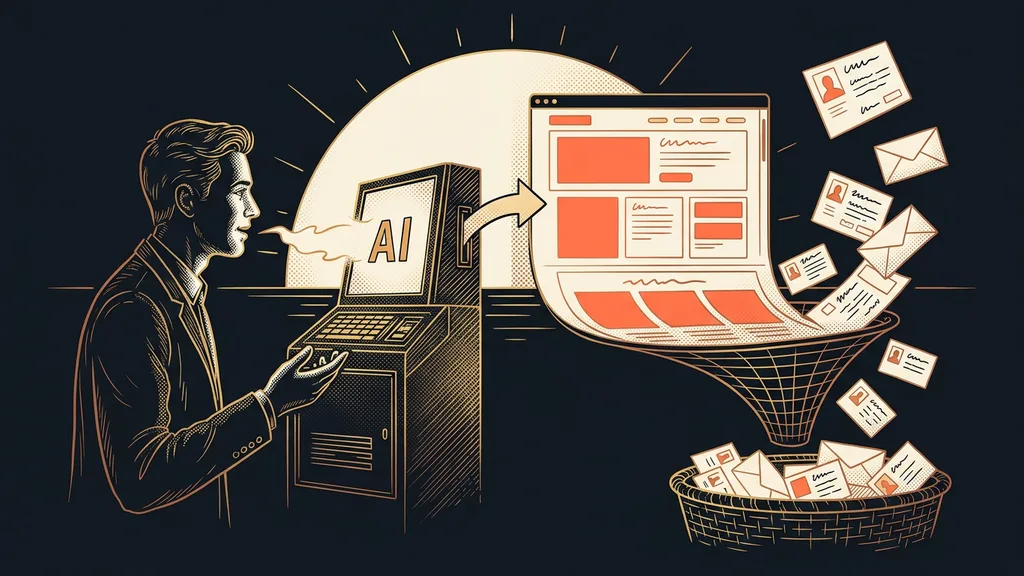
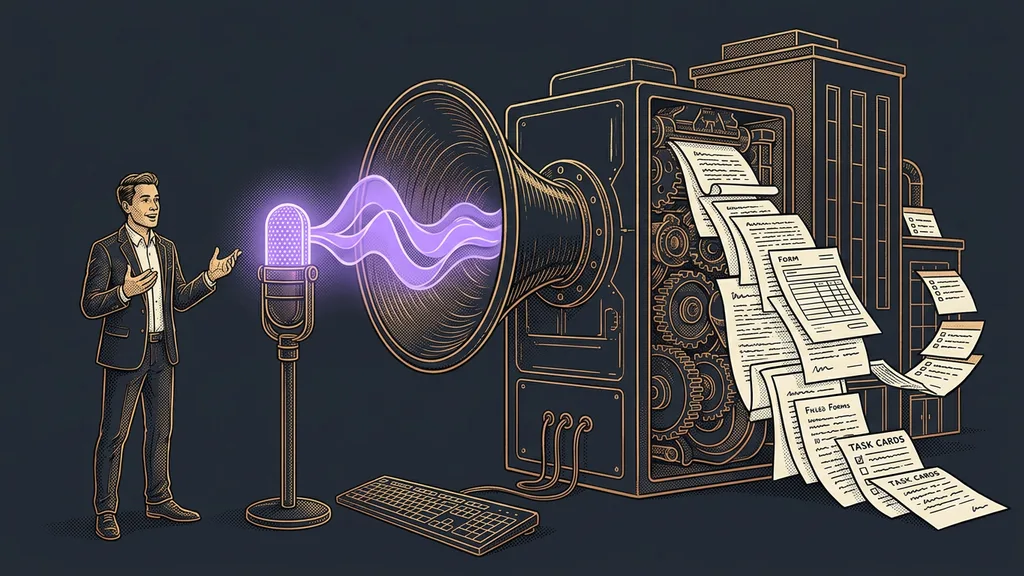
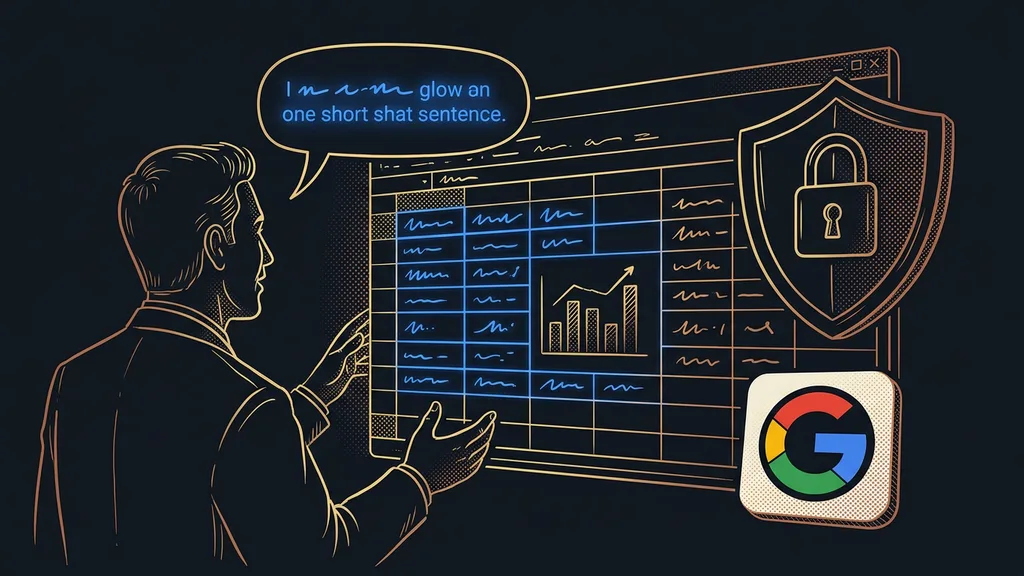
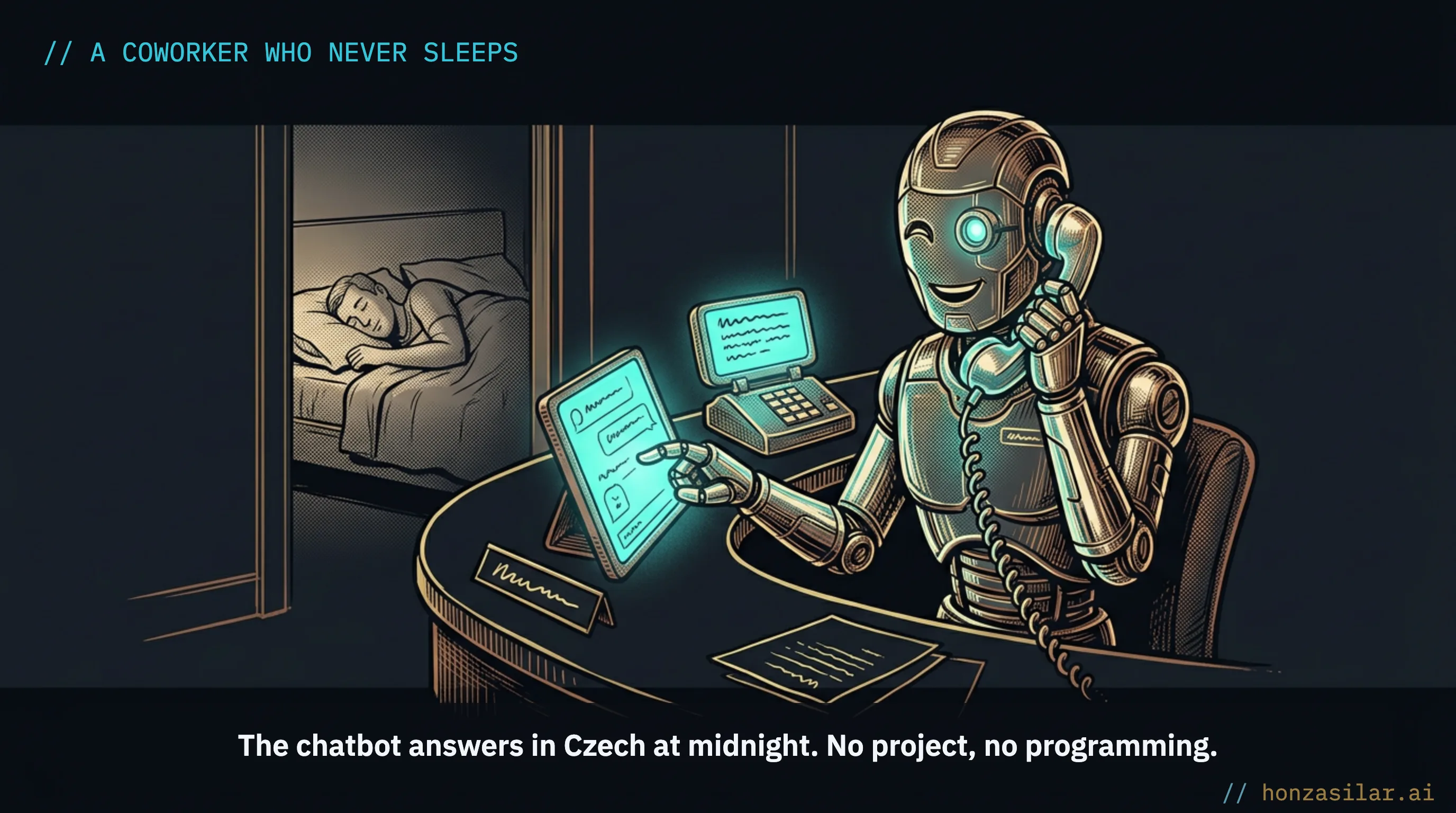
Conversation AI is a program that writes to customers in its own words instead of offering fixed buttons. You don’t feed it English templates. You give it your own materials, your website address, a few documents, and a list of common questions, and it answers from them in your language and your tone.
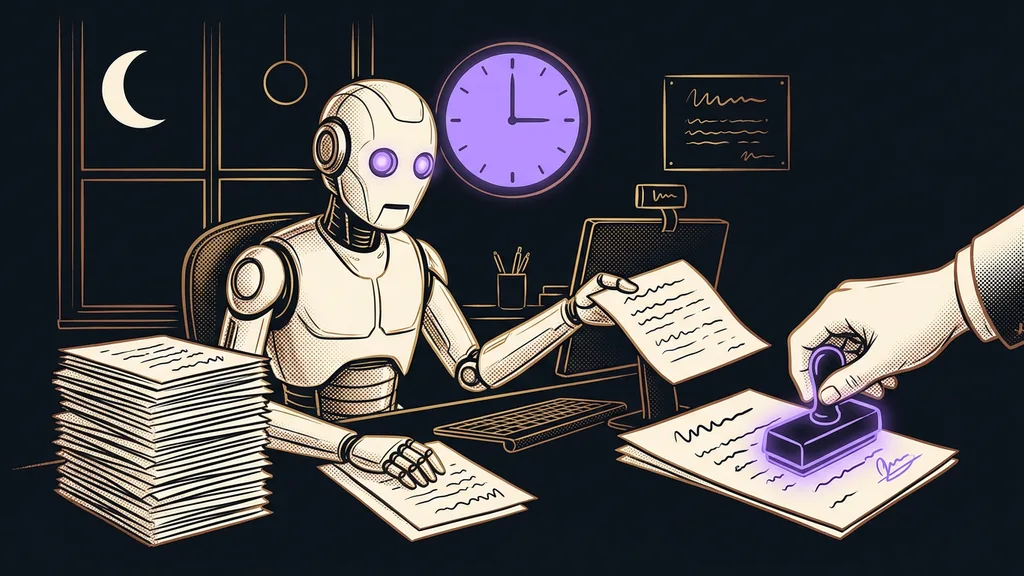
It sits on your website, on WhatsApp, in Messenger, and in Instagram DMs. And it doesn’t have to go full throttle right away: until you start trusting it, it can just draft a reply that you send yourself. No project, no programming: just a coworker who never sleeps and whose line is never busy.
Step two: one automation you’ll never do by hand again
Don’t start with ten scenarios at once. Pick one task you repeat the same way every time and hand it over to the system.
Take a carpenter who builds custom furniture. He used to copy every inquiry from his website form into a notebook, and sometimes he forgot about it the next day. Now the inquiry creates a contact by itself, the customer gets an email saying “I’ll get back to you within two days,” and the carpenter gets a task to call them. You build it by point-and-click, without a single line of code.
Workflow
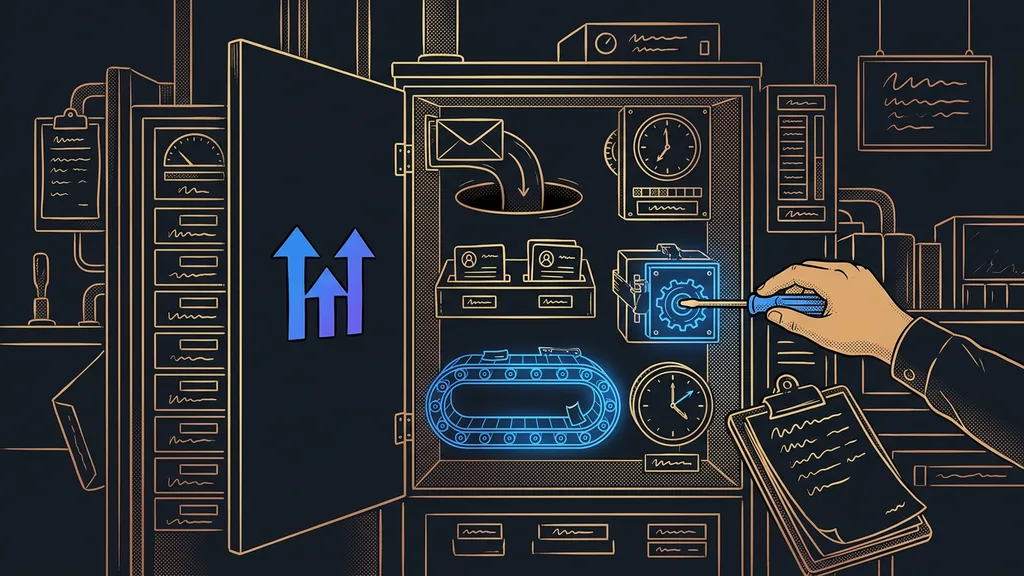
A workflow is a visual automation built as an “if this happens, do that” scenario. Instead of writing code, you line up cards for each step. You click it together, and from then on it runs the same way every time, without you.
There’s nothing miraculous about a single step. The miracle is that it runs every single time. An inquiry you’d have forgotten in the rush gets a reply within a minute, and you cross one item off your evenings for good. That’s exactly what automation looks like for a small business: no robot from a commercial, more of a quiet helper that reliably does one step for you.
Step three: invoices that issue themselves, correctly
The third stumbling block almost every small business trips over is retyping orders into invoices. The platform handles this whole step for you.
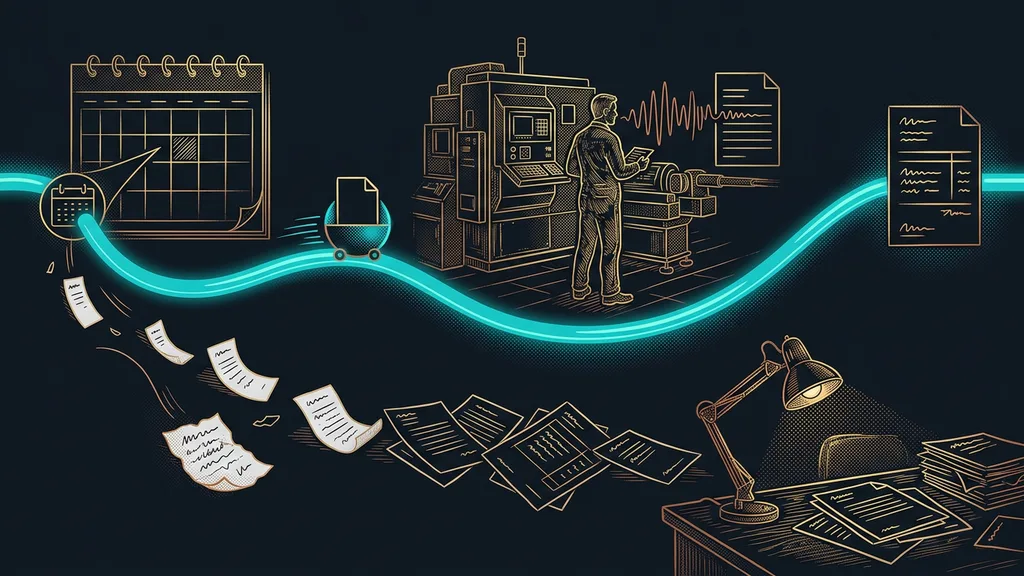
Sales pick up, orders keep coming in, and then you sit there retyping the name, address, company ID (IČO), and amount into your invoicing software. By the tenth invoice, the joy of the sale is gone. But as soon as an order goes through, a Czech invoice issues itself in FAPI or Fakturoid (two Czech invoicing tools) with everything it needs: the variable symbol (the Czech payment reference), the company ID, and the VAT number (DIČ). The customer filled in their details when ordering, so nothing gets retyped, and what isn’t retyped can’t get mistyped. The invoice exists before you even notice the order, whether it comes in at noon or late on a Sunday night.
The result
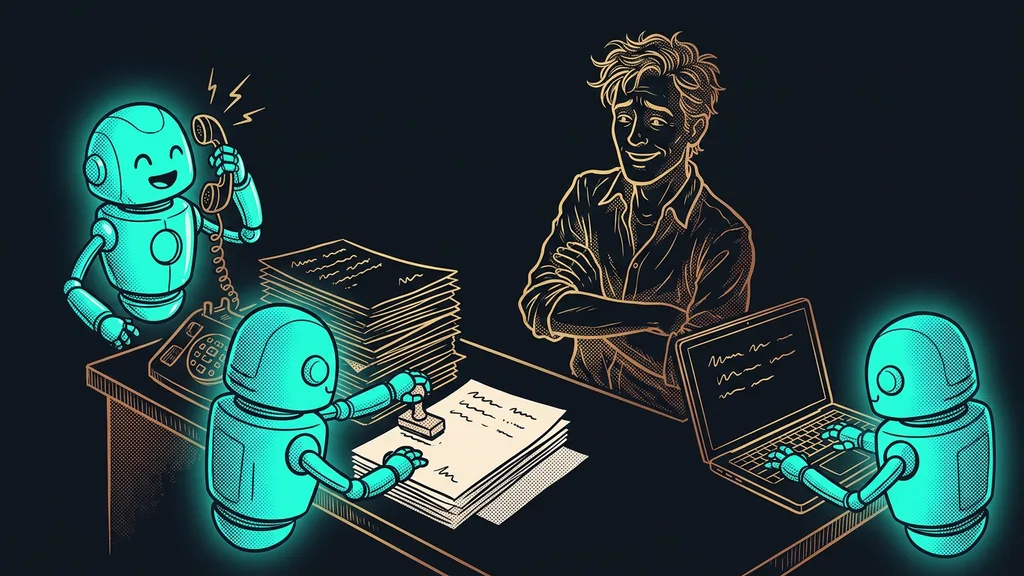
A customer sends a question and gets an answer, even while you sleep. An inquiry logs itself and doesn’t slip through the cracks. An order turns into an invoice on its own. Three things that used to eat into your evenings now run by themselves.
Three cheap steps any small business can start with
| Step | What it handles | Real-world example |
|---|---|---|
| Chatbot in Czech | The same questions, even at midnight | hairdresser: “anything free on Saturday?” |
| One automation | A repetitive task you do by hand | carpenter: inquiry → contact, email, task |
| Auto-invoicing | Retyping orders into invoices | online store: order → invoice on its own (payment ref., company ID) |
What it costs, and who it isn’t worth it for
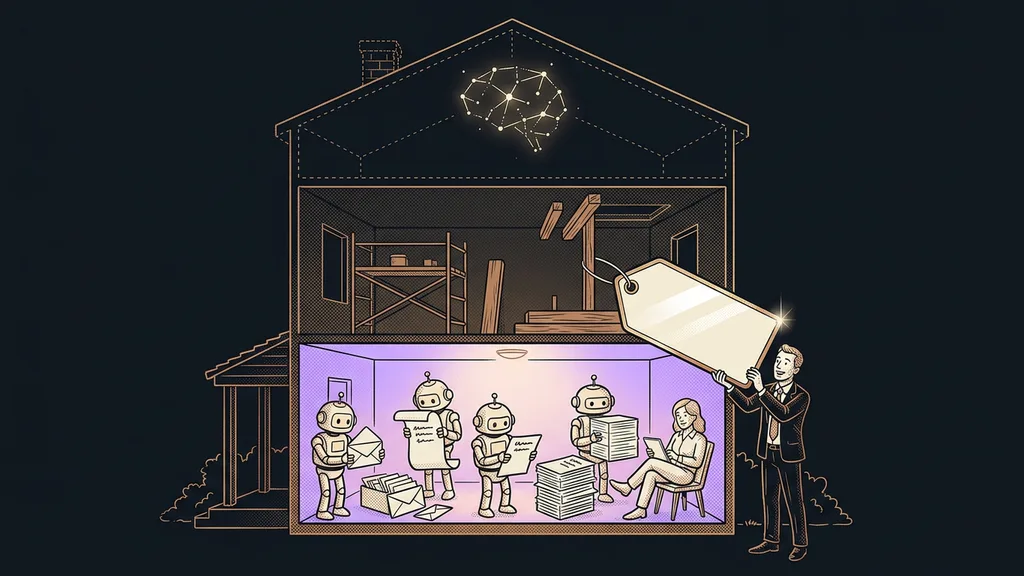
Now for the numbers that make you hesitate. All three steps run on one license of around CZK 2,000 (about €80) a month, which includes a CRM, email, calendars, automations, and the chatbot. You don’t pay for three services separately. Running the AI and sending messages is then paid by actual usage from a prepaid wallet. For a small business with a few hundred messages a month, that’s more like a few hundred CZK (around €10–20) than thousands. Sending one order to invoicing costs roughly CZK 0.25 (about €0.01).
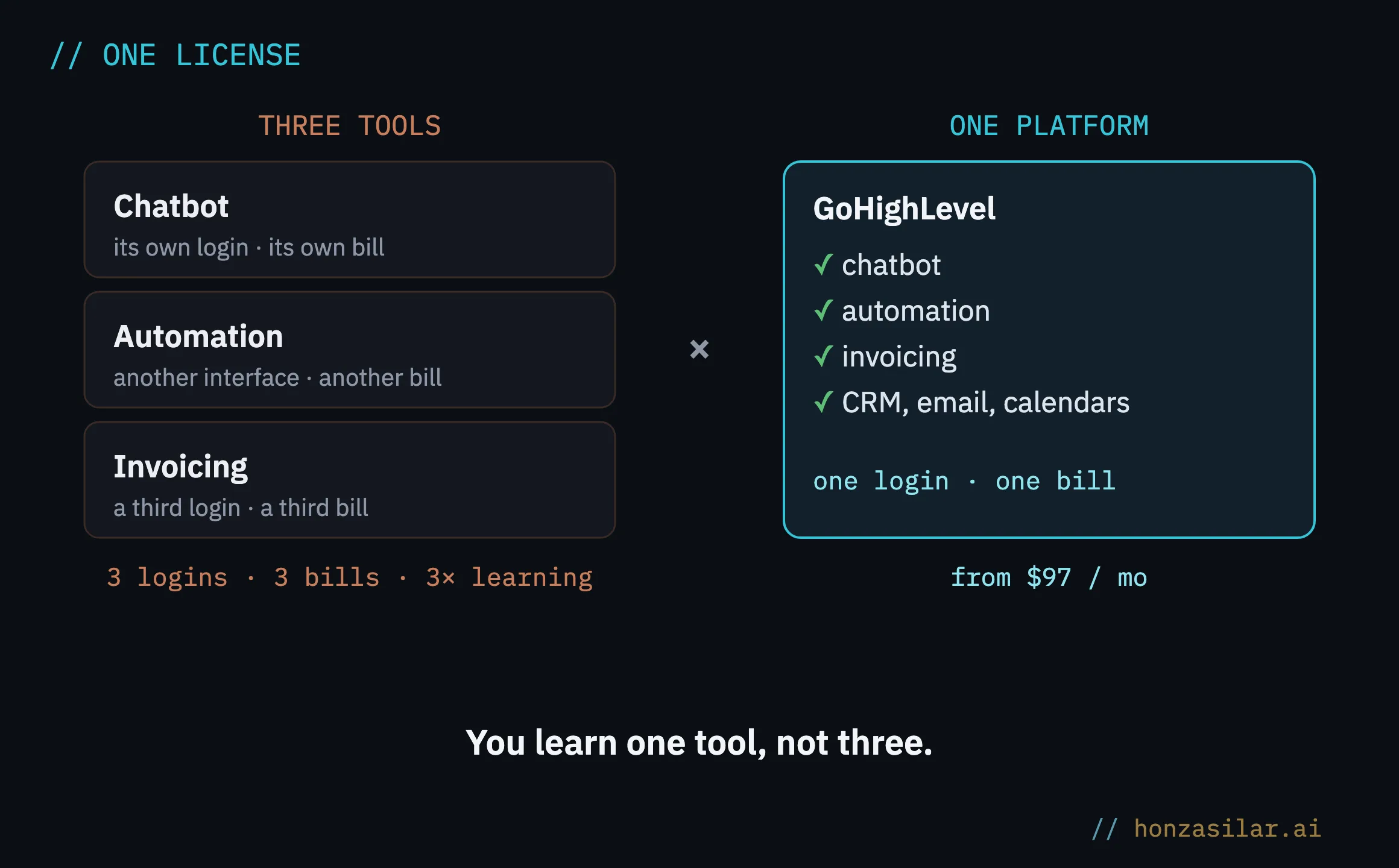
And who isn’t it worth it for? If you take two inquiries a month and write two invoices off the top of your head, a spreadsheet is enough, and this would be like setting up an IT department for a single printer. It pays off once the volume starts outgrowing you: when more questions come in than you can keep up with, and there are so many invoices that your evenings disappear into them.
The three most common small business myths about AI
The whole system in a nutshell
To sum it up, getting AI going in a small business looks like this:
- Pick the one thing that slows you down most today: questions, inquiries, or invoicing.
- Put one of the three steps on it: a chatbot, one automation, or automatic invoicing.
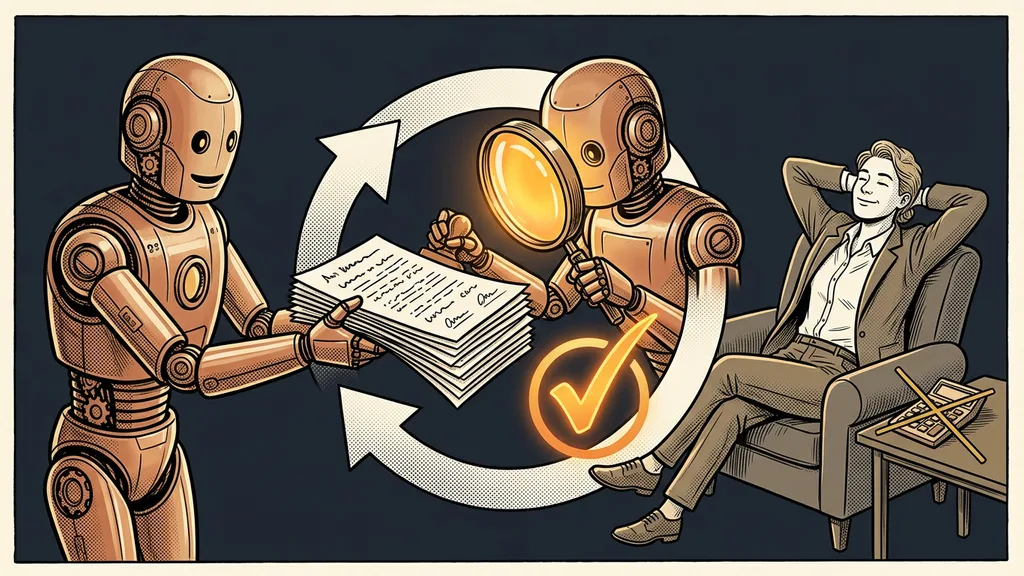
- Let that one step run by itself until you start trusting it, even if only as drafts for your approval.
- Once the first step saves you time, add the second. Then the third.
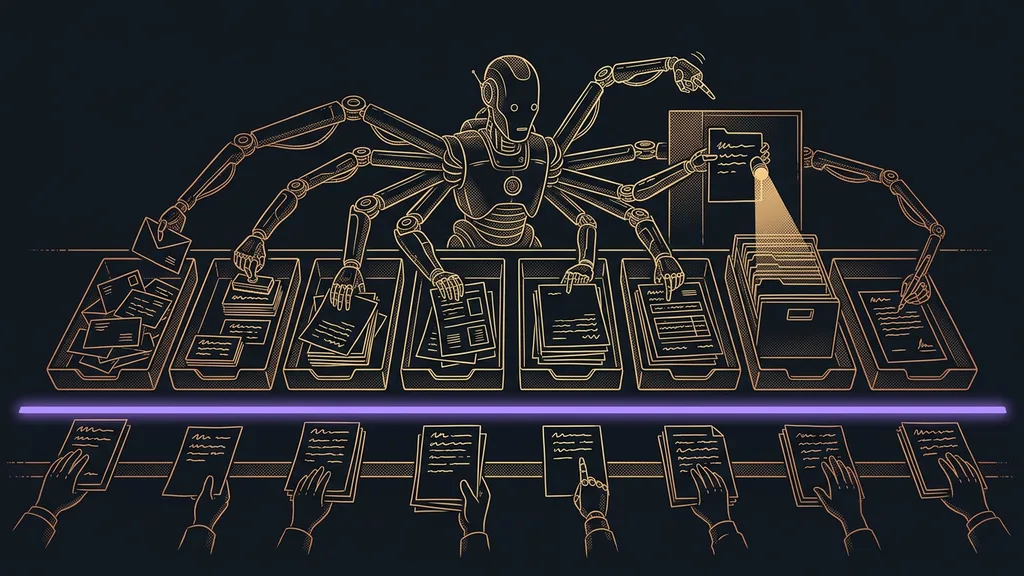
- One platform holds it all together, so you learn one tool, not three.
Getting AI going in a small business, step by step
And that line from the beginning? “AI is for corporations” is exactly backwards. A corporation has people who can handle the boring work without it. You don’t, which is why one automation that’s switched on takes more off your plate than a whole department does for someone big. No IT department required. Just get one small thing running all the way.