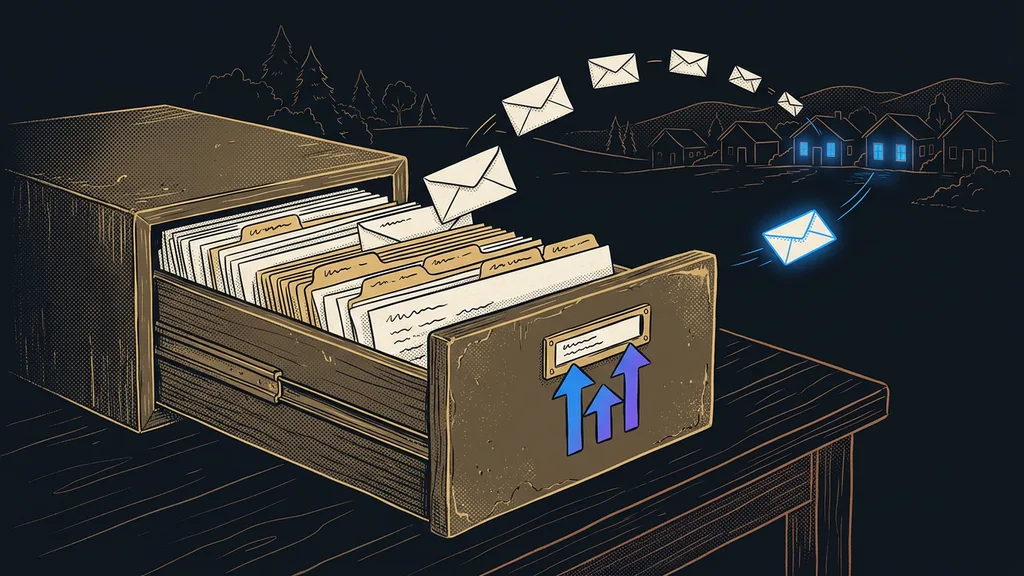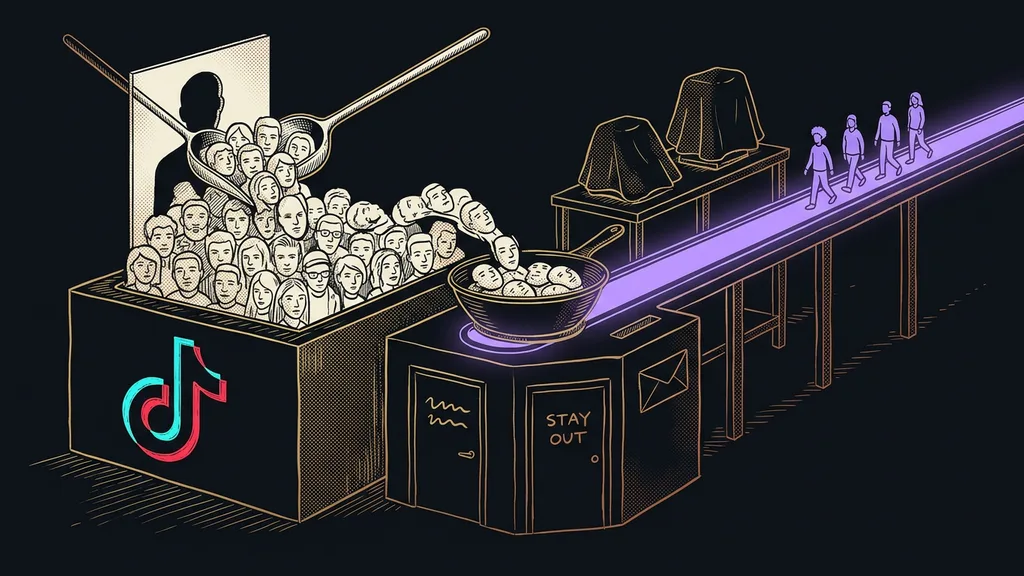
The most sensitive things in a company now go into AI windows. A quote for a client, a call transcript, a customer list, a timesheet. We paste them in within ten seconds and never look at them again. The question of where that data ended up usually comes up only when the first big customer asks about it.
I hear this over and over in consultations, and almost always only after a company has been using the tool for six months. That’s not carelessness: the answer simply isn’t written where people look for it, on the pricing page or in the tool’s own window.
What you give a tool matters more than what it can do
Tools differ less than it seems. Almost all of them run on the vendor’s servers, and almost all of them have your data only because you gave it to them. The difference lies in how much they ask of you and what stays behind once the work is done.
| Tool or type | What you give it | Where it sits | How to limit it |
|---|---|---|---|
| Chat window | whatever you paste in | with the vendor, usually abroad | paste a summary, not the whole document |
| Project on your own documents | entire documents you upload | with the vendor | upload only the material for one task |
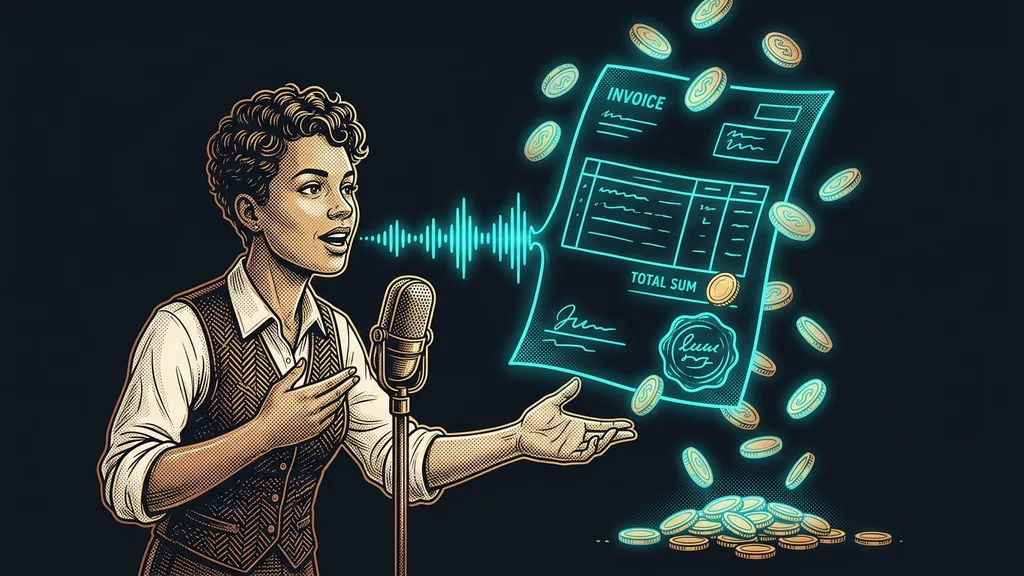
| Meeting transcription | the recording, including the other side’s voice | with the vendor | don’t record sensitive calls |
| Czech transcription of a recording | a finished audio file | with a Czech vendor | delete recordings after transcription |
| Transcription on your own computer | nothing, the audio goes nowhere | on your own disk | protect access to the computer |
| Website chatbot | your website content and customer questions | with the vendor | collect only the data you need |
| Bridge between tools | everything that flows through it | with the vendor, or on your own server | send only the fields the scenario needs |
| Video editing and generation | your footage and scripts | with the vendor | handle company material separately |
The table is a rough map, not a verdict. For half the rows, how sensitive the material you send is matters more than the tool itself. The same window can handle a quote for a job and a payroll summary, but the risk is different for each.
Data processor
A company that handles your customers’ data on your behalf and according to your instructions. AI tool vendors are often in this role, which is why you sign a separate data processing agreement with them. You know you have one because you signed it, not because it seems obvious to you.
Data leaves your company every time you open someone else’s window. What matters is whether you know where it goes, and whether what you put in fits that.
Chat windows and projects get exactly what you give them
This is the most widely used category and also the easiest to control. The tool knows nothing about your company until you type it in or upload it yourself.
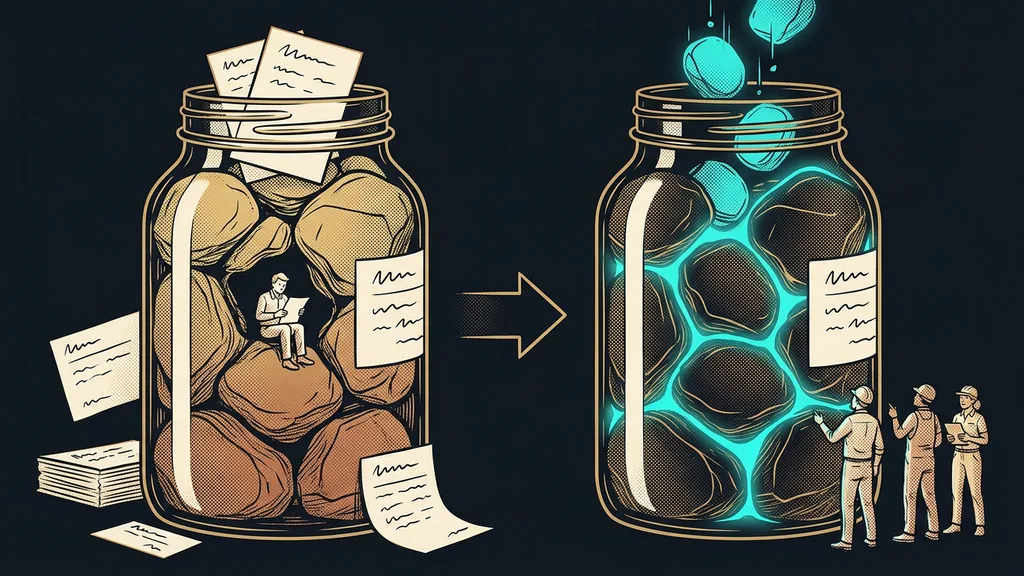
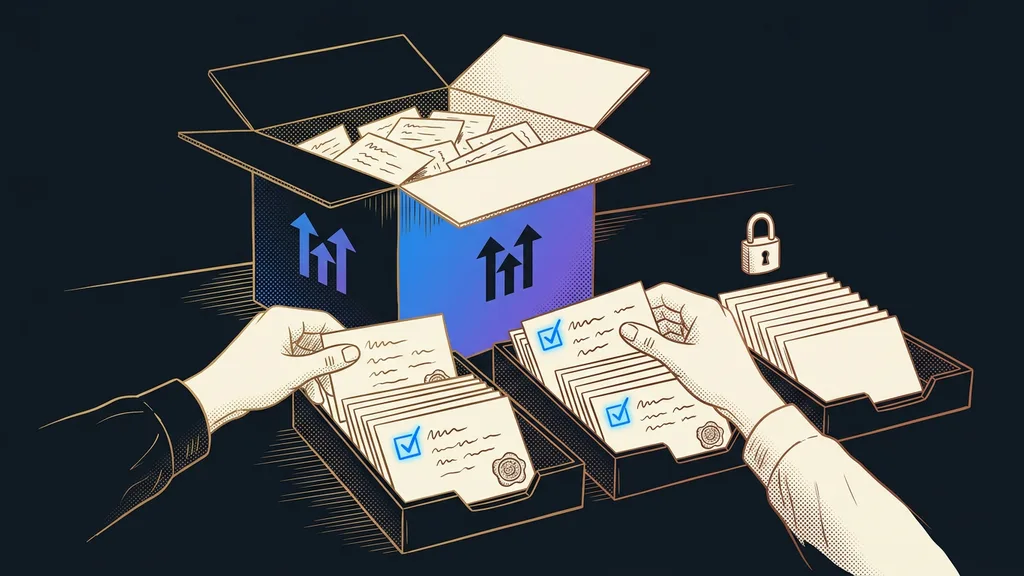
The difference between a chat and a project is quantity. Into a chat you usually paste a paragraph; into a project, a whole document with its attachments. Attachments are where people slip up most often: they upload a contract for the sake of one paragraph, and the vendor now has the whole document.
The good news is that a project doesn’t take anything on its own. You upload the material by hand, and it doesn’t sync anything from your disk. The tool then answers only from what you’ve provided, and that’s exactly the principle behind a knowledge base that falsehoods can’t slip through.
Training on your data
The difference between a vendor storing your text and its model learning from it. The first is how the tool normally runs; the second is usually an option in the settings or in the terms. It looks different for every tool and changes over time, so you verify it rather than guess.
Meeting transcription is the most sensitive, and few people treat it that way
This is where data ownership breaks down. With a chat, you send your own sentences. With a recording, you also send what the other person said. A customer, supplier, or colleague has to give you their consent, and mentioning it halfway through the call isn’t enough.
A recording also contains more than you expect. Besides the business numbers, it captures remarks, tangents, and off-topic comments. Transcription turns all of it into searchable text. For a meeting archive you can ask questions of, that’s the biggest strength and the biggest weakness at the same time.
Then there’s Czech. Some international transcription tools don’t support it at all or only in beta, so a company ends up with a different tool than it originally wanted. The decision about its data gets made in passing, because of the language.
One-minute self-test
Take the last three things you put into AI. For each one, answer a single question: who owns it? If the answer is “a customer” or “a colleague,” it belongs in the sensitive pile and needs its own rule. For me, it was two out of three.
A website chatbot collects your customers’ data
The chatbot is the only tool on the list that gathers data for you and without you. You give it your website content, and visitors supply the rest.
Whatever lands in your inbox also sits with the chatbot vendor: a name, an email, a phone number, sometimes a description of a problem that person wouldn’t share even with a friend. So collect only what you really need to answer. Every extra field is someone else’s data that you’re now responsible for.
Keeping things tidy on your side helps too. When a bot answers from a well-maintained answer library, it doesn’t need as many follow-up details from the customer. Fewer questions mean less data collected.
Bridges and automations see everything you let through
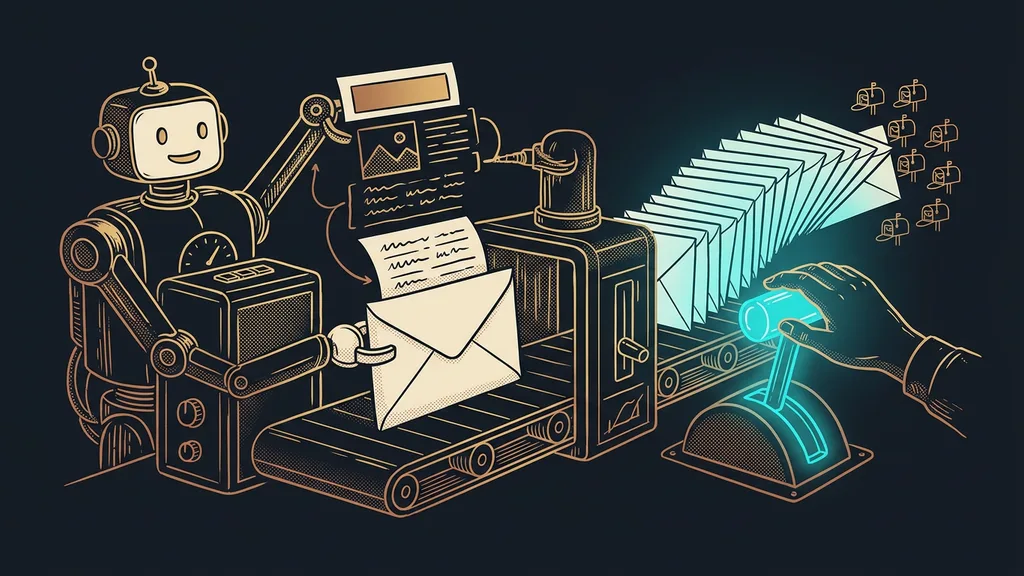
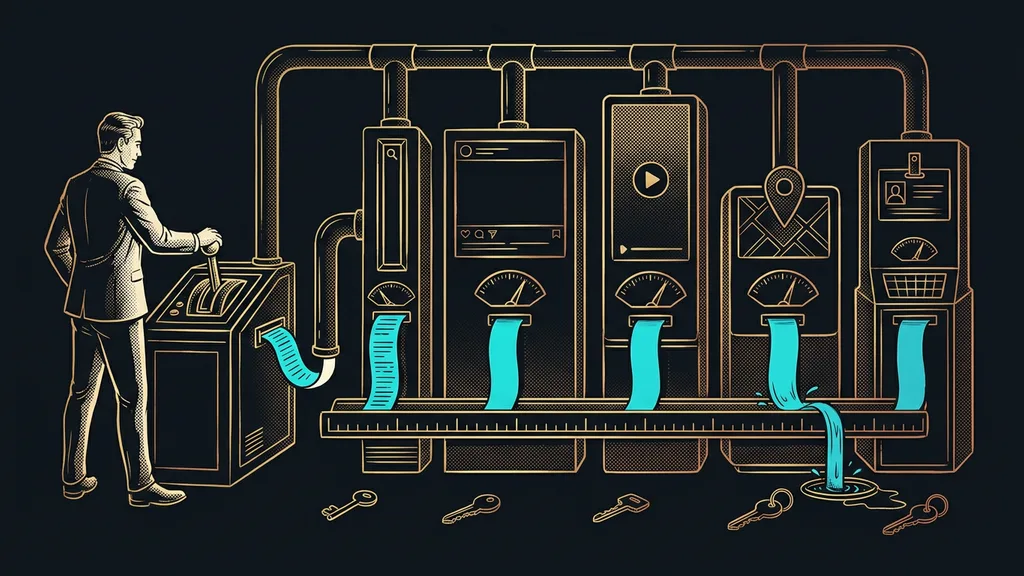
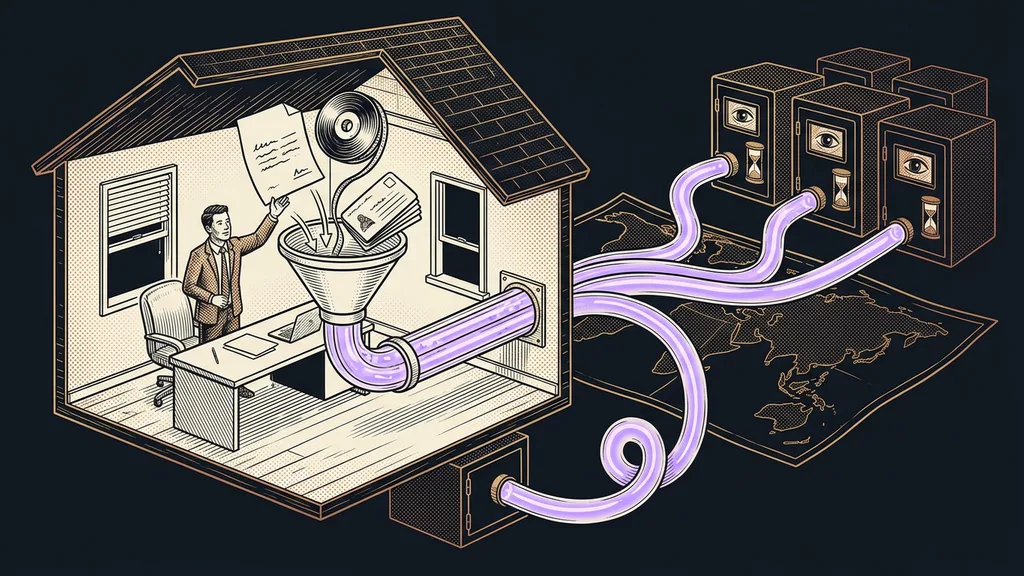
A bridge between tools is inconspicuous, yet more flows through it than through anything else. When a scenario transfers orders, the name, address, and amount pass through it, every time and in full.
A simple rule applies here: send only the fields the other side needs. Most ready-made scenarios send the entire record because that’s quicker to set up. Going through them and trimming the fields takes an afternoon.
There’s another way too. An assistant that works directly inside your company Google account doesn’t move the data anywhere, because it reaches into where the data already lives. That changes only who can see it, not where it moves.
Where data never leaves your company
There are two ways to keep data in-house, and both cost something. The first is an automation tool on your own server. The software is often free, but the server, backups, and updates aren’t. And someone has to look after them.
The second is transcription that runs right on your computer. The audio isn’t sent anywhere, which for sensitive calls is the difference between yes and no. You pay for it with computing power and time, because it takes longer than in the cloud.
Both make sense where you’re holding someone else’s responsibility: health data, payroll, material for big customers with their own rules. Elsewhere it’s an unnecessary hassle, and I’m happy to say that out loud.
The pricing page won’t tell you how long your data stays
This is the article’s honest admission. Retention periods aren’t listed on pricing pages, they change, and they look different for every tool. Any number I wrote here today could be different in a month, so I won’t write one.
So ask the vendor directly and get three answers: how long your data stays with them after you delete it in your account, whether they use it to train their models, and what you keep if you leave.
Get the answer in writing, not in a support chat. And keep in mind that responsibility for the result stays with you even when someone else’s tool did the work.
Who none of this will help
So who isn’t this worth the effort for? If you use AI for your own notes, ideas, and writing that’s going public anyway, five minutes in the settings is enough. Turning it into a project would be a waste of time.
It also won’t help anyone looking for a single tool that’s safe for everything. There’s no such thing. What’s safe is the decision about which material goes where, and no vendor can make that decision for you.
And then there’s the situation where the problem lies elsewhere. The company has strict rules for AI, yet people forward passwords to each other and hand out document links to anyone. There, AI is the least of your worries.
The whole overview in brief
- Sort your material into three piles: public, company, and other people’s.
- Other people’s material, meaning customer data and recordings, gets its own rule and its own tool.
- Paste a summary into the chat, not the whole document with attachments.
- With recordings, get the other side’s consent before you hit record.
- In automations, send only the fields the other side needs.
- Ask the vendor in writing about deletion, model training, and leaving.
When your first big customer asks where their data is, the question will only be uncomfortable if you’re hearing it for the first time. And the answer comes from the moment someone in your company opens a window and drops a file into it, more than from any contract. Good data handling is less about what you ban and more about knowing where each item goes and why.