These days the acronym CRM is used for three different things at once. To one person it’s a contact list, to another a pipeline of open deals, to a third an entire marketing setup under one login. A company buys a system based on that word and then wonders why things are missing. All it takes is knowing where a CRM starts and where it ends.
I hear it over and over in consultations. “We have a CRM,” the owner says, and opens a spreadsheet with 30 rows. Another time, I’m shown a paid system where the owner uses a single screen. Both are the same mistake, just from opposite ends. Nobody decided up front what they actually wanted from the system.
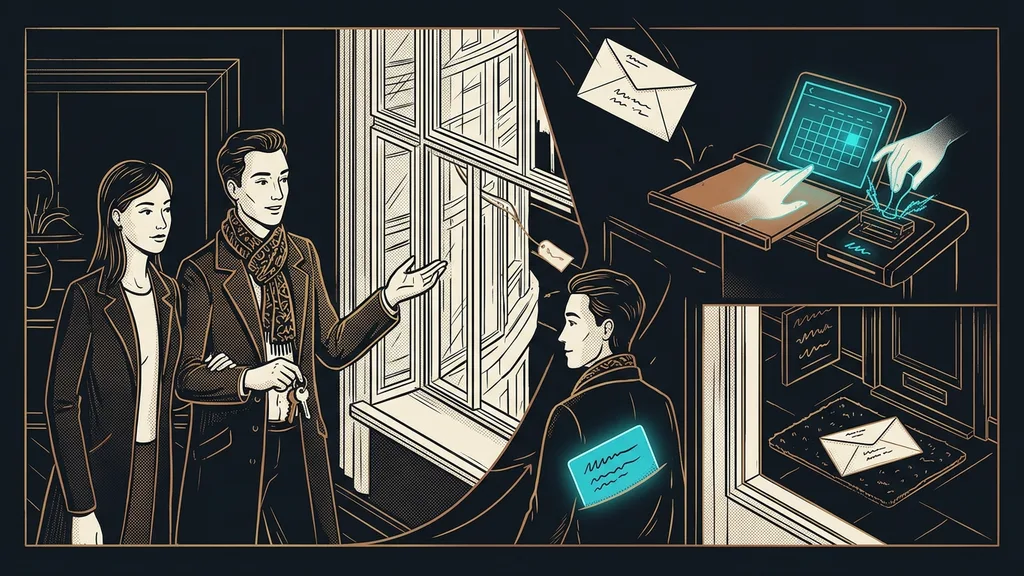
CRM looks outward, at the customer
A CRM is a system for the road to a deal, not for running the company. It holds three things together: who your people are, what you have in progress with them, and what you’ve said to each other and when. Everything else that gets attached to the word these days is an add-on.
CRM (Customer Relationship Management)
A system that keeps contacts, open deals, and all communication in one place, so the company doesn’t have to rely on memory and digging through the inbox. You can tell a good CRM by one thing: it does something with a record on its own. A bad one just stores it and stays silent.
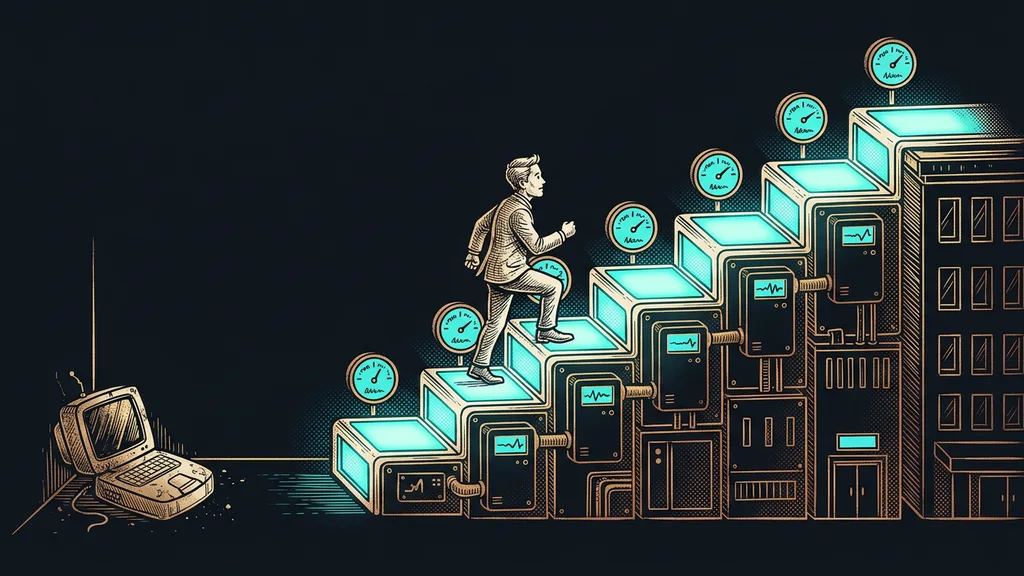
That’s why two companies can have the same CRM and completely different opinions of it. One wants a record of its contacts and is happy. The other expected the system to remind it of deadlines and answer inquiries on its own. Both are right; they’re just talking about different floors of the same building.
A company doesn’t need to know a contact exists. It needs to know what to do with that contact today.
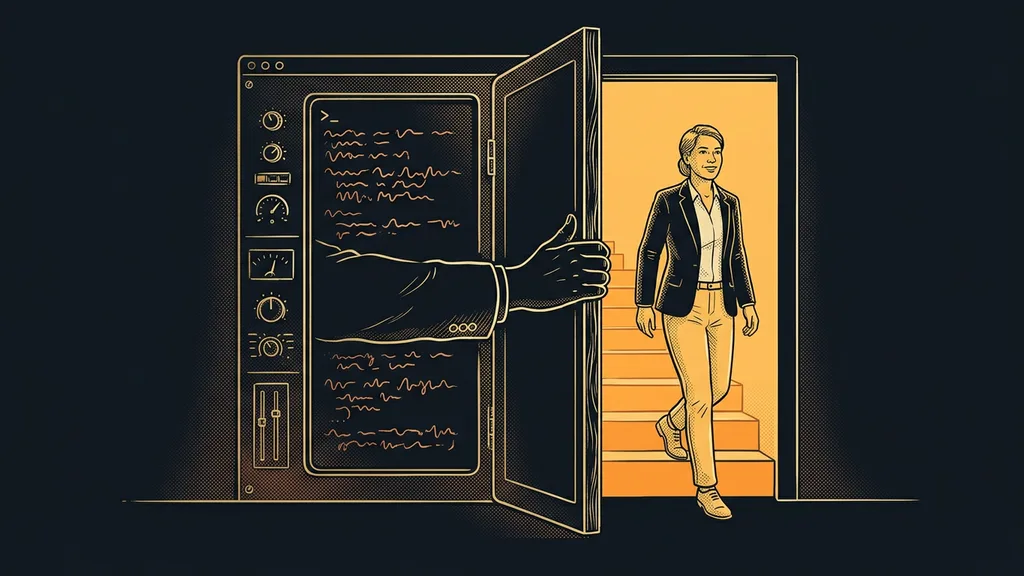
ERP looks inward, at resources
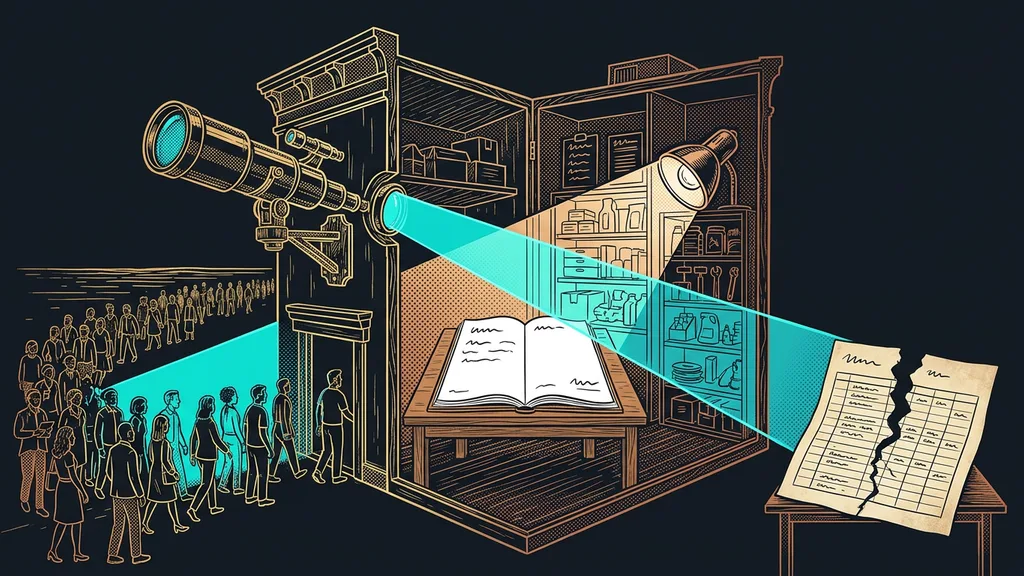
ERP is the other half of the pair, and it handles the exact opposite. While CRM watches the road to a deal, ERP watches what the deal gets made, delivered, and paid from. They’re two views of the same company, each from a different side of the door.
ERP (Enterprise Resource Planning)
The system a company uses to manage what it has inside: inventory, purchasing, production, assets, payroll, and accounting. The customer never comes into contact with ERP. They only notice it indirectly, when the order arrives on time and the invoice matches what they ordered.
A small business usually doesn’t have a complete ERP, and doesn’t need one. It has pieces of it scattered across the accounting software, an inventory spreadsheet, and an inbox full of orders. That’s perfectly fine. It gets worse when nobody connects those pieces and the owner holds them together in their own head.
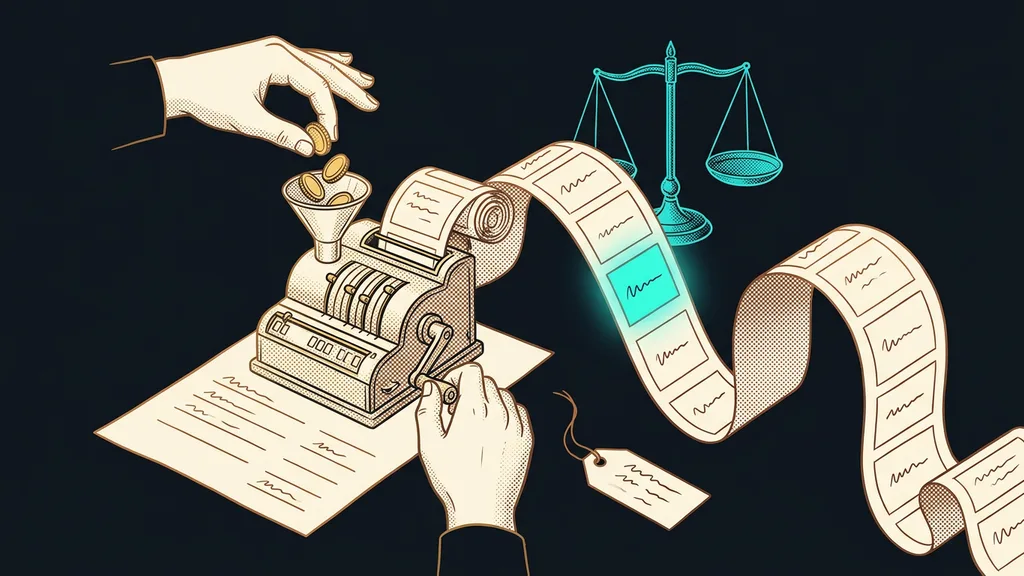
They meet at the order, and that’s the turning point
The line between CRM and ERP runs exactly where the customer says yes. Up to that moment, it’s work for the CRM; from then on, for the ERP. Know just this one thing and you’ll stop expecting systems to do what they can’t.
Before that, you deal with the inquiry, the quote, the reminder, and the meeting. A CRM for small businesses handles all of that, and individual deals sit in the sales pipeline. But as soon as the customer nods, the questions become whether the goods are in stock and when the money will arrive. That’s ERP territory, even if you call it something else. And keeping track of who hasn’t paid yet sits right on that line.
The one-minute self-test
Take your last deal and walk through it backward. Where is it recorded how that person found you? Where is what you promised them on the phone? And where does it say whether they’ve paid? If those are three different places and one of them is your memory, you have your answer to what your company is missing.
A spreadsheet is a CRM. Until the versions drift apart
A spreadsheet is a fully fledged CRM as long as one person keeps it and nothing gets lost in it. The trouble starts the first time two people look at different versions, however few rows there are. From then on, you’re keeping guesses rather than records.
There are three telltale signs. You have to ask a colleague whether they’ve gotten back to a customer, because the spreadsheet doesn’t say. Finding out what you promised to whom means a search through your inbox, because the spreadsheet only has a name and a phone number. And an inquiry that’s been sitting for a week only comes to light when someone else points it out, because the spreadsheet stays quiet even when things are on fire.
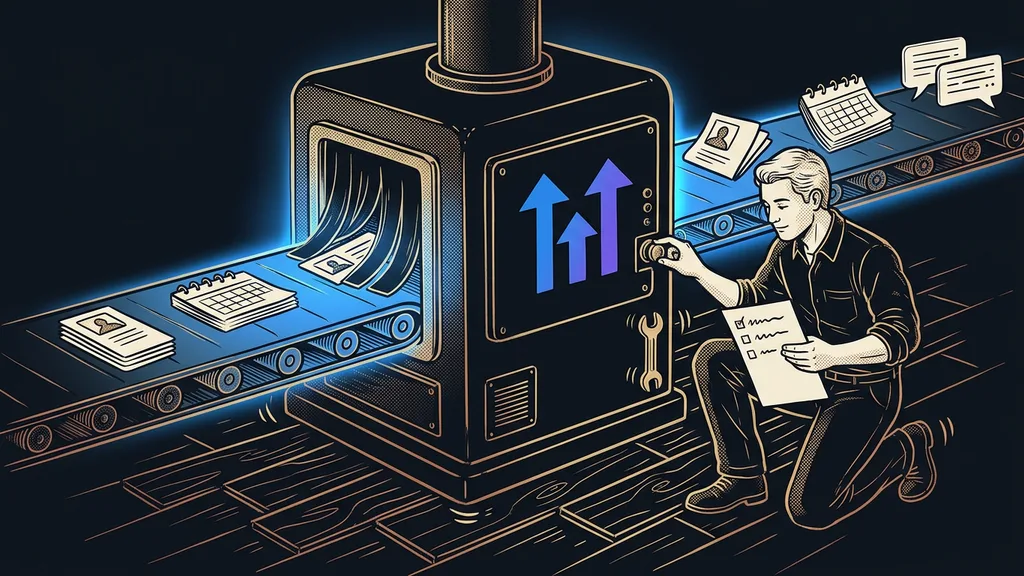
That’s the moment record-keeping turns into a burden. And this is exactly the kind of work nobody has to do by hand anymore. A database can fill in and search its data on its own. And your entire meeting history can be recorded and looked up later without anyone retyping notes in the evening.
Who a CRM isn’t worth it for
So who isn’t a CRM worth it for yet? If you take on two jobs a month and can easily remember both, a spreadsheet is enough, and a system would just be one more window to open. What decides it is how many things you have to keep in your head at once, not the size of the company.
The second case is worse, and I see it more often. A company gets a CRM because that’s what you’re supposed to do, but nobody decides who enters data into it and when. A system nobody writes in is just a pricier spreadsheet with a login. It’s cheaper to stick with the spreadsheet and get a system only when you have specific work for it.
The whole concept in a nutshell
- A CRM holds everything about the road to the customer: contacts, open deals, and communication.
- An ERP holds everything inside the company: inventory, purchasing, production, payroll, and accounting.
- The line between them runs through the order. Before it, the CRM does the work; after it, the ERP.
- An address book or a spreadsheet isn’t a mistake. The mistake is expecting them to do something on their own.
- A system makes sense once more than one person looks at it and it has work to do.
Let’s go back to that spreadsheet with 30 rows. There’s nothing wrong with it, and nobody has to throw it out. It just answers a different question than the one the company thinks it asked. A spreadsheet can tell you who inquired and when. A CRM should tell you what to do about it today, and do part of it by itself. So before you start choosing a system next time, write down one sentence: what should it do when nobody is looking at it?