People talk about Claude Code as a tool that turns work inside out. But nearly all the guides are written by developers for developers. They start with the command line, technical acronyms, and code samples. A typical business owner closes the browser after the first paragraph and promises to come back when there’s time. They never do.
I bring AI into Czech businesses, and I’ve also run client projects on GoHighLevel. I see this scene over and over. These people aren’t any less capable, and they’re not afraid of computers. They’ve just run into a tool that looks, from the outside, like it’s only for developers. And yet it’s one of the most powerful assistants an ordinary business owner can have today.
I opened Claude Code and closed it again right away. It looked like something I’d need to hire an IT guy for.
That’s what a client told me in a consultation. Not the first one to say it, and not the last.
Why almost every guide puts you off from the first line
Because a developer wrote it for developers, not for you. Claude Code is new, and so far the guides are written mostly by programmers, starting from the command line. In Czech, where I work, there’s next to nothing. That leaves a strange gap: people talk about the tool more and more, but hardly anyone has explained it in language a business owner understands, rather than a coder.
And that costs something. Not money, at least not yet. You keep doing by hand the work Claude Code would do for you: hunting for what’s new every morning, explaining the same process for the ninth time, retyping numbers from one spreadsheet into another every evening. The tool that could take all that off your plate sits unused. And the barrier lies only in how the tool is packaged, not in you.

Claude Code isn’t a programmer’s tool
I’ll put it bluntly: it’s a tool you tell what to do in plain English, and it does it. Claude Code is the official tool from Anthropic, the makers of the Claude AI. Yes, it opens in a black window like something out of a hacker movie. But what you type into it are ordinary sentences, not commands. “Give me an overview of today’s meetings.” “Reply to this client in my tone.” “Publish the website.”
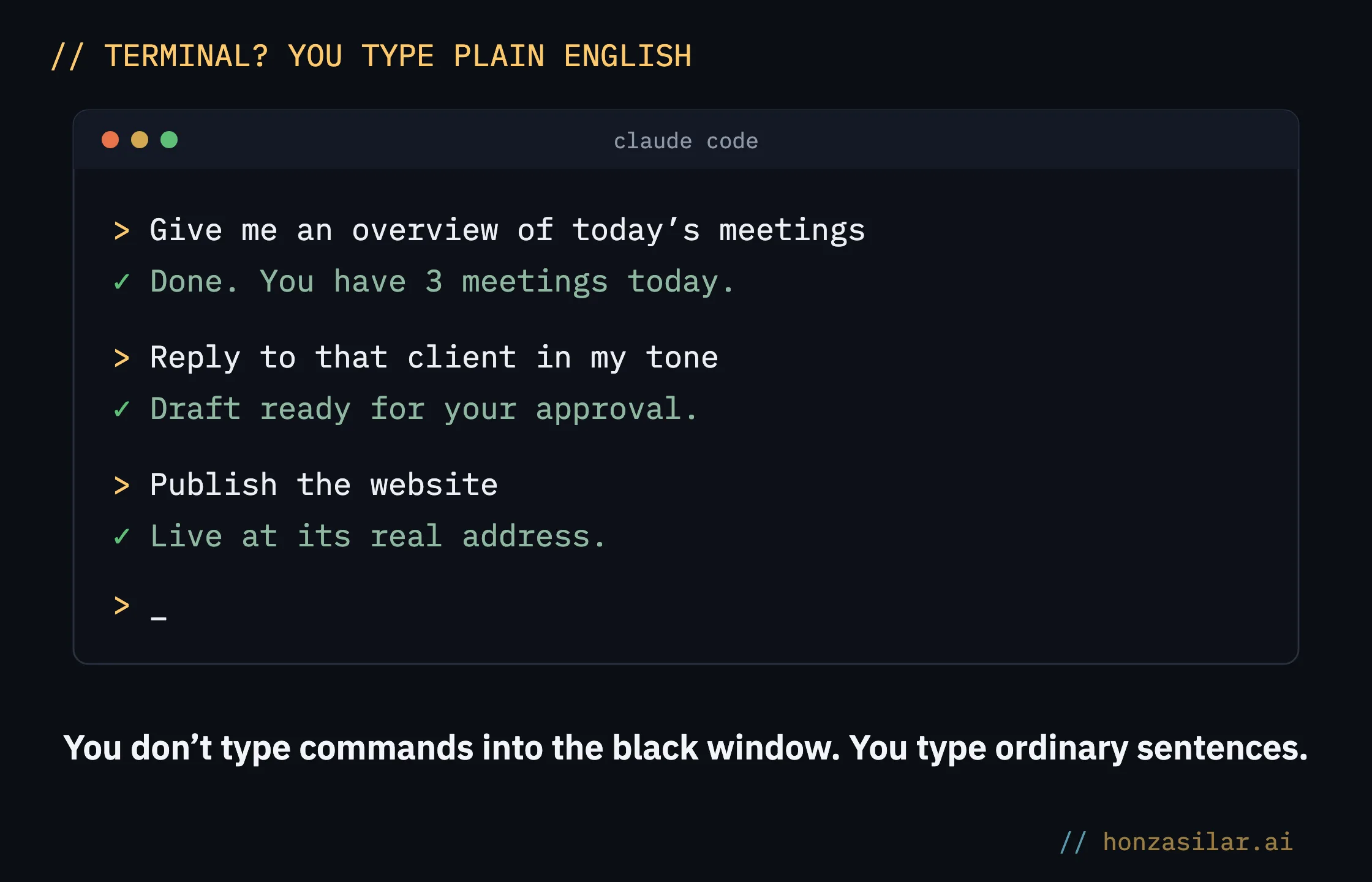
Terminal (command line)
The black window you know from hacker movies. Developers type commands for the computer into it, and you type ordinary sentences. It’s just an empty field for text. There’s nothing in it to be afraid of, and your keyboard works exactly the same way it does everywhere else.
How it differs from ChatGPT
The answer doesn’t stay on your screen: Claude Code turns it straight into finished work. You may already know the ChatGPT window. You ask it “how do I issue an invoice?” and get a nice guide that you then work through yourself, step by step. You tell Claude Code “prepare the invoice for June,” and it sets it up as a draft in your account, ready for your approval. Along the way, it reaches into your files, email, CRM, and calendar and sees the job through. And it remembers how you work: whatever you fine-tune with it once, it can still do six months later without you explaining it again.
ChatGPT vs. Claude Code: what’s the difference
ChatGPT
You ask “how do I issue an invoice?”
You get a nice step-by-step guide.
Then you work through it and do it yourself.
Claude Code
“Prepare the invoice for June.”
It sets it up as a draft in your account.
It reaches into your files, email, CRM, and calendar.
AI agent
A chatbot answers and stops there. An agent can also reach into your files, email, or calendar and actually finish the task. Claude Code is an agent, so instead of handing you advice, it hands you a finished result.
What you can ask it to do on day one
Take one thing that eats your time every week and hand it over. Don’t start with anything big. To give you a concrete picture, here are three things I use it for myself:
- Morning overview. Before I get up, my assistant goes through my inbox and CRM and prepares a summary. I read it over coffee instead of hunting through ten windows.
- A website live in one sentence. I say “publish,” and the page is up at its live address, with the domain and email taken care of for me.
- A process it learns for good. We fine-tune once how to issue an invoice exactly my way, and from then on Claude Code does it on its own.
None of these needs a complicated prompt. And the first result is small on purpose. You type, say, “go through this folder and tell me what’s in it,” and a few seconds later you have a clear list on screen that you’d otherwise have clicked through one file at a time.
How to start: three steps and you’re in
A paid account, an installation, a first sentence, and you’re in. No unnecessary tech:
- Set up a paid Claude account. Claude Code runs on a subscription from Anthropic and won’t start without one. So get that first.
- Install Claude Code on your computer. It’s a one-time thing, and Anthropic’s official page walks you through the installation step by step. A few minutes and you’re done.
- Log in and write your first sentence. The window opens, and you type what you need in everyday language. In your own language if you like, or dictated. And it gets to work.
The first two steps take an evening, and the third takes a minute. You won’t program anything or touch settings you’d need to understand.
Try it now
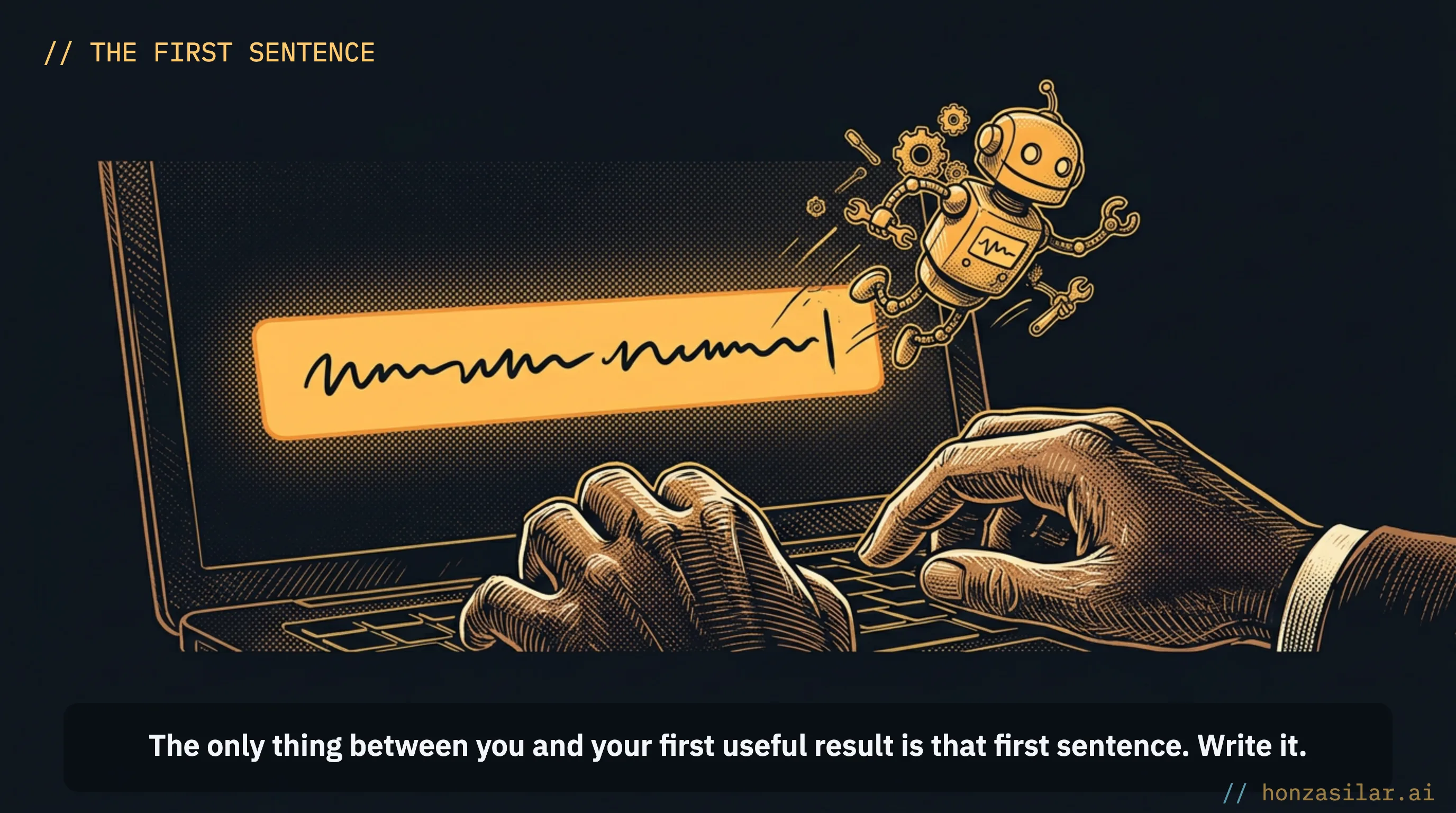
Once you’re in, write your first sentence about something small that can’t break anything: “Go through my documents folder and tell me what’s in it.” You’ll see the answer in a few seconds, and above all, you’ll see that it speaks your language and won’t break anything. That’s the moment the worry goes away.
How to start: three steps and you’re in
What you actually need
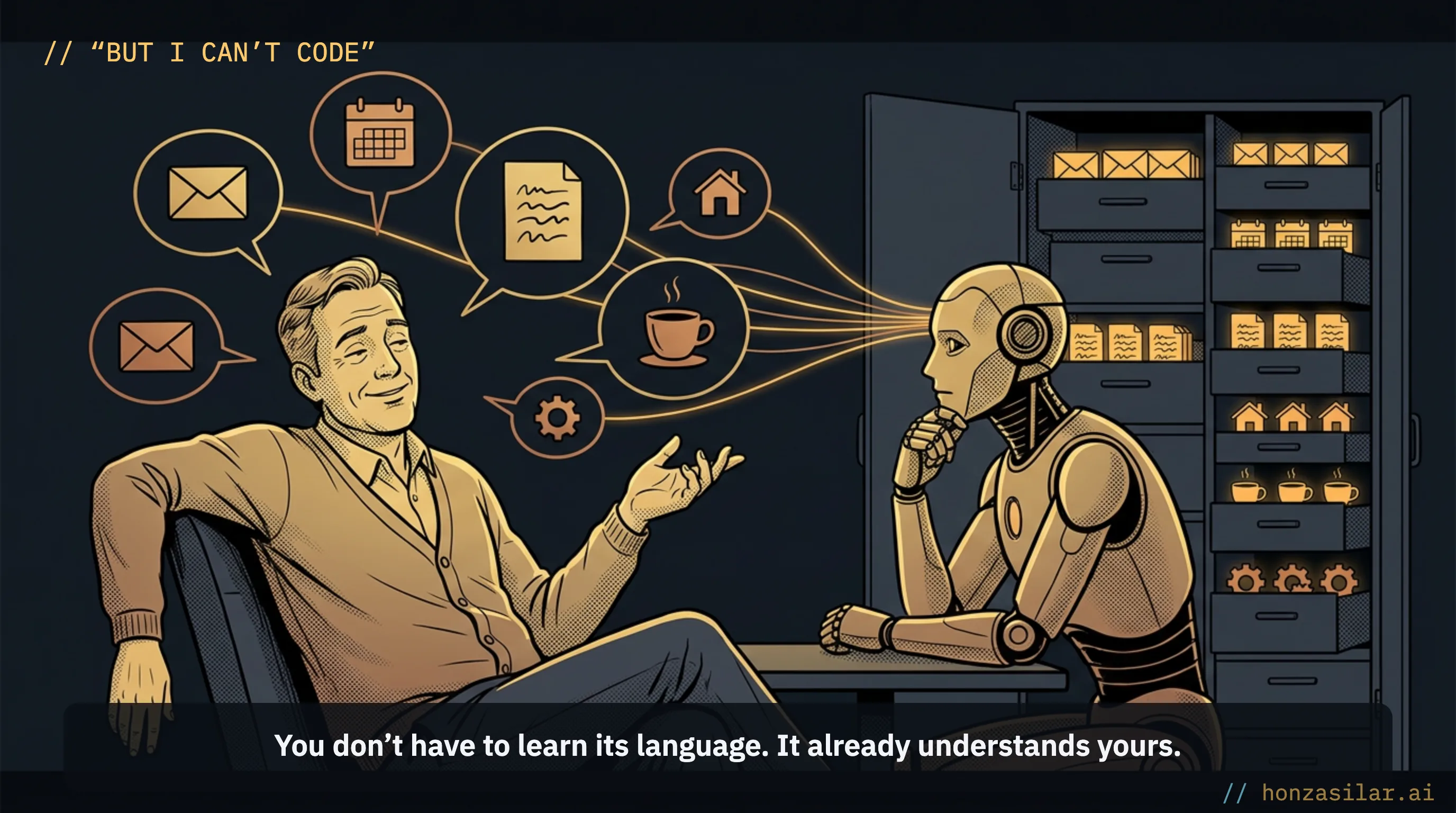
A computer, a paid Claude account, and a willingness to describe your work in plain language are all you need. Let me take the worry I hear most often: “But I can’t code.” That’s fine. Most of my clients can’t either, and they use Claude Code. You don’t have to learn its language. It already understands yours.
What you actually need
- A computer. No special hardware: the one you have will do.
- A paid Claude account (a subscription from Anthropic).
- A willingness to describe your work in plain language, even by dictating it.
- Programming isn’t on the list. Most of my clients can’t code.
To be straight with you, here’s who the first step isn’t worth it for yet. If you don’t have a single task that repeats week after week and eats your time, you don’t have anything to give Claude Code yet, so save the evening and wait. And if you’re not willing to put your work into words at all, you’ll hit a wall, because the whole thing rests on you saying what you want.
If you’d like someone at your side for the first step, building it right on top of your own work, I do exactly that, and I teach the same principle in my training for teams. But honestly, you don’t need anyone to get started.
Getting started in a nutshell
- Get a paid subscription from Anthropic.
- Install Claude Code: the official page walks you through it.
- Open the window and write your first sentence in plain language.
- Start with something small that eats your time every week.
- Whatever you fine-tune once, Claude Code can still do on its own six months later.
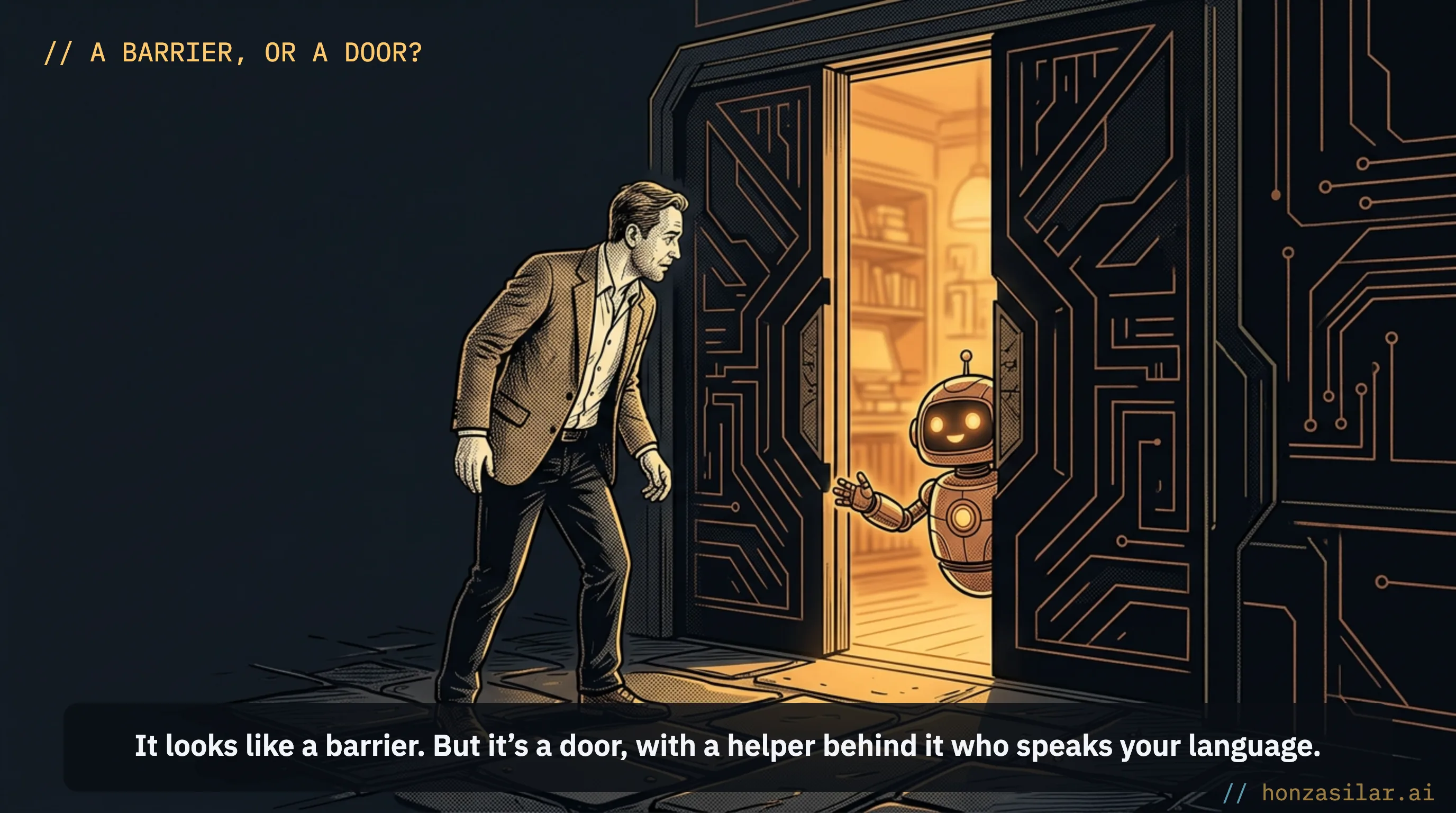
Let’s go back to that black window and the developer guide that put you off. It looks like a barrier, but it’s a door. Behind it is a helper you tell what to do in your own language, and it does it, not a command line for programmers. The only thing between you and your first useful result is that first sentence. Write it.