Your AI can answer almost anything. It can also forget. You open a window, spend an hour fine-tuning some process with it until it fits your work exactly, and a week later, when you need the same thing, you’re starting from zero. Once again, you spell out your exceptions, your habits, that one “but I do it differently.” You’re doing work you already did properly once, a second time. And a third.
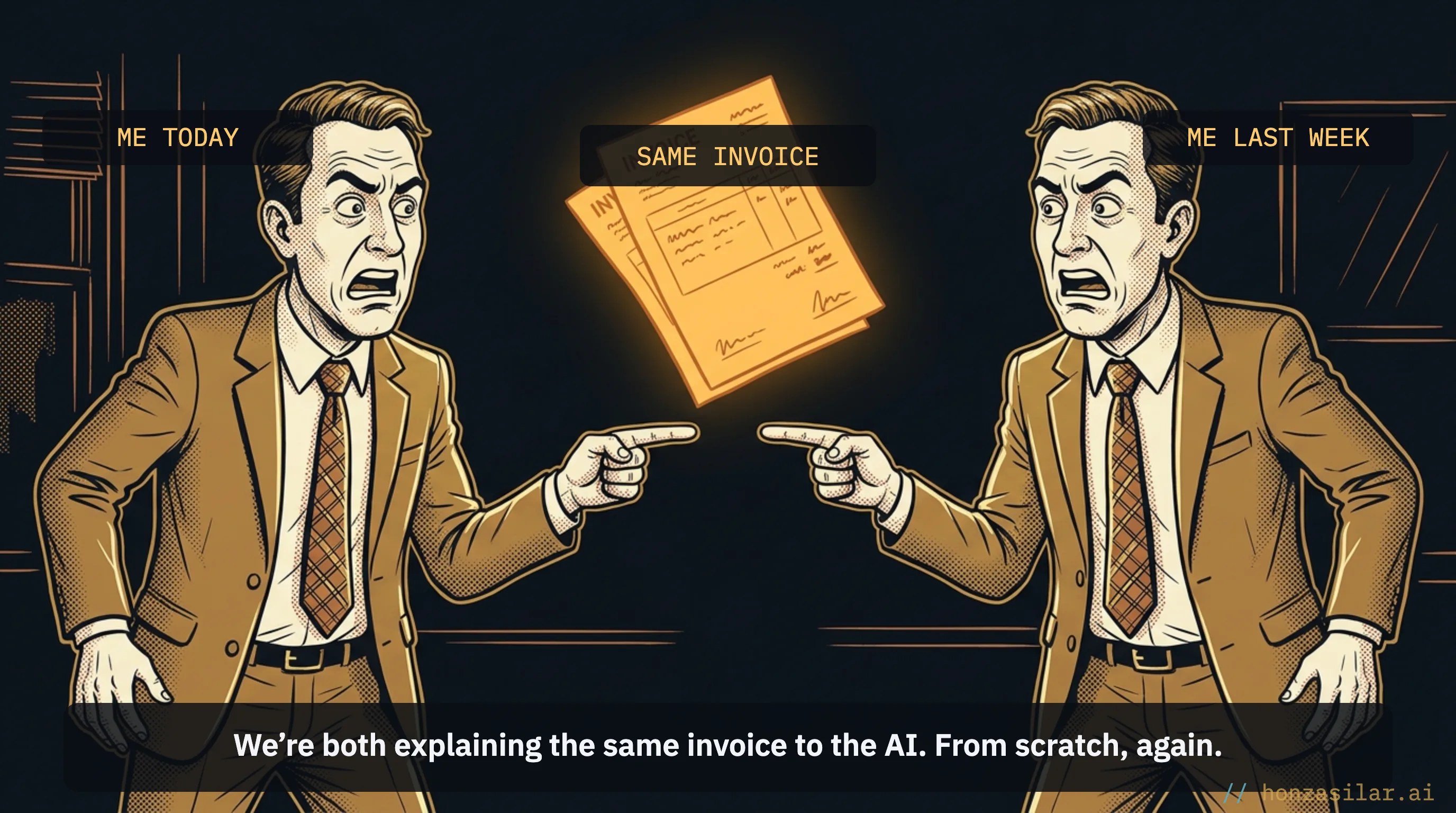
For years, I was in exactly the same boat. The model and I would sit down over some process, polish it to perfection, and the next time it was as if none of it had ever happened. It felt like pure waste. Until one day it dawned on me that the problem lies in what the AI remembers, not in what it knows.
The real lever is memory, not knowledge
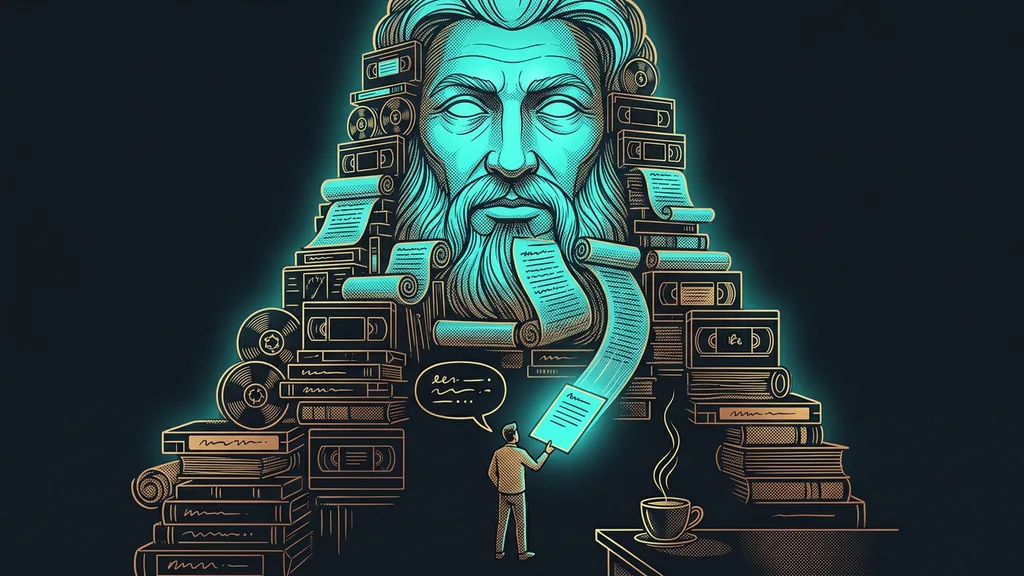
Most people judge AI by how much it knows. But every model has plenty of knowledge these days. The difference between saving a few minutes and changing how your work gets done from the ground up lies elsewhere: in how much of your shared work the model remembers for good. What you fine-tune once either stays, or vanishes the moment you close the window.
Every AI has knowledge these days. What’s rare is one that remembers exactly how you work.
The solution is called a skill.
Skill
A skill is a clear description of one recurring process: when it applies, what needs to be done, and with what materials. It’s closer to instructions in your own words than to a program or a complicated setup, and the AI saves it permanently. The special part is that it activates on its own: from what you’re asking for, the AI recognizes that this particular skill fits and reaches for it. You don’t have to tell it which one to use.
How a skill comes to life
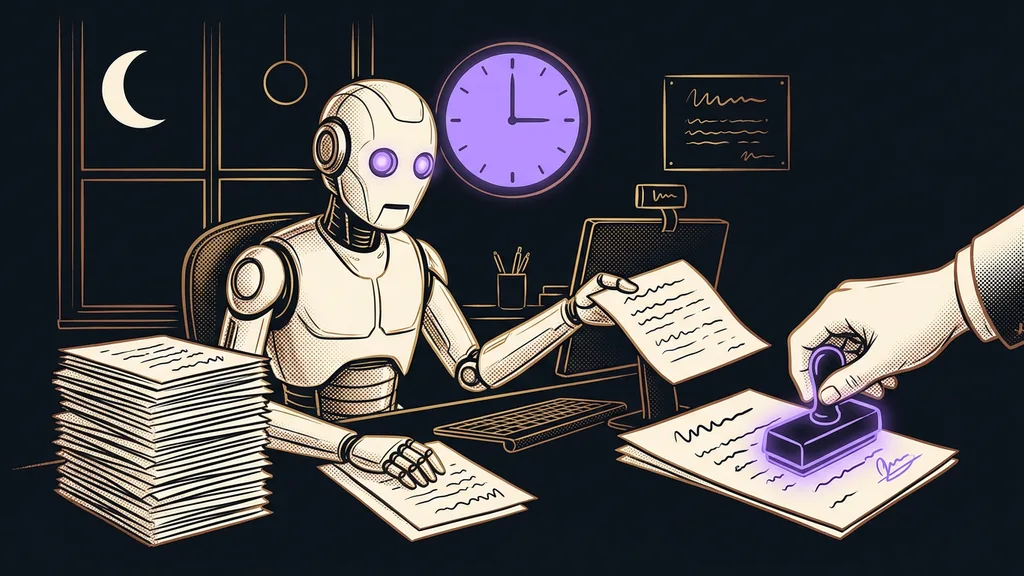
I’ll show you with an ordinary invoice. First, the AI and I work out together, for the first time, how to issue an invoice exactly my way: where each line item goes, what to add to the notes, how to handle exceptions, when the rate applies and when it doesn’t. We polish it for a while until it’s right. Up to this point, it’s exactly the same as when anyone else works with AI.
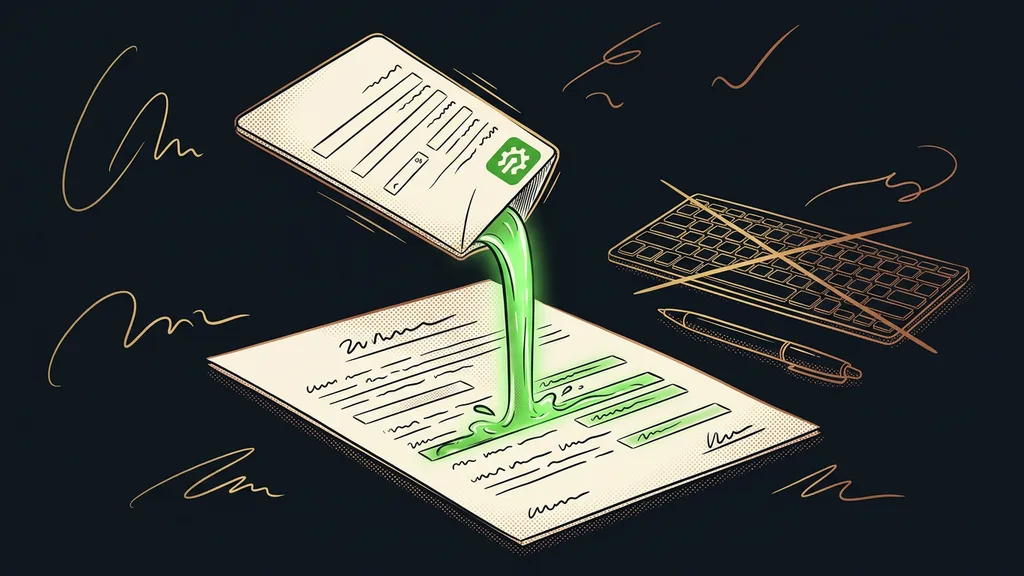
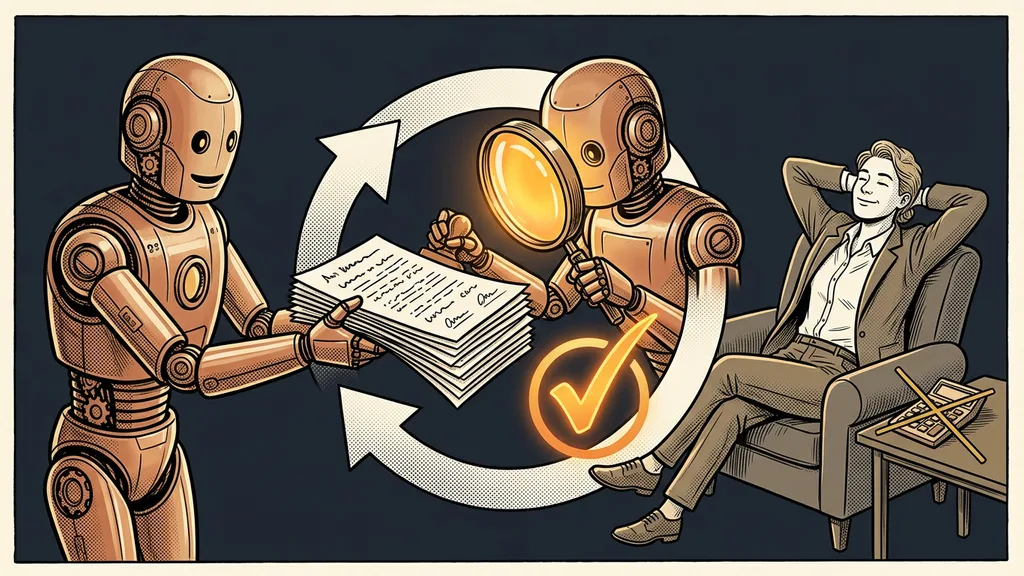
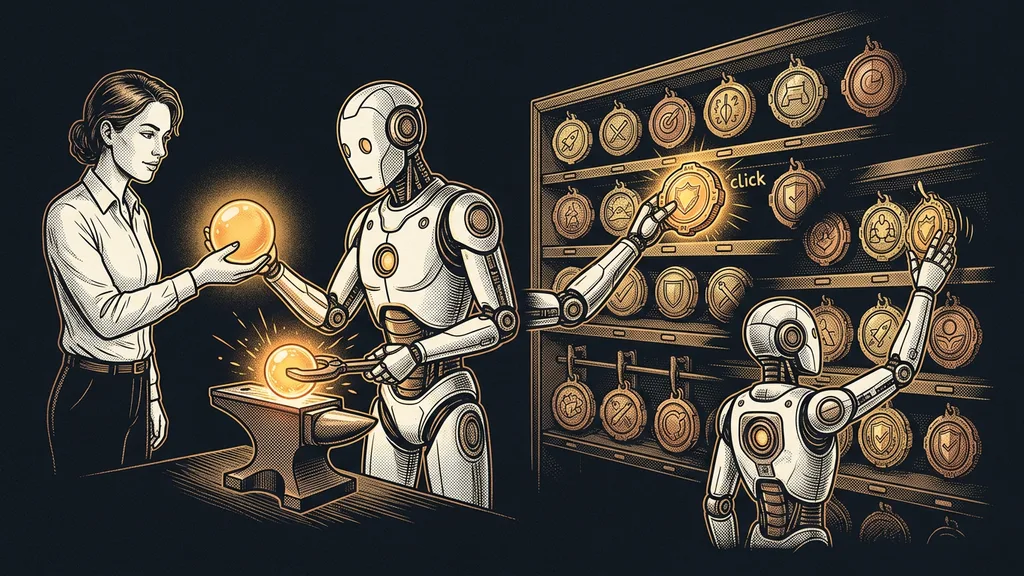
The difference comes at the end. Most people use the finished result once and let it fade away. Instead, I tell the AI to turn our conversation into a skill and write up for itself what it was all about: when this process applies, what needs to be done, and what materials it needs. I don’t have to dictate the exact words. It packages the work we just polished into permanent instructions on its own.
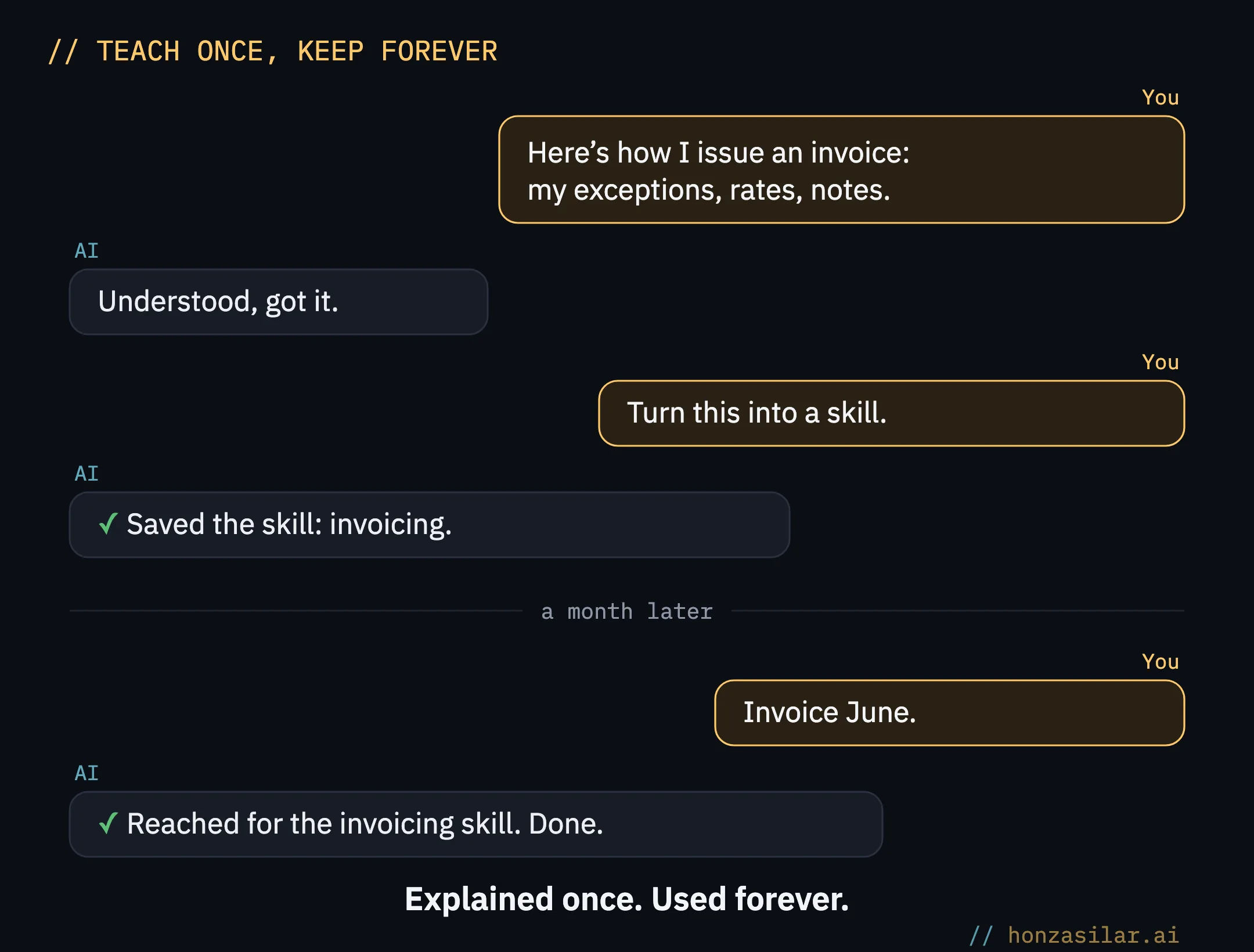
From then on, it knows how for good. A month later, I just say “invoice June,” and it recognizes that this is the skill to reach for, even though I’ve long forgotten the details of that original conversation. It even copes with my dictation, which my voice transcription sometimes mangles pretty badly. I don’t have to speak carefully or precisely. It figures out what I need.
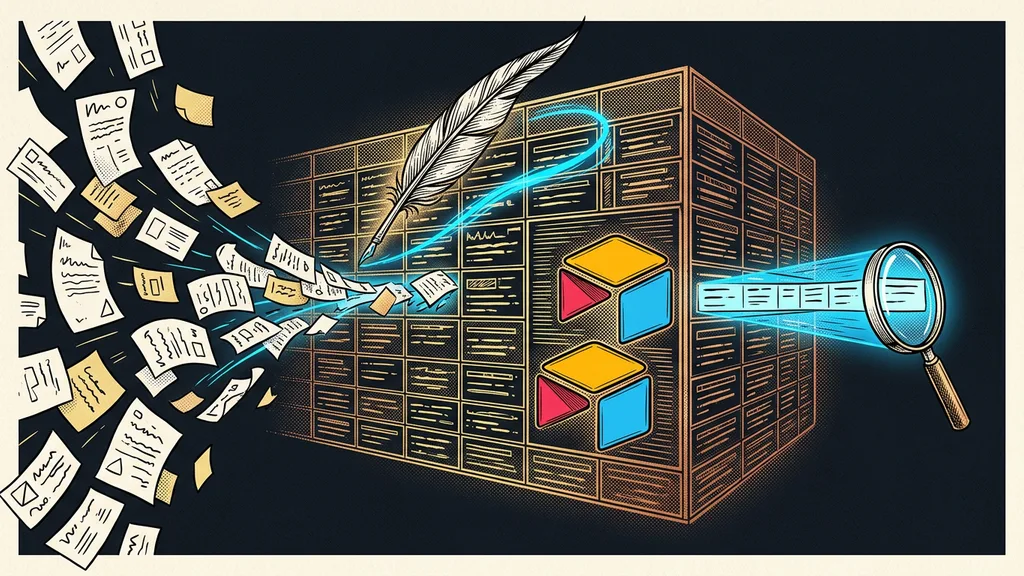
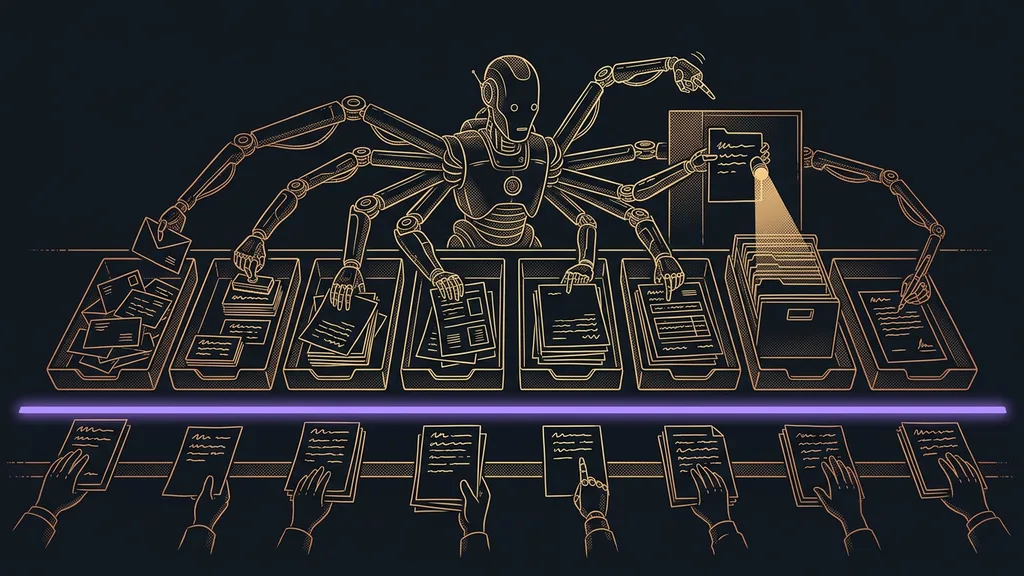
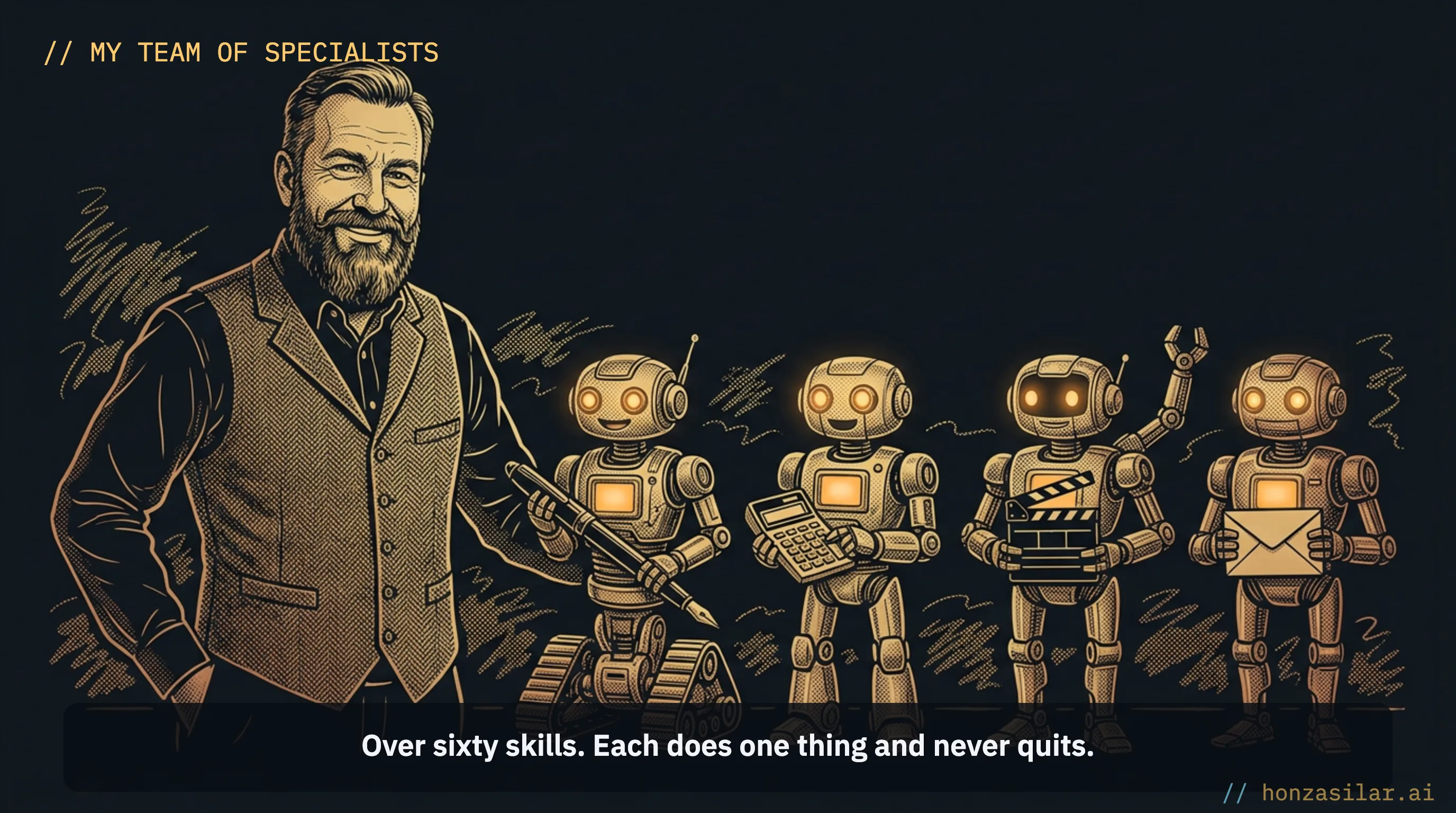
And it works this way for anything you do regularly. A reply to a client on WhatsApp in my tone. Putting together a quote. Publishing an entire website. That’s how I gradually ended up with more than sixty skills. Together, they add up to a team of specialists rather than a chatbot, one that fits into a single tool and never quits.
How many conversations became permanent skills
A one-minute self-test
Go through your last week of working with AI and count: how many processes did you explain from scratch, even though you’d dealt with the same thing before? An invoice, an email format, your tone, your exceptions… Each of those is a skill you only need to create once, and next time you don’t explain it at all.
What’s in it for you
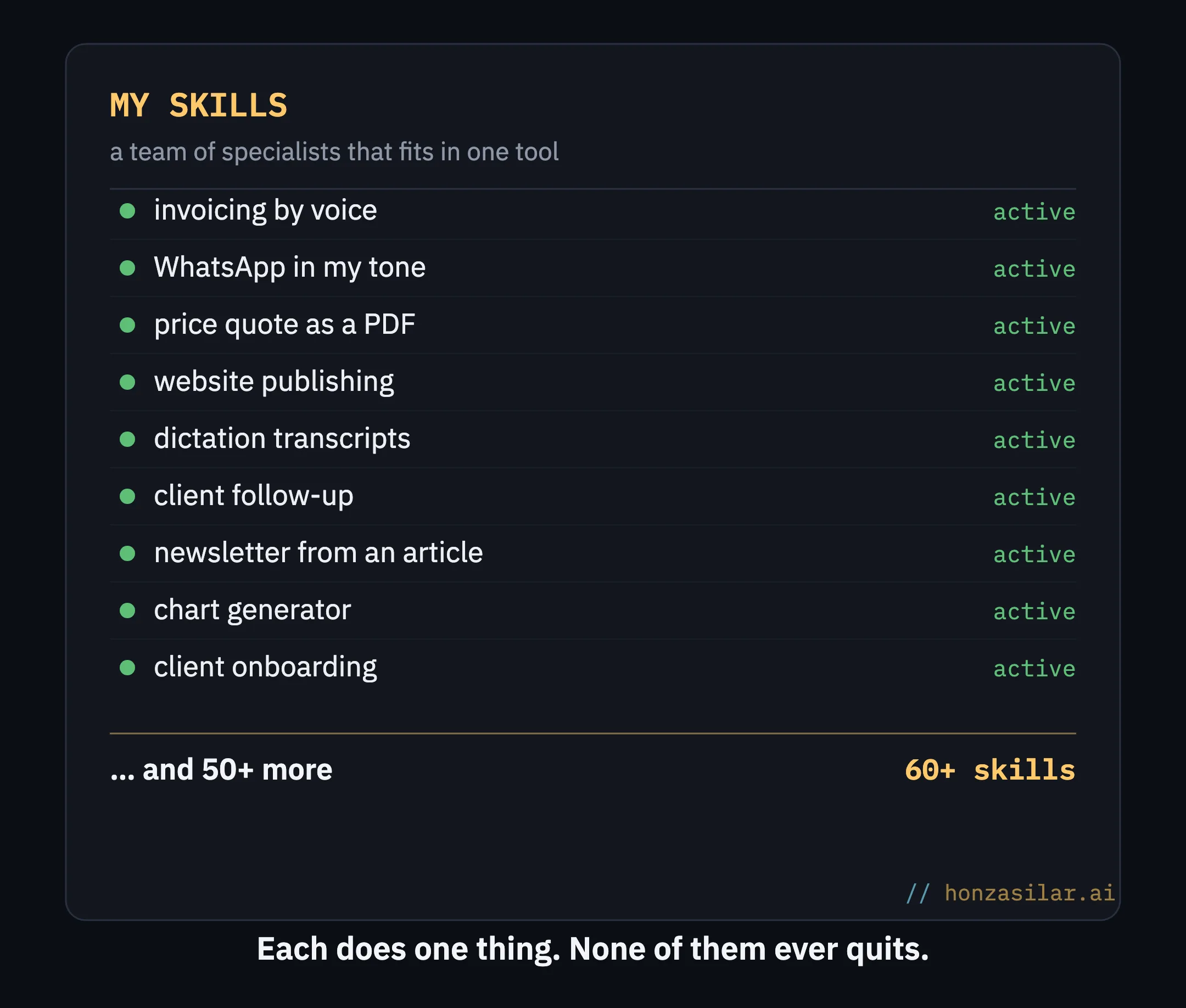
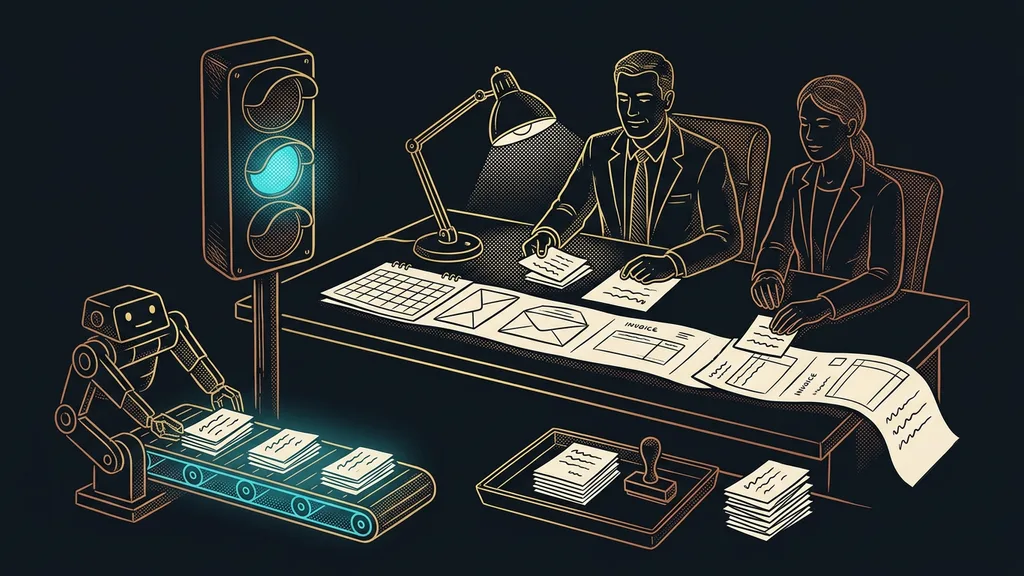
What you fine-tune once is done for good. You don’t keep rewriting the same instructions or repeating the same mistakes, because the model also remembers how you ironed them out together last time. And the more skills you add, the fewer things you do by hand. After a few months, it’s the difference between spending your evenings at the computer and having them free.
I made sure of two things right from the start, because whether you can trust the whole system in the long run depends on them:
- Resilience. Each skill is self-contained and carries all its materials inside it. I can tidy up my computer or reshuffle folders anytime, and nothing falls apart. It sounds like a detail. Right up until a system you worked hard to build crashes because of one renamed folder.
- Security. Access keys, tokens, and passwords are never stored inside skills. They live separately, in a secure vault, and the skill only points to them. Even if someone got hold of one of the skills, they wouldn’t find a single secret in it.
Who it doesn’t pay off for
Who skills pay off for, and who they don’t
Pays off
Some process keeps coming back to you.
You have your own details and exceptions to keep track of.
The more often you do it, the sooner it pays off.
Doesn’t pay off
You only use AI for one-off things.
No process ever repeats.
Next time, it’s something completely different.
If you only use AI for one-off things, writing a text one time, asking a question another time, and next time something completely different, a skill is no use to you. The more often you do the same thing, and the more of your own details you have to keep track of, the sooner it pays off that you taught it to the AI once, properly.
The whole system in a nutshell
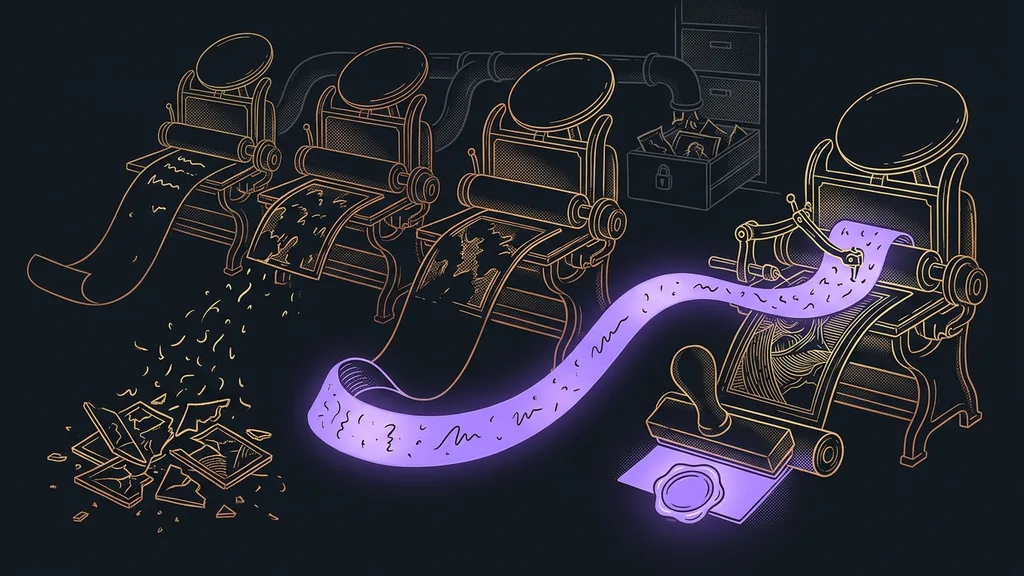
How a conversation becomes a permanent skill
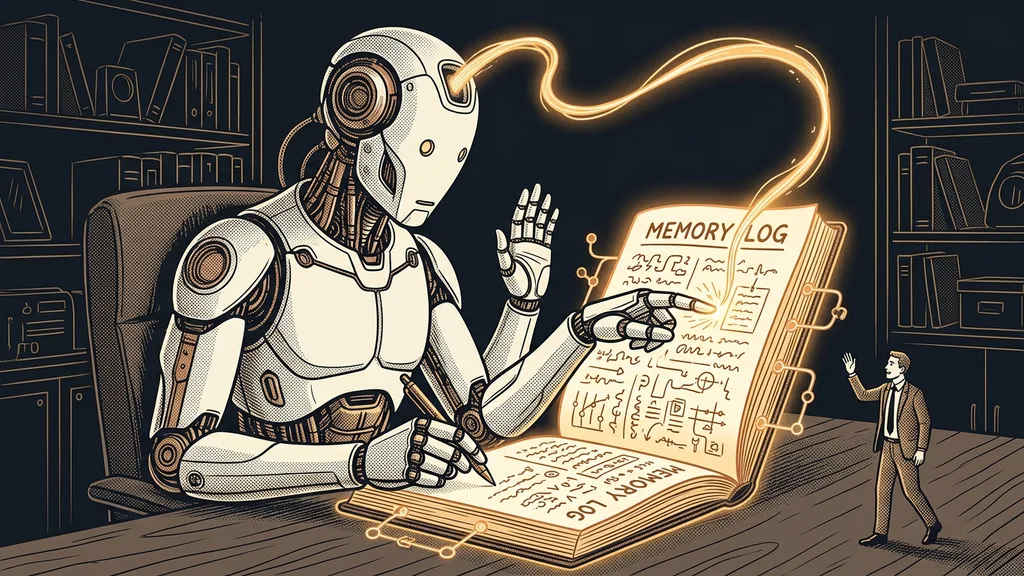
In the end, creating skills is itself a skill: I taught my AI how to learn, and today I train companies in this approach too. When a new recurring process comes along, I don’t have to walk it through every step. I describe what it’s about, and it turns our conversation into another team member almost on its own. Just like an AI that keeps its own log, it doesn’t start from zero every time.
A smarter search engine forgets everything the second you close the window, and next time you start over again. My AI remembers. And every day I work with it, one more thing disappears from my desk that I’d otherwise have to do over and over again.