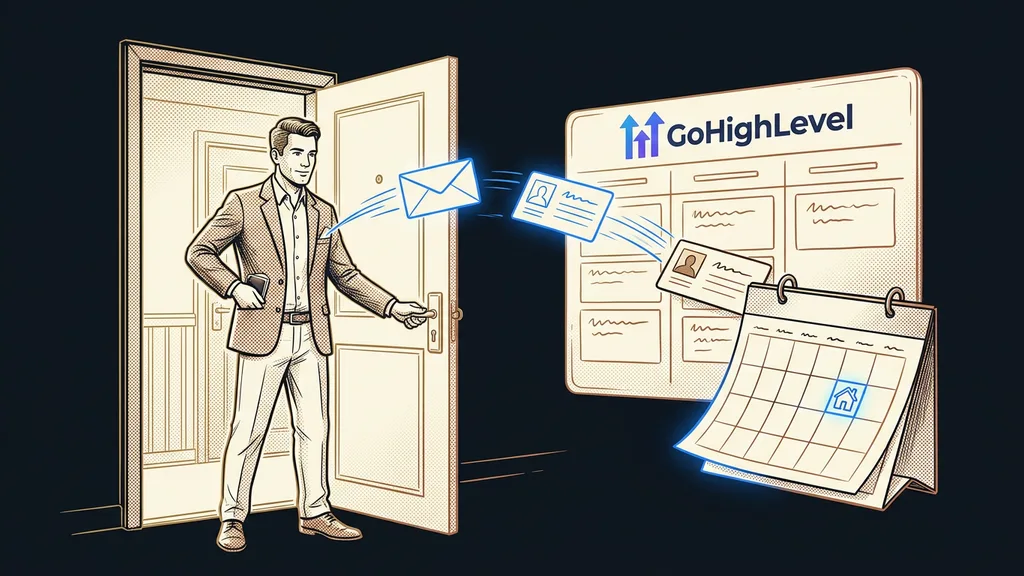
GoHighLevel mistakes get made in the first weeks and paid for a few months later. At first, the account looks finished: the contacts are imported, the form is collecting inquiries, the first campaign has gone out. Then emails start landing in spam, a customer gets the same message twice, and nobody knows why.
When I take over an account from someone, I always go through it in the same order. First the business profile, then the sending domain, then the list of tags, and finally the workflows. Within fifteen minutes, I usually know what in the account will break next. And there aren’t a hundred of these mistakes. About ten keep coming back, and even capable people make them, because GoHighLevel doesn’t guard against any of them at the start.
Ten mistakes on one page
The mistakes fall into four groups: email, contacts, automations, and account settings. For each one, the table shows the symptom that helps you find it in your own account, plus a short fix. We’ll go through them in more detail below.
| Mistake | How it shows up | Fix |
|---|---|---|
| 1. Email without your own domain | someone else’s server in the email header, low open rates | a sending subdomain with SPF, DKIM, and DMARC |
| 2. First campaign to your entire old database | lots of bounced emails, mail disappearing into spam | verify addresses, start with small batches |
| 3. Duplicate contacts | one person gets the same email twice | standardize data before importing, merge the twins |
| 4. Tags without rules | three nearly identical tags, the automation reacts to only one | naming rules, cleanup, and merging |
| 5. Data in a tag instead of a field | dozens of tags for cities or industries | a custom field with fixed values |
| 6. A workflow with no end | offers keep going to people who already bought | a goal event at the end of every sequence |
| 7. Re-entry and loops | a contact gets the same message over and over | turn off re-entry, untangle the tags |
| 8. Nobody knows what a workflow does | nobody dares to switch the automation off | an automation register with your own codes |
| 9. Wrong time zone | reminders arrive at absurd hours | your local time zone in the business profile and the calendar |
| 10. English in front of your customers | booking confirmation or form message in English | go through the whole journey as your customer |
Technical debt
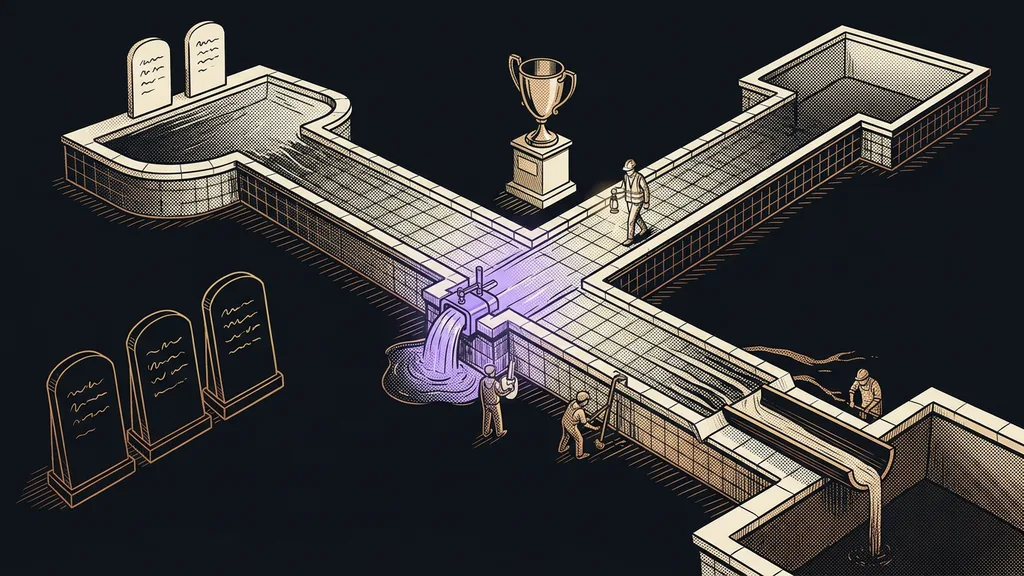
A decision that saves ten minutes today and costs an afternoon six months from now. In GoHighLevel, it mostly comes from tags without rules, duplicates, and workflows with no end. None of it hurts right away. The debt only comes due when a campaign or a new automation depends on it.
Most GoHighLevel mistakes come from hurry rather than ignorance: in the first week, you build to get things running, and tidying up gets postponed to a later that never comes.
Email: the domain and the first mass send
Both email mistakes have the same root: the email goes out before inbox providers start trusting it. Of all ten, these take the longest to fix, because a domain builds trust over weeks.
1. Email on default settings. A new account can send email right away, but through GoHighLevel’s shared server. The recipient then sees someone else’s domain in the header, and inbox providers treat you like an unknown sender. Fix: set up a sending subdomain, such as mail.yourcompany.com, and add SPF, DKIM, and DMARC records for it with your domain provider. I explain why everything else depends on this in my article on what decides email deliverability.
2. First campaign to your entire old database. The domain is set up and the contacts are imported, so why not say hello to everyone at once? Because a fresh domain has no history, and an old database tends to be full of dead addresses. Lots of bounced emails in the very first wave is a clear signal to inbox providers that something is off with the sender. Fix: have the addresses verified before sending, and start with small batches to the people who know you best. I’ve described separately how you can burn a new domain with a single mass send.
Contacts: duplicates and tag chaos
Contacts get messed up during import and in the first forms. Whatever goes wrong here gets inherited by every campaign and automation.
3. Duplicate contacts. One person signs up once with a work email and another time with a personal one. Or they come in once from an old spreadsheet and again from your newsletter tool. The account then has two contacts, each with a piece of the history, and the customer gets everything twice. Yet the whole CRM rests on one customer having one record. Fix: standardize emails and phone numbers into one format while they’re still in the spreadsheet. In the business profile, check whether duplicate contacts are allowed at all. Merge the twins that are already in the account.
4. Tags without rules. A tag in GoHighLevel comes into existence the moment someone types it. One typo, different capitalization, or an underscore instead of a space is all it takes, and you have a new tag. A few months later, “webinar-october,” “Webinar October,” and “webinar_10” sit side by side. And the automation reacts to only one of them. Fix: write down a simple naming rule (lowercase, no accents, hyphens), standardize your existing tags to it, and delete the extras.
5. Data in a tag instead of a custom field. A tag only says yes or no. If you store a city, an industry, or a lead source in tags, you’ll soon have dozens of them, and you can’t sensibly filter or target by them. Fix: anything with more than one possible value belongs in a custom field with a fixed set of options. Keep tags for states like “registered for webinar” or “paid.”
Why does a workflow keep sending offers to people who already paid?
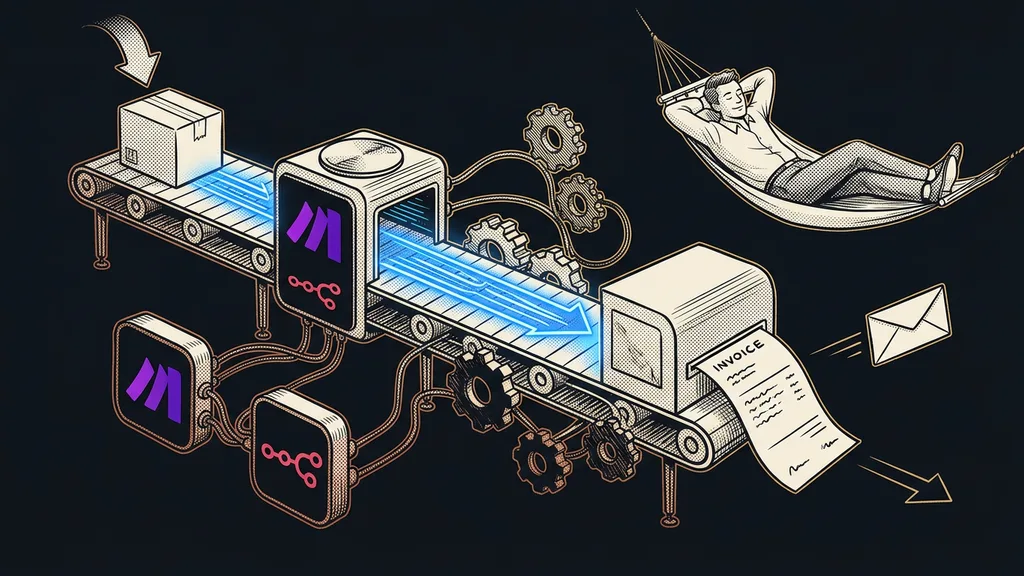
Because it has no end. A GoHighLevel workflow dutifully sends every step in it until someone tells it the goal has been reached. Three of the ten mistakes live right here.
6. A workflow with no end. The classic is a five-part sequence after an ebook download that ends with a consultation offer. The prospect books the consultation right after the second email, and the other three arrive anyway, including a discount on something they already have. Fix: the end of the sequence needs a goal event that takes the contact out of the sequence as soon as they do what the workflow was built for.
Goal Event
A step in a GoHighLevel workflow that watches whether the contact has already done the main thing the sequence is about: booked a time, paid, received a tag. As soon as that happens, the contact skips the remaining steps. Without a goal event, the sequence runs to the end even when it stopped making sense long ago.
7. Re-entry and loops. Every workflow’s settings include an option for whether a contact can enter it more than once (Allow Re-entry). When it’s on where it shouldn’t be, a person drops into the welcome sequence every time they fill out the form again. A loop is worse: one workflow adds a tag at the end that triggers a second workflow, and the second adds a tag that triggers the first. Fix: turn on re-entry only deliberately, and for every tag that triggers an automation, check everything that adds it.
A contact where anything is allowed to go wrong
Create a contact in your account named Test, with your second email address and phone number. Run every new workflow on it first and go through everything you receive: the order, the greeting, the timing, and the links. Don’t test anything on live customers; nobody can unsend a sent email.
8. Nobody knows what each workflow does. After the first twenty automations, nobody remembers why the one called “New Workflow 7” was created. Then nobody dares to switch it off, so it keeps running, even though it has been sending an outdated offer for ages. Fix: name every workflow after what it does, and keep an automation register with a simple answer to what breaks if you switch it off.
Account settings: the time and the language your customer sees
The last two mistakes are the quickest to fix. But your customers notice them first, because they affect them directly.
9. Wrong time zone. A new account often keeps American time. A meeting reminder then arrives in the middle of the night, and an automation set to “send tomorrow at nine” goes by California time. Fix: set your local time zone in the business profile, and check it separately for each calendar and each user too.
10. English where your customer is looking. The GoHighLevel admin is in English, and you can live with that. It’s worse when English leaks through to customers who expect their own language: into the default booking confirmation, the calendar buttons, or the form’s required-field message. Fix: fill out the form using a different email address, book a time slot, and read everything you receive on your phone. Rewrite every English word you come across.
Who this list won’t help much
The list is meant for an account that’s already running and has started to creak. If you’re only just setting up GoHighLevel, you’re better off preventing these mistakes by doing things in the right order. That’s what my guide to your first week in GoHighLevel is for: it heads off most of these mistakes, day by day.
It also won’t help much if an agency left you with hundreds of workflows and thousands of tags. The table will show you the symptoms, but cleaning up an account like that is a separate project of several weeks. And if you only use GoHighLevel for the booking calendar, you can stop at mistakes nine and ten.
The whole list in a nutshell
- Check which domain your emails go out from, and set up your own sending subdomain.
- Ramp up mass email slowly, and only to verified addresses.
- Clean up duplicates and tags, and write down a rule for naming new tags.
- Move data with multiple values out of tags and into custom fields.
- End every workflow with a goal event, try it on a test contact, and add it to the register.
- Set your local time zone and walk through the whole customer journey on your phone.
If I could give only one piece of advice, it would be that test contact. Create one, run everything new through it, and you’ll find mistakes six, seven, and ten yourself, before your first customer sees them. If you want me to go through your account or set up GoHighLevel for you from scratch, you talk to one person the whole time, and that person hands the account over to you at the end. You get an account where every tag has a reason and every workflow has an end.