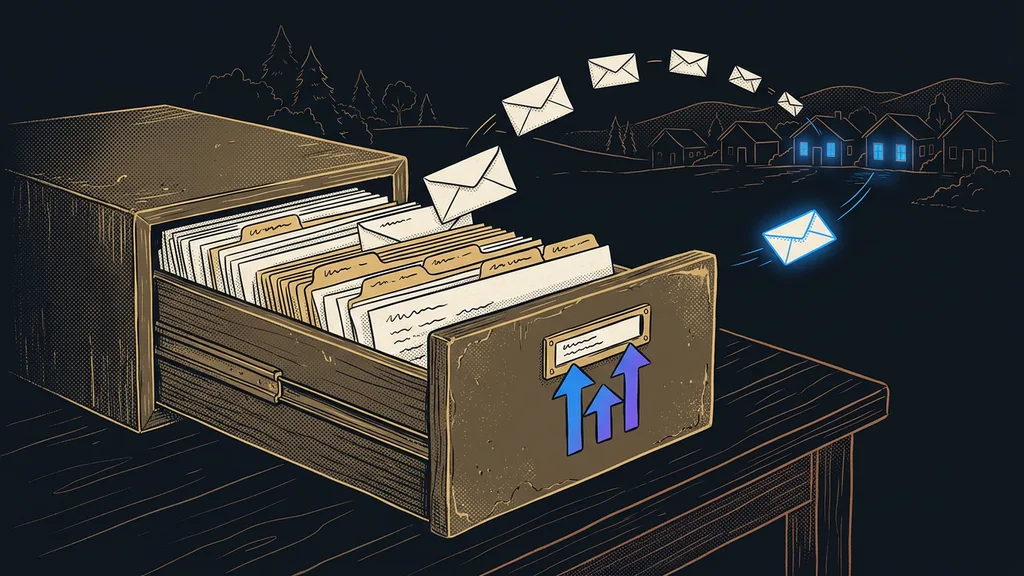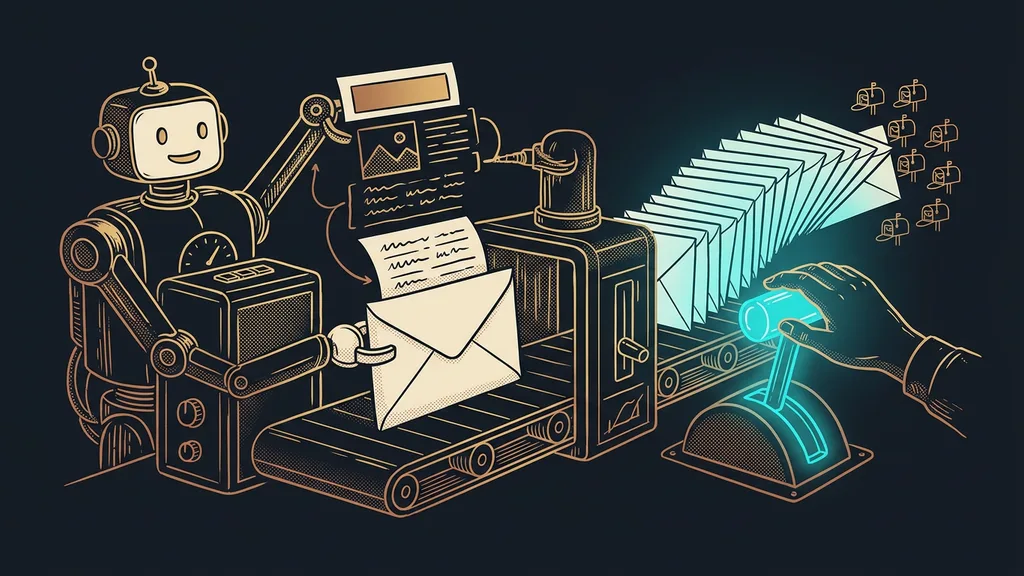
Most small businesses send the exact same link out to five channels and never reliably find out which one brought in the customer. A social post, the newsletter, a QR code on a business card, a video description: the same address everywhere. Orders come in, but who to thank for them stays a mystery.
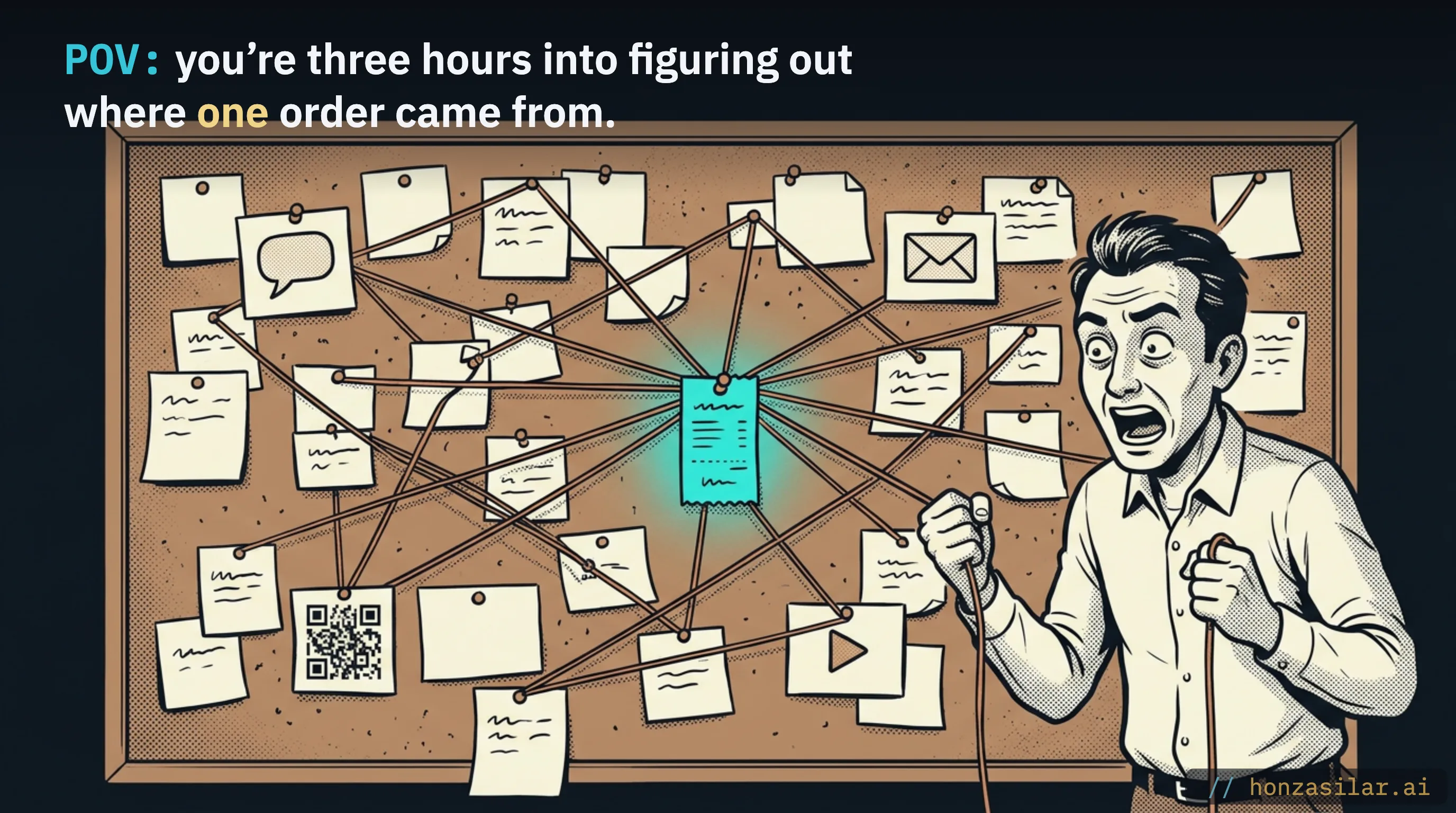
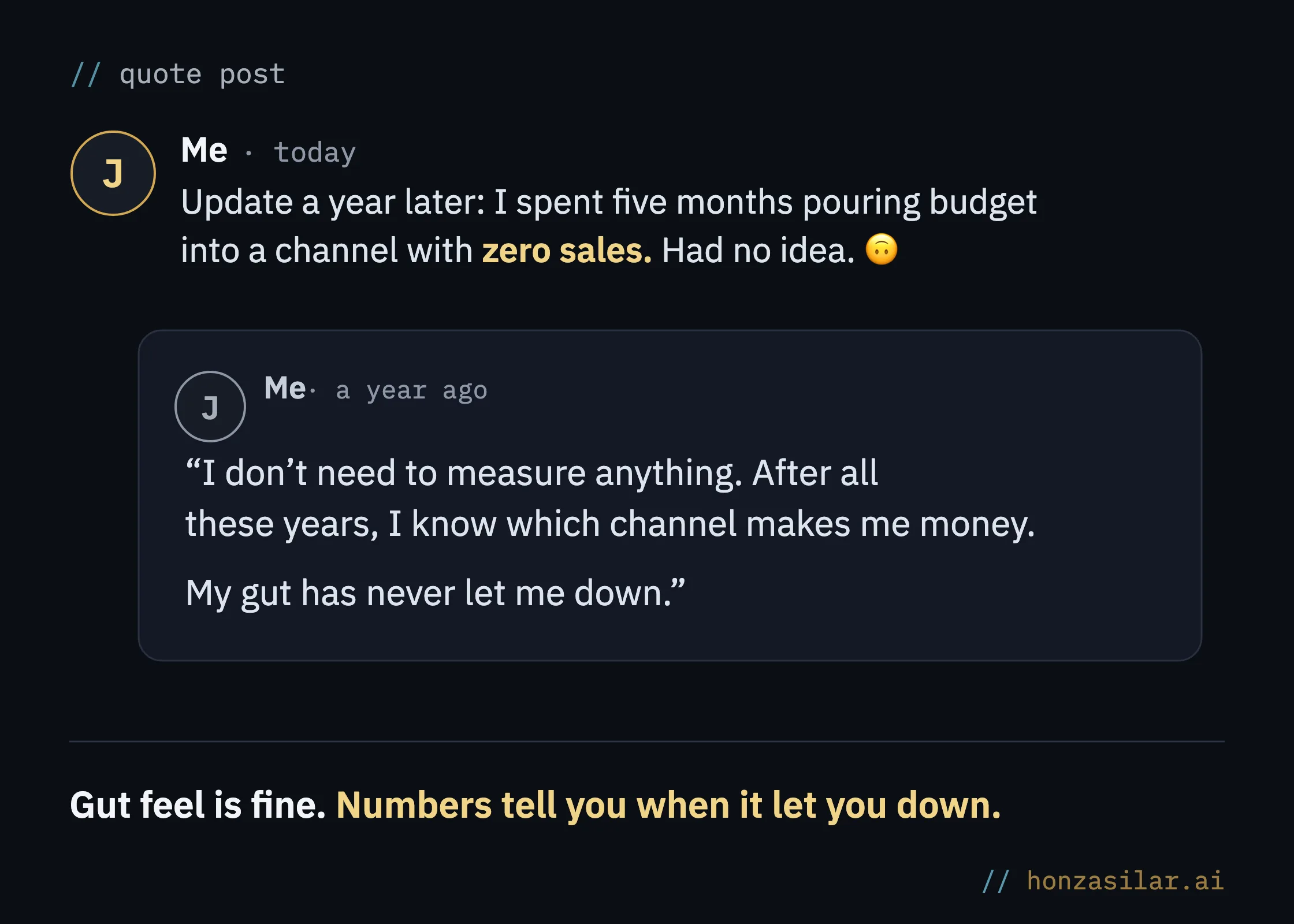
I know this one firsthand. For years I dumped content out into the world and then guessed by gut feel what was behind the results. When a week went well, I silently credited the last thing I’d posted; when it was slow, I blamed the algorithm or the weather. I told myself I had some kind of system. I had none.
Why your analytics only shows “direct / none”
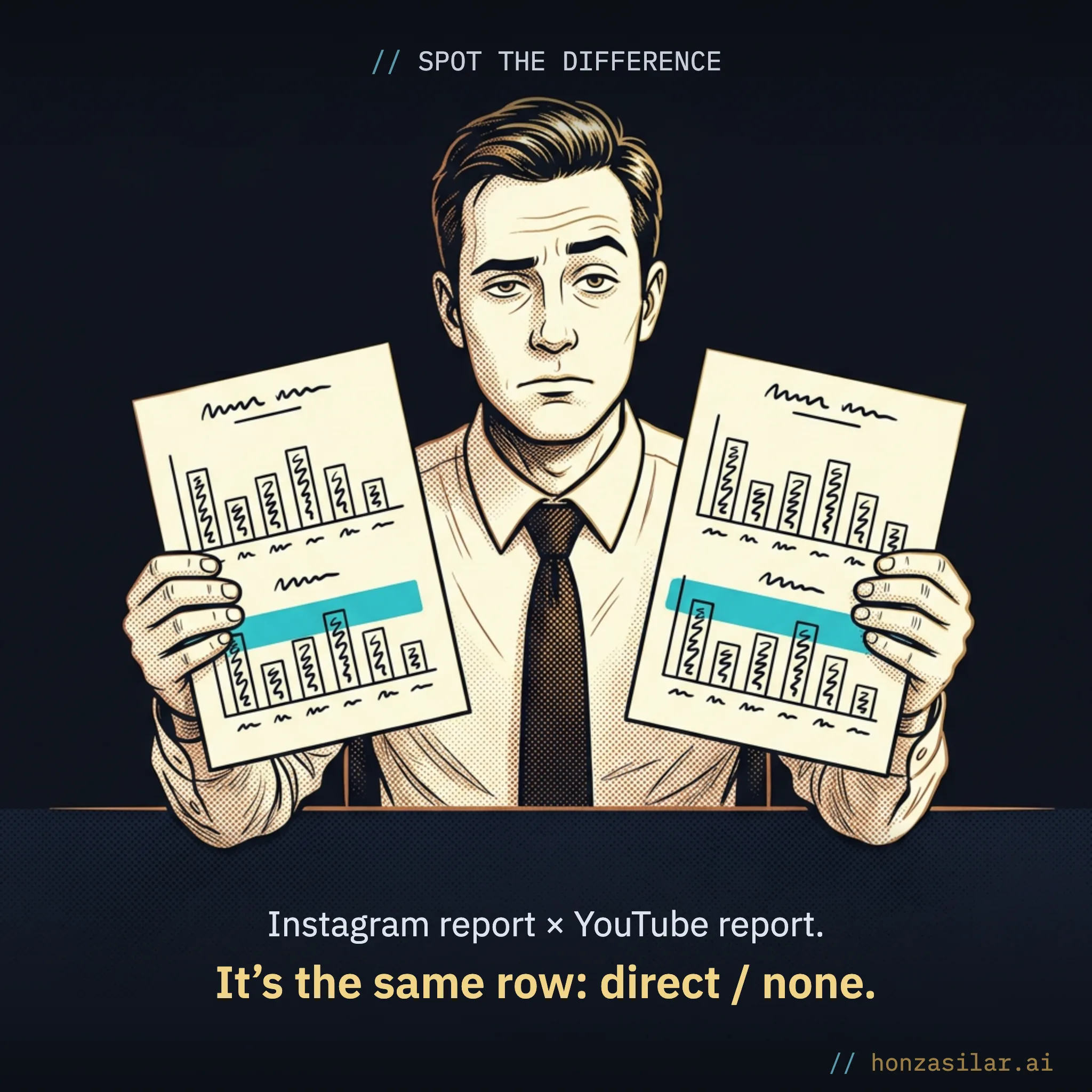
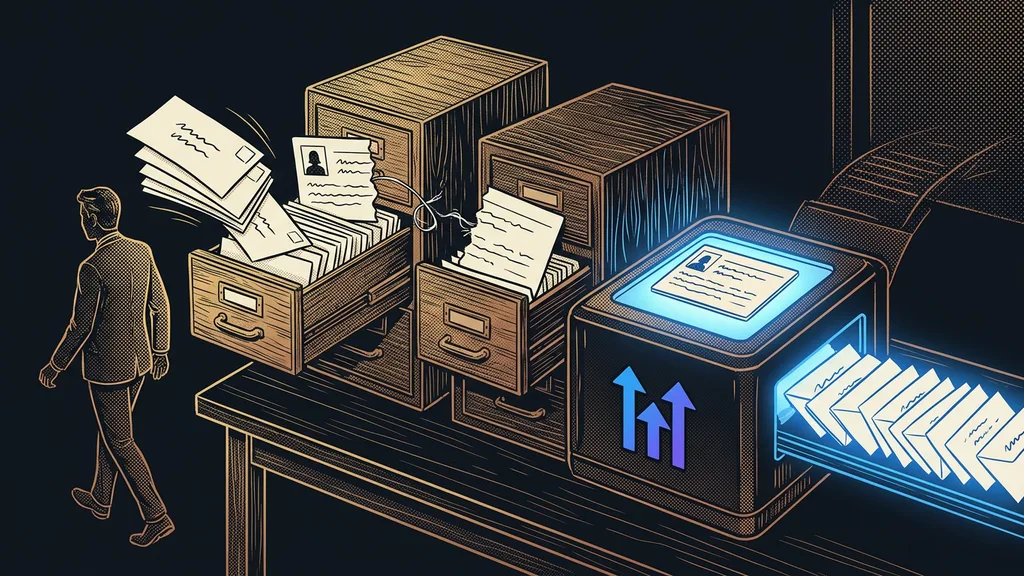
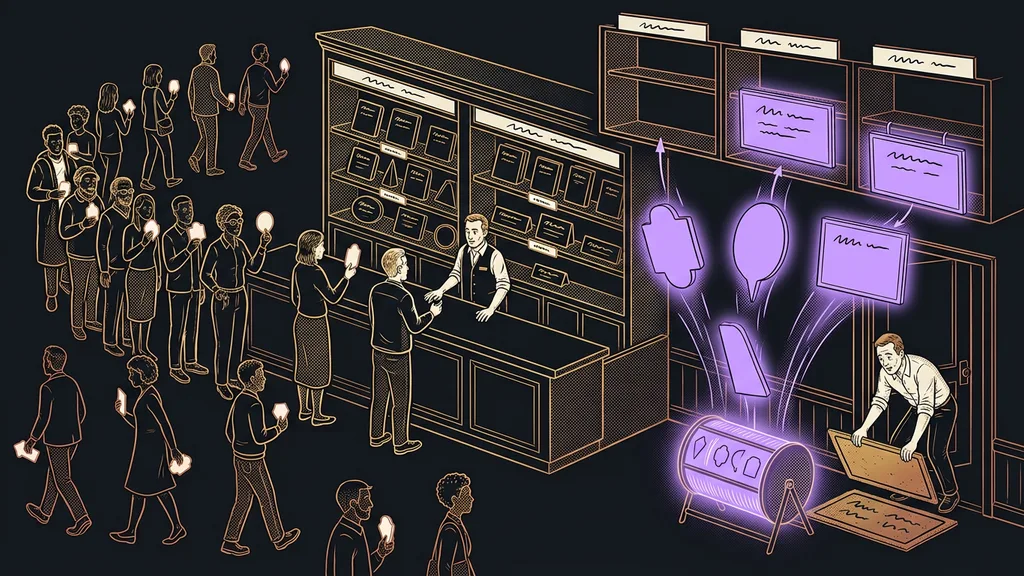
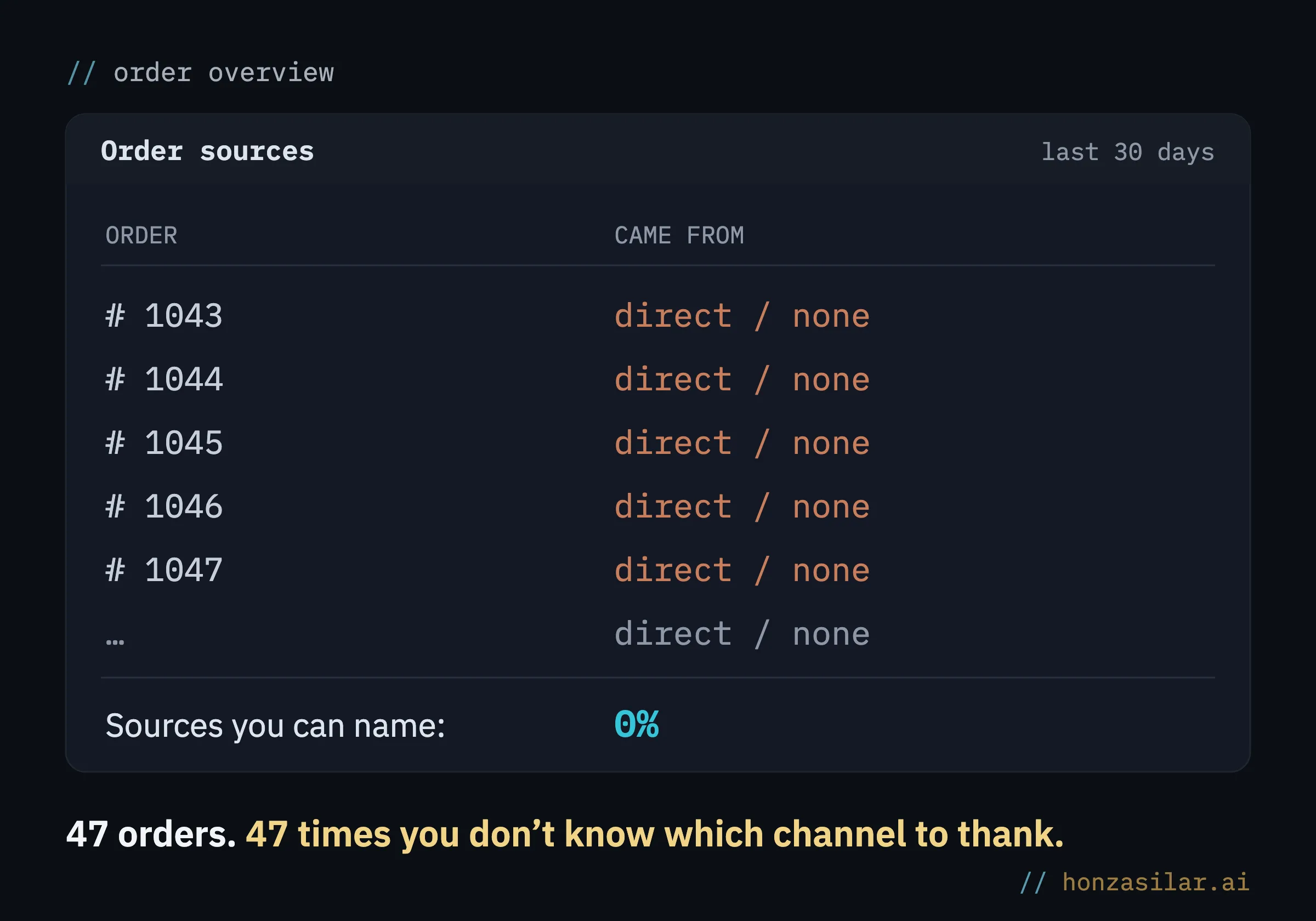
Because you’re measuring on someone else’s turf, and most of the customer’s journey doesn’t fit on it. You share a link to your social accounts from one place, someone opens it in the app, saves it there, googles you again two days later, and only then buys. Your analytics sees only that last step and writes “direct / none.” The browser gets the credit, not the social media story that got the whole thing going.
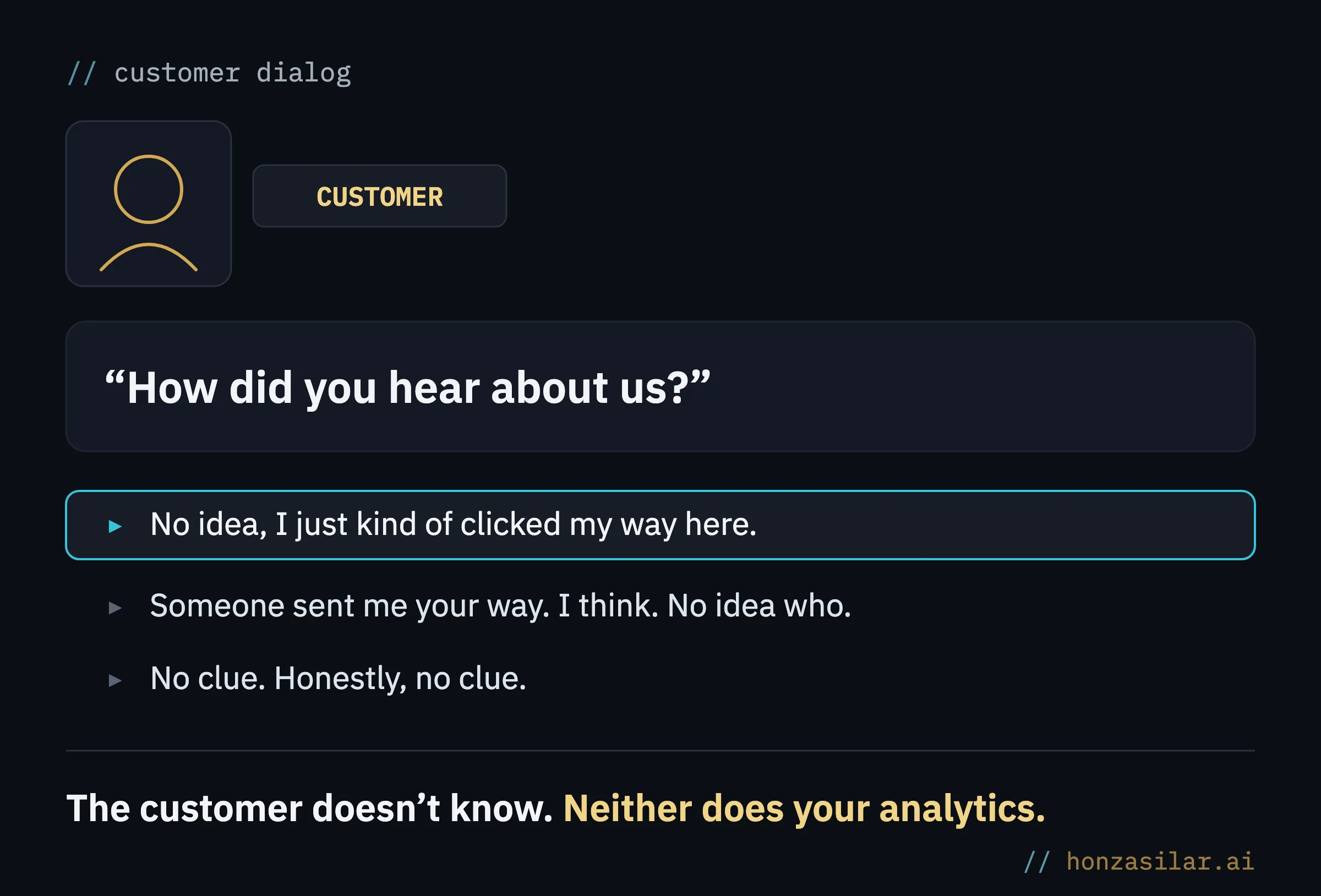
Assigning credit like this is called attribution. And the standard “last click” is where it misleads you most.
Attribution
Attribution means assigning credit for an order to a specific channel. It answers the question “what brought me this customer?” Standard tools count the so-called last click: all the credit goes to whatever the person clicked right before buying. But that’s usually a search engine or a web address the customer typed from memory. The channel that actually caught their attention first (that story, that video) stays invisible. And based on numbers like these, you end up cutting exactly what works.
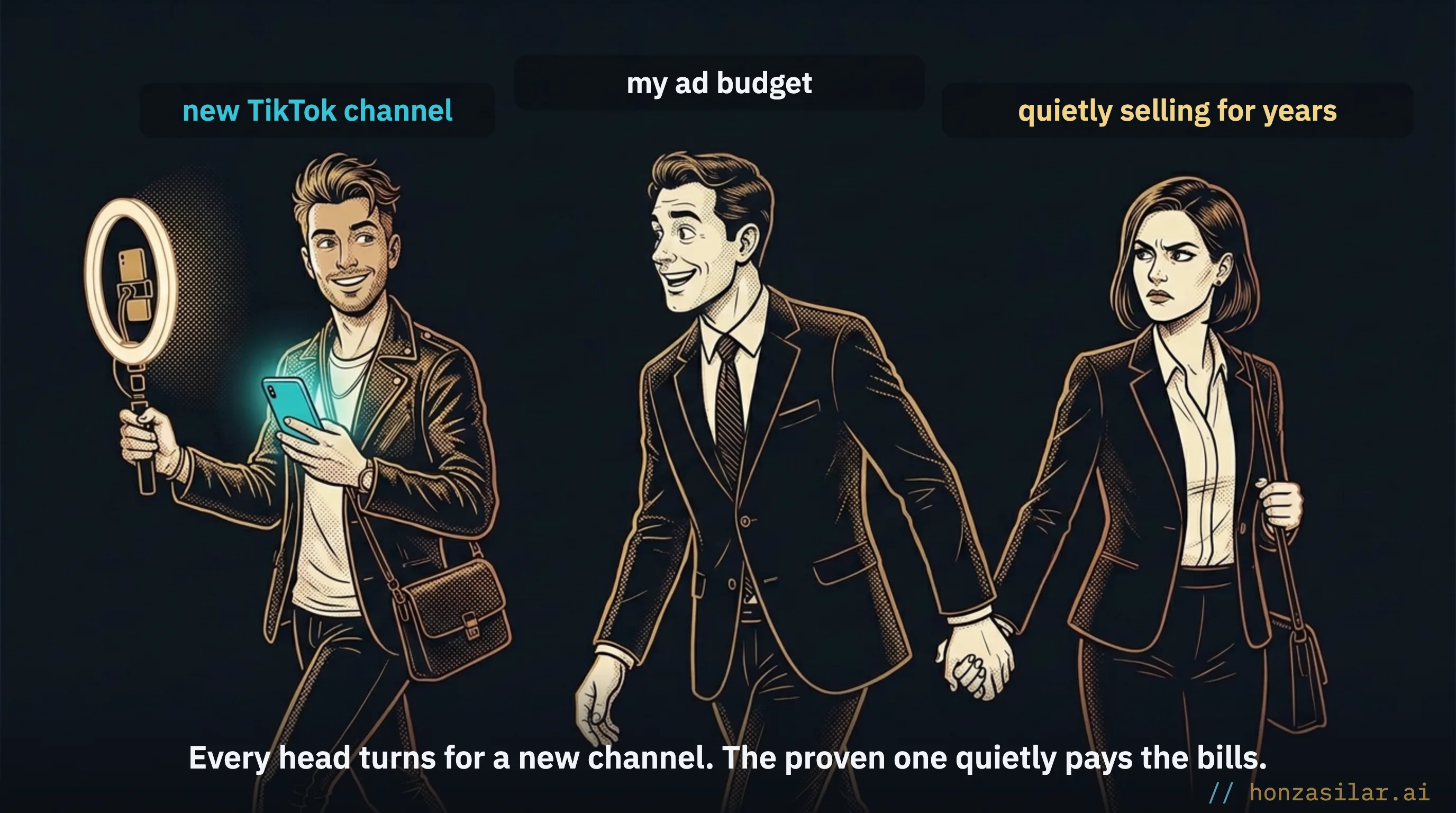
What you don’t measure, you don’t manage. You just hope for the best.
You don’t need heavy analytics, just your own short link
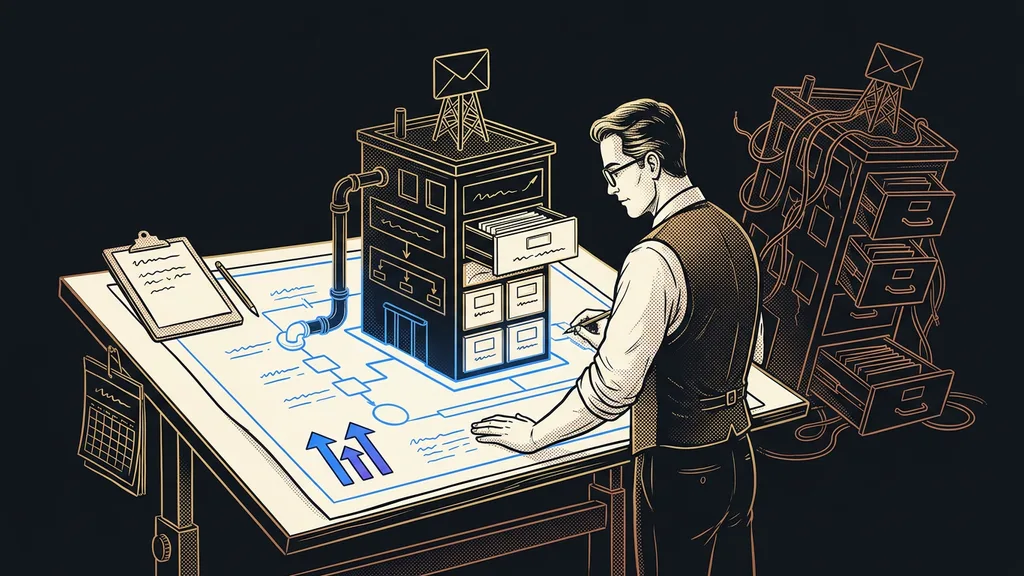
The fix is simpler than you’d expect: you give every channel its own short address on your domain. For the QR code on stage, yourdomain.com/summer; for the newsletter, yourdomain.com/news; for the video description, yourdomain.com/video. On the outside, it’s just a clean, unremarkable address you can put anywhere. The difference is that now every channel speaks under its own name.
What does each tool tell you about where an order came from?
| Channel | Standard analytics | Branded link |
|---|---|---|
| Social media post | direct / none | ✓ came from Reels |
| Newsletter | direct / none | ✓ from the newsletter, and you even know who |
| QR code on a business card | direct / none | ✓ from the business card |
| Video description | direct / none | ✓ from the video |
When someone clicks, they’re instantly redirected to where they’re supposed to land. The visitor notices nothing at all: they simply end up on the target page. You get a line of data you didn’t have before: they came from “summer,” meaning the stage.
How do you decide where your next euro goes?
Before
I decide by gut feel: I credit a good week to the last thing I posted and blame a slow one on the algorithm.
Orders show “direct / none.”
I even switch off a channel that actually makes money.
Now
“I can see which channel brought in the order.”
I know the source of every order. No guessing. I know.
I cut spending only where channels really are silent.
How it works: a redirect and a silent log entry
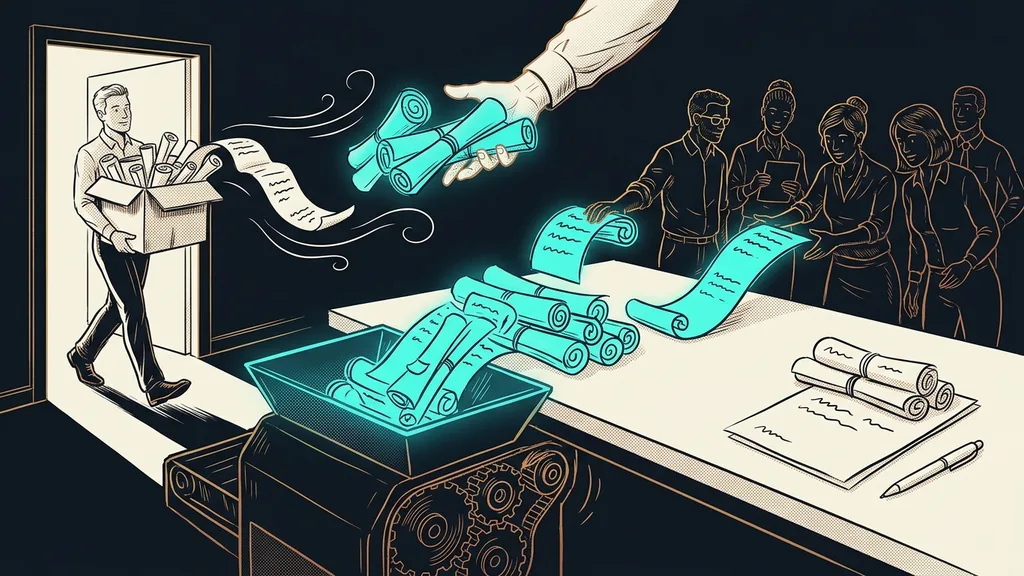
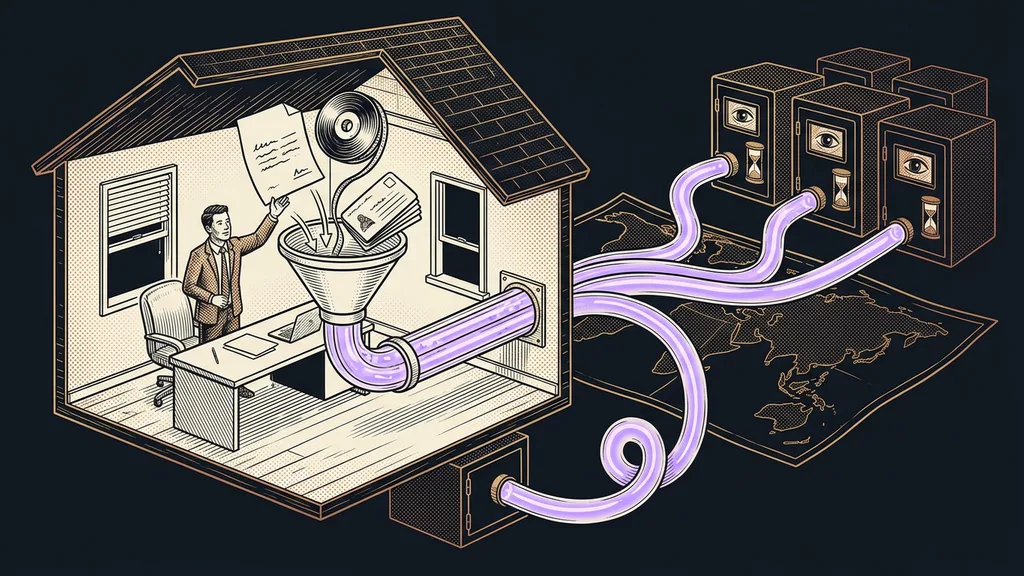
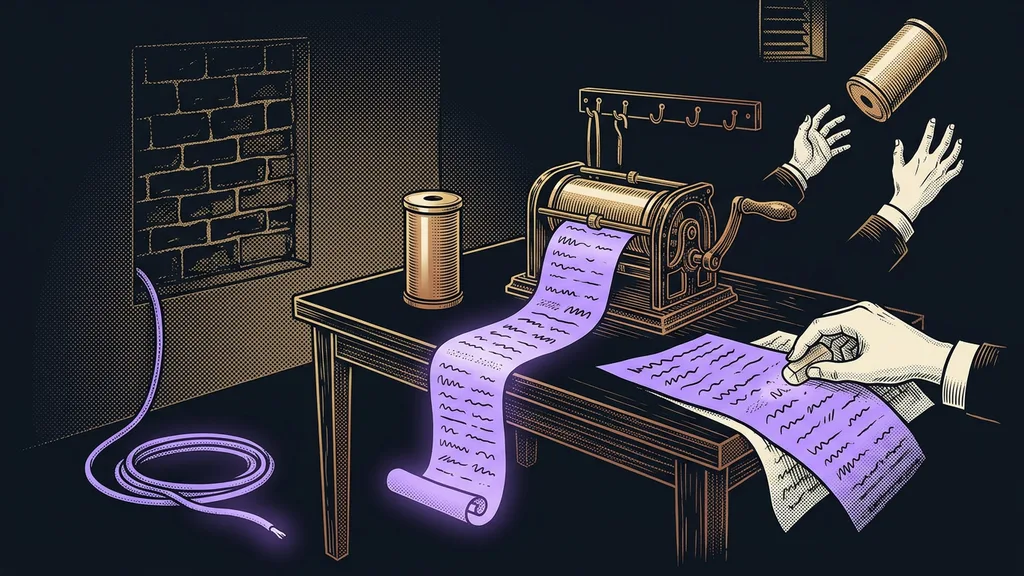
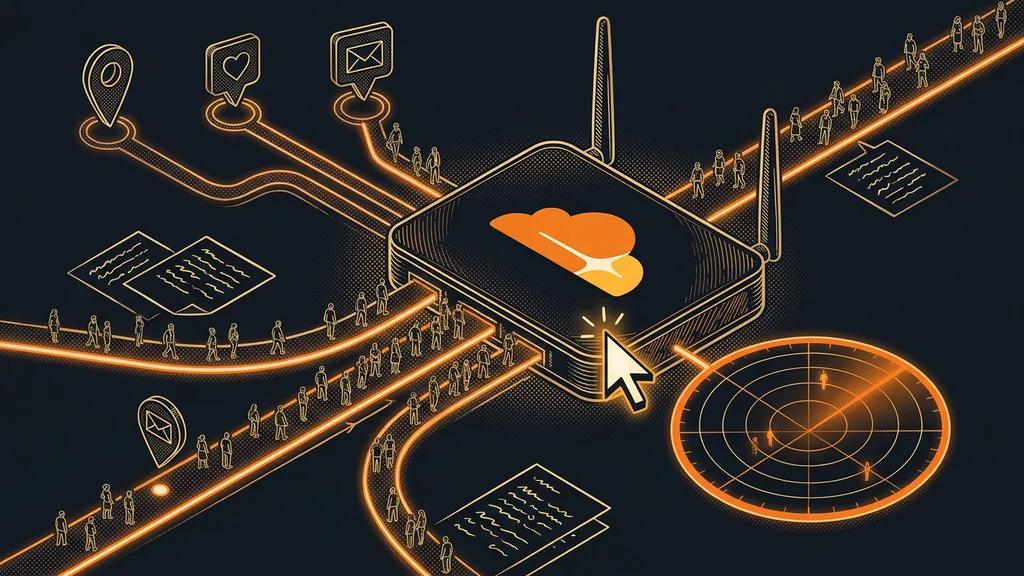
The link doesn’t go straight to your website. It goes through a small redirector first. In a single instant, the redirector does two things. It reads which short address was used and where the click came from, quietly logging that as one line. And it sends the person straight on to the target page. Zero delay, and the visitor has no idea anything was recorded.
What happens in the instant after the click
With links in a newsletter sent from one place, where you already know each recipient, the click can also be tied to a specific person. An anonymous tick on a chart becomes someone you can message at the right moment. I’ll keep the exact matching recipe to myself, but that’s the principle.
The fact that it all runs on Cloudflare’s network means just one thing in practice: the link responds instantly from Prague and New York alike, and your website doesn’t get any extra script or cookie banner.
Three worries about branded links, and what’s actually true
One-minute self-test
Open your analytics and go through last month’s orders. For how many of them do you know where the person came from? Not suspect. Know. Count how many landed in “direct / none.” That number is exactly the part of your budget you’re currently spending blind.
Who doesn’t need this
If you sell through one channel and can count your orders on the fingers of one hand, you don’t need branded links at all. You know where they come from without them. They pay off once you’re putting content out in several places at once and want to roll out AI and automation one measurable step at a time. The more channels you have, the more expensive guessing gets.
One more admission: this tells you that a particular channel works. It doesn’t tell you why. The answer to “why” is still up to you; this just finally shows you where to look for it.
The whole system in a nutshell
- You give each channel its own short address on your domain.
- You put it in the post, the email, under the QR code, and in the video description, a different one everywhere.
- When someone clicks, the redirector quietly logs where they came from and sends them on to the destination.
- With email links, the click can be tied to a specific person.
- You open the dashboard and see which channel brought in each order.
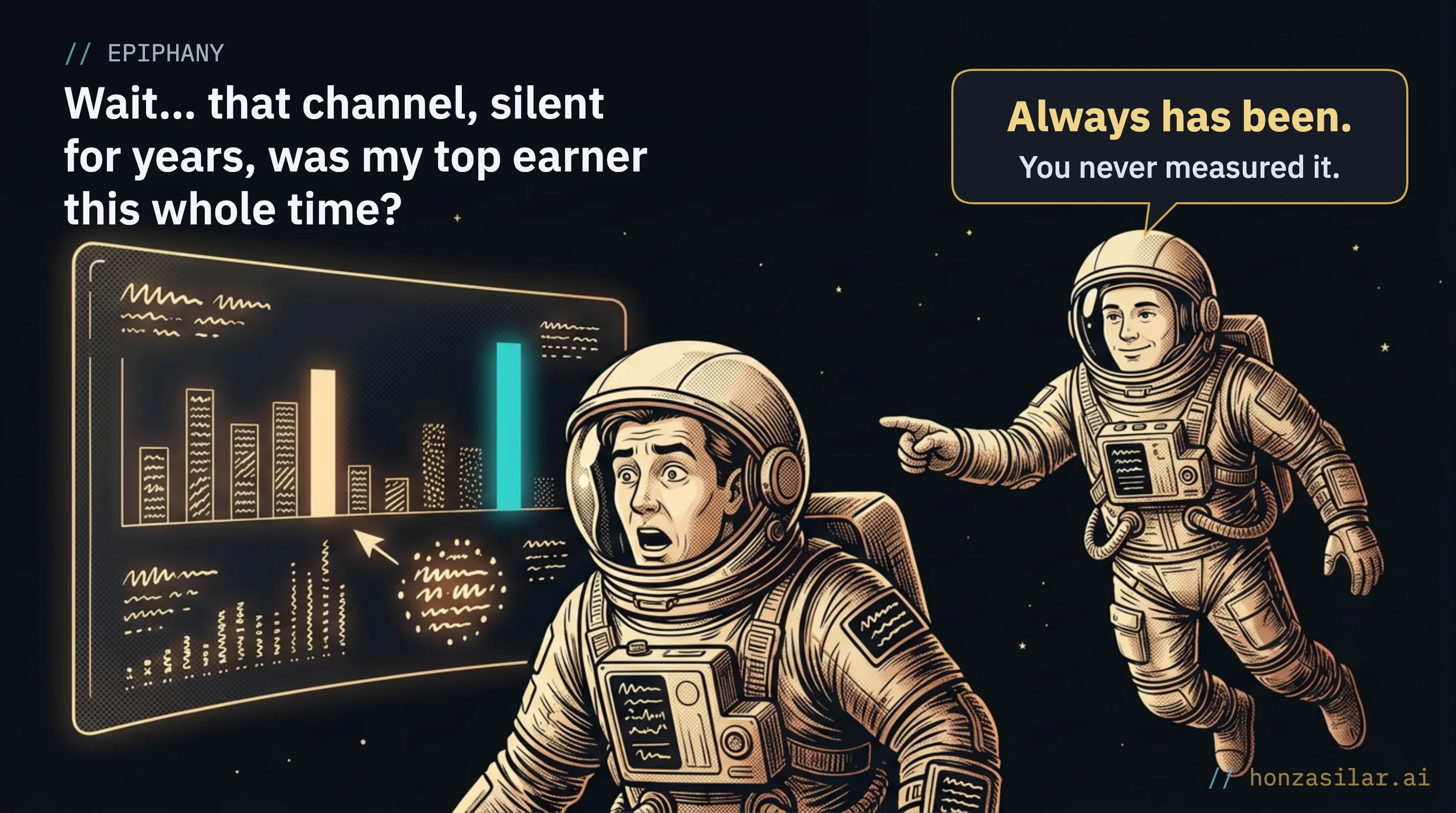
Anyone can send out ten links. Knowing which one actually worked is the difference between throwing your budget around on gut feel and making decisions based on numbers. And that channel that’s been silent for years? Either you finally catch it burning through your money, or you find out it was your quietest and best performer all along.