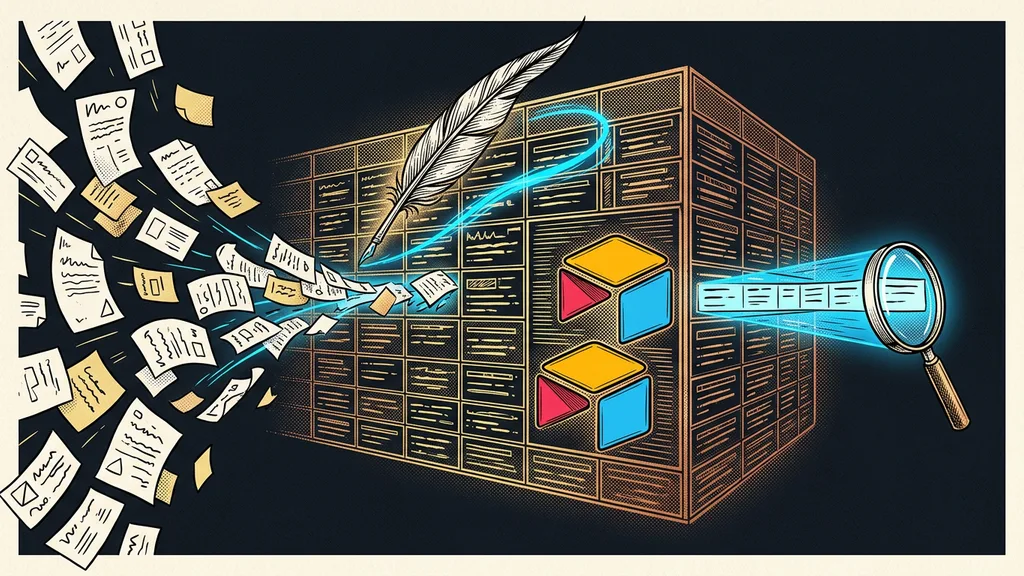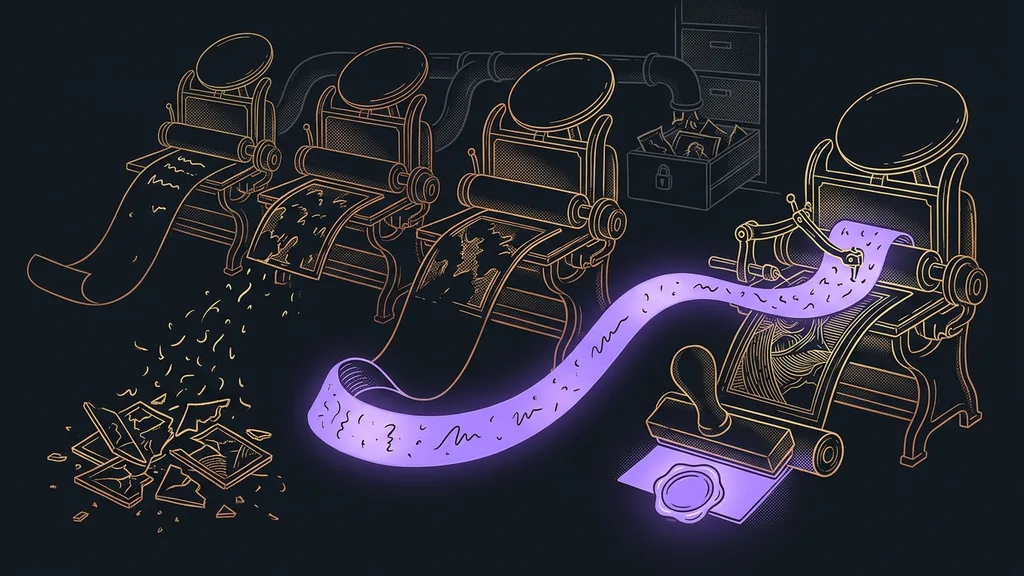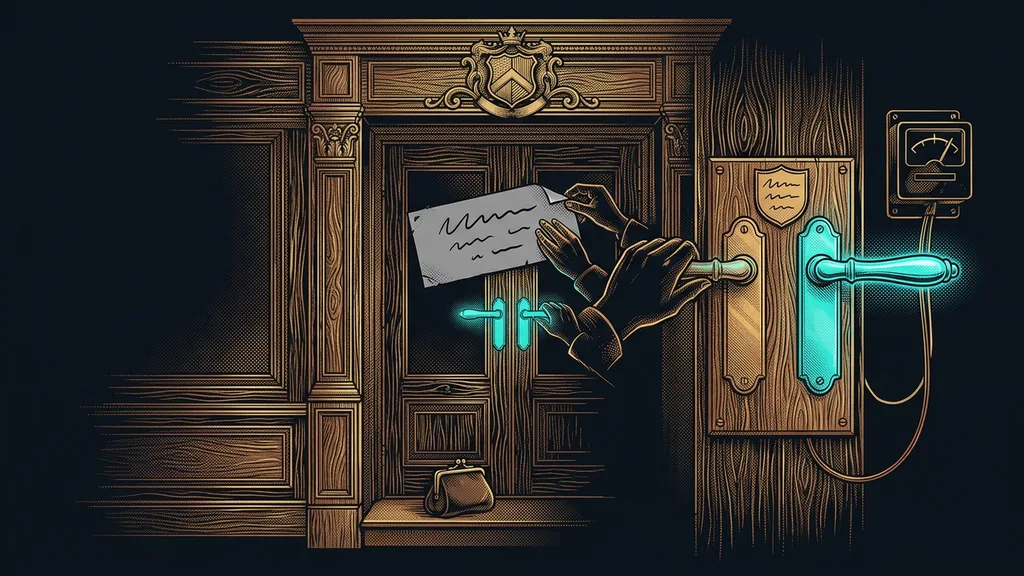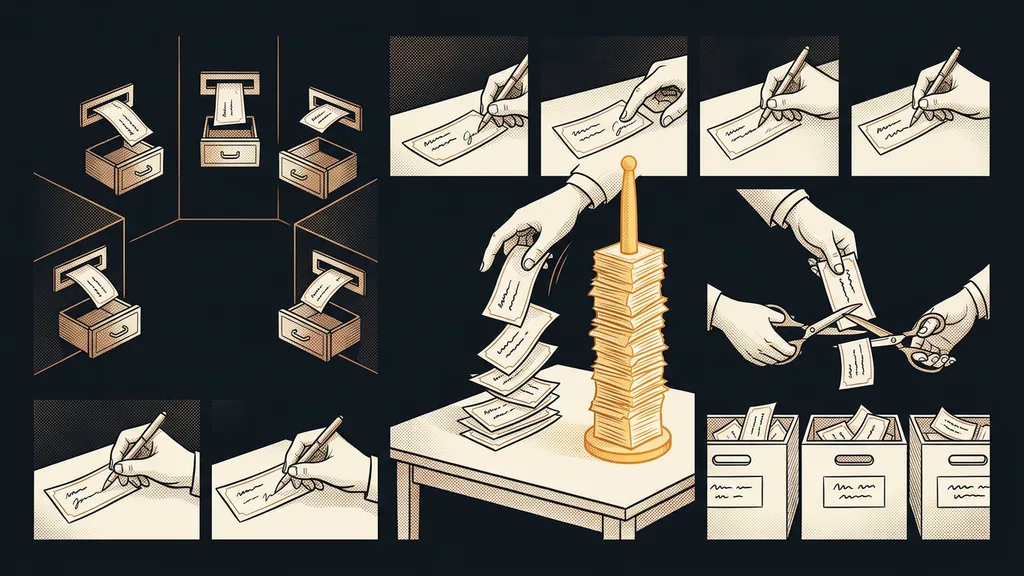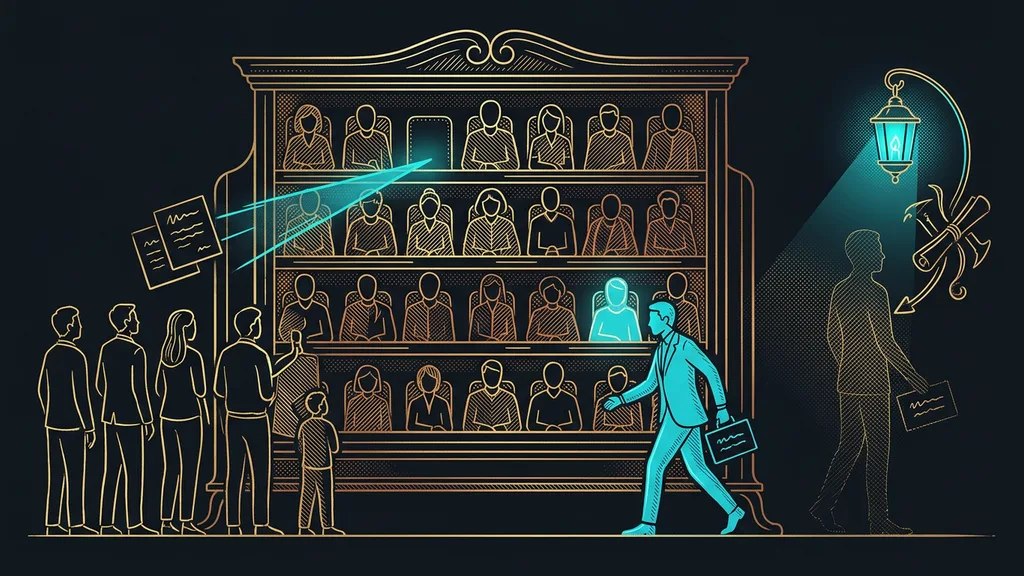
An old contact database is often the cheapest source of new work a business has. It holds past customers, people who once asked about pricing, and contacts from business cards. They all knew you once. Yet most businesses either never write to them at all or write to all of them at once in a single mass email. Both end in silence.
I see it in almost every move to GoHighLevel. Out of the spreadsheets, the old CRM, and the inbox export comes a long list of names everyone had forgotten. The owner lights up and wants to send them something right away. It’s a good idea. The words “right away” and “everyone” are what turn it into the fastest way to burn both the database and the domain.
Why an old database can’t handle a mass email
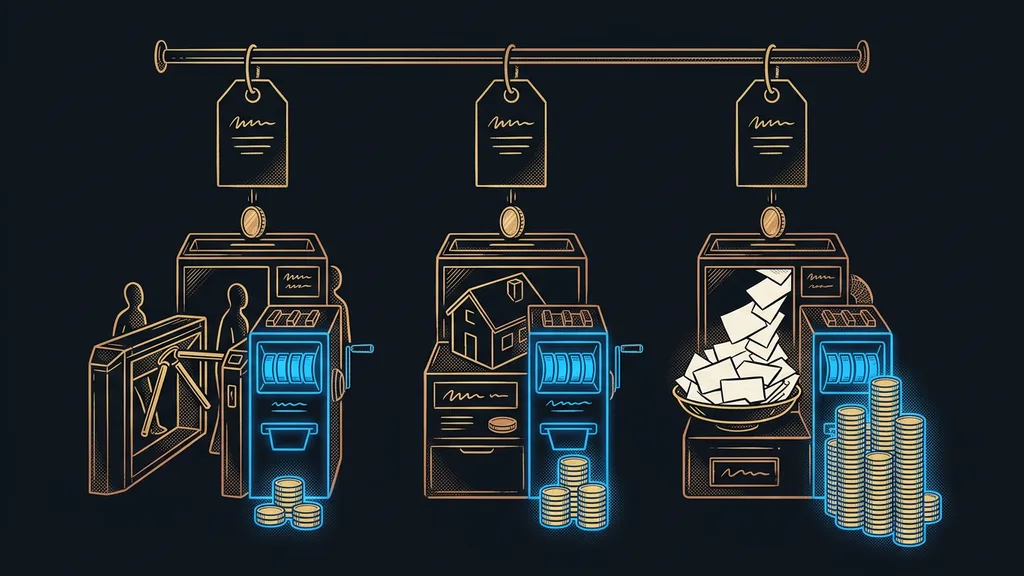
Because it’s full of dead addresses and people who don’t remember you, and your domain isn’t used to that kind of volume. One big send hits all three at once. Inbox providers then pin the bounces and spam-button clicks on your domain, not on the old database.
Database reactivation
Gradually reaching out to people who were once in touch with you and then went quiet: past customers, unfinished inquiries, contacts from events. The goal of the first message is to find out who’s still around and who cares about your offer today, not to sell. It runs in small batches and has an end set in advance.
And these are people you’ve already paid for once. With ads, with time spent in meetings, with a trip to a conference. If you’ve ever worked out what one customer from ads costs you, it’s obvious why leaving them untouched is a waste.
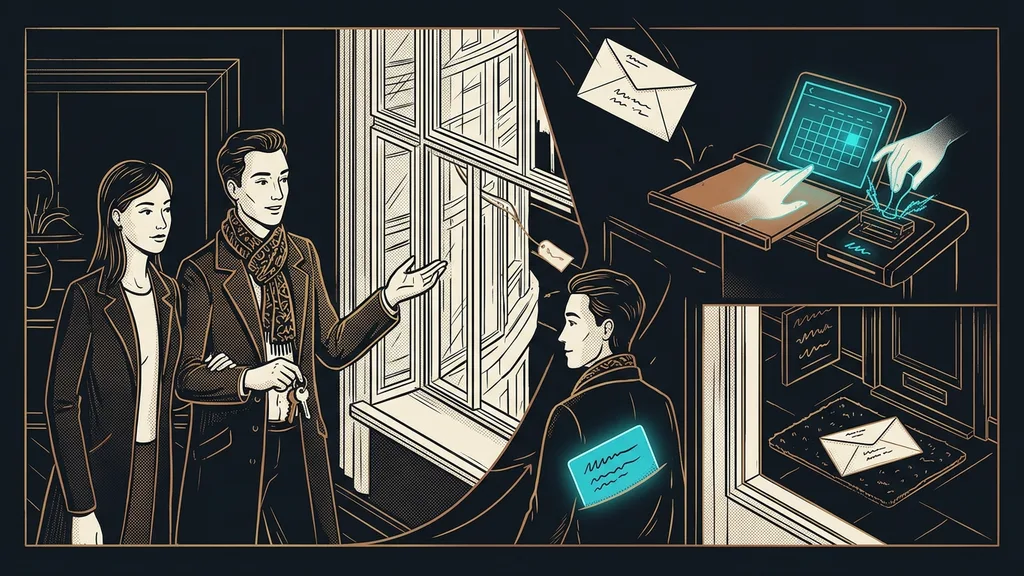
You wake up an old database by reaching out to one person, after years, as a person. Then to the next one. A campaign can’t do that.
Who to write to first
Past customers first: the ones who bought from you once and then went quiet. They know you, they’re likely to reply, and their replies help your domain before the colder contacts get their turn. In GoHighLevel, you save each layer as a Smart List, a filter that updates itself, and mark it with a tag.
| Layer | Who’s in it | When they get contacted | Consent |
|---|---|---|---|
| Past customers | bought, then went quiet | first | not needed for similar products |
| Unfinished inquiries | asked about pricing, didn’t buy | after past customers | only if you have it |
| Other contacts | business cards, events, old exports | last, after checking addresses | only if you have it |
Splitting contacts into layers has a legal side, too. Under Czech law (Act No. 480/2004 Coll.), you can write to your own customers about similar products even without consent, as long as every message gives them an easy way to unsubscribe. For everyone else, you need consent. In my article on consent and GDPR in GoHighLevel, I explain how to record it and what to do with contacts that lack it. I leave interpreting the law to the Czech data protection authority, which keeps an FAQ page on it.
What kind of message wakes people up after years of silence
A short, personal one with a single question. Not a designed newsletter with a banner and three offers. The message should look like you wrote it by hand to one person, because that’s exactly how it’ll be read.
A three-sentence skeleton has worked well for me: who you are and how you know each other, what’s new on your end, and a question that can be answered in one word. For example: “Are you planning a company training again this year?” For most people, typing “yes” is much easier than filling out a form. The sender is a specific person with a name, never a generic info@ address.
That’s what sets reactivation apart from a regular email blast. A regular newsletter is a different craft with a different rhythm, and you can prepare it ahead of time as a draft for approval. A wake-up message goes out once, and it works only because it doesn’t sound like a mass email.
The 20-name test
Before you send anything, pick twenty past customers from the database and go through their records. For how many do you know what they bought back then, and how many of the addresses look alive? If you can’t answer that for even twenty people, your message would arrive as if from a stranger.
How fast to send so your domain holds up
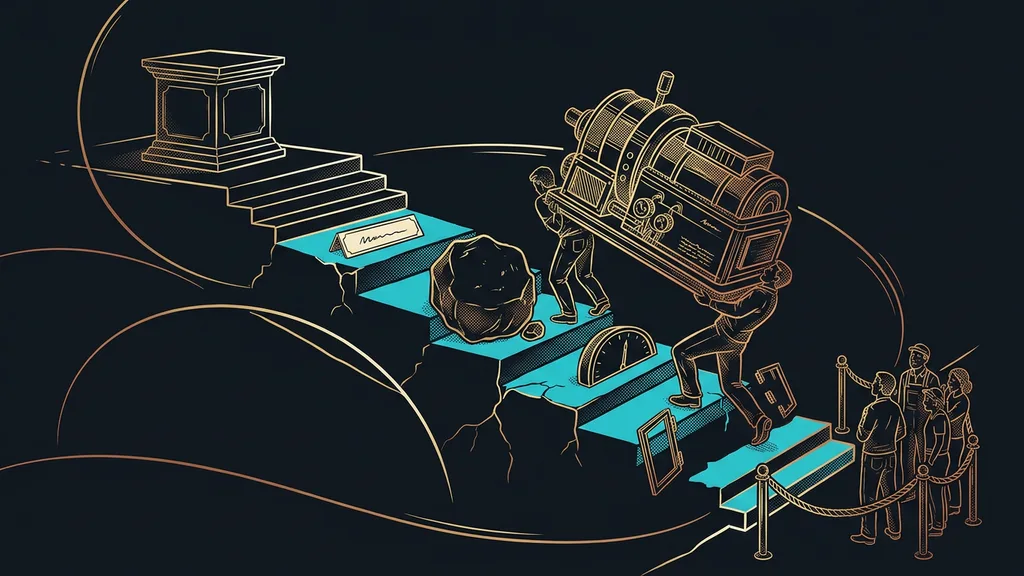
In small batches spread over days and weeks. A new domain starts at a few dozen messages a day, and even an established one with a clean history can’t handle a jump to several times its usual traffic. I break down why one big send can knock out a sending address in my article on domain warm-up.
Batch sending (Batch Schedule)
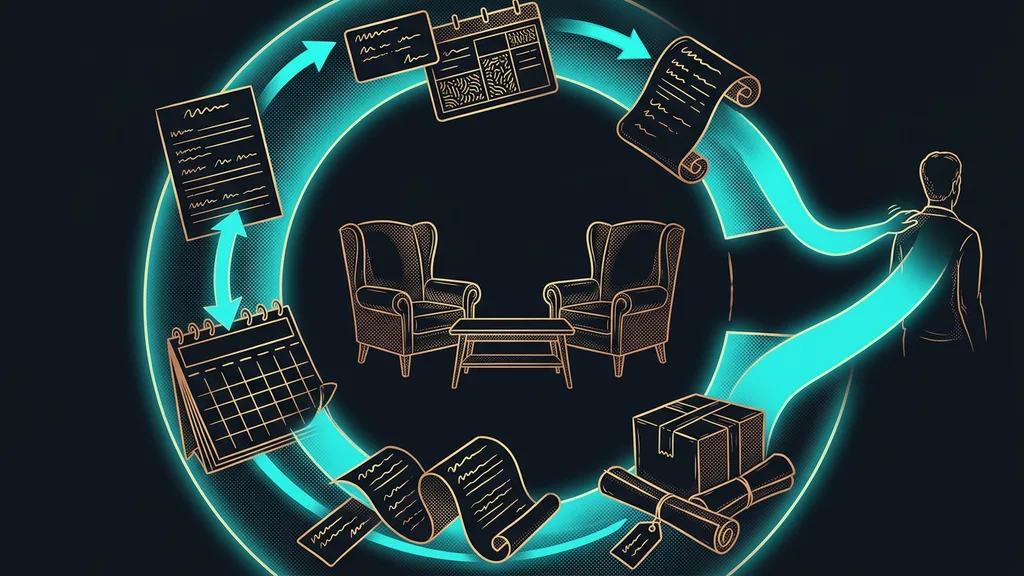
An option on GoHighLevel email campaigns that splits a send into batches. You set how many emails go out in one batch (Batch Quantity), how long until the next one (Repeat after), and which days of the week sending is allowed. The campaign then runs on its own, for days, and you just watch the replies.
Before the first batch, have the addresses verified so dead inboxes don’t push up your bounce rate. I send batches on weekdays during business hours. I want to read and handle replies right away, because freshly woken interest cools quickly.
When to stop writing
Right after a reply, after the second reminder, or at the first “please don’t email me.” A reactivation without a fixed end turns from waking people up into pestering them. And people remember that longer than your offer.
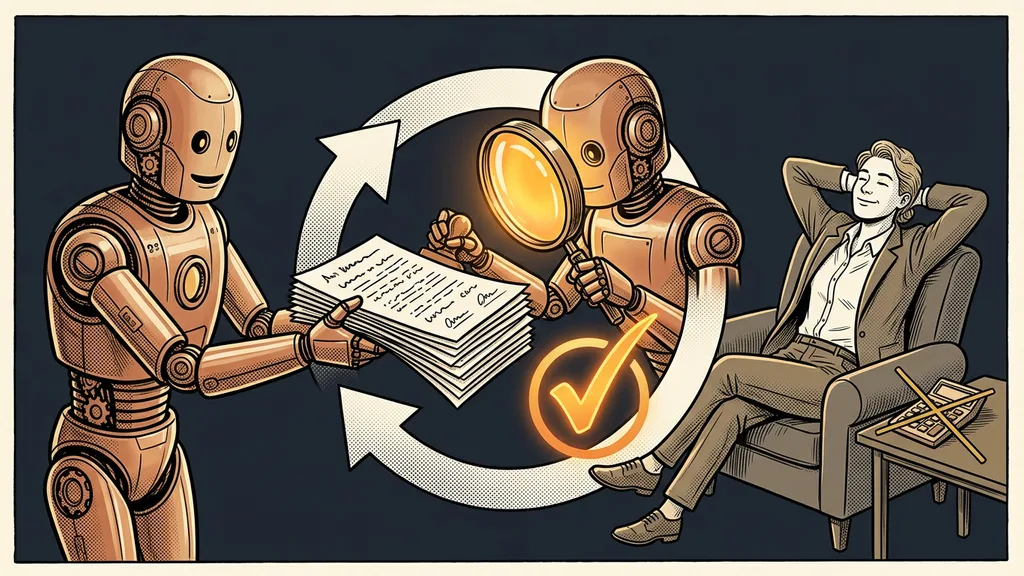
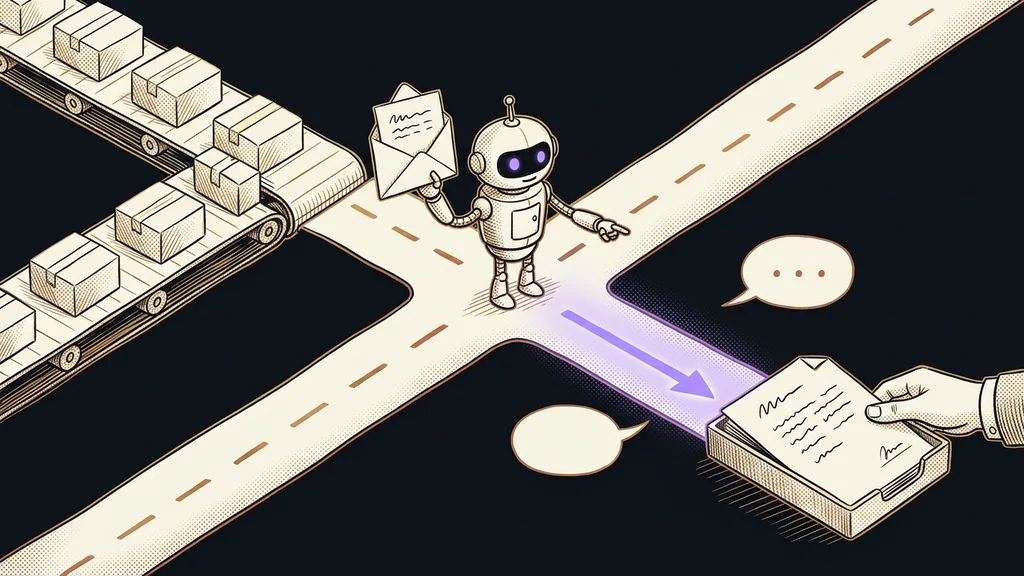
A reply is the most important stop sign. A workflow with the Customer Replied trigger removes the person from further reminders, creates a card for them in your open-deals pipeline, and gives you a task to get in touch personally. AI can sort replies into interested, “not now,” and no, so nobody has to go through them by hand. But a reply that shows interest gets read and answered by a human.
Anyone who doesn’t respond gets two reminders at most, a few days apart. Then they get a tag and the database leaves them alone, for six months if need be. Anyone who asks you to stop gets an email Do Not Disturb (DND) flag in GoHighLevel. After that, nothing reaches them, not even by mistake from another campaign. Addresses that bounced as undeliverable should come out of the database right away.
When reactivation isn’t worth it
A database of a few dozen names doesn’t need a reactivation campaign. You can write to those people from your own inbox in one afternoon, and a personal message without automation works better anyway. It’s also not worth it for purchased lists and contacts with no prior relationship, because there’s nothing to wake up and there’s no consent. And it won’t help a business that has no capacity to take on new work right now. A customer you wake up only to tell “not until March” will go right back to sleep.
The whole process in a nutshell
- Pull your old contacts from spreadsheets and systems into GoHighLevel and have the addresses verified.
- Split them into three layers and check for each one whether you have consent.
- Write a short, personal message with one question, signed by a specific person.
- Send in small batches with Batch Schedule, past customers first.
- A reply stops the reminders and creates a deal in the pipeline; a no switches on Do Not Disturb.
- After two unanswered reminders, leave the contact alone.
That way, a spreadsheet nobody has opened in years turns into a list of conversations. Some will end with one word, others with an inquiry you’d otherwise have waited for from ads. If you’d rather not put together the layers, batches, and stop rules yourself, you can have me set up GoHighLevel for you. I’ll build the reactivation and hand it over myself, no middlemen. Then you send the first batch on a Tuesday morning, and by the afternoon you’re replying to people you’d almost forgotten.