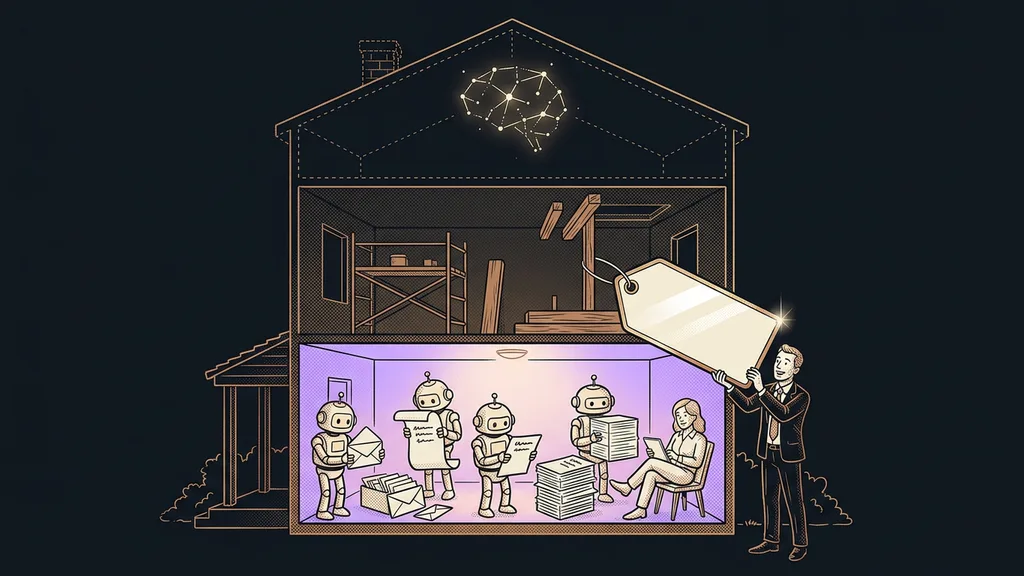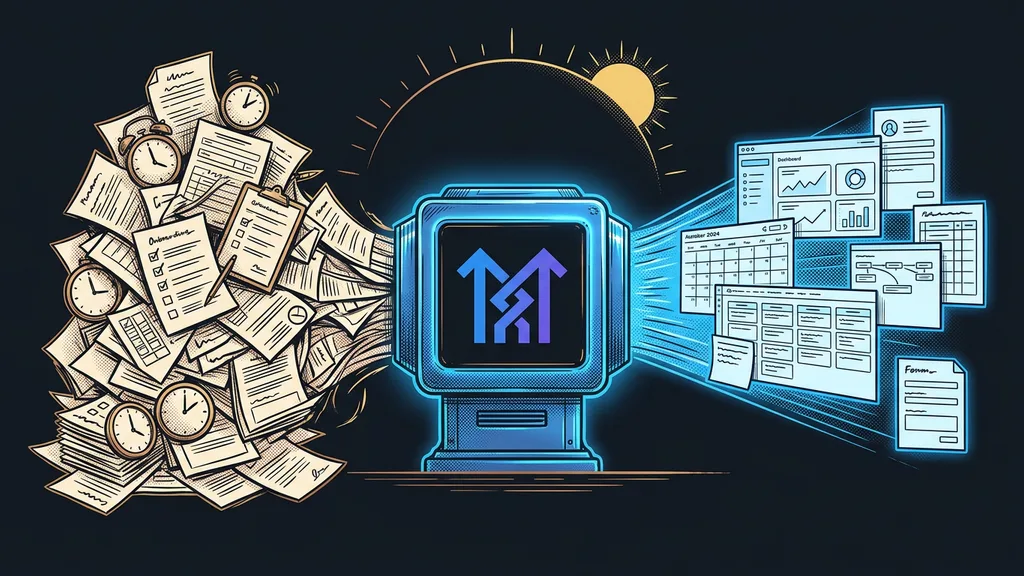
Half of onboarding a new client is work where your brain switches off. Repetitive setup, the same fields, the same sequence of steps, and yet you can’t make a mistake, because everything else is built on this dull foundation. It’s the most treacherous combination there is: boredom and responsibility in one package.
For me, it was exactly this with CRM setup. Every new client meant two to three days of clicking around the admin panel before the account was even ready to work in. Custom fields, calendars, tags, Custom Values, one automation after another. And with the next client, back to square one. The same routine over and over, just with a different name at the top of the account.
Boring work you can’t afford to get wrong
The real problem was that the work was mechanical rather than hard. And that’s exactly what made it treacherous: your brain switches off, your hand moves on its own, and somewhere in that semi-automatic rhythm a mistake slips in that you only discover a week later, at the client’s.
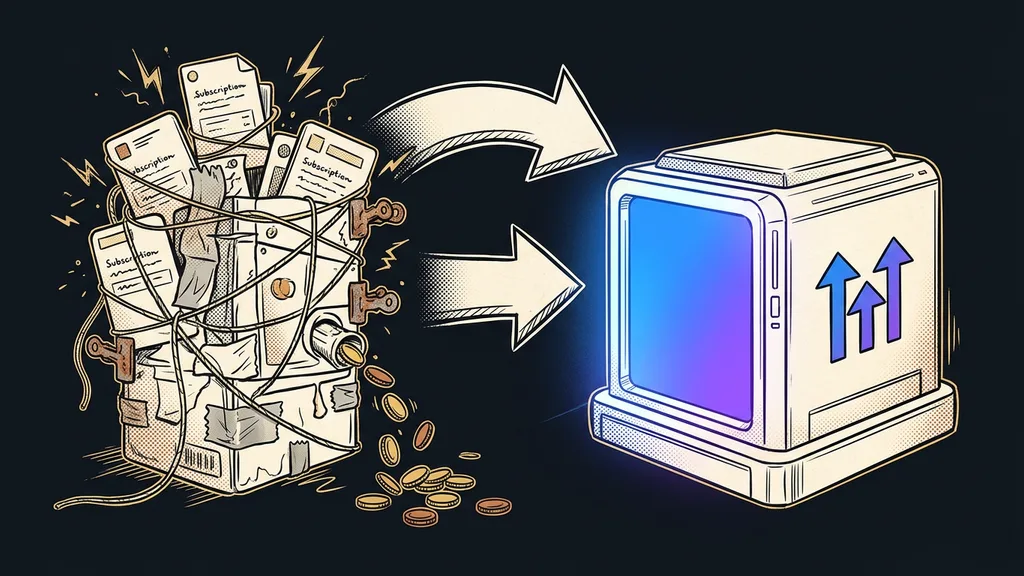
Now add it up. Two to three days per client, times the number of clients a year. That comes to whole working weeks spent clicking through something that gets you nowhere. And you pay in attention even more than in time: every hour of this grind is an hour you don’t spend on what the client actually pays you for.
Boring work is dangerous because it lulls you to sleep right when you can’t afford a mistake, not because it takes time.
But this is exactly the kind of work today’s AI can take the biggest bite out of. Creative decisions and strategy stay with you; what AI handles is the repetitive, clearly bounded, describable grind. The question is how smartly to put it to work, not whether to.
One-minute self-test
Take your last onboarding and go through it item by item. Next to each one, write a single letter: D if you had to decide what to set up and how, M if you just clicked mechanically according to the brief. Count the Ms. That’s exactly the part you don’t have to do yourself.
From questionnaire straight to a finished plan
For that dull half of onboarding, I built my own system. Instead of a smarter chatbot, I wanted something that would grind through the tedious work for me and leave me with the rest.
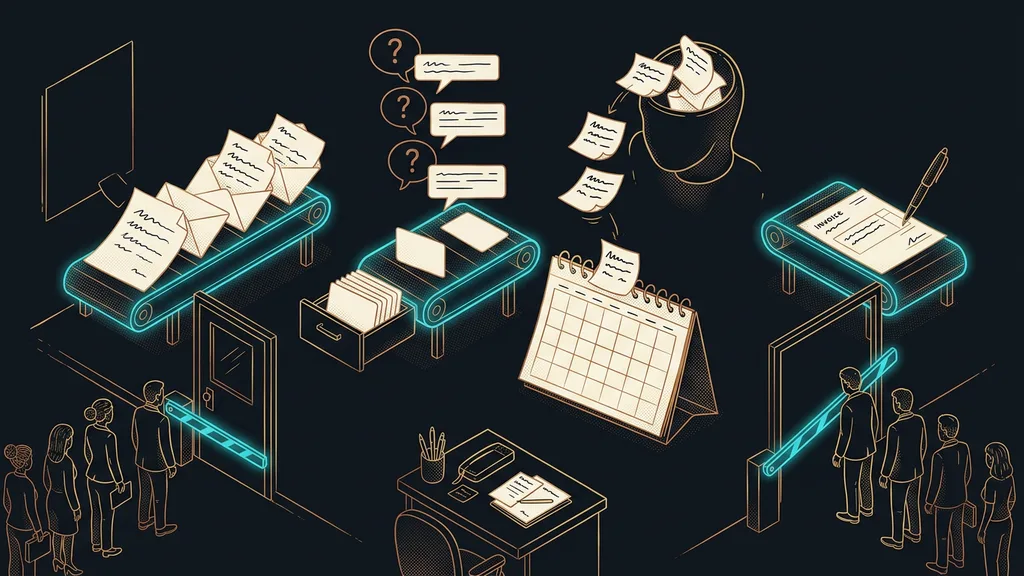
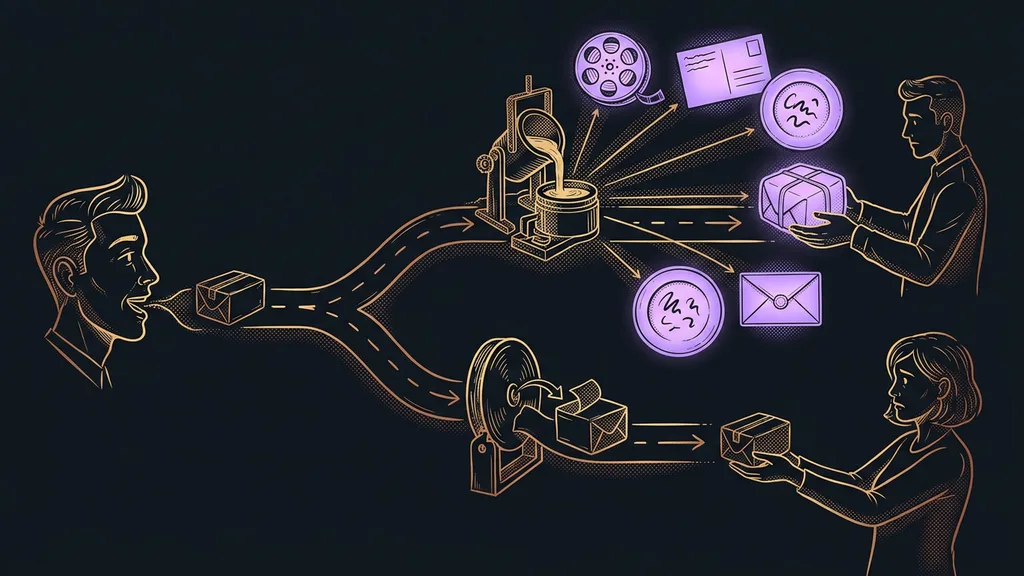
It works simply. The client fills in an onboarding questionnaire: what they do for a living, how they want to work with contacts, what automations they want. I don’t read that document line by line. I hand it to the system, and it takes it apart on its own. Instead of a vague summary along the lines of “the client wants a modern CRM,” it gives me back a concrete work plan: it goes through the requests one by one and sorts them into two piles based on a single question. Will the AI in the platform do this, or do I have to take care of it by hand?
Ask AI
Ask AI is an assistant built right into the GoHighLevel platform. You don’t need to know where things are set up in the admin panel. You tell it in plain language what you want, and it creates it in the account right away: Custom Values, custom fields, calendars, tags. It can’t do everything, but what it can handle is clearly definable. And that’s exactly what makes it the ideal worker for the dull, mechanical half of onboarding.
The first pile holds everything Ask AI can handle inside the system. For that, I get a set of finished, precise requests, neatly sorted by category: Custom Values separately, custom fields separately, calendars, tags, and each automation on its own. One completed questionnaire easily produces ten of them, and I just run them one after another.
To make this concrete, here’s what one of those generated requests for Custom Values might look like: “Create Custom Values for Hourly Rate, Bank Account Number, and Company ID.” And right next to it, a second one, for a custom field: “Create a dropdown custom field called Contact Source with the options Website, Referral, and Ads.” Precise, concrete, ready to run. I just copy them into Ask AI and watch the account fill up.
The second pile holds what has to be clicked through by hand. Even here I don’t start from scratch: for each item, I get an exact spec of what to set up. I don’t have to guess what the client meant or flip back through their questionnaire. It’s simply a checklist I tick off. An account setup that used to swallow two to three days is done in an afternoon.
It verifies instead of guessing
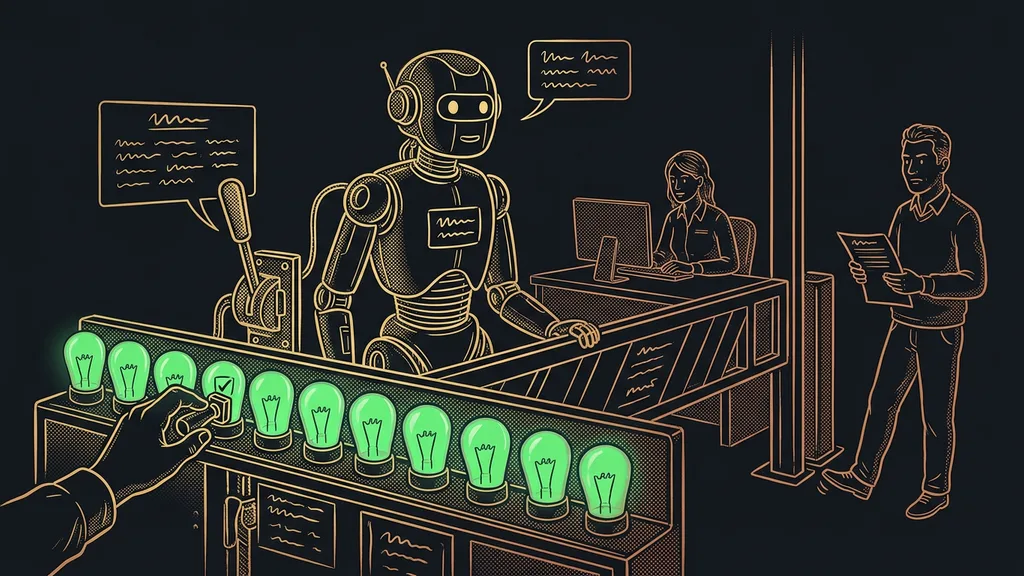
All these savings rest on one discipline: verify, don’t guess. The system knows exactly what Ask AI can and can’t do inside the platform. Instead of assuming where that line runs, whether from a hunch or from how things went last time, it checks it against what GoHighLevel actually offers.
The difference is huge. If it just guessed, some of the requests would fail because the thing can’t actually be done through AI, and I’d only find out at the client’s, at the worst possible moment. This way, I can be sure that whatever ends up on the “the assistant will do it” pile, the assistant really will do. I can’t afford to promise a client a feature that then doesn’t work.
The system applies the same discipline to anything unclear. When it isn’t sure what the client meant in the questionnaire, it prepares a question and lets the client answer instead of making something up. One extra question is still cheaper than an hour of redoing a misunderstood request.
Safety catch
What the system promises holds. It would rather ask than guess, so nothing goes live for a client that then fails to work.
What works once, it keeps
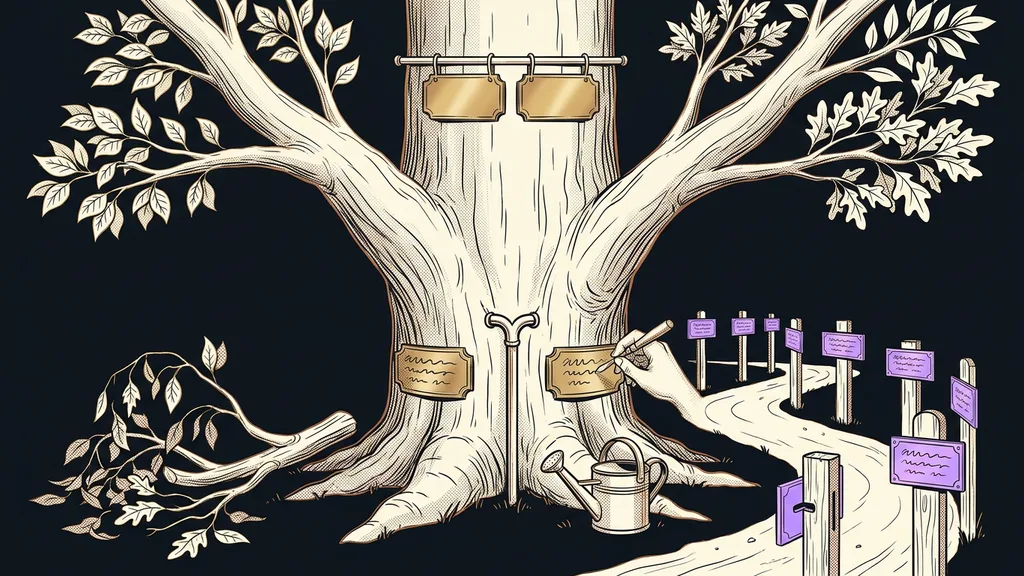
My favorite thing about the system is the last one. Every rollout moves it forward. Whatever worked for a particular client, it writes back into itself, so the next onboarding starts smarter than the one before. Instead of building the same thing over and over, I fine-tune it a little each time. A mistake I ran into with one client doesn’t repeat with the next.
So who isn’t this worth it for? If you onboard one client a year, building a system like this will never pay back; for a single account, it’s faster to click through it the old way. It only pays off where onboarding repeats. And if you also build on a ready-made snapshot, this system only handles the part the snapshot can’t finish on its own.
The whole system in a nutshell
- The client fills in the onboarding questionnaire they’d be filling in anyway.
- The system reads it and sorts the requests into two piles: what Ask AI will do in the platform and what I’ll click through by hand.
- It checks the line between AI and manual work against what GoHighLevel can actually do. It doesn’t guess.
- For each item, I get a precise request: for Ask AI, ready to run; for manual work, ready to tick off.
- I run the requests one after another and tick off the manual checklist.
- Whatever worked for the client, the system writes back into itself, so the next onboarding starts smarter.
That round of custom fields, calendars, and tags hasn’t gone anywhere; it still has to get done. I’m just no longer the one doing it in the evenings with cold coffee and a numb brain. The client fills in the questionnaire, I have the plan by lunch and the finished account by evening. The machine took the tedious grind. And it left me with what nobody else could do for me anyway.