GoHighLevel and HubSpot promise the same thing: contacts, sales, and marketing under one roof. Still, a small business doesn’t choose between them based on a feature list. What decides it is what each platform charges you for, because that’s where the two differ most. One counts people, the other charges for the whole business.
In my GoHighLevel consultations, people often ask me about HubSpot. I understand why: HubSpot is a well-known name, and you’ll hardly find a comparison of the two in Czech. The English ones, meanwhile, are often written by someone who earns a commission for recommending one of the platforms. I’ll try it without a commission, with prices I read myself on the official pricing pages on October 8, 2026.
GoHighLevel vs HubSpot in one table
With GoHighLevel, you pay for the whole account; with HubSpot, for every person who works in it. The rest of the table more or less follows from that difference.
| What I’m comparing | GoHighLevel | HubSpot |
|---|---|---|
| What you pay for | the whole account; the number of colleagues doesn’t change the price | a paid seat for every user |
| Entry plan | Starter, $97 a month | Starter, normally $20 a month per seat |
| Higher plans | Unlimited $297, Agency Pro $497 a month | Professional from $1,300 a month with six seats |
| Free option | only a 14-day trial | free tools for two users |
| Database size | the license stays the same; you pay for messages sent | marketing contacts are capped by plan |
| Strength | all of marketing, from inquiry to payment | an easy start with sales tracking |
GoHighLevel prices are as of early October 2026, HubSpot prices as of October 8, 2026. Both companies list their prices in dollars, and I’m leaving them that way, because converting them into another currency would go out of date faster than the article itself.
Per person or per business: why the bills drift apart
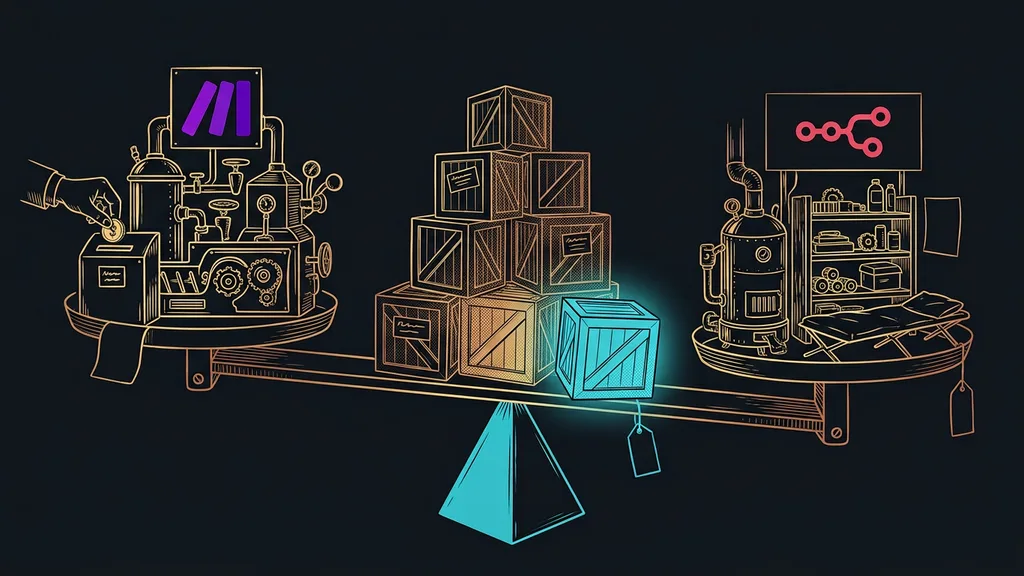
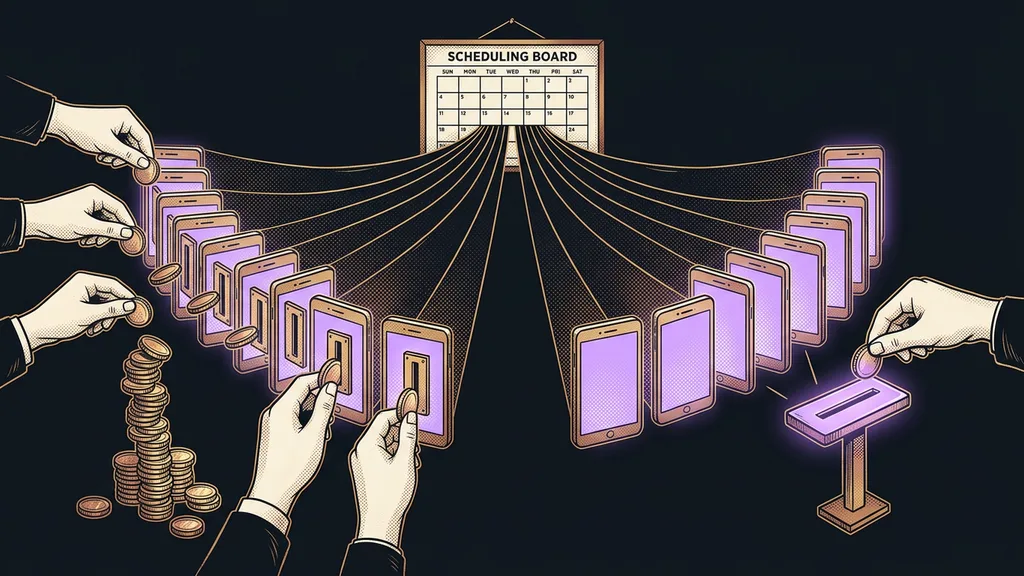
The main difference between the two platforms is the billing model. With HubSpot, you pay per seat, meaning for every colleague with their own login. With GoHighLevel, you pay for one license, and how many people you let into it is up to you.
Paid seat
One user login that’s billed separately. Add a salesperson, an assistant, and an accountant to the system, and you’re paying for three seats. On platforms billed per seat, the monthly invoice grows with your team, even if you keep using the same features.
The price list tells you what the system costs today. Only the number of people you let into it will tell you what it costs a year from now.
Most CRMs have the same trap. I compared six CRM platforms for small businesses by exactly that: what the rate gets multiplied by. This pair is where the difference is sharpest.
GoHighLevel: all of your marketing under one license
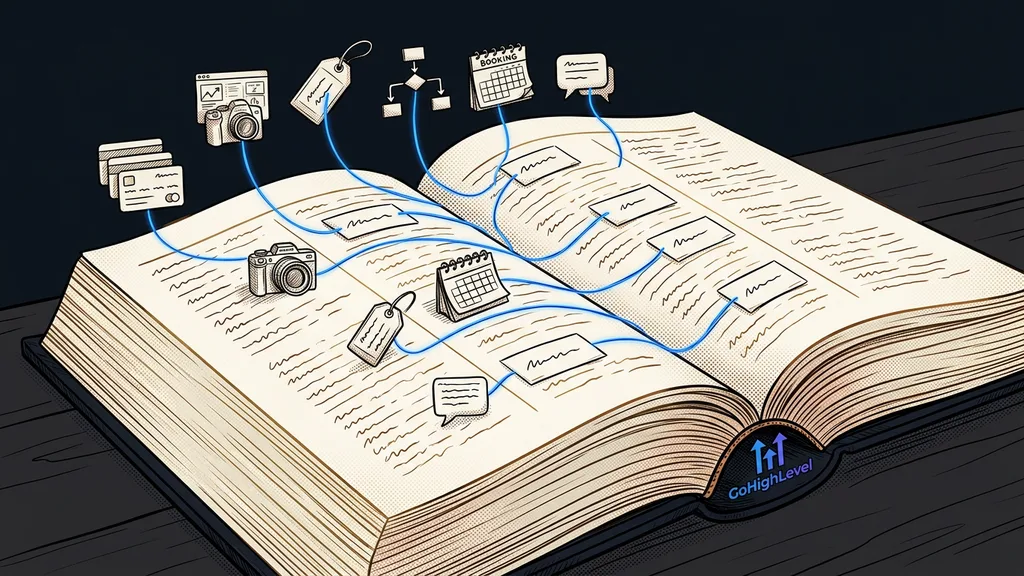
GoHighLevel is a platform where a business runs its contacts, deals, emails, websites, booking calendars, and automations on top of the same data.
Best for: a business that wants website inquiries, replies, appointments, and payments in one system and doesn’t want to pay separately for every colleague.
In practice, in a single sub-account you build a website form that creates a contact, moves it into the pipeline, sends a confirmation email, and offers an open slot in the calendar. The whole thing runs on its own, with no retyping between tools. Customer replies from email, text messages, and website chat all land in one shared Conversations inbox, so nobody has to watch four windows separately. That’s the difference between a contact list and a system that actually works with those contacts.
Where it falls short: the admin is in English, and there’s no free version. An empty account also does nothing on its own. Before the first automation can run, you need a sending domain for email, pipeline stages, and a calendar set up. In accounts I take over from someone else, the most common thing I see is workflows built before the pipeline, so the workflows move contacts into stages nobody uses.
Price as of early October 2026: Starter $97 a month, Unlimited $297, Agency Pro $497. For your own business, Starter is usually enough; the higher plans are mainly about the number of sub-accounts for agencies. On top of the license, you pay for usage: the LC Email service costs $0.675 per thousand emails. Full disclosure: I used to work for a GoHighLevel reseller.
HubSpot: an easy start, a price that grows with your team
HubSpot is a sales and marketing platform whose main draw is its free tools. You add paid features on top of them step by step.
Best for: a sales team of two to five people that wants to try a CRM for free first and move to a paid version only once it really needs one.
The free tools handle contact and deal tracking for two users, no credit card required. According to HubSpot, the paid Starter adds automations, payments, e-signatures, a meeting note taker, and support via chat and email. On top of that, it gives you 500 credits a month for AI features and agents. It can also handle a simple website, forms, a chatbot, and customer request tracking. For a sales team that wants an overview of deals in progress, that’s a rich toolkit.
Where it falls short: every seat is billed separately, and from the Professional plan up, HubSpot requires mandatory onboarding. According to its own terms, the invoice also grows with any add-ons you buy and with your marketing contact tier.
Marketing contact
A contact you’re allowed to send marketing emails to from the platform. HubSpot counts them separately, and each plan has a cap. If your database grows quickly, you pay for a higher tier, even if your team stays the same size.
Price as of October 8, 2026: Starter normally costs $20 a month per seat. New customers currently get a time-limited discount: $7 per seat with annual billing, $10 with monthly billing. Professional starts at $1,300 a month and includes six seats, with each additional seat from $45. Enterprise, at $4,700 a month, probably won’t interest a small business.
What does a five-person business pay?
On the entry plan, both platforms come out almost the same, around a hundred dollars a month. The difference comes with more colleagues and, above all, the moment Starter stops being enough.
Let’s run the numbers for five people. GoHighLevel Starter costs $97 a month, and five logins don’t change that. HubSpot Starter at the regular price comes to $100, five seats at $20 each. With ten people, GoHighLevel stays at $97, while HubSpot reaches $200.
The second step is steeper. When a business on HubSpot needs more than Starter allows, it moves to Professional, from $1,300 a month. With GoHighLevel, automations are in the license from the start, so a small business stays on the same plan and pays only for usage.
A pencil and five minutes
Write down how many people will work in the system today and how many a year from now. For HubSpot, multiply both numbers by the seat price; for GoHighLevel, cross them out. Then add what you’ll be sending: emails, text messages, AI messages. Only those two totals are worth comparing.
HubSpot’s promotional price applies only to new customers and only for a limited time. So leave it out of your yearly math and use the regular price.
What matters more than price
After price come language, setup, AI features, and maintenance. For a small business, these four things decide success more often than a difference of a few dozen dollars.
Language. GoHighLevel’s admin is in English, but customers see only what you set up in Czech: emails, pages, forms, and the chatbot.
Setup. HubSpot is built on the idea that a business gets Starter running by itself. GoHighLevel is more of a construction kit than a finished house, and the order of steps matters. The domain and sending email are done in an afternoon. The pipeline, calendars, and first workflows take more time depending on scope, because they reflect how the business actually sells. A snapshot speeds this up: a ready-made account template you load into a new sub-account.
AI features. Both platforms show off their AI, and both charge for it separately: HubSpot in credits, GoHighLevel by usage or a flat monthly fee. I’ve covered separately which AI features in a CRM really save work and where they’re overrated.
Maintenance. A system nobody looks after gets overgrown within six months. Duplicate contacts pile up, along with tags without rules and workflows nobody remembers the purpose of. So with either platform, plan on someone who goes through what’s running in the account once a month. With GoHighLevel, that tends to be a bit more work, because more is running in it.
When you don’t need either one
For a small business with a few dozen regular customers, neither platform adds anything essential. If you handle sales yourself and know your customers personally, a carefully kept spreadsheet and a shared calendar will do.
By the same token, it makes no sense to leave HubSpot just because of the price when your team is happy with it and pays for two or three seats. The switch will eat up more time than it saves. You can check whether GoHighLevel is worth it for you with six questions you can go through on your own. And if you don’t want either American platform, take a look at Czech alternatives such as Raynet or Caflou.
The whole choice in a nutshell
- Write down how many people will work in the system today and how many a year from now.
- Decide whether you need just sales tracking or all of marketing, from inquiry to payment.
- Just tracking for two people: try HubSpot’s free tools.
- Full marketing and a growing team: run the numbers on GoHighLevel.
- Compare the yearly total at the regular price, not the promotional rate on the front page of the pricing.
All you need for this choice is a piece of paper with two numbers: how many people and how many messages. If you know those two figures, you’ve mostly decided before you open the first pricing page. If you go with GoHighLevel and want it running the way you sell from the first week, I’ll set it up with you, and you’ll be talking to the same person the whole time. Then keep that piece of paper in your desk drawer. A year from now, you’ll need it again.