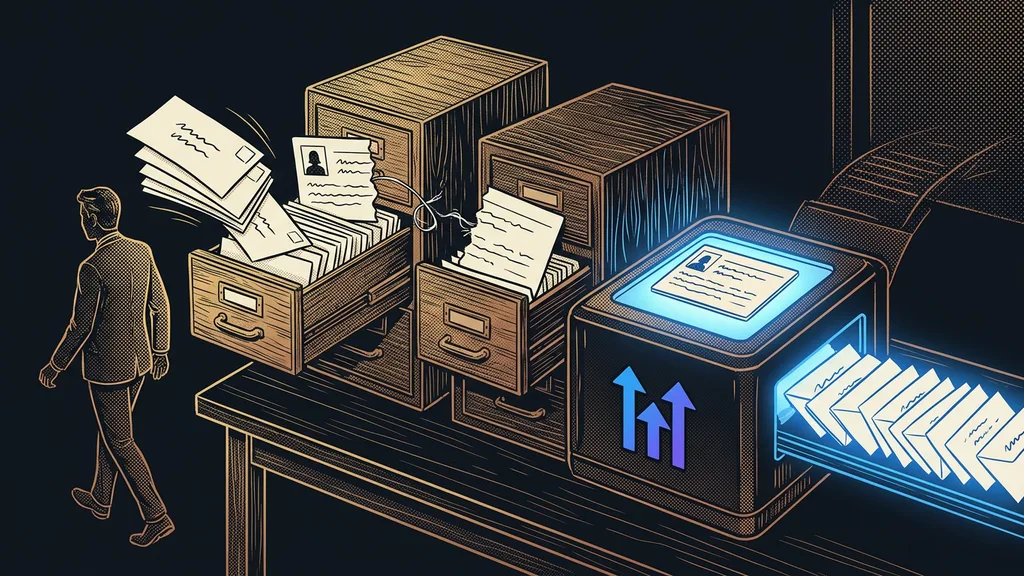
An hour of manual work looks like the cheapest thing in a company. Nobody invoices it, it never shows up as a line item, and it leaves no trace in the accounts. But you pay for it every week: retyping from a form into a document, pulling together what you need for an invoice, tracking down who has paid and who hasn’t.
I run this calculation with business owners again and again in consultations. I ask how many hours a week someone in the company spends just moving data from one place to another. The estimate tends to be low. When we then go through it together, task by task, the number usually doubles.
Why that hour feels cheap
Because it never shows up as a cost. You see wages as one line item, but nowhere does it say how much of that went into moving data around. Your accounts show how much you paid. They don’t show what for. And whatever doesn’t appear in any report never lands on anyone’s desk as a task.
Retyping tax
The price a company pays every time data is moved from one place to another by hand. From a form to a spreadsheet, from a spreadsheet to an invoice, from a call to the CRM. Nobody issues it and nobody approves it, and yet it gets paid every week.
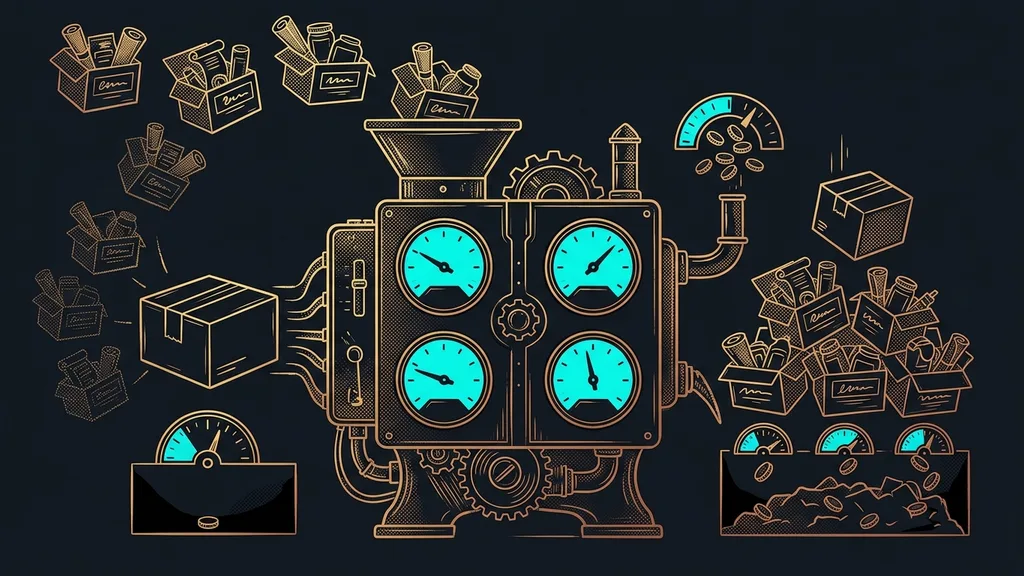
This tax grows with the number of tools. Audits of software subscriptions show that companies with up to fifty people commonly run twenty-five to forty apps, while their own guess is ten to fifteen. Every extra place where something gets recorded means another transfer by hand.
The most expensive work in a company is the work done by hand when it doesn’t need to be, not the work done badly.
Work it out in two lines
You need two numbers, and you know both. How many hours a week that one task eats up, and what an hour of the person doing it costs. You don’t need to hunt down anything else. It fits on the back of an envelope.
Don’t use take-home pay for the second number. Use the full cost of the hour: gross pay plus payroll taxes, equipment, office space, and the manager’s time. If you’re self-employed, it’s your own rate, the amount you’d invoice for that hour if you had it free.
Multiply the two numbers, then multiply the result by four, because a month has roughly four working weeks. That gives you the monthly cost of a single task. Most people pause at this point, because they expected far less.
One-minute self-test
Grab a pencil and write down three tasks where someone in your company spent time this week just moving data from one place to another. Next to the first one, write how many hours it took. Multiply by the full hourly cost and by four. That’s what you pay for it every month.
Three hours nobody has to spend anymore
I picked these three because they repeat and take the same shape every time. That’s exactly where manual work is most expensive and also easiest to hand off. They aren’t exceptions you’d have to think through from scratch every time.
1. Retyping from a form into a document. A customer fills in an inquiry or a questionnaire, and then someone manually puts together a quote, a report, or a contract from it. Yet a filled-in form can produce a finished document on its own, in your company’s design and without typos.
2. Pulling together what you need for invoices. On the last day of the month, someone opens a spreadsheet with a time tracker and a calendar next to it and starts figuring out what to bill whom. That evening can be cut down to one sentence and a check.
3. Tracking down who has paid. Done by hand, it means going through the bank statement and ticking off invoices. An overview of who owes you and who needs a reminder can put itself together. Then a person sends the reminder.
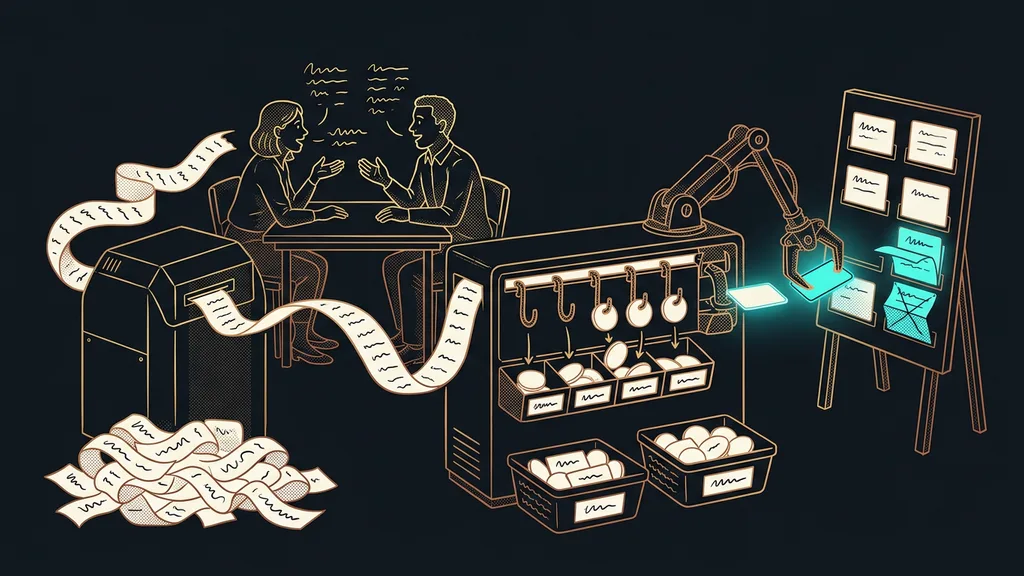
Meeting notes belong in the same category. Nobody needs to write them anymore, because a call archive builds itself and you can search it. Just ask it what you agreed with a customer in May.
Safeguard
The same rule applies to all three, and there’s no way around it: the system prepares the document, but a person has to send it. So you still see the quote, the invoice, and the reminder before the customer does. You lose the manual work, not the control.
Scheduled routine
Work that starts on its own at a set time instead of being launched by hand. It might run at night, with a finished result waiting for you to review in the morning. Compared with a tool you have to open, it has one big advantage: you can’t forget to run it.
Where that hour goes once you let it go
It doesn’t disappear. It moves to work nobody else can do for you: a meeting with a customer, a proposal, the thing you’ve been putting off since spring.
With the clients I set up systems for, that time almost always goes back into two things: jobs they never used to get around to, and free evenings. Neither shows up in a spreadsheet as a saving, and yet it’s the main reason people do this.
There’s one more effect that’s hard to measure. Manual retyping is hardest to do late in the workday, so that’s when the most slips through. When a system takes it over, the time isn’t the only thing that disappears. So do the mistakes that came from fatigue.
Who this isn’t worth it for
And when shouldn’t you bother? When an hour like that comes up once a month and looks different every time. The setup would take more time than the work itself and would take years to pay off. My threshold is simple: under two hours a week, leave it alone and go after something more expensive.
The whole calculation in brief
- Write down three tasks this week that were nothing but moving data between two places.
- Estimate the hours per week for each. Err on the high side, because estimates tend to be low.
- Add the full hourly cost of the person doing it, not their take-home pay.
- Multiply the hours by the cost, then by four. That’s the monthly cost of the manual work.
- Pick the most expensive of the three and check whether it takes the same shape every time.
- If it does, it’s your first candidate. If not, move on to the next one.
Let’s go back to that hour that looks like the cheapest thing in the company. It’s cheap only because nobody sends you a bill for it. Once you’ve calculated it, you’ll see it absolutely everywhere, and that’s the best part. Pick one single task from that list and take it on one measurable step at a time. From then on, you decide based on a number you wrote down in your own hand, not on a gut feeling.