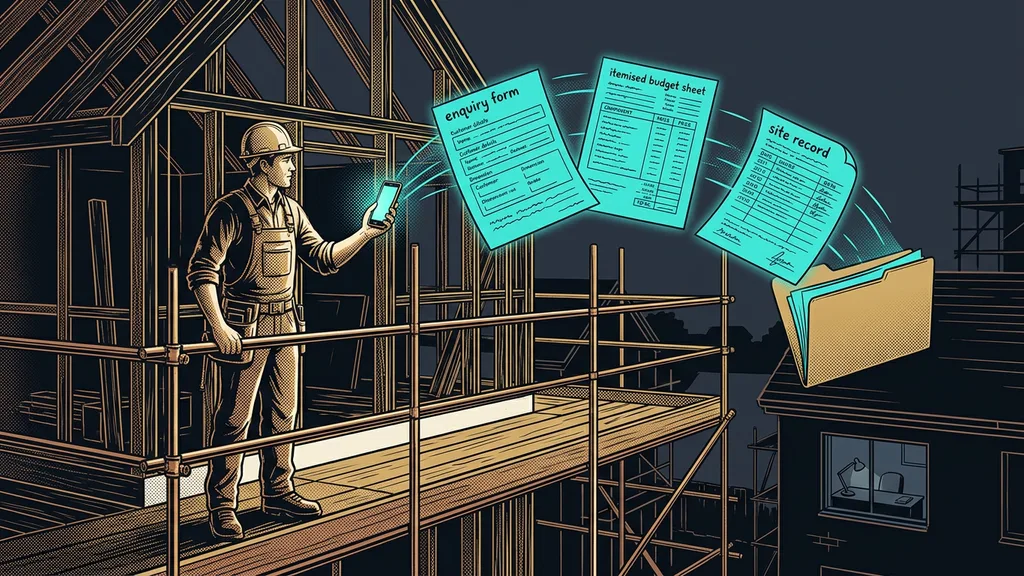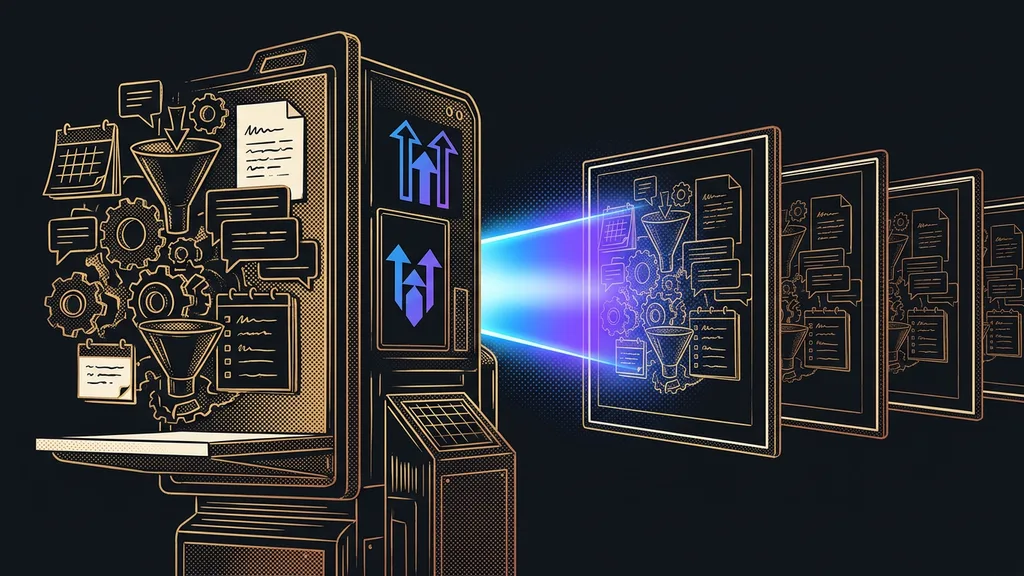
At their core, most agencies deliver the same thing: a lead comes in through a form, drops into the sales pipeline, the system reaches out, and a meeting lands in the calendar. The industry, the copy, and the colors change, but the skeleton stays the same. And yet that same skeleton gets built again for every new client, from scratch, click by click.
A new client has signed the contract. A great moment, and right after it comes the quiet sigh anyone who builds systems for clients knows well: now it all has to be built again. Pipeline, automations, email templates, booking calendars, forms. Exactly what you built for the previous client last month, and for another one the month before.
I set up systems in GoHighLevel for clients every day, and I see this pattern over and over.
Work you’ve already done once
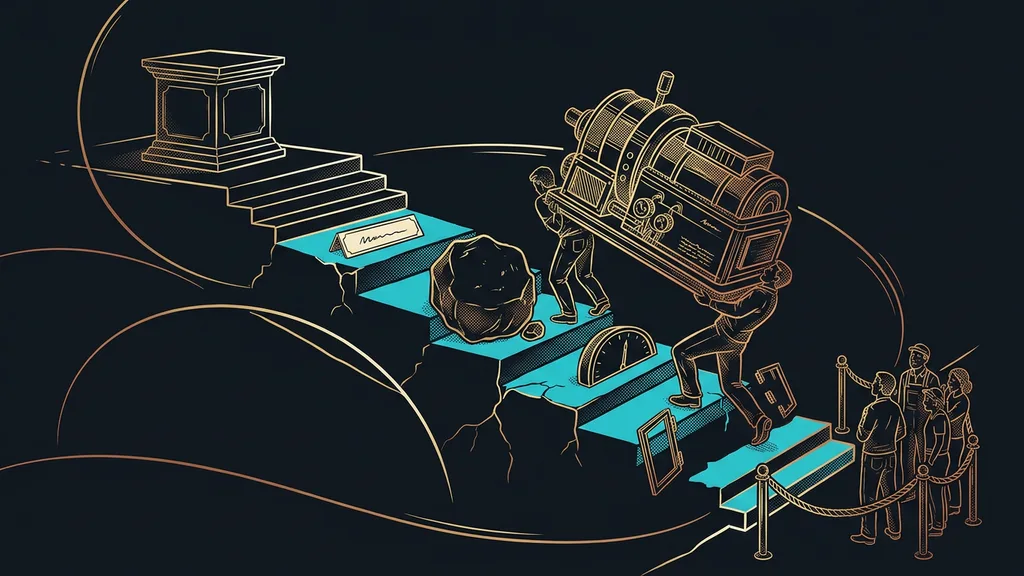
Manual setup of a single client account, with everything included, eats up 25 to 40 hours. A whole working week goes into work you’ve already done before, just somewhere else and under a different logo.
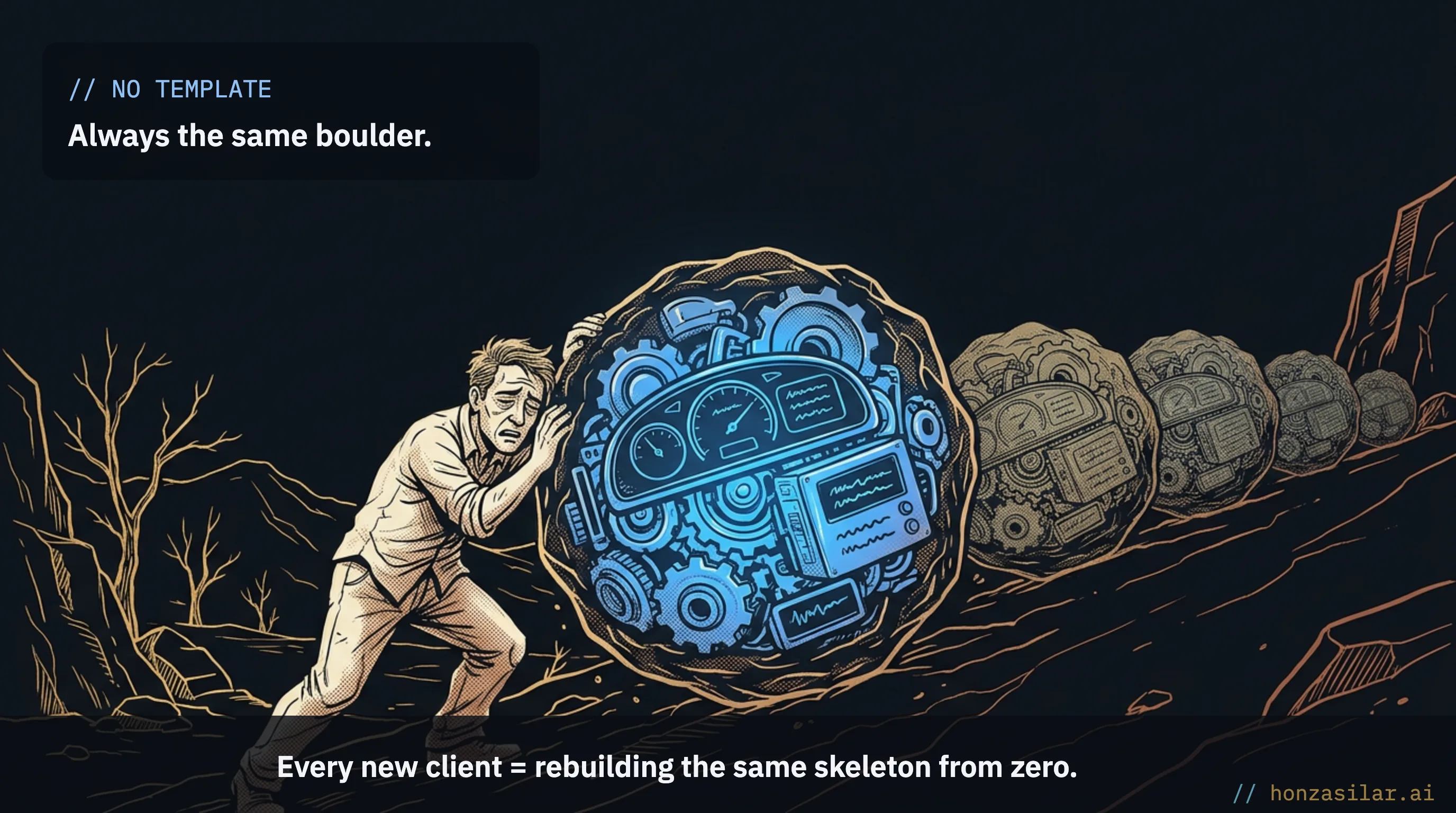
And it’s more than lost hours. When you click the same structure together for the fifth time, your brain switches to autopilot and you skip a step somewhere. Nobody notices until the system is live, at the worst possible moment, say, when an appointment confirmation goes missing.
With more clients, another problem grows: improvements. You come up with a better follow-up sequence, but now you have to rework it by hand in all twenty client accounts. Usually that never happens, so older clients run on an older version of your know-how. Onboarding turns into a brake on growth: every signature means a week of building, so more clients mostly means more clicking.
An account that copies itself
Snapshot (template account)
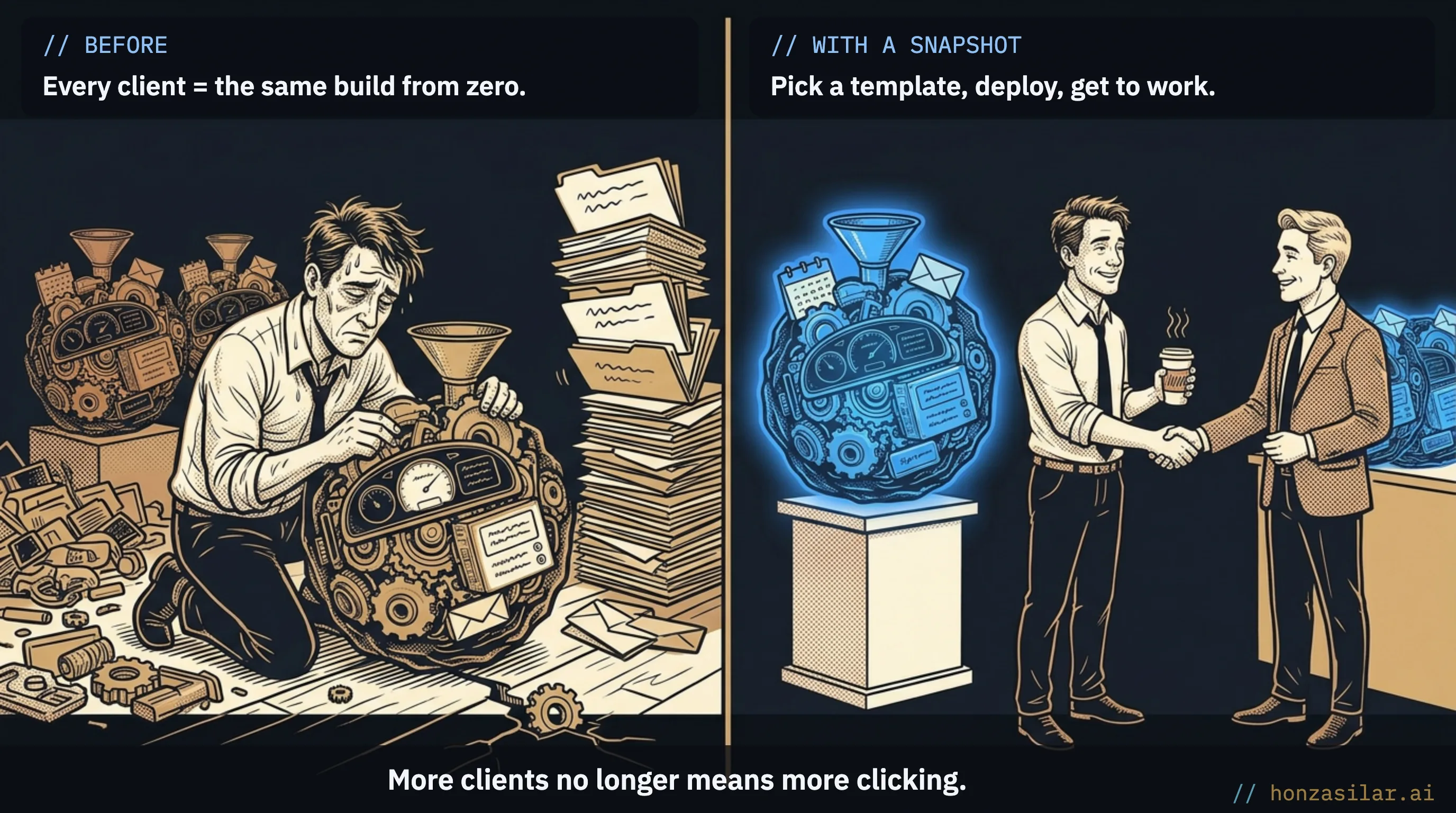
A saved copy of an entire model account that GoHighLevel deploys into a new one. The easiest way to think of it is as a template: you build an account once, based on the best you know, and save it. A new client then gets a finished copy of your system instead of an empty account that takes a week of clicking. It carries structure, not data.
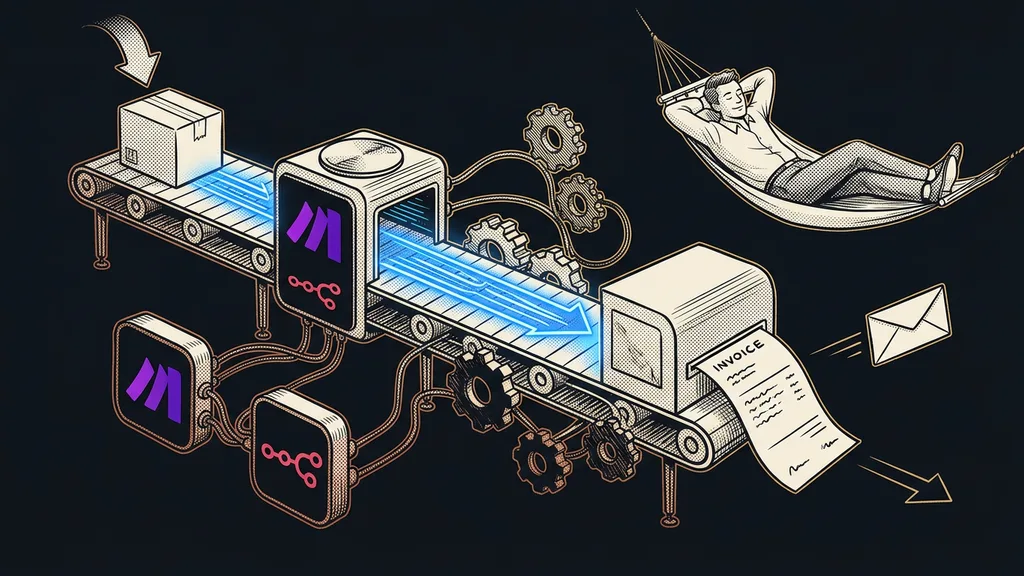
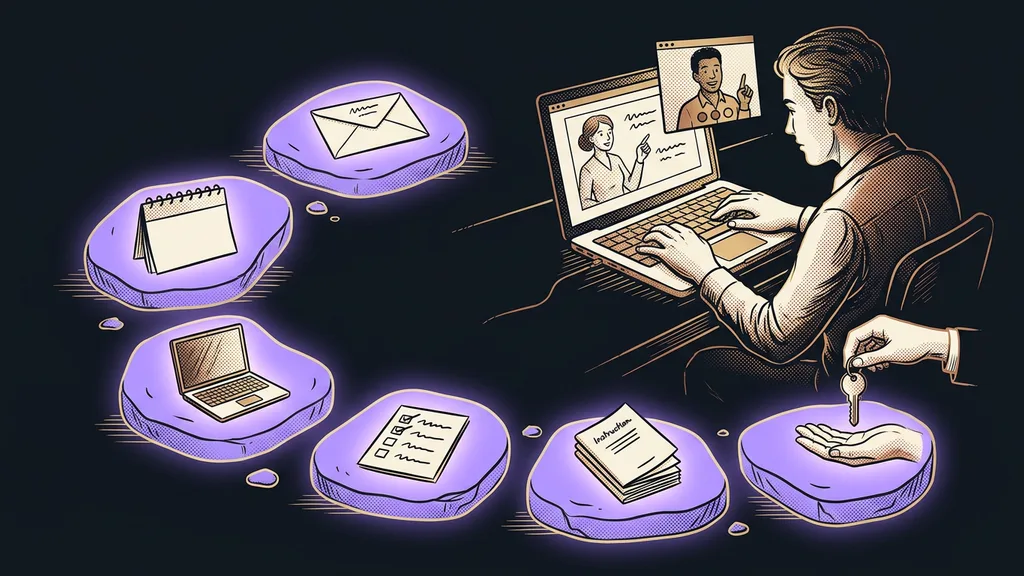
So a new client starts with a finished copy of your system instead of from zero. Deployment takes 5 to 15 minutes.
“Wait, it’s all running already? We were expecting a month of programming.”
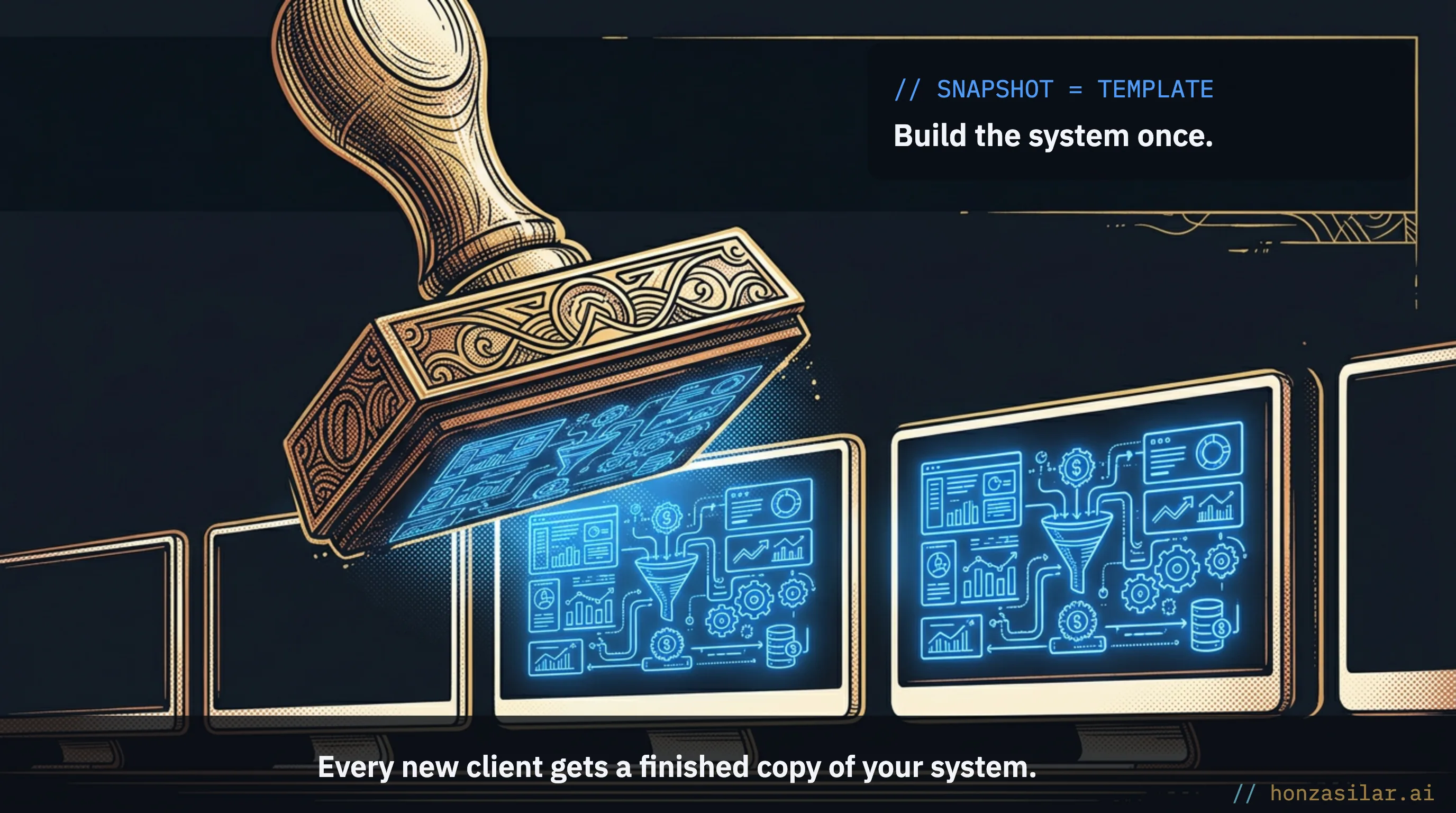
I heard that at a handover meeting. Nothing had been programmed. A system built properly once had simply been deployed again, this time under the new client’s name.
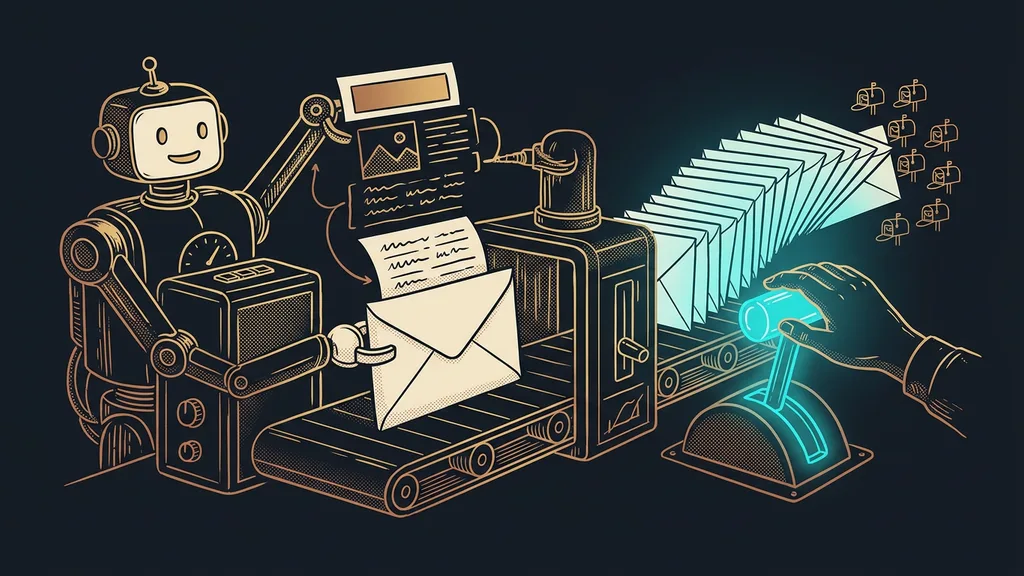
Three things change. Deployment takes minutes, not a week. The template doesn’t forget, either: every client gets the complete system without a single skipped step, including the details people forget most often when clicking by hand. And when you improve the system, you do it once in the model account and push it out to everyone.
The number that says it all
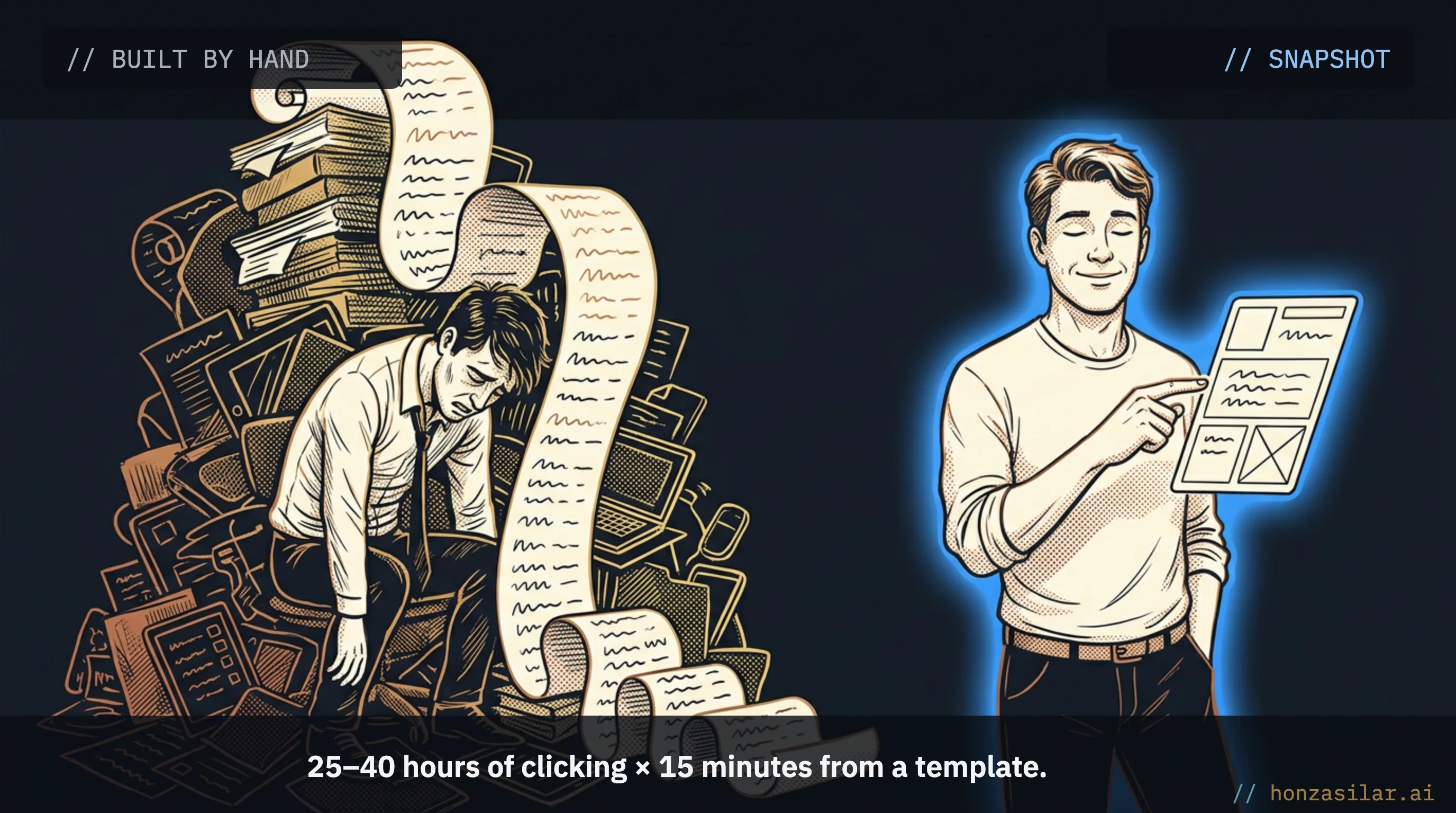
Building a new client account by hand takes 25 to 40 hours. Deploying the same structure from a snapshot takes 5 to 15 minutes.
New client account: built by hand × from a snapshot
What moves with it
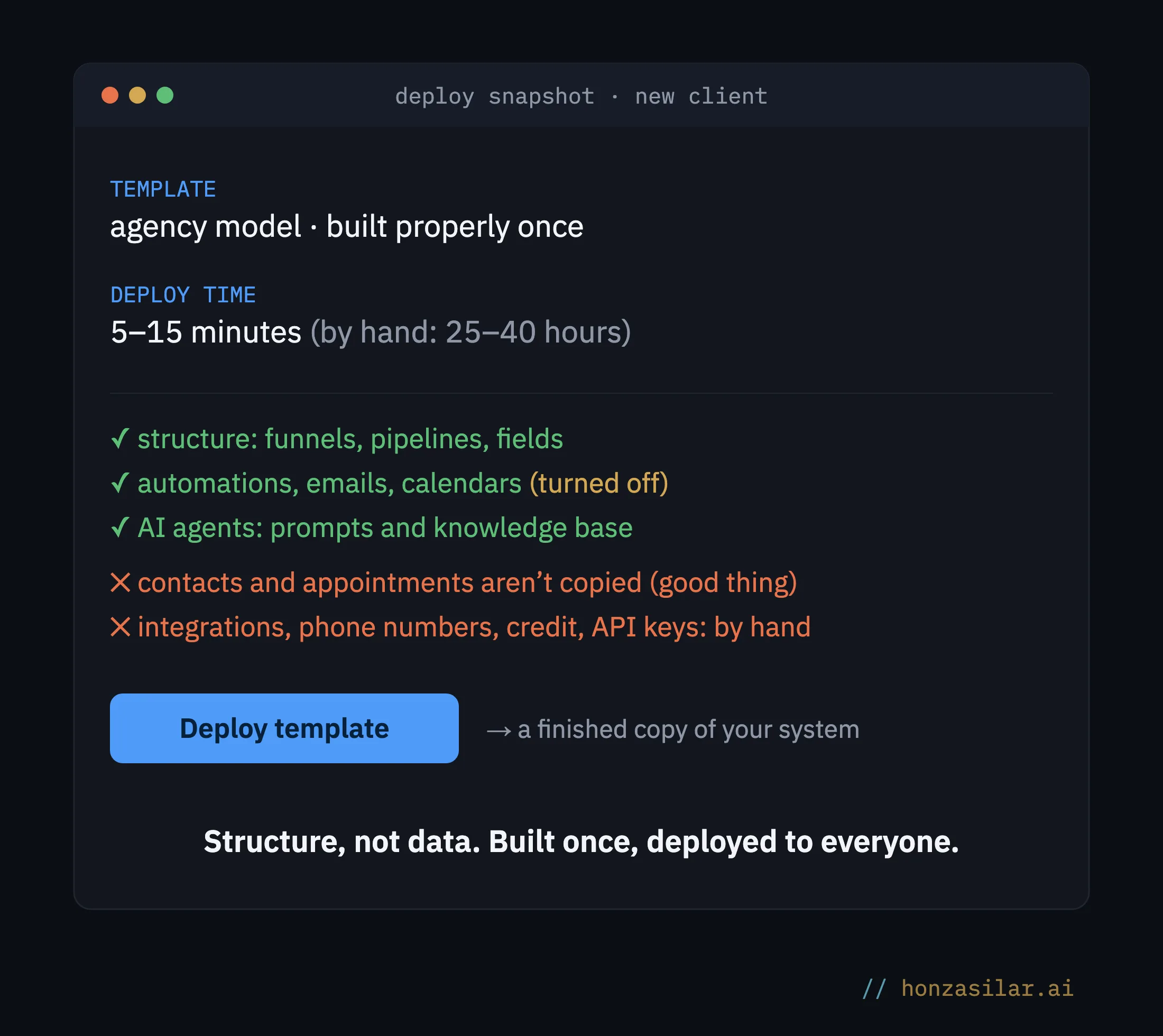
- The whole account structure: sales funnels, forms, pipelines, and custom fields carry over exactly the way you built them.
- Automations: finished workflows, from the welcome sequence to review requests, deploy with their branching and timing intact.
- Emails and calendars: email templates and booking calendars are part of the package, so the client can take bookings from day one.
- AI agents: the chatbot and the voice assistant move over with their prompts, knowledge base, and connected automations. AI you’ve fine-tuned once goes to every new client.
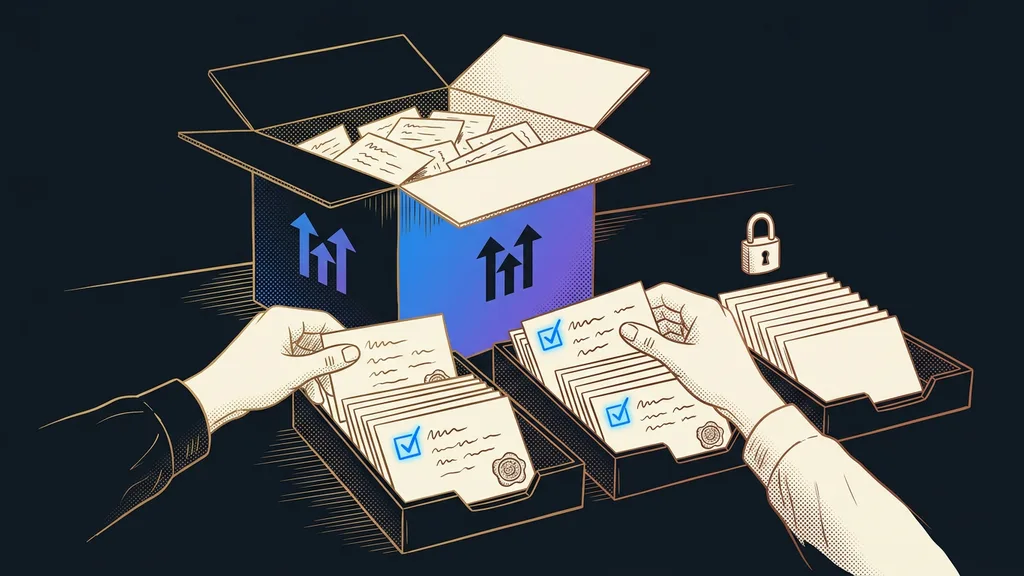
- No live data: contacts, conversations, and appointments aren’t copied. A snapshot carries structure, not content, so one client’s data never gets mixed in with another’s.
- Bulk updates: you push improvements out to client accounts in batches; the newer bulk interface handles thousands of accounts at once.
- Sharing: you can pass the template on through several types of links and protect it against copying. A well-built snapshot for a specific industry becomes a product in its own right.
What to watch out for
A snapshot doesn’t carry over absolutely everything, and it’s good to know that before you promise a client a launch by lunchtime. Third-party integrations, such as a payment gateway, have to be authorized again in the new account. Phone numbers are assigned by hand. Neither the wallet with its credit nor API keys travel with the template.
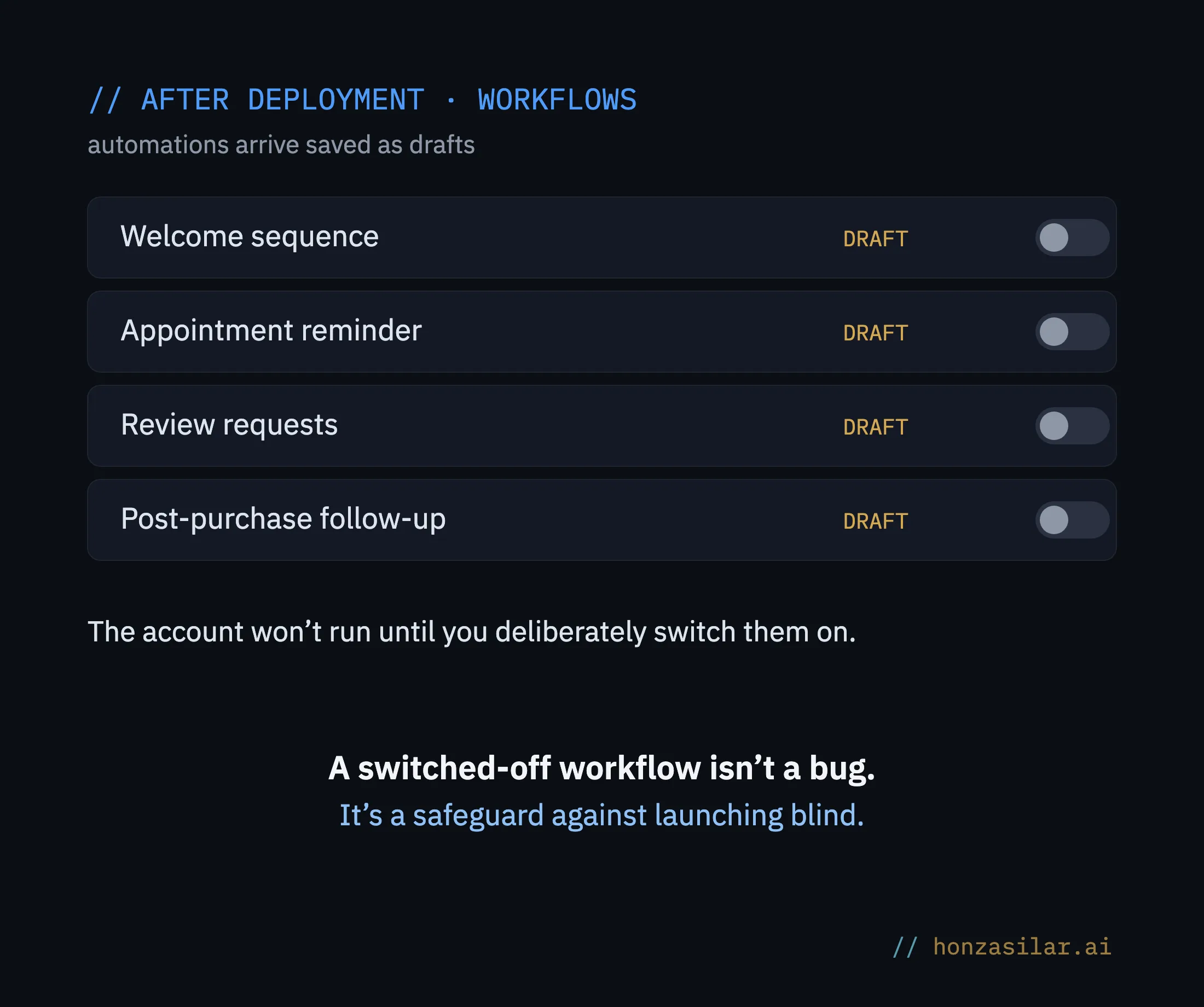
Workflows also arrive turned off, saved as drafts. At first glance, it looks like a delay, but it’s really a safeguard: the account won’t start running before you’ve gone through it and deliberately switched the automations on.
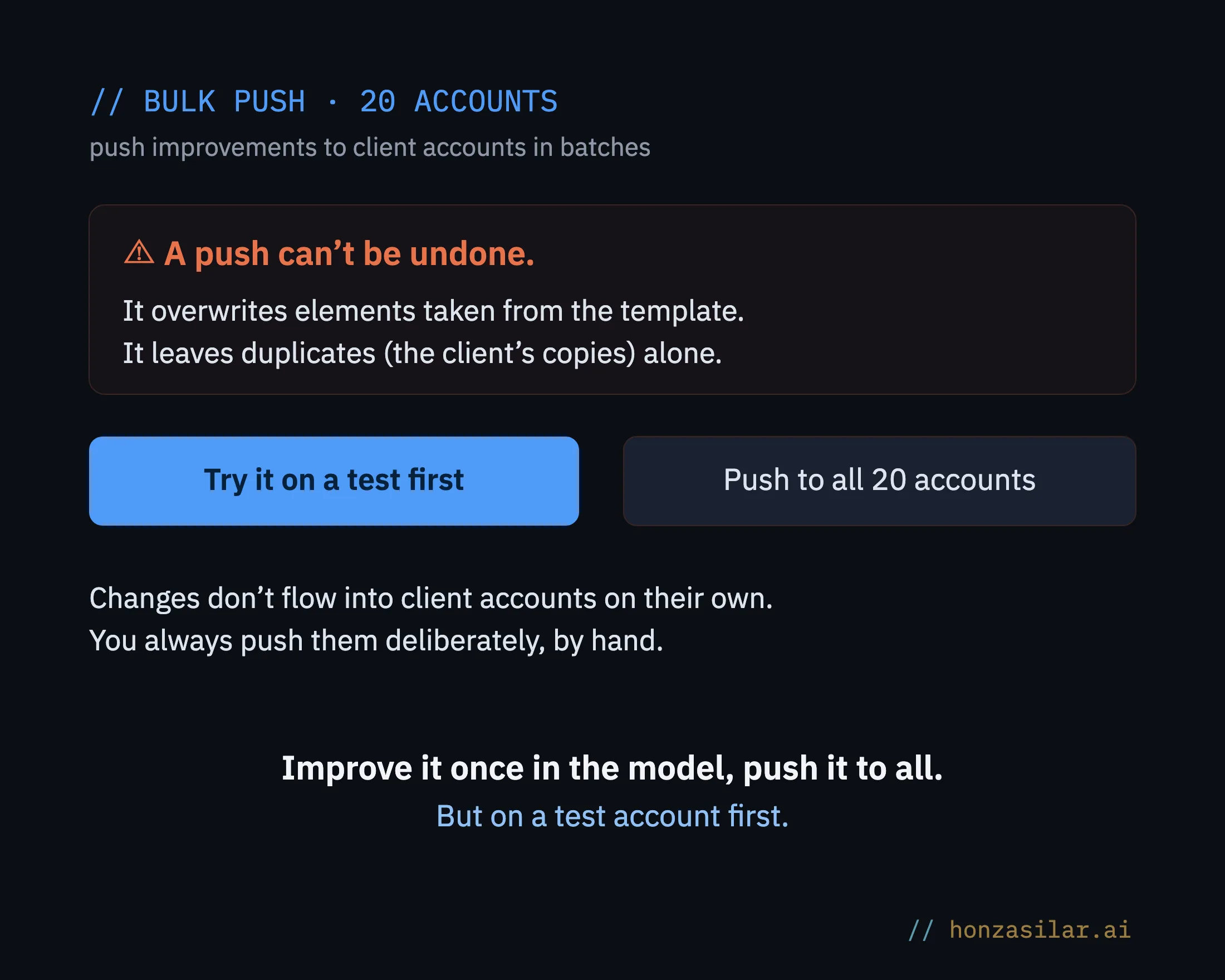
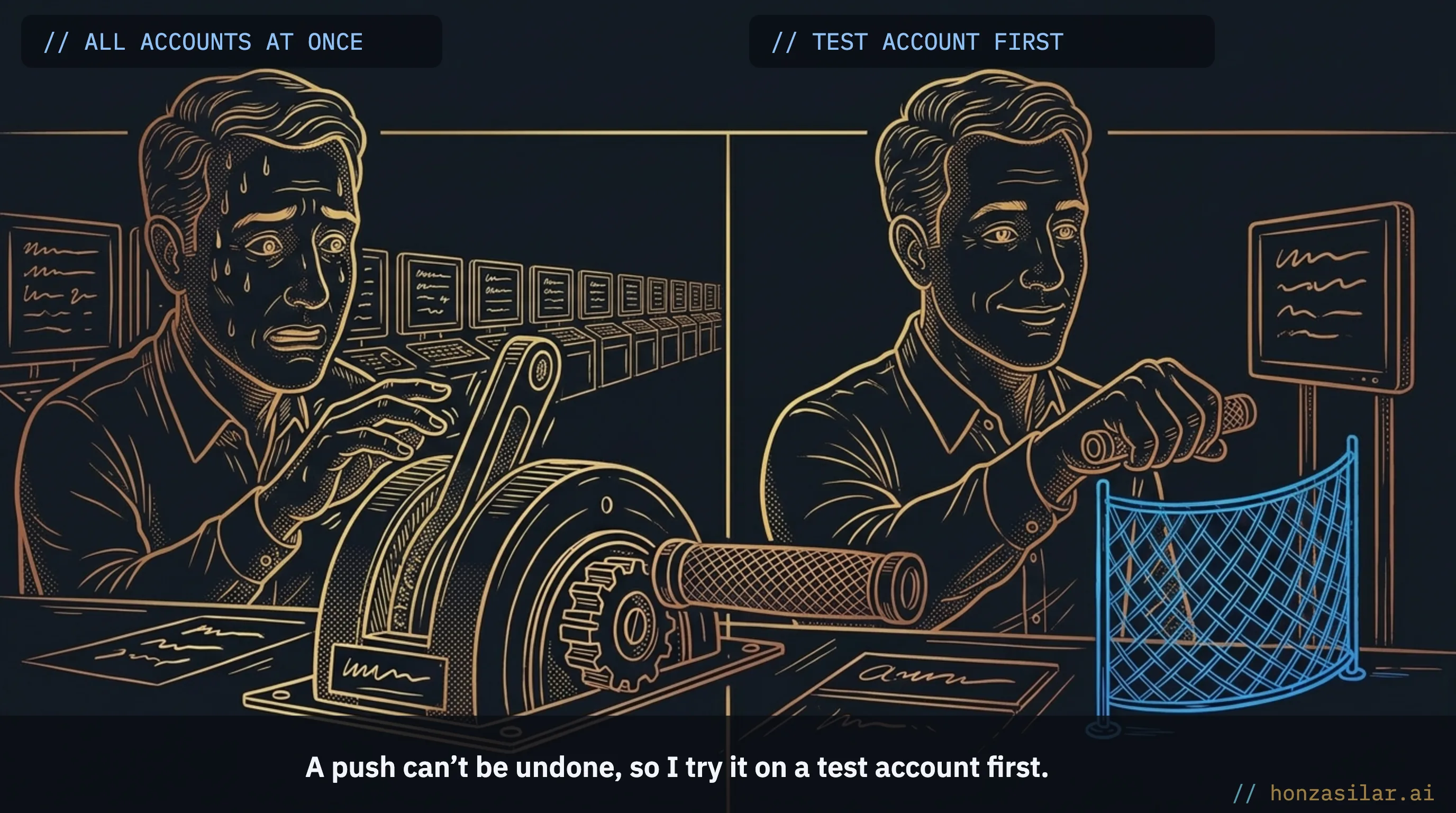
And there are clear maintenance rules. Changes to the model template don’t flow into client accounts on their own; you always push them out deliberately, by hand. That way, you won’t overwrite changes the client has made in the meantime. Just watch out for one thing: a push also overwrites hand-tuned elements that came from the template, though it leaves duplicates alone. That’s why I tell clients to edit copies and leave the originals alone. And because a push can’t be taken back once it’s sent, I try every bulk update on a test account first.
The whole system in a nutshell
- You build one model account based on the best you know.
- You save it as a snapshot (a template).
- You deploy it for a new client in a few minutes, not a week.
- You fine-tune the copy, fields, and settings for their business.
- When you improve the system, you send the change out with a push, always deliberately and on a test account first.
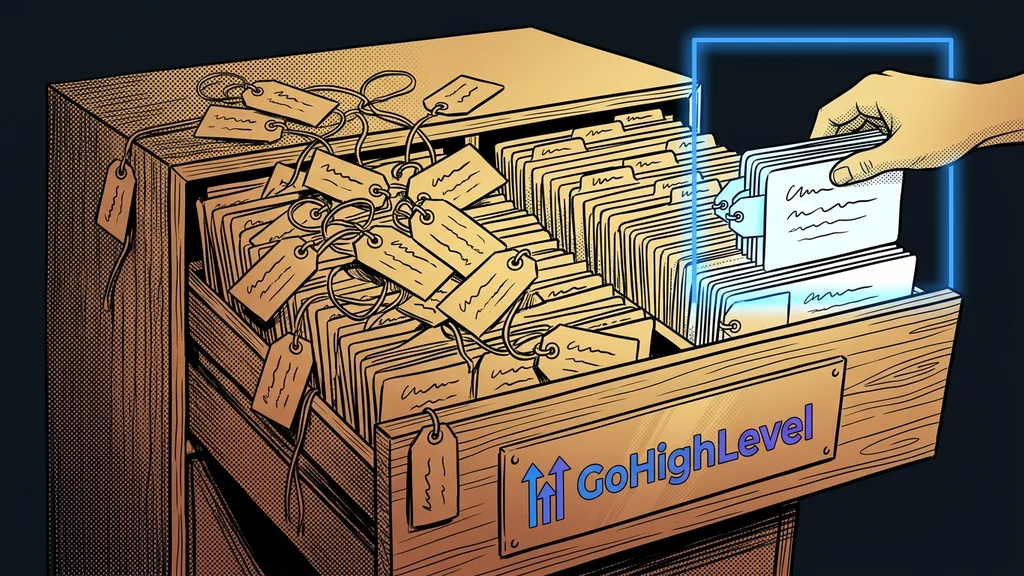
Three assumptions about snapshots, and how it really works
A snapshot takes care of the part of onboarding that’s the same for every client. The rest, meaning the copy, fields, and settings tailored to a specific business, becomes work for one afternoon, not three days. And suddenly the math is completely different: a new client no longer means a week of clicking, but a quarter of an hour of deploying and an afternoon of fine-tuning.
Remember the sigh from the beginning? It doesn’t have to be yours. Build the system once, properly, with everything you know. Every contract signed after that will mean just one thing: pick a template, deploy it, and get on with the work no copy can do for you.