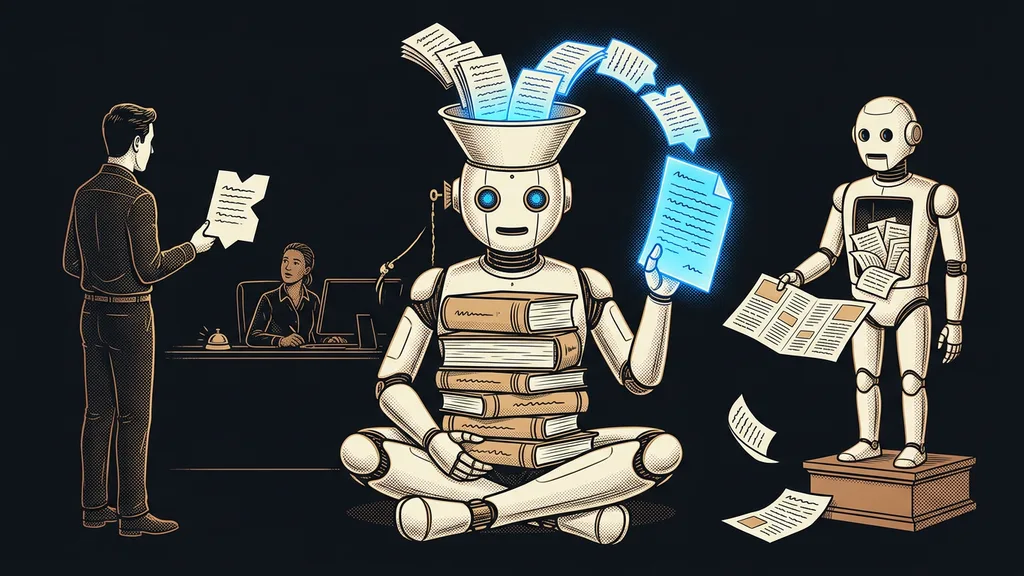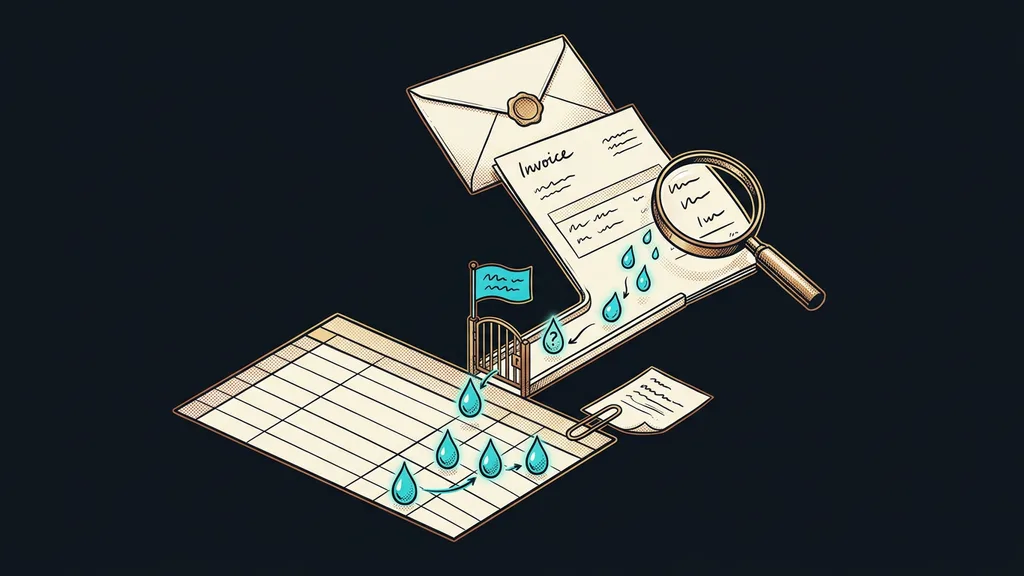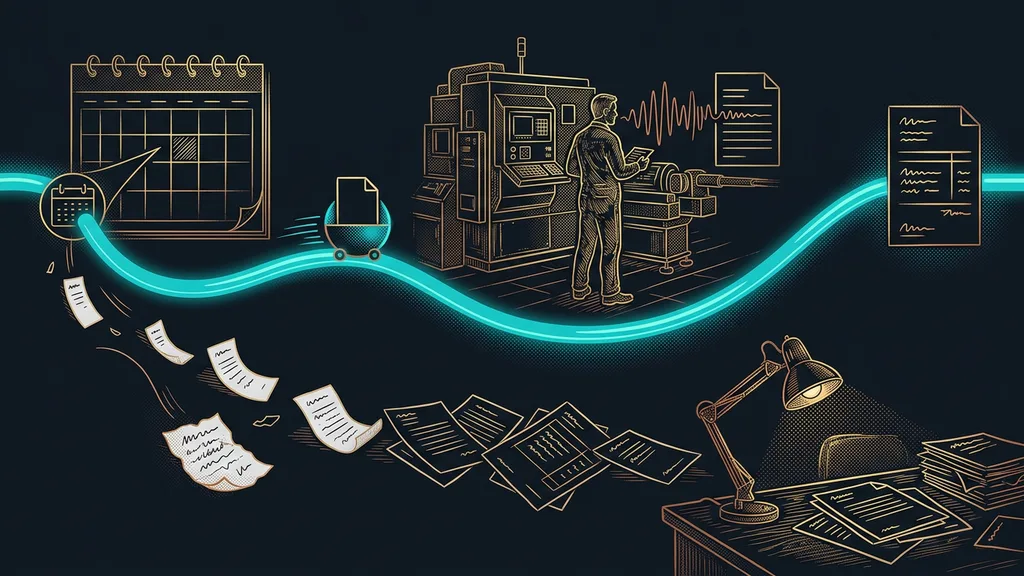
Most businesses use AI half blind. They ask it about their own numbers, and it doesn’t have them: orders sit in one system, attendance records in another, invoices in a third. So the data gets copied over by hand. And what gets copied on Monday is long out of date by Thursday.
I see it at consultations almost every time. Someone exports a spreadsheet, pastes it into the chat window, and asks. The answer is smart, but it applies to that export, not to today. I started out this way myself, and it cost me a pile of pointless exports.
What matters is what AI can see, not what it can do
The bottleneck here is access, not intelligence. As long as a person has to bring the data, AI is always a step behind, working with whatever someone last handed it.
Connector
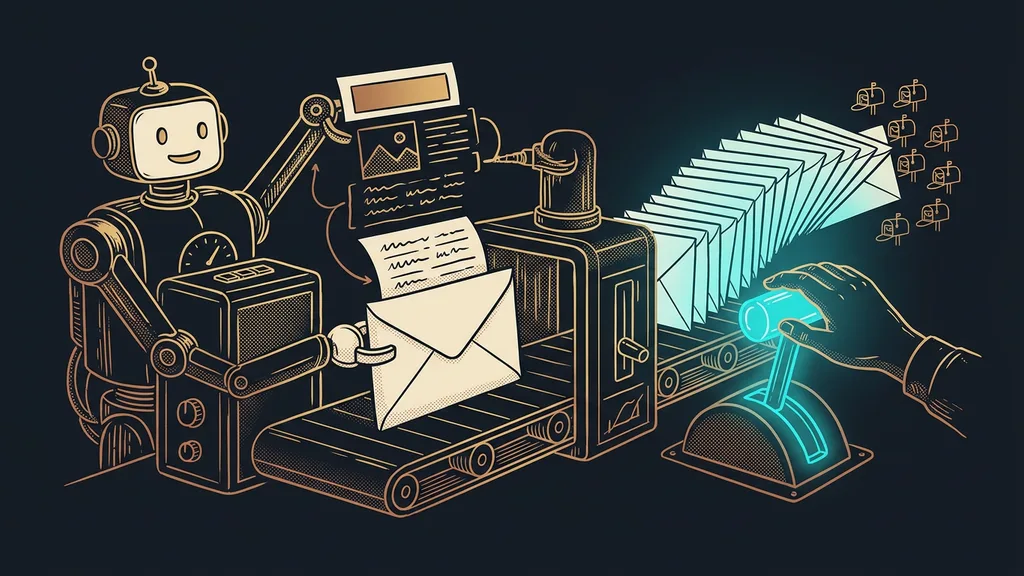
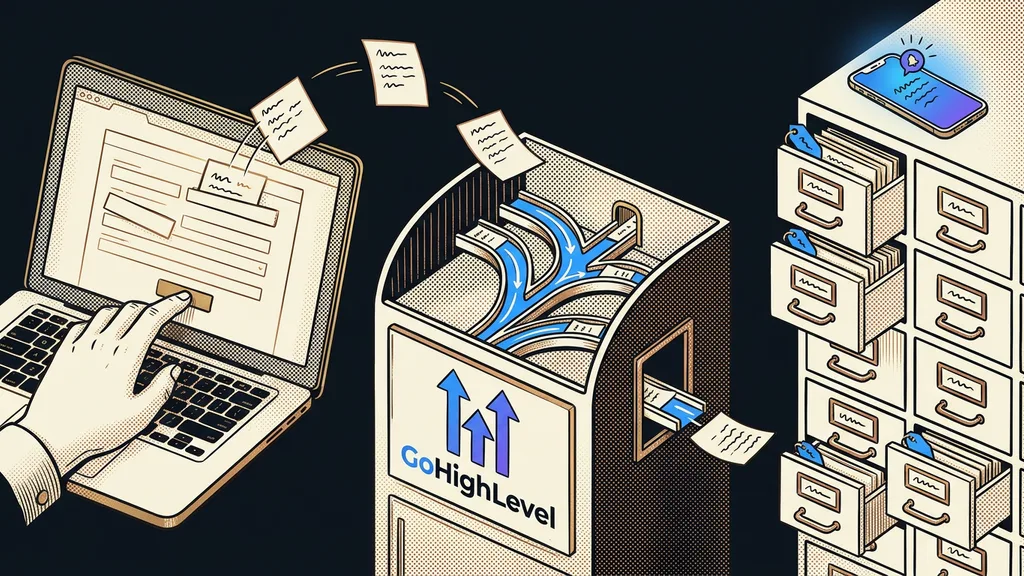
A door between your system and AI that it uses to take only what it needs for an answer. It’s a live link rather than an export or a copy, so the answer is based on what the data looks like right now. You decide what’s allowed behind that door and what isn’t.
The difference from an export is fundamental. An export is a snapshot of one moment. A connector is a window you can always see through. And because the view is always there, nobody has to check whether the data is still current.
As long as you’re the one carrying the data, it’s a nice toy. Once it fetches the data itself, it starts becoming a colleague.
What changes when it reads the data itself
Mainly, the kind of questions worth asking changes. Instead of having a spreadsheet summarized, you ask for the result directly.
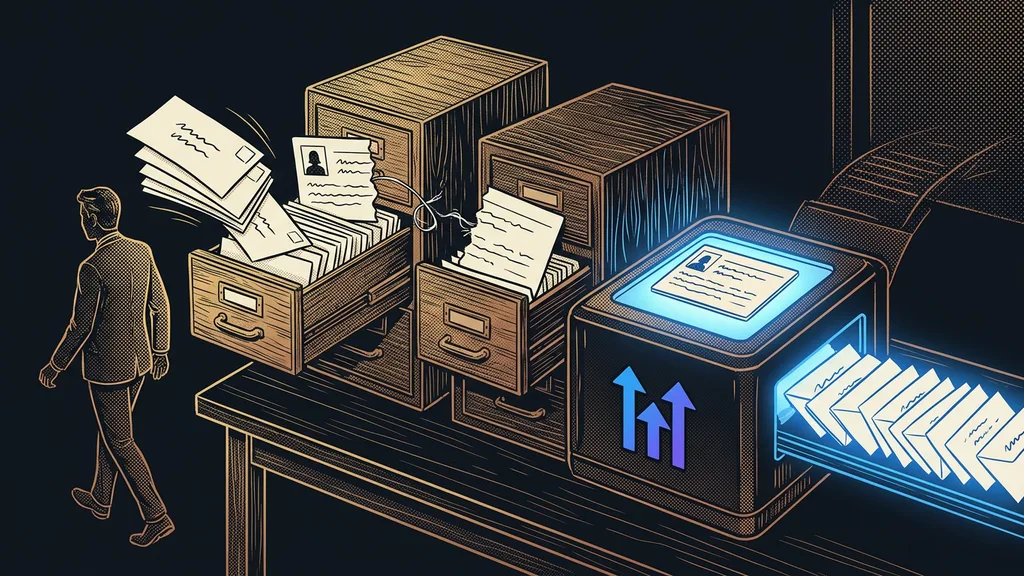
You ask which customers haven’t been in touch at all this year, and the answer comes from live data. You ask which orders fell out of the process, and you get the list itself instead of instructions on how to make one. And above all, you can ask anytime, without waiting for someone to prepare the data.
The second thing that changes is trust. When an answer rests on an export, you have to remember when the export was made and what has happened since. When it rests on live data, that question goes away. And with it goes the whole layer of caution that made everyone double-check the result by hand anyway.
You may know the same principle from a database that AI fills and reads on its own, or from how it works directly in a company Google account. A custom connector just extends this to systems where nobody offers a ready-made connection.
Reading and writing are two different doors
The first connection always gets read access only. Write access comes later, one step at a time, and deliberately.
Reading is safe by design. The worst that can happen is a wrong answer, and a person will spot it. Writing is a different league. A wrongly changed order status is harder to fix than a typo in a text, and sometimes the customer pays the price.
Safety catch
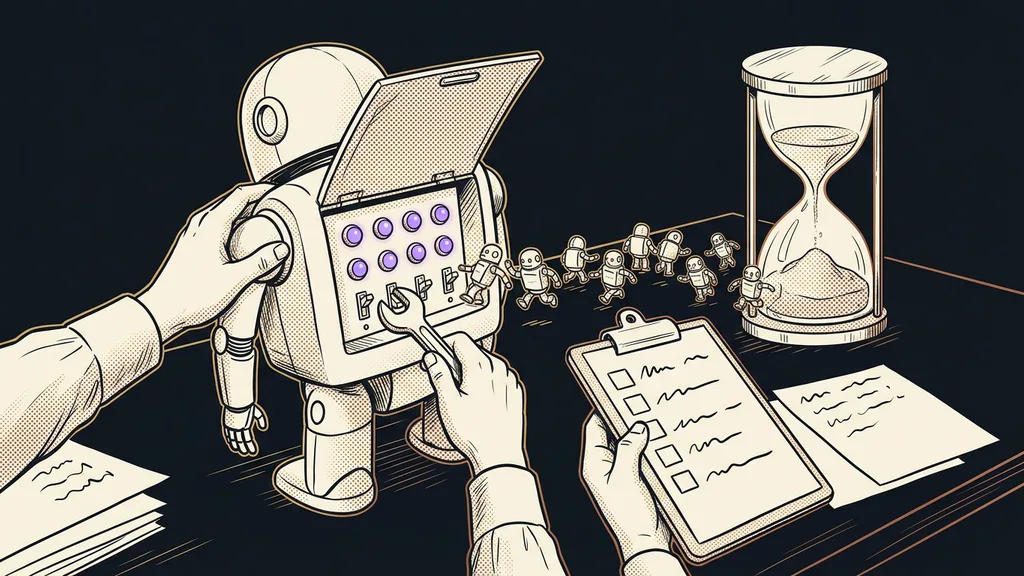
Split the connection into three levels and roll them out in exactly this order. Level one may only read. Level two may prepare a proposal that someone signs off on. Only the third may change data on its own, and you turn it on just for things where a mistake shows up immediately and can be undone.
Read-only access
A setting where the connected AI may view data but may not change or delete it. It’s the cheapest safeguard I know, because it costs nothing and cuts off a whole group of problems at once. And most of the useful work happens right here anyway.
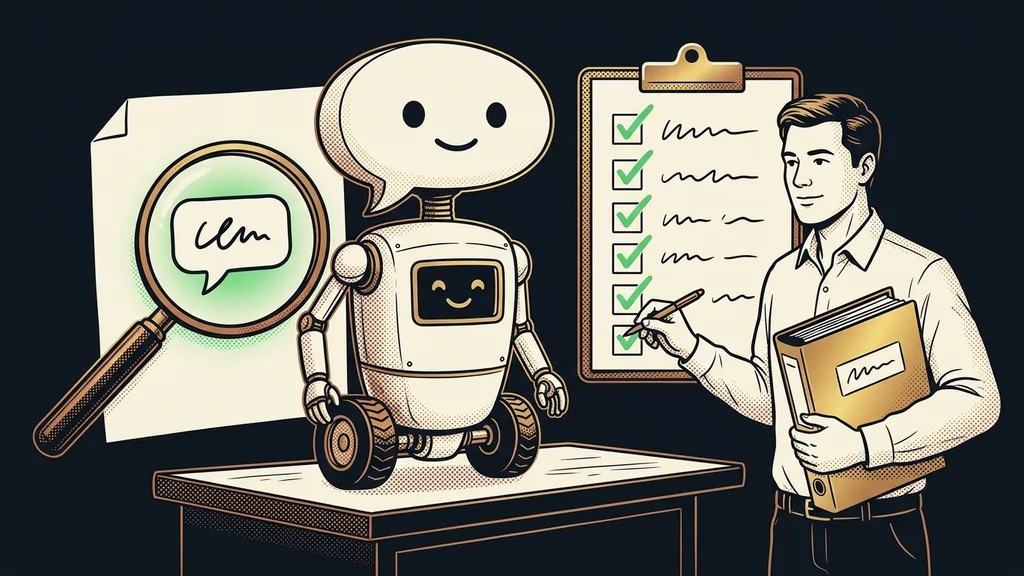
Once you get to the second level, it helps a lot if AI checks its own work before showing it to anyone. A check before handing over is cheaper than a fix afterward.
How to tell a connector is worth it
It pays off where the same data gets moved by hand over and over. You don’t need to build anything for a one-off export. Try it with one question: how many times a month does someone in your business open a system just to copy something from it somewhere else? If the answer is every day, you have your brief. If it’s twice a year, let it go.
You can spot the candidates by how quickly their data goes stale. Stock levels, hours worked, orders in progress, open inquiries. For all of them, yesterday’s number is useless today. A price list or a list of branches, on the other hand, can happily live on in a document, because they change once a year.
Before you start building your own, see what the system offers itself. Big platforms usually have the door ready, and all you have to do is open it. A custom connector makes sense only where there’s no ready-made route. And for other people’s data sitting somewhere on the web, you don’t build a connector at all. That data gets collected differently, under different rules.
Who a custom connector isn’t worth it for
It isn’t for everyone. If you have one system with a few dozen records in it, a connector won’t give you anything. Opening the app is faster than asking.
The second case is better admitted up front. You build a connector once, and then someone has to look after it. When the system underneath changes, the connector has to change too. A business with nobody to pick it up a year from now should wait. And third: a connection won’t fix data that’s worthless. If your system is full of half-empty records and three versions of the same customer, you’ll just get the same mess faster. Clean up first, connect second.
The whole connection in a nutshell
- Pick one system and one question nobody can answer quickly from it today.
- Make the first connection read-only. Nothing more.
- Ask questions for a week and see whether the answers match reality.
- Only then add the right to prepare a proposal that someone signs off on.
- Allow data changes last, and only where a mistake shows up right away.
- When the system changes, review the connection again. It ages like everything else.
Back to that export that was valid on Monday and stale by Thursday. The spreadsheet and the question were fine. The problem was that every time, a person with a mouse stood between your system and the AI. A good connection gives AI no extra brains; it simply takes off the blindfold.