No price list will tell you what AI implementation costs. A price list shows the license, meaning tens of dollars a month per person, and that’s usually the smallest item in the budget. It doesn’t show the running costs, which grow with the volume of work, or the hours of building, which make up most of the first bill. So the business either underestimates the budget or gets scared off by a number that has nothing to do with it.
In consultations I hear the same mistake in two forms. One owner says they already have AI in the business because they pay for it for everyone. Another says they can’t afford it because it costs tens of thousands of euros. Both count only one layer of the cost. The first knows only the license, the second only the big project they read about somewhere.
AI implementation cost has three layers, and the license is the smallest
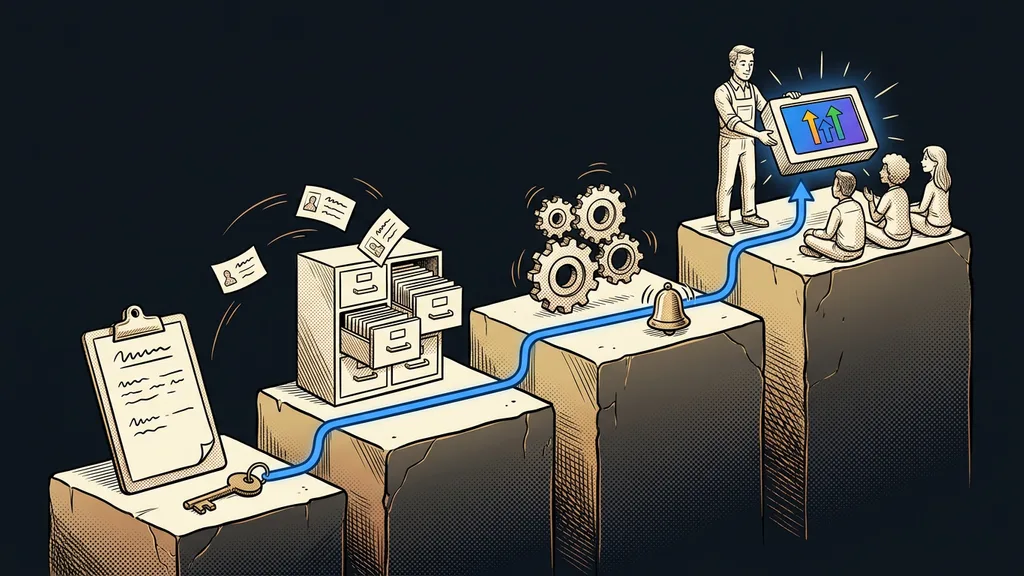
You pay for AI implementation in three layers: tool licenses, running costs, and the build work. Each is paid differently and grows with something different.
| Layer | Who you pay | How often | What it depends on |
|---|---|---|---|
| License | the AI tool’s maker | every month | how many people work with AI, and on which plan |
| Running costs | integration tools and usage | every month, by volume | how much work the system does |
| Work | whoever builds the system | mostly once, at the start | the number of integration points and exceptions |
You’ll find the same layers in automation costs in general. With AI, though, they behave differently in two ways. The license is paid per person, so it grows with your team. And running costs are harder to estimate, because they depend on how much text the system reads and writes.
You pay for the license so AI can work at all. You pay for implementation so it works on your specific job.
Licenses and running costs: the monthly part of the bill
Licenses are simple to calculate: number of people times the price per seat. I took the prices below from Claude’s official pricing page on October 8, 2026. They’re in US dollars, excluding tax.
- The Pro plan costs $20 a month, or $17 with annual billing. It’s enough for one person who works with AI every day.
- The Team plan is for two to 150 people. A standard seat costs $25 a month, or $20 with annual billing.
- A premium seat on the Team plan costs $125 a month, or $100 with annual billing, and gives five times more usage than a standard one.
I’ve broken down the full price list, including the limits of the free version, in the article on what Claude costs.
Seat
A license assigned to one specific person on a team plan. You pay for it every month whether or not that person opens the tool. When you remove someone from the team, the money for the current period isn’t refunded, and the seat just waits until you assign it to someone else.
Running costs are the second monthly item, and the only one that grows as the system does well. This includes the tool that connects AI to your CRM, email, or invoicing. According to its September 2026 price list, Make.com’s cheapest paid plan cost $9 a month. Running costs also include the time of the person who checks the outputs, and you won’t see that on any invoice. I’ve covered separately where money quietly disappears in an AI bill.
Work: the biggest item in the first year
The build work is usually the biggest item in the first year, and the only one you mostly pay once. My rate is €80–160 an hour, depending on the assignment. Bigger jobs are agreed at a price for the whole project, always in writing and in advance. What actually happens in each phase of AI implementation I describe separately.
The number of hours depends on how much you build at once, not on how smart the AI is. That’s why I start with one routine rather than an overhaul of the whole business. From it, a whole process gets assembled, and only then a team of AI helpers.
Pilot routine
The first piece of work AI takes over completely, from input to result, on real data. It’s small on purpose: one repeated task, a clear brief, and a clear output. It shows how many hours come back and where the exceptions are before the business pays for anything bigger.
A worked example: three people and one routine
The license and running costs come from price lists. The hours of work are made up to show the calculation. A three-person office wants clients who’ve gone quiet to get a reminder in the office’s own tone, always only after approval. I’ve built a similar system before.
| Layer | What you pay for in the example | How much |
|---|---|---|
| License | three standard seats on the Claude Team plan | $75 a month |
| Running costs | Make.com’s cheapest paid plan | $9 a month |
| Work | a pilot routine, say ten hours | €800–1,600, one-off |
The monthly part comes to $84. The work is paid once, while the license and running costs keep going. But no row in the table will tell you whether the whole thing pays off. The number of hours that routine eats up today will. When you calculate an hour of manual work including payroll taxes and a manager’s time, you’ll see how many months it takes for the pilot to pay for itself.
Three lines on paper
On the first line, write the number of people who’ll work with AI daily, times the price per seat. On the second, the integration tool and its first paid plan. On the third, the hours per week eaten up by the work AI is supposed to take over. No price list gives you that number, and yet it matters most.
Where small businesses overpay for AI
The overpaying almost always comes from going too wide. A business buys a lot at once, and only a small part of it actually runs. These are the four places I see most often with clients:
- Licenses for everyone up front. Seats for the whole team before anyone knows what they’ll use them for.
- Premium seats for routine work. A premium seat costs five times as much as a standard one. It pays off for someone who keeps hitting the standard limit, not for someone who has AI tidy up an email twice a week.
- A whole team of AI helpers instead of one routine. A big project gets paid for before anyone sees where the exceptions are. A pilot finds them for a fraction of the price.
- A system on the vendor’s accounts. When the accounts and data aren’t registered to the business, you pay for the build a second time when you switch vendors.
When not to pay for implementation yet
Implementation makes no sense where the work takes a few minutes a week. A business like that only needs the Pro plan and its own experimenting. It’s also pointless where the process changes every time, because a system built on an unsettled process gets rebuilt within a month. And where the business lacks skills more than a system, pay for training first.
The budget in a nutshell
- You pay for AI implementation in three layers: licenses, running costs, and work.
- The license is the number of people times the price per seat, from $20 a month with Claude.
- Running costs grow with volume and include the time someone spends checking.
- Work is usually the biggest item in the first year. With me, it’s €80–160 an hour.
- Start with one pilot routine and add licenses based on actual usage.
- Make sure accounts, access, and data are registered to the business from day one.
The owner who pays for AI for everyone and the one afraid of tens of thousands of euros need the same first step: a sheet of paper with three lines. It shows them whether it’s tens of dollars a month and a few hours of work, or something bigger. If you want to go through those three lines with me and build your first routine, take a look at how my AI for business service works. The first consultation is free and online, and the whole time you deal only with me. But start with the third line today: how many hours a week that one task takes from you.