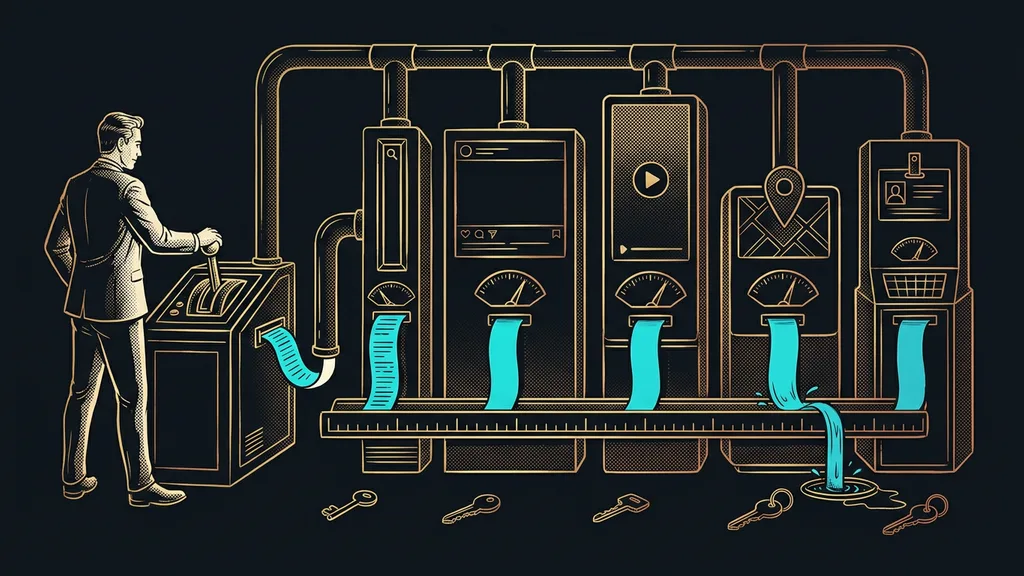
Most businesses picture a CRM as a better address book: a place where names, phone numbers, and notes are neatly organized. But an address book has one flaw. It can remember that a person exists, and nothing more. It won’t reach out for you, won’t remind you of a deadline, and won’t keep an eye on a lead that’s been sitting there for a week. And that gap is exactly where small businesses quietly lose sales.
I’ve seen it at my clients’ desks. A spreadsheet called leads.xlsx with thirty rows, five of them highlighted “follow up,” one even “URGENT.” Written three weeks ago. Since then, the only thing that’s touched that note is the cursor, sliding past it while the owner looked for something else in the spreadsheet. The lead is still there. The customer moved on long ago.
An address book remembers a contact, a system works with it
The difference between a spreadsheet and a good system comes down to what it does on its own, not how many contacts it can hold. A spreadsheet and most CRMs can do exactly one thing: remember that a person exists. They won’t warn you that a lead hasn’t moved in a week. They won’t send the proposal for you. On their own, they do nothing at all.
CRM
A CRM is a customer relationship management system: an overview of your contacts, open deals, and communication in one place. In practice, though, plenty of businesses use it as a nicer address book where they save a name, a phone number, and a note. The real value only starts where the system does something with a contact by itself, not where it merely stores it.
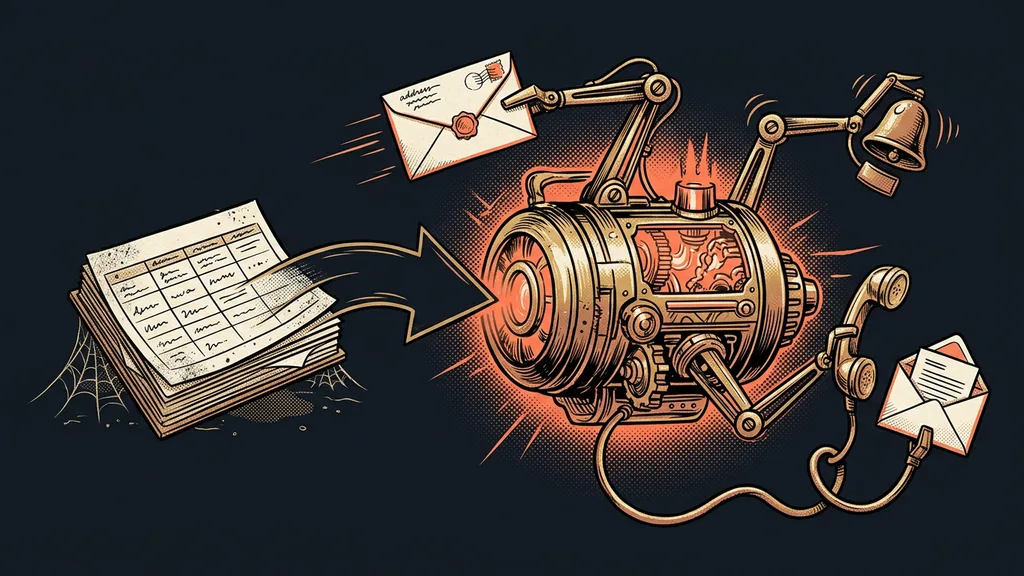
I call a lifeless record like that a dead contact. It looks exactly like a live one: the name and the phone number are right. But no one and nothing is working it, so it just sits there until the customer buys somewhere else. And looking at the spreadsheet, you can’t tell which of those thirty rows is alive and which went cold long ago.
Even a good Czech CRM is still just a notebook
When Czechs say CRM, they usually mean a tool like Raynet or Caflou. These are solid Czech systems with Czech support and invoicing, and they do exactly what they promise: keep your contacts, deals, and meeting notes in order. As a sales log, they work well, and I don’t want to knock them.
But that’s also where they stop. Even the best CRM is basically a salesperson’s notebook. It won’t build you a sales page, send out a newsletter, or handle calendar bookings, and it won’t send a second email on its own to a client who’s gone quiet for a week. For each of those things you buy another tool, and you’re still missing the main thing: a system that works the contact on its own. A lost lead won’t call to tell you that you forgot about it. It’ll buy elsewhere.
One-minute self-test
Try listing all the deals you have in progress right now. Not one number off the top of your head, but item by item: what’s stuck in your email, what’s in a spreadsheet, what lives only in your memory. And how much of it would move forward if one place reminded you on its own? That number is usually higher than people expect.
One system that puts your contacts to work
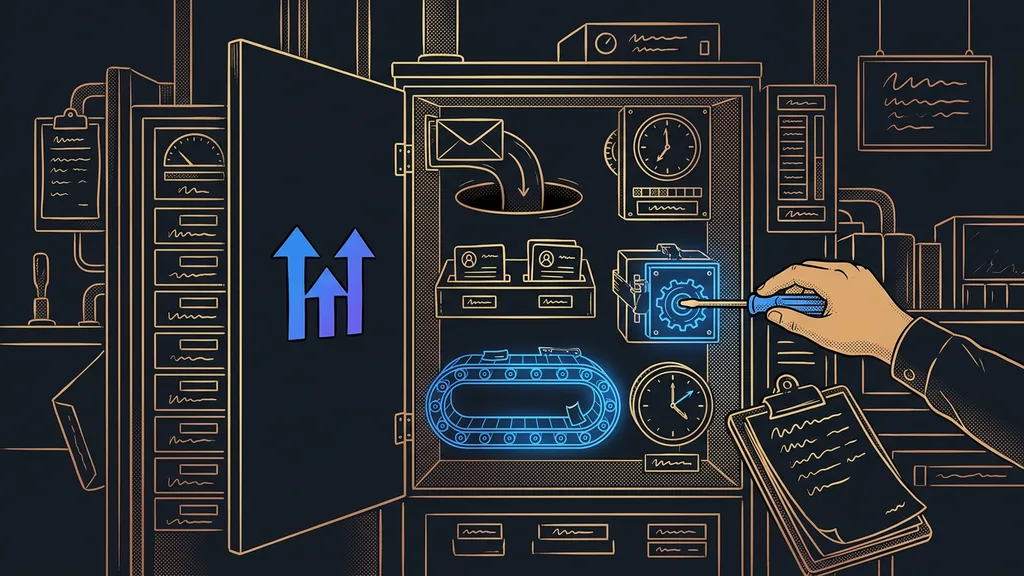
That’s exactly the idea behind CliqSales, the Czech white-label version of GoHighLevel, which I’ve worked with hands-on. It’s more than a CRM in the narrow, contact-warehouse sense: it’s a company’s entire sales and marketing back office under one login, translated into Czech and billed in Czech crowns.
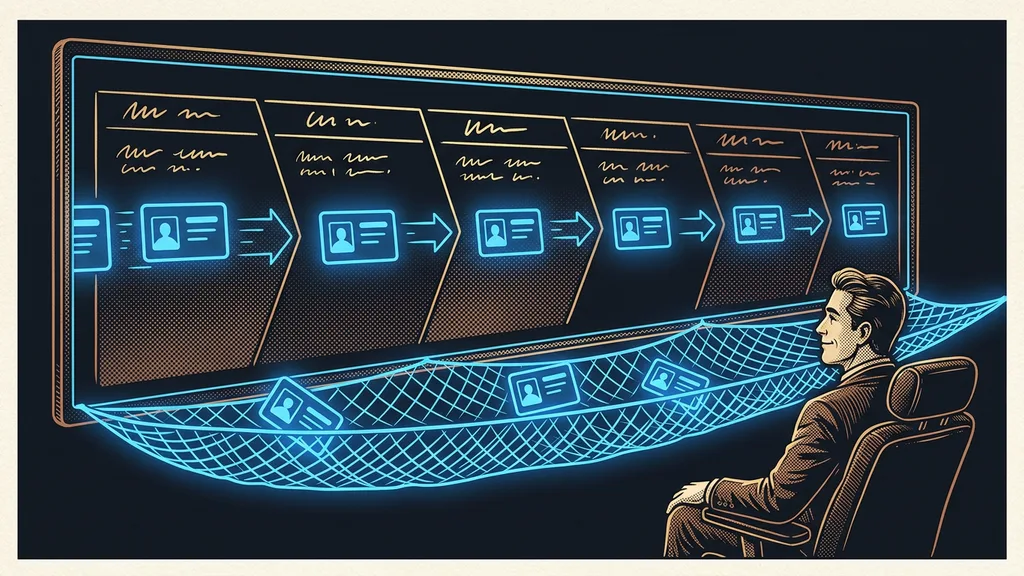
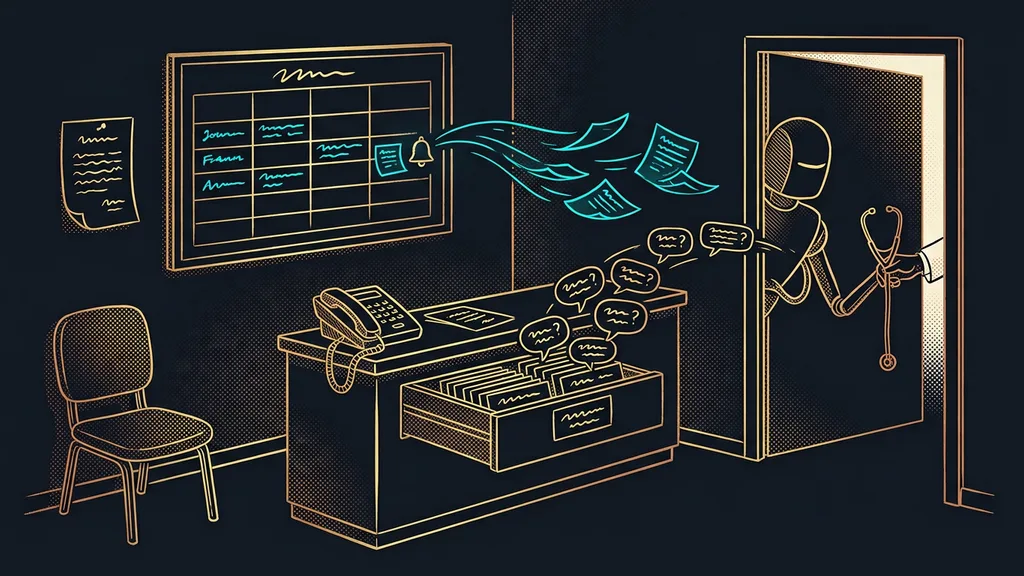
One license at CZK 1,990 (about €80) a month, excluding VAT, gets you more than a card file: a system that works your contacts on its own. A lead from a web form becomes a card in your sales pipeline, an automatic reply goes out, and a follow-up task pops up for you. If you miss the deadline, the system flags the card as stuck. Workflows like “reply right away and send a reminder two days later” run without you, and the booking calendar creates the contact, the appointment, and the reminder by itself.
So on a single contact, the email meets the appointment, the appointment meets the invoice, and the invoice meets the call note. You don’t copy anything from window to window. Above all, no record is left lying there dead, because the system knows when to do something with it.
How it differs from expensive international systems
You might object that big names like Salesforce or HubSpot can do this too. They can, and they do some of it even better. But you pay in dollars, setup takes weeks, and the price goes up with every extra contact and every feature you unlock. For a small business, it’s a suit three sizes too big that it still has to grow into.
CliqSales goes the opposite way. A fixed monthly license, a practically unlimited number of contacts, and you pay only for actual usage, meaning the emails and text messages you send, from a prepaid wallet. It’s no-code.
No-code
No-code means what it says: no code. Instead of programming, you drag and drop elements with your mouse. You assemble a workflow like “a lead came in, reply, and send a reminder in two days” from ready-made building blocks, the way you’d put together a presentation. If you can handle Facebook or PowerPoint, you can handle this, and you don’t need a developer.
And it’s a system you can run in Czech: you write to support in Czech, you read the guides in Czech, and the invoices and the calendar speak Czech to your customers. You don’t lose your data, either: you can download your contacts to a CSV file anytime and leave.
When it’s not worth it
Here’s who this won’t suit. If you get by with a few contacts and one or two leads a month, a spreadsheet is plenty, and getting this system would be like calling a sales meeting over two leads.
And a second, more important limit: CliqSales is built for companies that run their own business in it, even two or three businesses. Once you want to manage your clients’ accounts and resell the platform to them under your own logo, you’re facing a completely different choice and your own GoHighLevel license. For a small business with its own projects, this tier is enough; for a future reseller, it’s a dead end.
The whole system in a nutshell
- A lead from your website or a form automatically becomes a card in the CRM, with everything the person filled in.
- They get an automatic reply, and you get a task to follow up.
- If you miss the deadline, the system flags the card as stuck so it doesn’t slip through the cracks.
- The email, the appointment, and the invoice all sit on one contact. You don’t retype anything.
- Workflows run without you, but you always have the final say.
That “URGENT” note from the first spreadsheet faded because nobody brought it back to life, not because you’re lazy or careless. Neither a spreadsheet nor a nicer address book will do that for you; both are just lists. A small business can’t keep its sales on track through memory or iron discipline: there are too many leads and too few hands. It keeps them on track by putting its contacts to work instead of just storing them. So forget whether you have a CRM. Ask whether your system does something with a contact, or just stores it until it goes cold.