A tool can do everything and still have a single flaw: it doesn’t speak your language. The interface is in English, so is the help center, and the vendor has no plans for a Czech version. Inside the admin area, you can live with that, because you’re the only one sitting there. The worse part is that the foreign language doesn’t stay inside. It seeps out into the booking widget, the forms, and the members’ area.
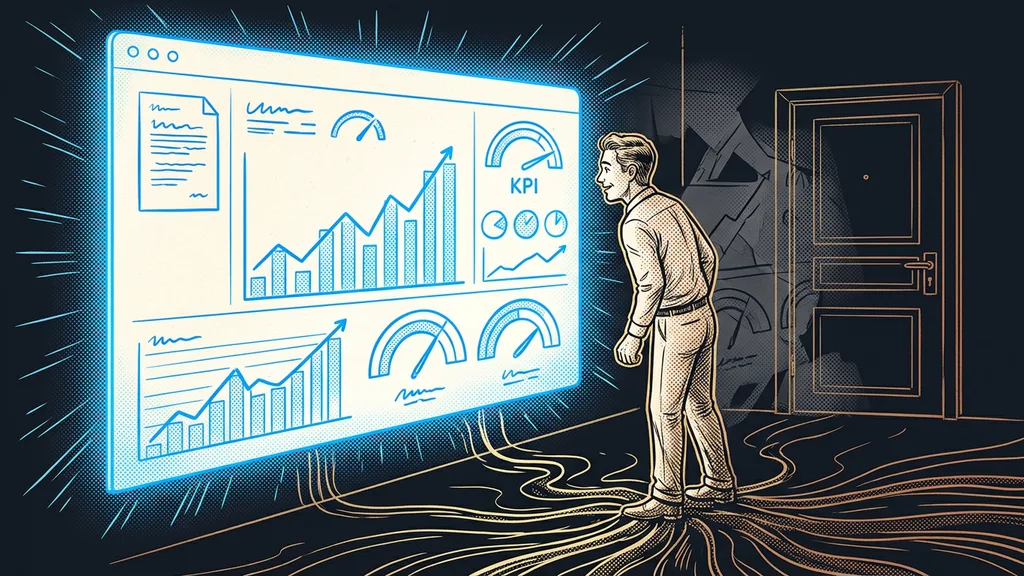
I know that feeling from first consultations. A client shows me an account they’re proud of, and half the screen is lit up in English. Submit, Loading, Your subscription. They translate it in their head. Their customers don’t have that option, and they look at it every day.
Translate the customer’s path, not the whole platform
Localization starts where an outsider passes through, not in the menu. You, the operator, learn the admin area in a week and then stop noticing it. A customer won’t learn any of it, because they have no reason to.
Language seam
A spot where the foreign interface touches the customer: a button in the booking widget, a field label in a form, a tab name in the members’ area. Inside the admin area, an English word is just an inconvenience. On a seam, it signals that the business runs on something it doesn’t properly operate.
There are usually fewer seams than you’d expect. On a typical account, I count a few dozen, and they cover almost everything an outsider sees. The rest of the interface can stay in the original language. That shrinks the work to a small pile you can get through in one afternoon.
What a customer judges is whether you took care over what you show them, not whether you speak English.
One dictionary instead of fifty manual fixes
The whole translation has to live in one place. Once people start fixing it page by page, within a month nobody can tell what’s translated where and what isn’t.
Translation layer
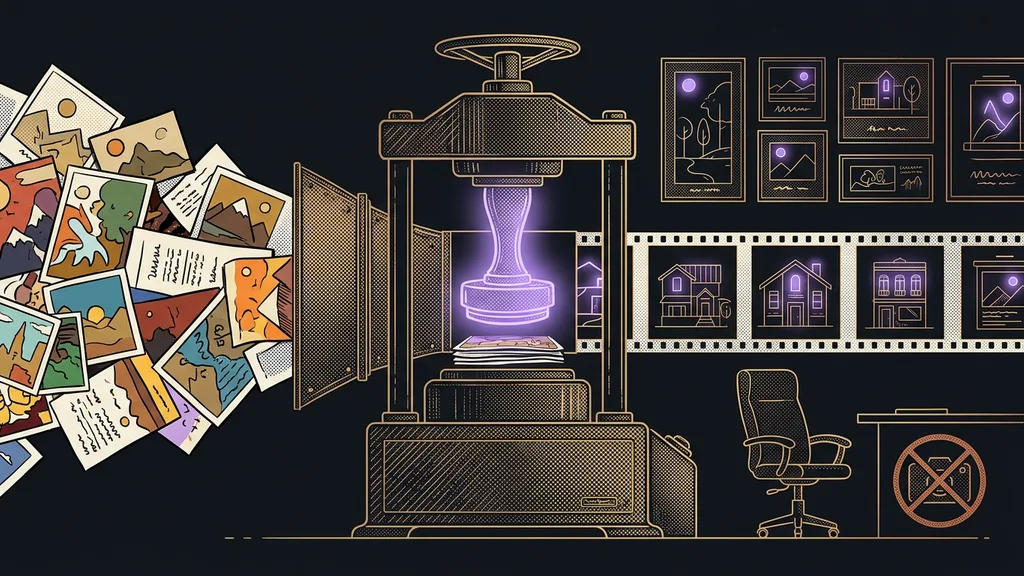
A separate dictionary that sits on top of the foreign interface and changes what it displays. The original platform stays untouched, so vendor updates won’t break it. You make a change once in the dictionary, and it shows up everywhere that word appears.
That changes the cost of the whole job, too. The translations get generated in bulk, go through a check, and get deployed all at once. Nobody types them in field by field, and nobody keeps a spreadsheet of where they’ve already been. The hour someone used to spend sitting in the settings simply doesn’t happen. And for another language, the work doesn’t repeat, because you just add a column.
Plain machine translation isn’t enough for this, even though it’s excellent these days. An interface has its own abbreviations, lengths, and context that ordinary translators miss. That’s why the dictionary is always the product of a machine draft plus a human check, never one of them alone.
Four places that give it away first
The order in which you translate the seams isn’t arbitrary. I take them by how soon an outsider runs into them.
The booking widget. This is where a customer picks a date and a meeting length. When it shows foreign weekday abbreviations and hour counts that ignore Czech grammar, absolutely everyone notices. A calendar where appointments book themselves is usually the very first contact anyone has with your system.
Forms. Field labels, error messages, and the button text. This is exactly where people drop off the most, because a foreign error message after a mistyped field looks like a malfunction. On a page that’s supposed to bring in inquiries, it’s the most expensive spot on the whole path.
The members’ area and community. This is where customers who’ve already paid come, and they come back again and again. One foreign word in the menu they’ll tolerate. Ten, they won’t.
Automated replies. If AI handles replies to your customers, it has to speak the same language as the rest of the path. Otherwise it feels as if a different person looks after each part of the system.
The one-minute self-test
Open your own booking link on your phone and go all the way to the confirmation, the way a customer would. Along the way, count the words your parents wouldn’t understand. Under five is fine. Over ten, and customers notice.
The trap you only discover from a blank page
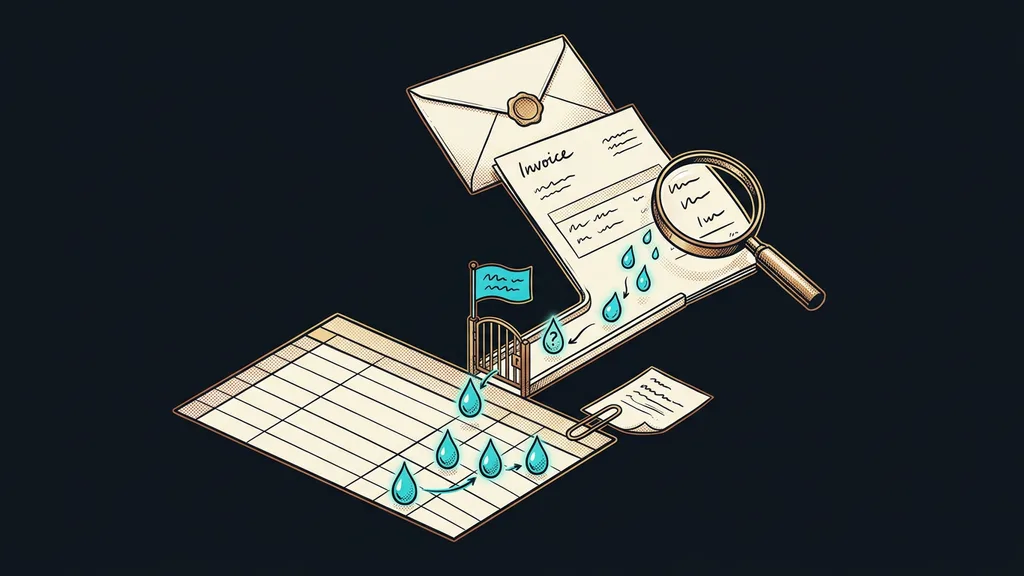
One detail can bring down the whole job at once. In the interface, a few characters act as instructions rather than letters, and when they slip into the translation, the page falls apart.
You’ll know it when you see nothing where the text should be. There’s no error message or warning, only a blank. Then you spend an hour hunting for which of a hundred lines did it. That’s why I never deploy a translation without a character check, and why it goes out all at once, not in pieces. You’ll run into the same logic when localizing GoHighLevel into Czech as a whole, where diacritics in text messages need the same kind of watching.
The safety net
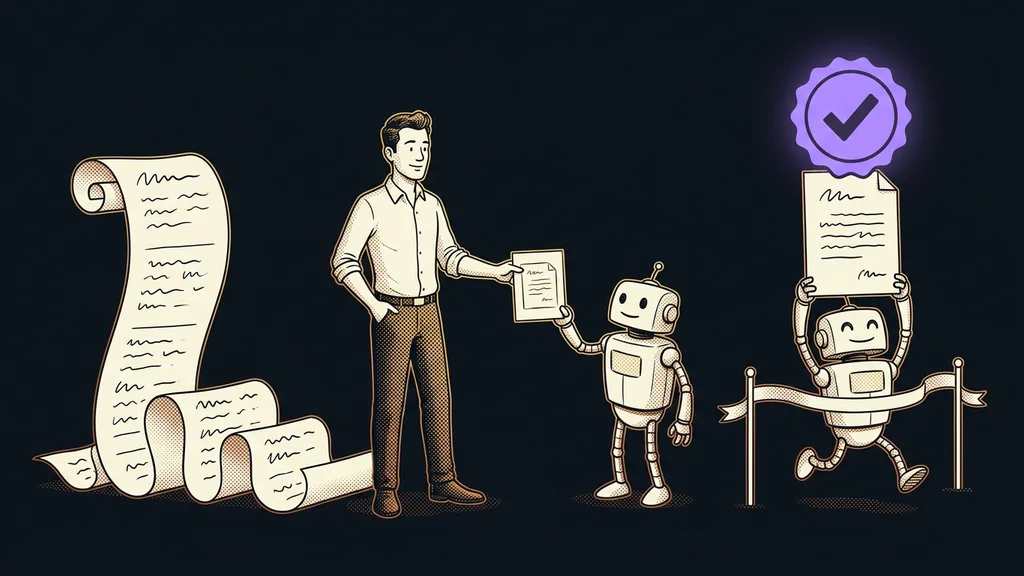
A new translation always goes out to one place first, not the whole account. I watch for a few minutes to see whether the page behaves normally, and only then release the rest. If something falls apart, it’s one page, not your entire sales process.
When your own localization isn’t worth it
Who is this not for? Anyone who uses the platform only for themselves and doesn’t let outsiders in. There, an English button is an inconvenience, not a loss. It also doesn’t pay off if you’re still choosing and don’t know yet whether you’ll stay with the tool. Localizing something you’ll leave in a month is work that goes straight in the trash.
But as soon as customers pass through the system and pay in it, it pays off right away. A foreign word on the way to an order costs money every day, quietly and without warning.
The whole localization in a nutshell
- Walk the customer’s path and list every spot where a foreign language pops up.
- Translate the seams first, meaning what’s visible from outside. The admin area can wait.
- Keep all translations in one place, so they get fixed once and not page by page.
- Before deploying, run the translation through a check for characters the interface reads as instructions.
- Release a new version to one place first, and only then to the whole account.
- After a major platform update, walk the customer’s path again.
Remember that screen lit up with Submit and Loading? A foreign language in the admin area is the price of a good tool, and it’s a price you can pay. A foreign language on the way to an order is a different story. You know a localization is good when the customer notices nothing at all.