Security
Hacked? The first hour is what counts. What to do in the first 15 minutes and on day one
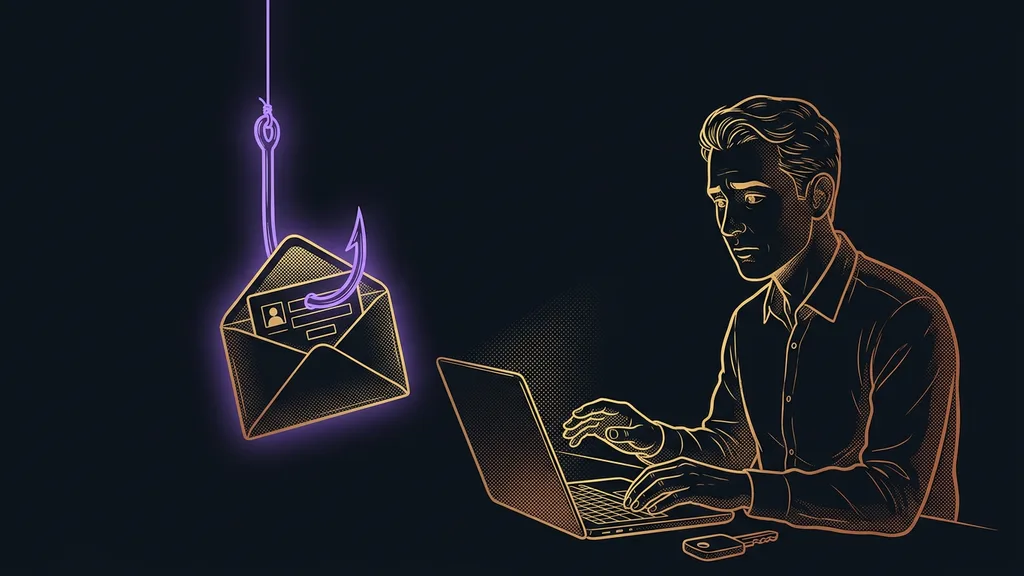
After an attack, people rush to wipe suspicious files and reinstall, or pay. Both destroy evidence and the chance of help. A one-page plan says who to call.
 Honza Silar 17 min read Nov 11, 2026
- No More Ransom
In this article
- 01Why you shouldn’t clean up right after an attack
- 02They paid, and the extortionist came back
- 03Who got burned and who got off lightly
- 04A one-page plan, made while things are calm
- 05The first 15 minutes and the first day, step by step
- 06When to get outside help
- 07The whole plan in six lines
- 08Sources
- 09Frequently asked questions
What you’ll take away
If a ransom note ever shows up on your screen or money disappears from your account, you won’t be in a state to think things through. So you make the plan now. By the end, you’ll know what to do in the first few minutes, what not to delete, and who to report the attack to.
- How one quick cleanup let the culprits slip away from investigators.
- What an extortionist did once a company paid him.
- Steps for the first 15 minutes and the first day, with Czech contacts for reporting.
- Plus a one-page cheat sheet to print and keep next to your computer.
On March 4, 2005, Ericsson warned Vodafone Greece that rogue software was running in its telephone exchanges. Four days later, the head of Vodafone Greece ordered the software removed [1]. It had been tapping about a hundred phones, including the prime minister’s. According to an analysis in IEEE Spectrum, the quick cleanup tipped off the perpetrators and gave them time to disappear. Two years later, even the authors of that analysis couldn’t say for certain who was behind the wiretap [1].
It sounds like a spy movie, but it’s a mistake any company can make. When something goes wrong at a company, everyone wants to clean up right away: delete the suspicious file, reinstall the computer. Or just pay and make it go away. But the first hour after an attack decides whether you’ll still find out how the attacker got in, whether you’ll get your money back, and whether the police will have anything to work with.
So here are the steps for the first 15 minutes and the first day, with contacts for reporting, plus a one-page cheat sheet to print now, while things are calm.
Why you shouldn’t clean up right after an attack#
Cleaning up erases evidence, and without evidence nobody can tell how the attacker got in. If you don’t know that, you restore the computer with the attacker’s way in still wide open.
Evidence of an attack (logs)
Records that computers, servers, and online services keep about who signed in when and what they did. After an attack, they’re the most valuable thing you have, because they show the way in and what was taken. Many systems overwrite or delete them on their own after a while.
Vodafone Greece lost its evidence several times over. First it removed the software. Then, in July 2005, in the middle of the investigation, it updated two of the three servers used to access the exchange’s management system. The update wiped the access logs, and against company policy, no backup of them was kept [1]. Later the company destroyed its visitor logs after the usual six-month retention period, including the period when someone was modifying the software [1]. Episode 64 of Darknet Diaries, a podcast about real cases from the cyber underworld, pieces this together into a picture of a company with no procedure at all, where teams argued over the next step only when it was already too late [2].
CISA, the US Cybersecurity and Infrastructure Security Agency, advises disconnecting infected devices from the network right after an attack. It recommends shutting them down only if you can’t disconnect them, because powering off wipes the evidence held in memory [3]. One more piece of advice tends to get lost in the panic: don’t discuss the attack over the compromised email. The attacker may be reading it and will realize you’re onto them. CISA recommends using the phone [3].
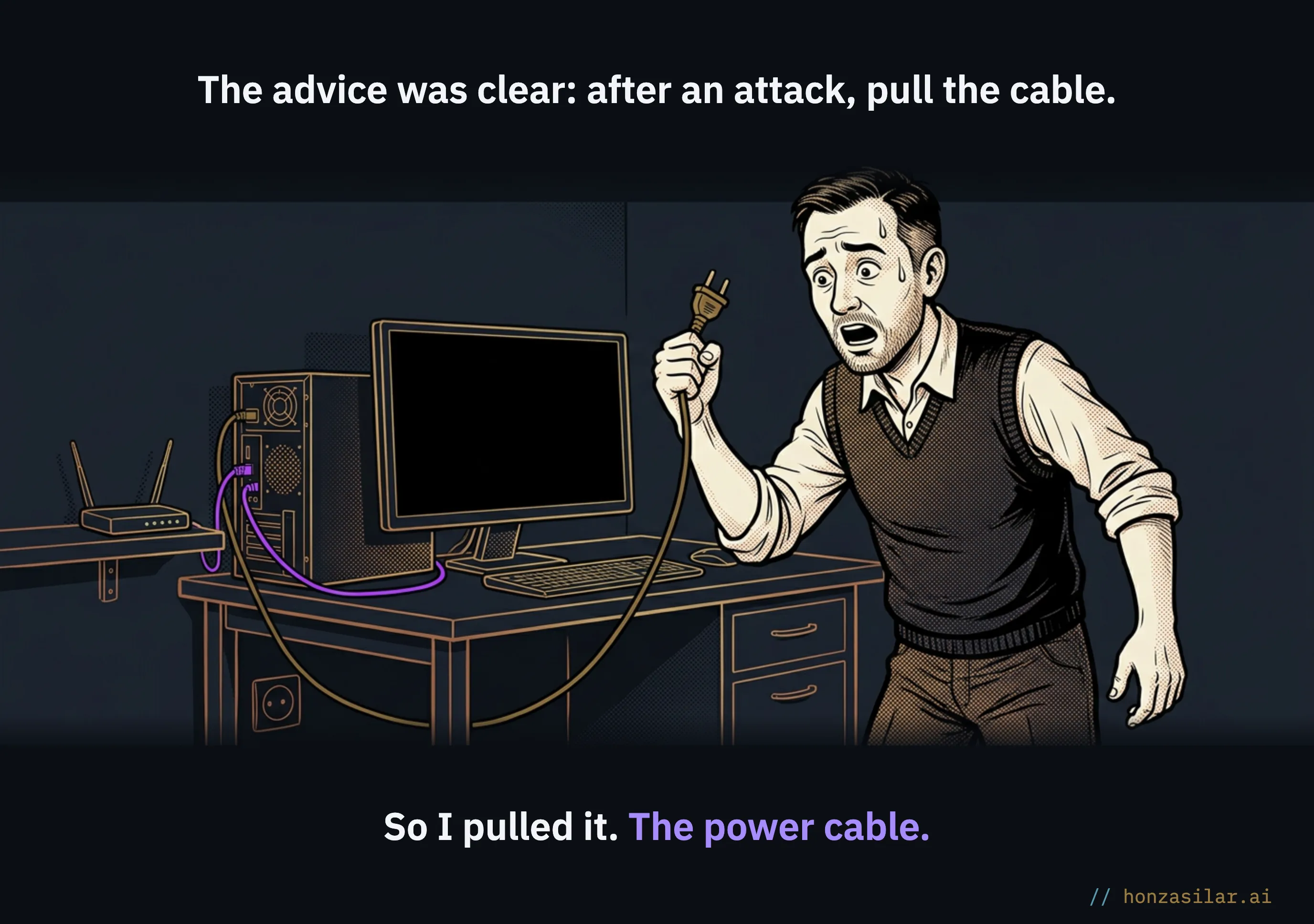
Save the repairs for later. In the first hour after an attack, your job is to keep things from getting worse and to lose nothing.
They paid, and the extortionist came back#
The second reflex is to pay so it all goes away. But an extortionist who got paid once has a reason to come back.
In episode 117, British hacker Daniel Kelley describes how, as a teenager, he extorted companies with data he had stolen. One Australian company paid him about £5,000 to keep the data private. Right after that, he wrote to say he’d found more and wanted more money [4].
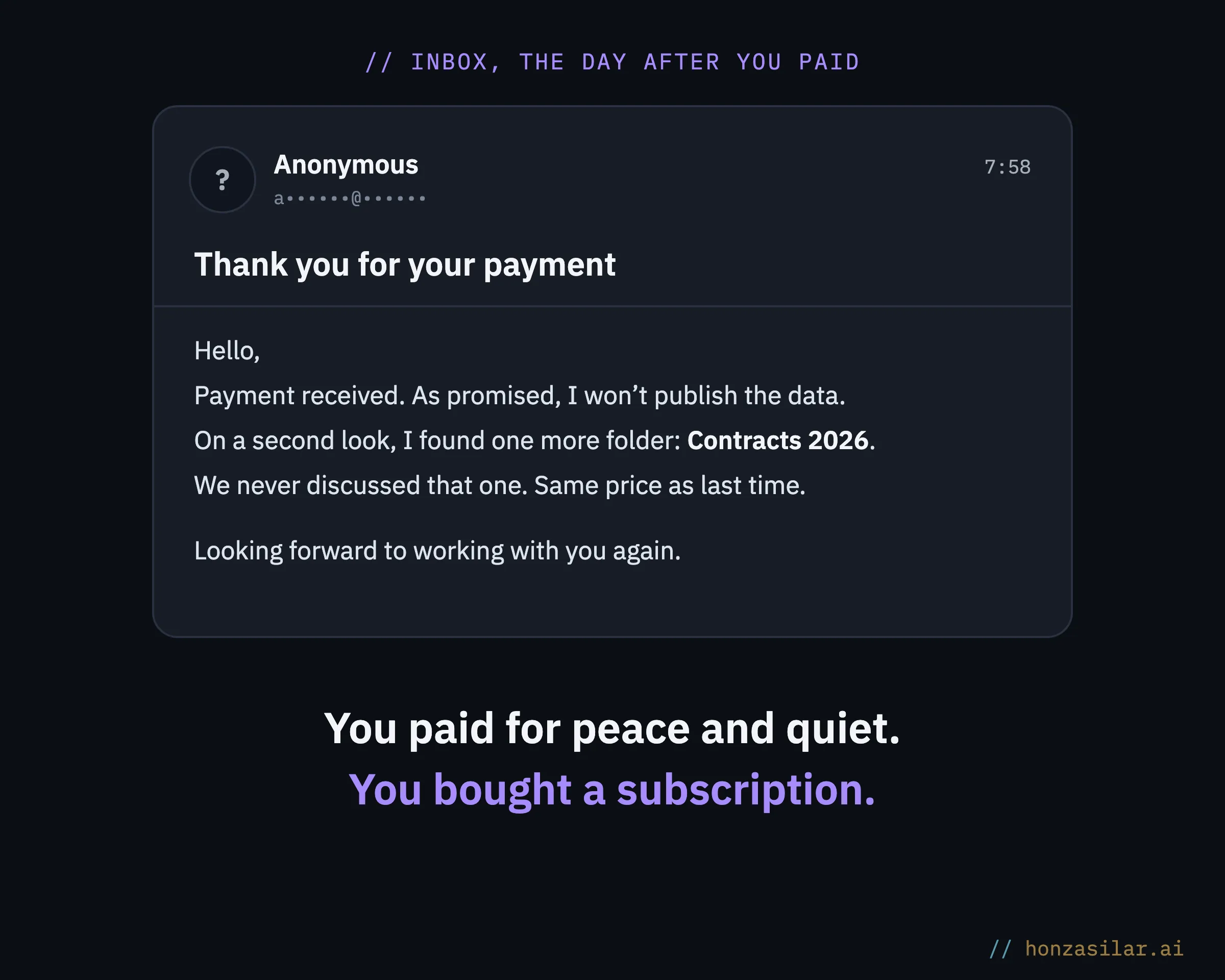
Vastaamo, a Finnish chain of psychotherapy centers, did the opposite and refused a €400,000 ransom. The attacker then went around the company and wrote to about 27,500 patients. He addressed each one by name and included their personal identity code, the Finnish national ID number. He demanded €200 in bitcoin, rising to €500 after 24 hours, or he would publish their data, including notes from their therapy sessions [5]. People were advised not to pay, since the data was already out. About twenty of them paid [5].
The case had legal consequences for Vastaamo too. In 2023, the Helsinki District Court gave the company’s former CEO a three-month suspended sentence (the ruling could still be appealed). The court found he had failed to ensure pseudonymization and adequate encryption of patient data as the GDPR requires [6]. Whoever manages client data is responsible for it, even when someone else steals it.
Personal data breach
A situation where personal data you’re responsible for leaks, gets altered, or disappears, for example after an attack on a computer that holds client contacts. If it puts people at risk, you’re required to report it to the data protection authority.
Who got burned and who got off lightly#
Across these stories, whoever improvised through the first hour, wiped the evidence, or took a long time to notice the attack got burned. Companies that left the evidence alone fared better, because someone could still work out what had happened.
The music manager from episode 148 got burned. A group of teenagers broke into his cloud storage full of unreleased songs. The service offered alerts about sign-ins from unknown devices, but he had them turned off, so he had no idea anyone had broken in [7]. The host of the episode adds an unpleasant detail: apps connected to an account and sign-ins through another account keep working even after you change your password [7].
So did Vodafone Greece. According to the analysis, the perpetrators were never identified with certainty, because the key evidence disappeared in the first days and months [1].
Ubiquiti got off lightly, at least where money was concerned. In early January 2021, several of its senior employees received an anonymous demand: pay 25 bitcoin for silence and another 25 for information about a backdoor. The company didn’t pay [8]. In the sign-in logs, investigators found a home IP address the attacker had exposed during an internet outage, even though he otherwise connected through a VPN. It belonged to one of Ubiquiti’s own employees, and after further evidence and a search of his home proved it was him, he pleaded guilty in February 2023 [8]. It still hurt Ubiquiti. In the meantime, the attacker had contacted journalist Brian Krebs posing as a whistleblower and claimed the company was downplaying the breach. Its stock then fell 20% in two days [8].
Two attacks, two first responses
Vodafone Greece, 2005
Four days after Ericsson’s warning, the head of the company ordered the rogue software removed.
In July, an update to the exchange management servers wiped the access logs. No backup was kept.
The company destroyed its visitor logs after the usual six-month retention period.
According to the analysis, the perpetrators were never identified with certainty.
Ubiquiti, 2021
Early January: a demand for 25 bitcoin for silence and another 25 for information about a backdoor.
The company didn’t pay.
Its stock still fell 20% in two days.
The sign-in logs showed the home IP address of one of its own employees. He pleaded guilty in February 2023.
The order of steps in the first hour decided the outcome, whatever the size of the company. I don’t have statistics on small businesses for this, only these stories. They show that evidence nobody deletes can be investigated, and that paying an extortionist won’t make him stop.
A one-page plan, made while things are calm#
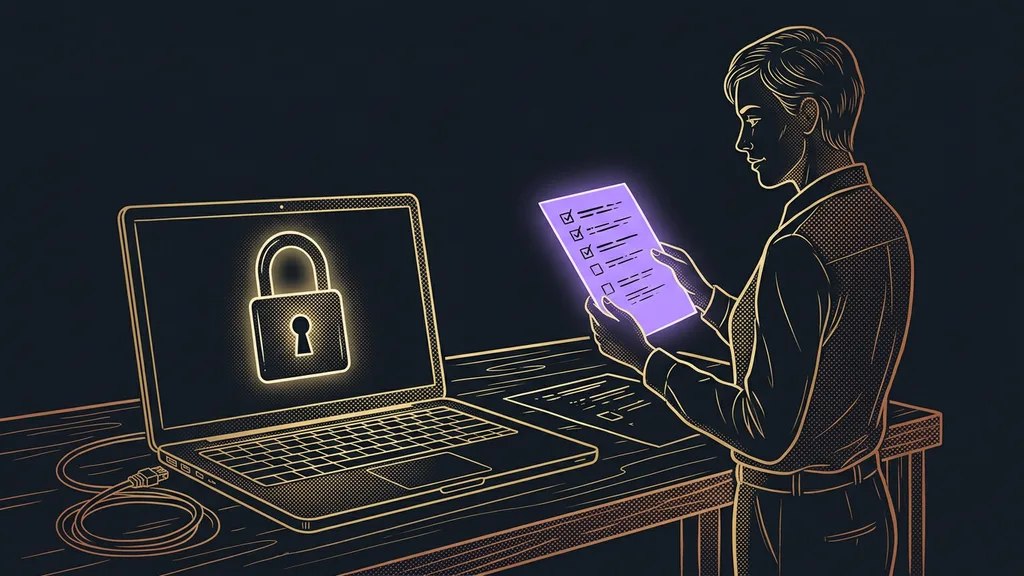
The best tool for the first hour after an attack is paper. One page is enough, with who makes the decisions and who to call, plus a cheat sheet on what not to delete and what not to pay. It has to be printed, because your computer and your email may be out of action right when you need them. CISA advises keeping your incident response plan on paper too, somewhere off the computer [3].
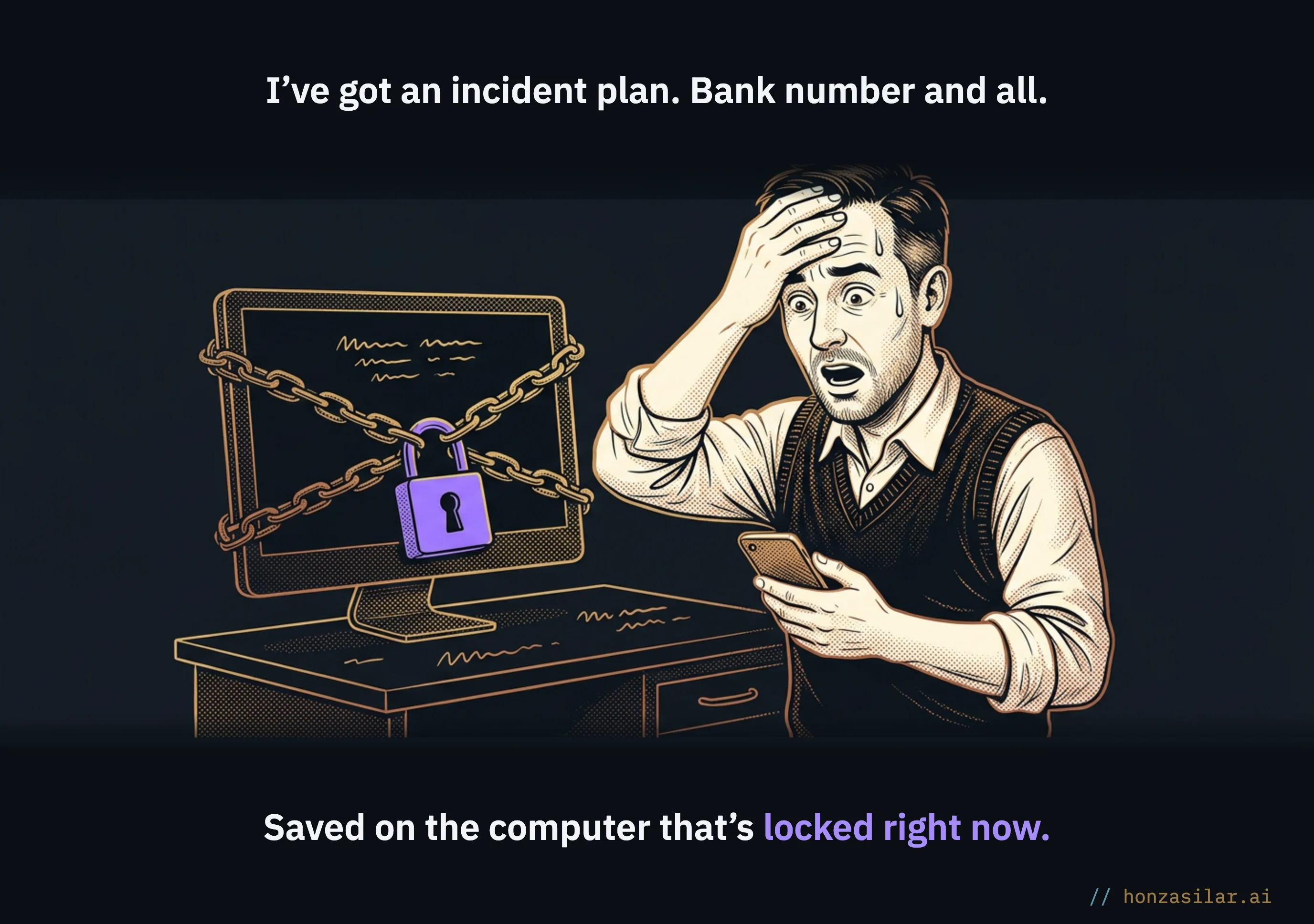
You can put the plan together in about an hour, in six steps:
- Decide who makes the call. Write down the name of the person who can decide to take the network offline and who to call. Add a backup in case the first person happens to be away. You’re done when both names are on paper.
- List the phone numbers you’ll need first. Your bank (from your card or the bank’s website), whoever looks after your computers, and your insurer if you have cyber insurance. With insurance, find out ahead of time what the insurer expects from you after an attack, before you pay anything or admit anything to anyone. You’re done when you know where each number came from.
- Add the contacts for reporting an attack. The police, the CSIRT.CZ reporting form, and the Office for Personal Data Protection. Steps 10 and 11 below explain what to report, when, and how. You’re done when all three contacts are on paper.
- Write down where you’ll sign in to your accounts from. Email, domain, online banking, and your password manager, including its emergency access. For each one, note which phone or computer you’ll use if your main one is disconnected. The domain is the one people forget most often, even though your email runs through it. My guide to moving a domain shows how the two are connected. You’re done when you know a backup device for every account.
- Print the plan and the cheat sheet. Keep one copy next to your computer and another at home. The printable cheat sheet is further down, below the box with the dry run. You’re done when both copies are somewhere you can find them without a computer.
- Run a practice attack. The steps are in the box below. Add whatever was missing during the drill to the plan and print both copies again. You’re done when you can get through the drill without looking anything up.
Ten minutes at the table
Sit down with a colleague or your partner and play it through. A ransom note is on the screen. Who takes the first step, and what is it? Where do you find the bank’s number if email is down? Where’s the email password if the computer is disconnected? Every answer you had to go looking for belongs in the plan.
Printable cheat sheet: if you get hacked
- Disconnect the infected computer from the network: unplug the cable and turn off Wi-Fi. Leave it switched on, though.
- Take photos of the screen with your phone and write down the times.
- If money is involved, call your bank right away, using the number on your card.
- Don’t delete anything, don’t pay anything, don’t talk to the extortionist, and don’t write about the attack over the compromised email.
- Call whoever looks after your computers, and don’t reinstall anything.
- From a clean device, secure your email and disconnect apps you don’t know.
- Report it to the police, and if needed to NÚKIB or CSIRT.CZ.
- Did client data leak? Report it to the Office for Personal Data Protection, within 72 hours if possible.
The first 15 minutes and the first day, step by step#
These steps are for freelancers and small businesses without their own IT department. Steps 1 to 5 belong in the first 15 minutes, the rest in the first day. The menu and button names in your Google Account and Apple Account match Google’s and Apple’s help pages as of November 2026, and the reporting contacts match the agencies’ official websites from the same month.
The first 15 minutes
- Disconnect the infected device from the network. Unplug the network cable and turn off Wi-Fi, but leave the computer on [3]. If more than one computer is infected, take the whole network offline, for example by turning off the router [3]. You’re done when the device has no internet and is still running.
- Photograph the screen and start keeping a log. Use your phone to photograph the ransom note, the suspicious message, and any unfamiliar window, so you have evidence even if the computer crashes later. On paper, write down the time and who did what: when you noticed the attack, who disconnected the computer, who you called. You’re done when the photos are on your phone and the log has its first lines.
- If money is involved, contact your bank right away. For example, if you see a suspicious payment, a supplier’s account number that has changed, or an online banking sign-in you don’t know about. Call the number on the back of your card or on the bank’s website, never one from an email or message. My article on the fake boss on a video call describes how scammers push for fast payments. You’re done when the bank knows about the incident.
- Don’t delete anything, don’t pay anything, and don’t talk to the attacker. Leave suspicious files, the extortionist’s emails, and chat messages where they are. Coordinate by phone or in person, and keep it off email, which may be compromised [3]. You’re done when nobody at the company has started cleaning up.
- Call whoever looks after your computers. Have them find the way in before anyone reinstalls anything. Read them your log from step 2 so they know what has already happened. You’re done when you know who’s handling the incident and when they’ll get back to you.
The first day
- Secure your Google Account from a different, clean device. On your phone or another computer, change your email password first. Then, in your Google Account, click Security & sign-in, choose Manage all devices on the Your devices panel, and sign out of any device you don’t recognize with the Sign out button [9]. You’re done when only your own devices are left on the list.
- Have an iPhone or a Mac? Check your Apple Account too. On your iPhone, open Settings → [your name] and scroll down to the list of devices. Tap a device you don’t recognize and choose Remove from Account. On a Mac, you’ll find the same list in System Settings under your name, and from Windows or Android, after signing in at account.apple.com, under Devices [16]. A removed device loses access to iCloud and stops receiving verification codes [16]. You’re done when only your own devices are left on the list.
- Disconnect apps you didn’t connect. On the page with your third-party connections (myaccount.google.com/linkedapps), select Access to your Google Account. For any app you don’t recognize, click See details and then Remove access [10]. A connected app keeps working even after a password change, and an attacker can use it to hold on to access [7]. Treat AI assistants connected to your email with the same caution; I cover that in my article on Claude connectors. You’re done when there’s no app left on the list that you don’t recognize.
- With ransomware, try No More Ransom. This project, run by the Dutch police, Europol, and security companies, offers the Crypto Sheriff tool and a list of Decryption Tools at nomoreransom.org. For some types of ransomware, you’ll find a free key there [11]. You’re done when you know whether a tool exists for your type of ransomware.
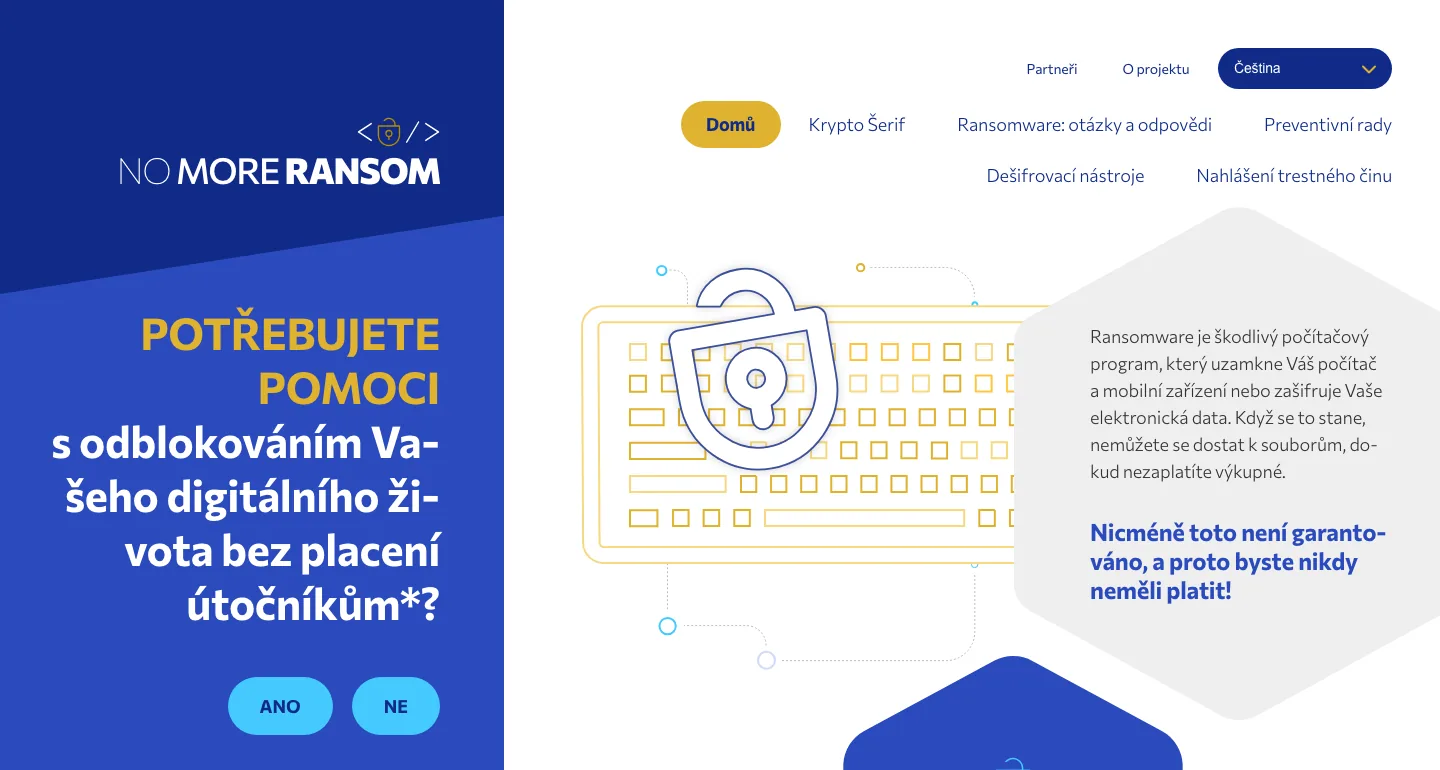
No More Ransom in Czech: Crypto Sheriff helps identify the type of ransomware, and Decryption Tools offers free keys (screenshot from November 11, 2026). - Report it. In the United States, report a cyber intrusion to the FBI’s Internet Crime Complaint Center (IC3), the FBI’s primary connection with the public for cyber threats and intrusions. In urgent cases, when someone is in immediate danger, call 911 or your local police. A business that the Cybersecurity Act doesn’t cover can report an attack through the form at csirt.cz. The CSIRT.CZ team serves as the point of contact for the public [13]. NÚKIB, the National Cyber and Information Security Agency, also accepts reports, through a form on its online portal. According to the agency, an early report isn’t primarily a trigger for an inspection or a penalty [14]. If it can’t wait, the GovCERT.CZ team, which is part of NÚKIB, will advise you during business hours at +420 541 110 555, but a phone call doesn’t count as an official report [14]. You’re done when you have confirmation that your report was received.
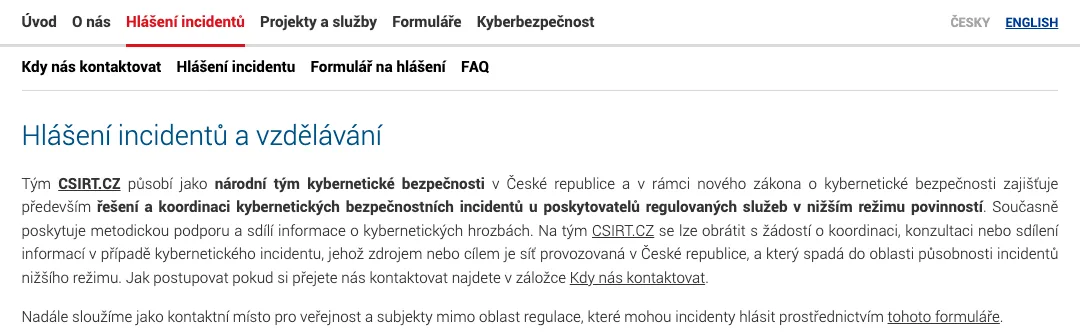
CSIRT.CZ: the Reporting form link is in the top menu, and the form is open to the public and to businesses outside regulation (screenshot from November 11, 2026). - Did client data leak? Watch the 72-hour clock. If the breach puts people at risk, report it to the Office for Personal Data Protection (ÚOOÚ, the Czech data protection authority) without undue delay, and if possible within 72 hours of finding out. If the risk is high, you also inform the people affected [15]. You’ll usually find the reporting form on the authority’s website [15]. I’m not a lawyer, so get advice from one on your specific case. You’re done when you’ve decided whether to report it and any report has been sent.
Who to report an attack to, and when
| Who | When | How |
|---|---|---|
| Your bank | Immediately, if money is involved | Call the number on the back of your card or on the bank’s website, never one from an email or message |
| Czech Police | The first day | At any police station, or the 158 line in urgent cases |
| NÚKIB or CSIRT.CZ | The first day | Through the form at csirt.cz or on the NÚKIB portal |
| Office for Personal Data Protection | If client data leaked and puts them at risk, within 72 hours of finding out if possible | With the form from the authority’s website, sent via data box, for example |
Restoring from backup and changing the passwords to everything else makes sense once you know how the attacker got in. CISA advises changing passwords on affected systems only after they’ve been cleaned [3]. Otherwise the attacker will take the new passwords the same way they took the old ones.
When to get outside help#
A company with its own server, dozens of computers, or especially sensitive client data (health records, finances) needs a digital forensics and incident response specialist after an attack, on top of the handy IT person who usually helps out. The same goes when an extortionist threatens to publish your data or when you provide a regulated service under the new Czech Cybersecurity Act. Regulated services also have to follow NÚKIB’s reporting rules and deadlines, which this article doesn’t cover [14].
The whole plan in six lines#
- Disconnect the infected device from the network, but don’t turn it off.
- Photograph the screen and write down who did what, and when.
- Deal with the money right away: call your bank at the number on your card.
- Don’t delete, don’t pay, don’t talk to the extortionist, and don’t discuss the attack over the compromised email.
- Secure your email from a clean device and disconnect unknown devices and apps.
- Report the attack to the police, NÚKIB, or CSIRT.CZ, and if client data leaked, to the Office for Personal Data Protection.
Vodafone Greece was the country’s largest mobile operator, and it still lost its chance to find the perpetrators in the very first days. It took the first step before anyone asked what that step would destroy. A one-page plan asks that question for you.
I can help with this
Let’s put together your plan for the first hour after an attack
We’ll write a plan tailored to your business and go through access to your email, domain, and online banking. Then we’ll run one practice attack so everyone knows what to do. I go deep on security, both in my own setup and with clients, and I’m happy to help you get yours in order before you need it.
Sources#
- Vassilis Prevelakis, Diomidis Spinellis: The Athens Affair. IEEE Spectrum, June 29, 2007. IEEE Spectrum
- The Athens Shadow Games. Darknet Diaries, episode 64, 2020. Darknet Diaries
- CISA: #StopRansomware Guide. CISA
- Daniel the Paladin. Darknet Diaries, episode 117, 2022. Darknet Diaries
- Vastaamo. Darknet Diaries, episode 159, 2025. Darknet Diaries
- Yle News: Hacked therapy centre’s ex-CEO gets 3-month suspended sentence, April 18, 2023. Yle
- Dubsnatch. Darknet Diaries, episode 148, 2024. Darknet Diaries
- Ubiquiti. Darknet Diaries, episode 178, 2026. Darknet Diaries
- Google Account Help: seeing the devices that have access to your account. Czech, English
- Google Account Help: managing connections between your Google Account and third-party apps. Czech, English
- No More Ransom: home page and About the project. Home, about the project
- Czech Police: Reporting a crime (archived version of the website). Czech Police
- CSIRT.CZ: Incident reporting and education. CSIRT.CZ
- NÚKIB: Incident reporting. NÚKIB
- Office for Personal Data Protection: Personal data breaches. ÚOOÚ
- Apple Support: checking the devices signed in to your Apple Account. Czech, English
Frequently asked questions
Should I turn off my computer after a cyberattack?
Better not. Disconnect it from the network instead: unplug the cable and turn off Wi-Fi. CISA, the US cybersecurity agency, advises powering a device down only if you can’t take it off the network, because shutting down wipes the evidence held in memory.
Who should I report a cyberattack to?
The police (in the Czech Republic, any station will take your report), and your bank if money is involved. You can also report a cyberattack to NÚKIB, the Czech National Cyber and Information Security Agency, or to the CSIRT.CZ team. Both also accept reports from businesses the Cybersecurity Act doesn’t cover. If your clients’ personal data leaked and that puts them at risk, notify the Office for Personal Data Protection, within 72 hours if possible.
Should I pay an extortionist who threatens to leak my data?
Not without talking to the police and a lawyer first. They already have the data, and paying guarantees nothing: the company in episode 117 of the Darknet Diaries podcast paid, and the extortionist came straight back asking for more. With ransomware, check No More Ransom first to see whether there’s a free decryption tool for your strain.
Why should I change my passwords from a different device?
The infected computer may be running a program that records everything you type. If you enter a new password on that machine, the attacker sees it immediately. Use your phone or another computer you know is clean.
Do I have to tell my clients about a data breach?
Only if the breach is likely to put their rights at high risk, especially with health information and other specially protected data. The Office for Personal Data Protection, however, needs to hear about it even when the risk is ordinary. I’m not a lawyer, so go through your specific case with one.